Chrome Tab Reminder: Set Website Reminders
Quick summary
- Quickly set website revisit reminders.
- Intuitive interface with multi-language support.
- Cross-browser compatibility for seamless use.
Chrome Tab Reminder is a tool that quickly sets a reminder to revisit important websites at the perfect time. This intuitive app is geared towards improving productivity by ensuring timely revisits to bookmarked tabs. Its simplicity and versatile language support make it an invaluable addition to your browser’s toolkit.
For users who often find themselves lost among countless tabs, this tool offers a solution for seamless website navigation. Chrome Tab Reminder‘s ability to manage and organize tabs effectively has won it a rating of 4.7 out of 5 from users who appreciate its functionality.
What Chrome Tab Reminder Does?
Chrome Tab Reminder enables users to set timed reminders for revisiting tabs in their browser. This feature ensures important websites are not forgotten amid a sea of open tabs. The app is quick and simple to use, making it an ideal choice for professionals and anyone who needs efficient tab management.
The application currently supports four languages, making it accessible to a diverse range of users. Whether you prefer a light or dark mode, Chrome Tab Reminder‘s design complements your browser experience, and the bell icon lights up whenever a tab with a reminder is active.
Users also benefit from cross-browser functionality, a significant advantage for those with a dynamic web browsing environment. This adaptability ensures that no matter where you go, your reminders are readily available.
How to use Chrome Tab Reminder?
Using Chrome Tab Reminder is straightforward. Here’s how:
- Open a tab with the website you wish to revisit later.
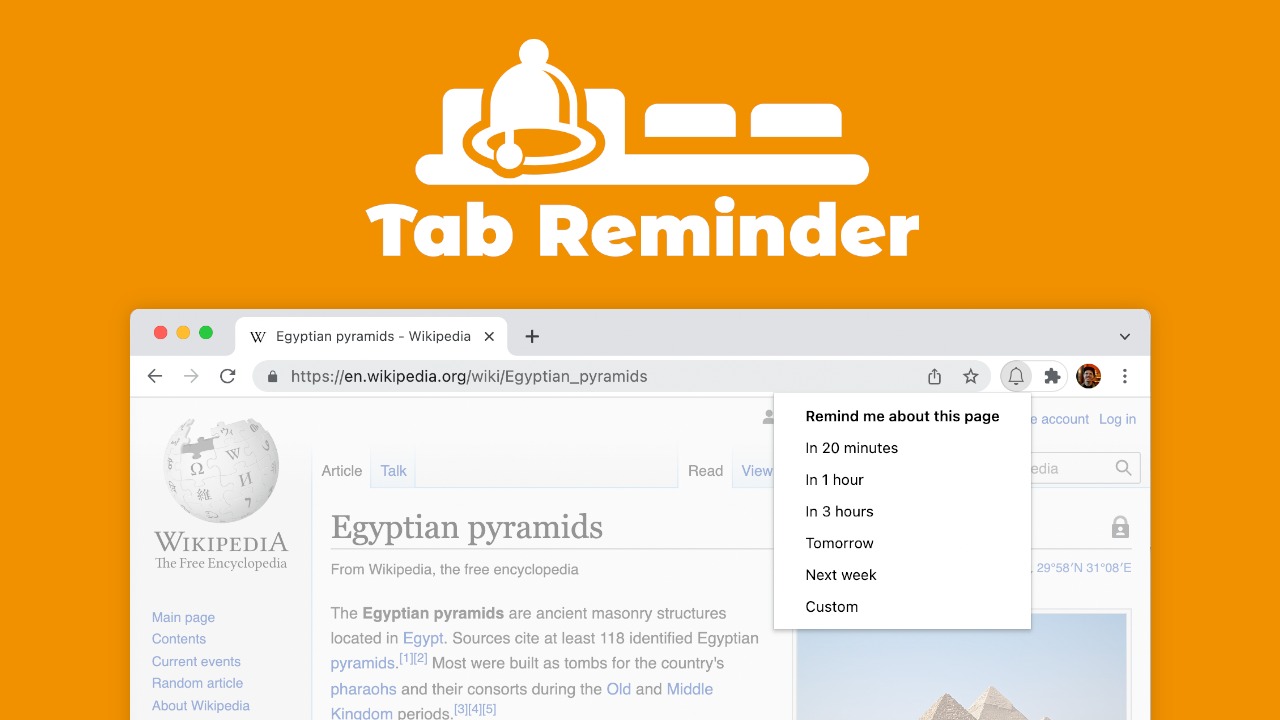
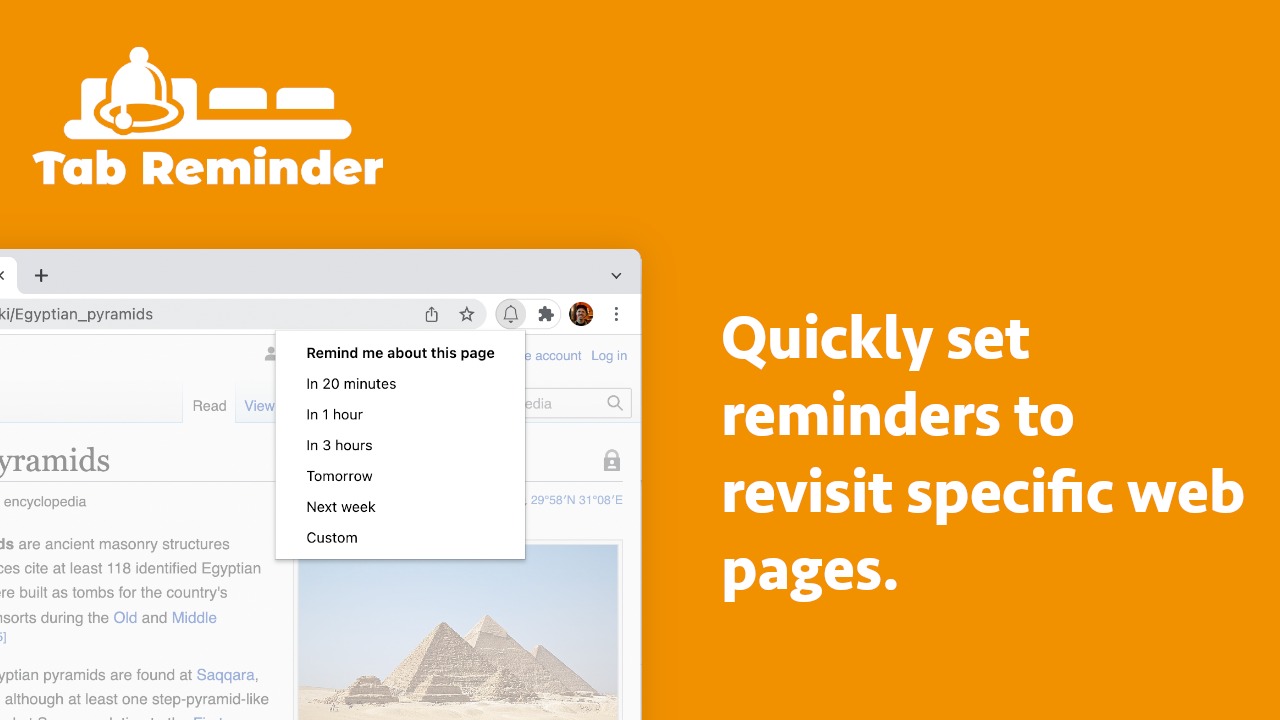
- Click the Chrome Tab Reminder icon in your browser toolbar.
- Select the time interval for your reminder or set a specific time.
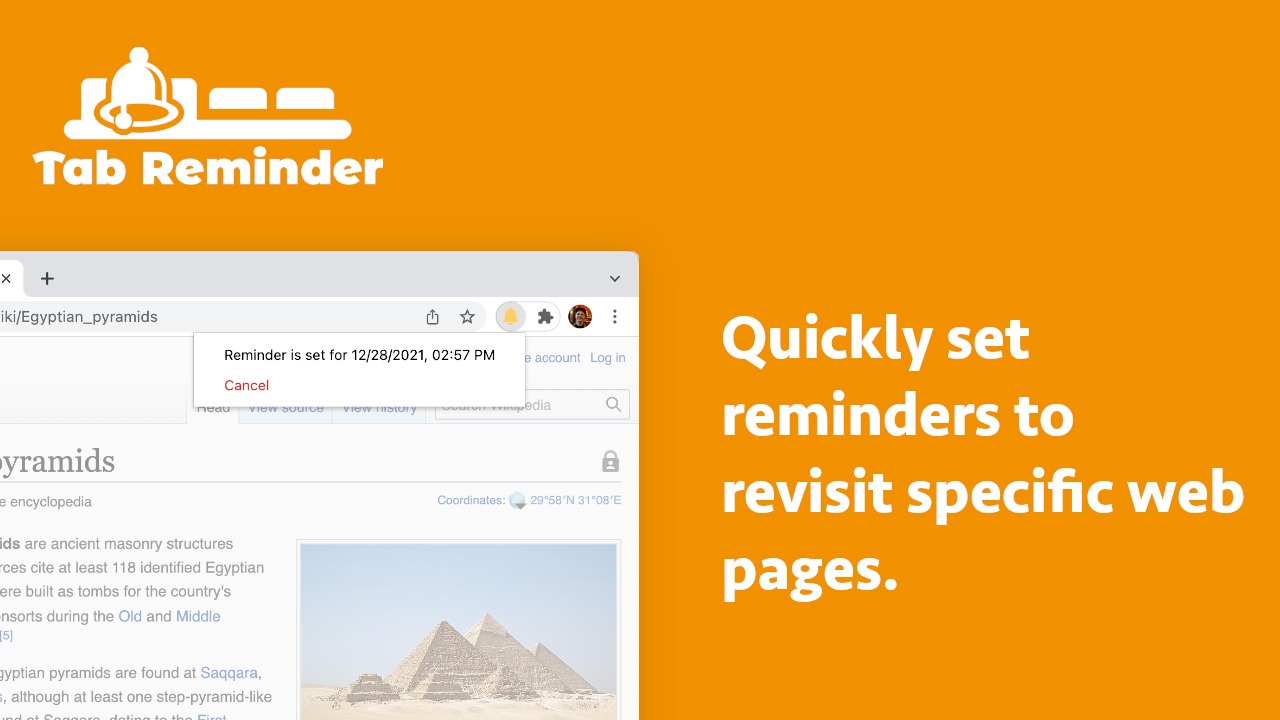
- The bell icon will illuminate, indicating an active reminder for the tab.
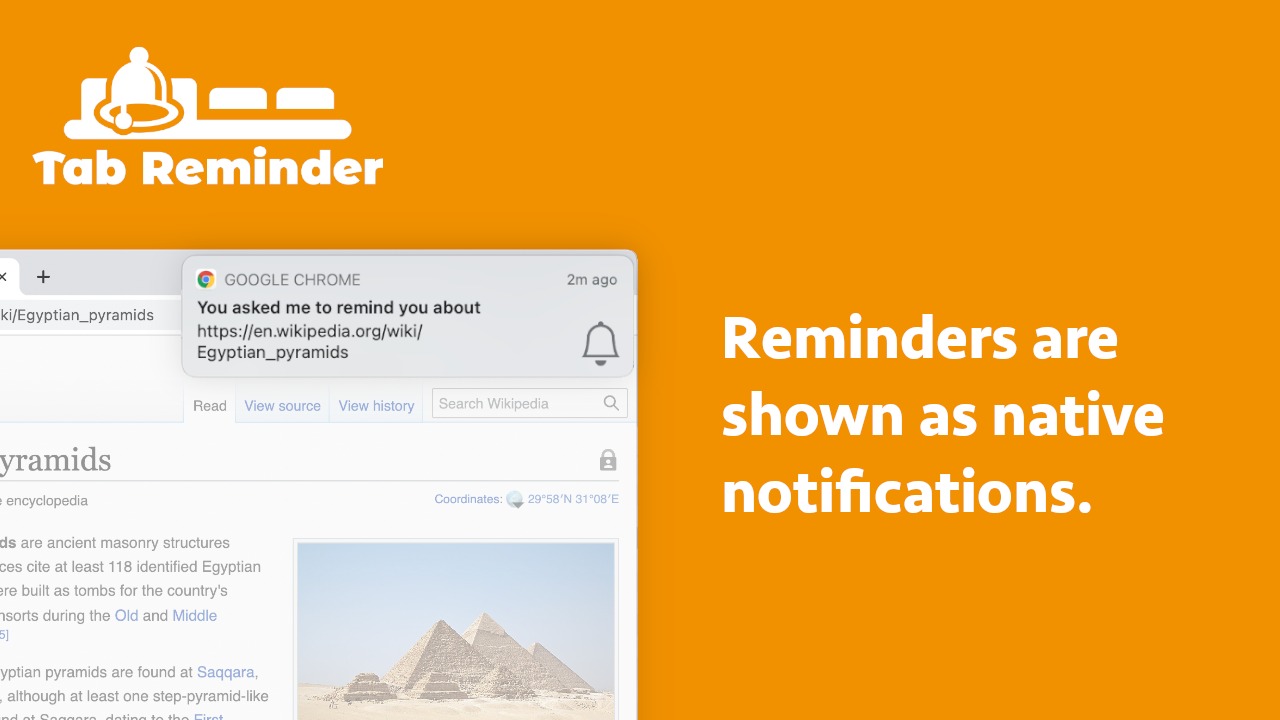
- At the designated time, the reminder will notify you to revisit the tab.
Key Differentiators
Chrome Tab Reminder stands out with its simplified interface and seamless cross-browser integration. Unlike other tools that manage tabs, it provides an easy-to-use reminder system that highlights the importance of organized web browsing.
Furthermore, the application recognizes the diverse needs of its users by offering a variety of language options. This feature is invaluable for users who operate in multilingual environments, allowing them to receive notifications and manage tasks efficiently.
Pros and Cons
Pros
- Simple and intuitive interface
- Supports four languages
- Compatible with light and dark modes
- Cross-browser functionality
- 60-day money-back guarantee
Cons
- Lacks feature to view all set reminders
- No custom time interval settings
Overall, Chrome Tab Reminder offers essential features for productivity despite a few limitations. With clear benefits for tab management, it is a valuable tool for organized web browsing.
Who Is It For?
Chrome Tab Reminder is perfect for busy professionals, students, and anyone who juggles multiple online tasks and wants to keep their browsing organized. It’s particularly useful for users managing research, project timelines, or simply needing to revisit important pages without the risk of losing track.
With the ability to remind users about important tabs at specific times, the app is also ideal for those who thrive on time management and productivity hacks. Users report seamless integration into their daily routines, making it an asset for increasing efficiency.
Product images
Is it worth it?
Is Chrome Tab Reminder worth it? For those focused on enhancing their web browsing organization, the benefits are clear. The investment of $2.99 offers a time-saving tool that improves productivity by preventing tab overload.
The intuitive interface and cross-browser functionality cater to professionals and students alike, providing a structured approach to navigating online content. With a favorable price-value ratio, Chrome Tab Reminder is a wise choice for those prioritizing efficient web management.

About the company
Compared to alternatives
| Feature | Chrome Tab Reminder | [Competitor 1] | [Competitor 2] |
|---|---|---|---|
| Set Reminders | Yes | Limited | Yes |
| Language Support | 4 Languages | English Only | 5 Languages |
| Cross-Browser | Yes | No | No |
| User Interface | Intuitive | Complex | Simple |
* Based on publicly available information.
What users are saying
What users like
Users report appreciating the app’s seamless functionality and ease of use. Most reviewers highlight its effectiveness in managing and organizing tabs, along with the visual cues like the bell icon that reminds them when a tab has a set reminder.
Common concerns
Some mention the desire for a feature to view all set reminders and custom time intervals. However, these aspects do not significantly detract from the overall positive experience.
FAQ
How do I set a reminder on a Chrome tab?
Click the Chrome Tab Reminder icon, select the time interval, and save the reminder.
Can I use it across different browsers?
Yes, Chrome Tab Reminder is designed for cross-browser functionality.
Is there a language selection feature?
Yes, the app currently supports four languages, enhancing accessibility.
What if I need a different reminder interval?
Currently, preset intervals are available, with custom intervals as a requested feature.
Does it offer any guarantees?
Yes, there is a 60-day money-back guarantee for all purchases.
Deal Terms
- Lifetime access to Chrome Tab Reminder Plan
- You must redeem your code(s) within 60 days of purchase
- All future Chrome Tab Reminder Plan updates
- Please note: This deal is not stackable
Related products

Dr.Buho Bundle: Clean & Organize Mac
Dr.Buho Bundle is your ultimate solution to optimize your Mac with ease. It combines a Mac cleaner, NTFS manager, and app launcher...

Smart Spreadsheets: Unlock Automation
Smart Spreadsheets is an innovative tool that empowers users to automate tasks within Google Sheets. Designed for bloggers, content creators, and marketers,...
Smart Spreadsheets: Unlock Automation
Smart Spreadsheets is an innovative tool that enables you to unlock enterprise-level automation without leaving your Google Sheets. Ideal for bloggers, content...