Columns: Effortless Visual Stories
Quick summary
- Transform complex data into visual stories easily.
- Integrate seamlessly with Excel, Google Sheets, and more.
- Join professionals appreciating its ease and output quality.
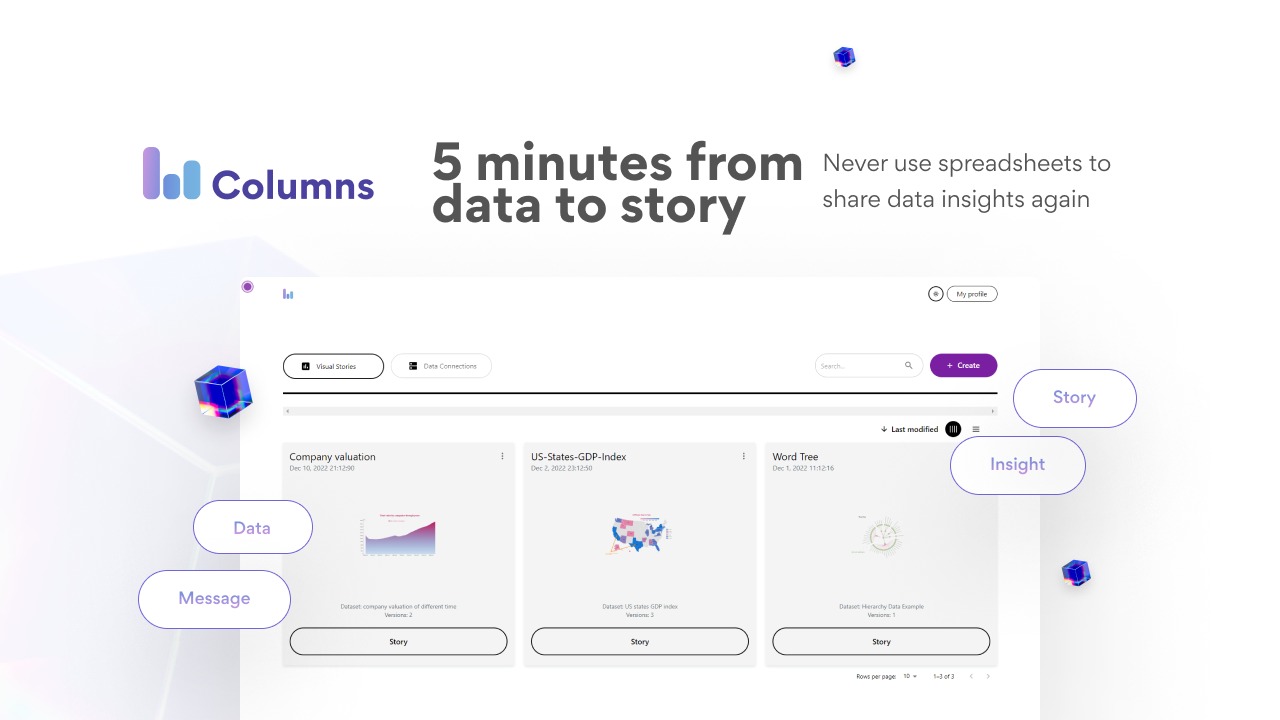
Columns is a tool that automatically creates stunning visual stories from your data. This comprehensive software is ideal for professionals like consultants, educators, and marketers who require impactful data presentations. Columns integrates with Excel, Google Sheets, Notion, and more to offer seamless workflows.
With a high rating of 4.77 out of 5 from users, Columns is applauded for its ease of use and beautiful outputs. The lifetime deal now available provides a substantial discount from its original price.
What Columns Does?
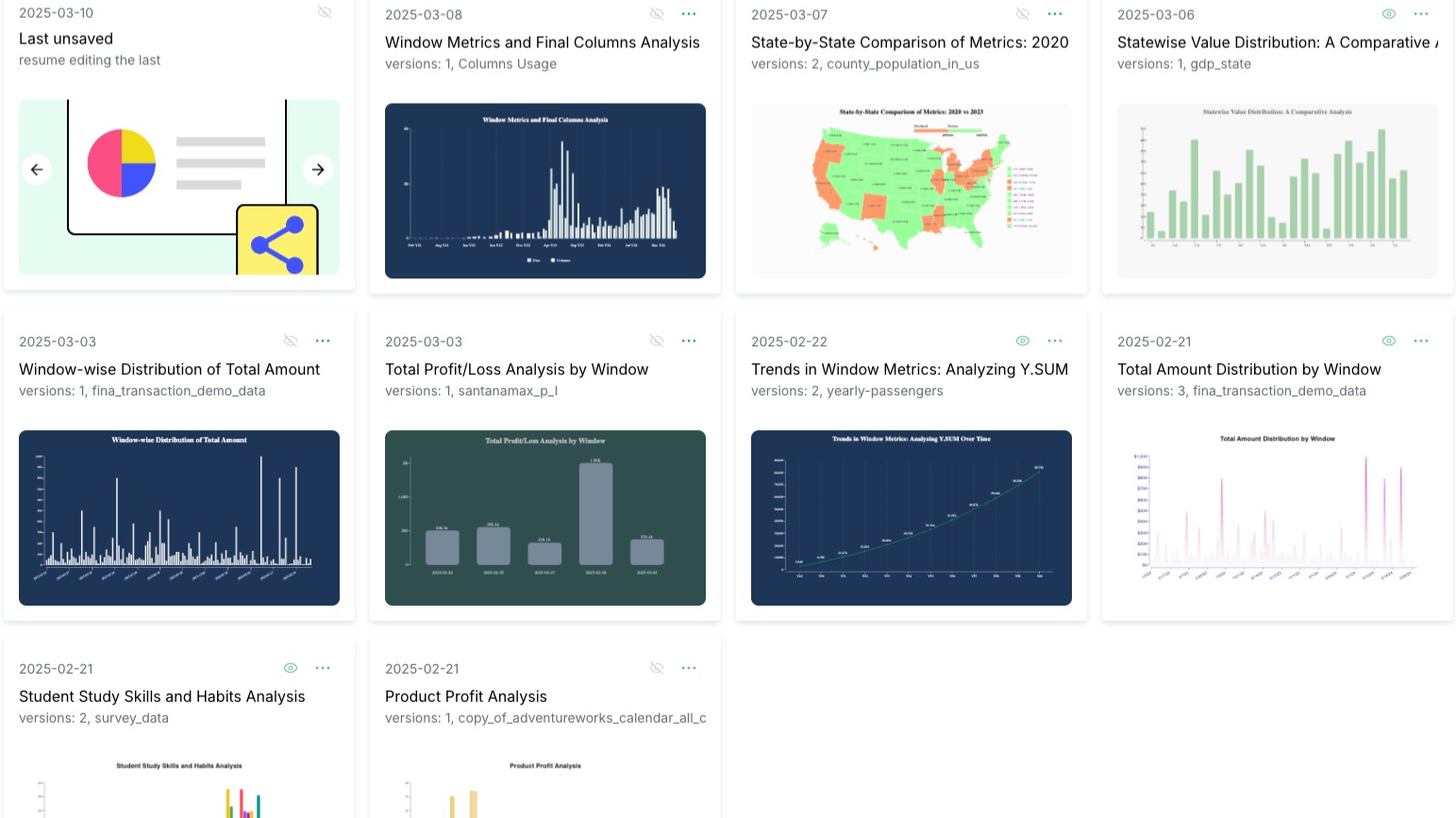
Columns is a transformative tool designed to turn raw data into visually appealing stories. Powered by advanced algorithms, it simplifies the creation of professional-grade charts and infographics.
By integrating effortlessly with popular databases and applications like Excel, Google Sheets, Notion, and PostgreSQL, Columns allows users to pull data directly into its platform for seamless storytelling.
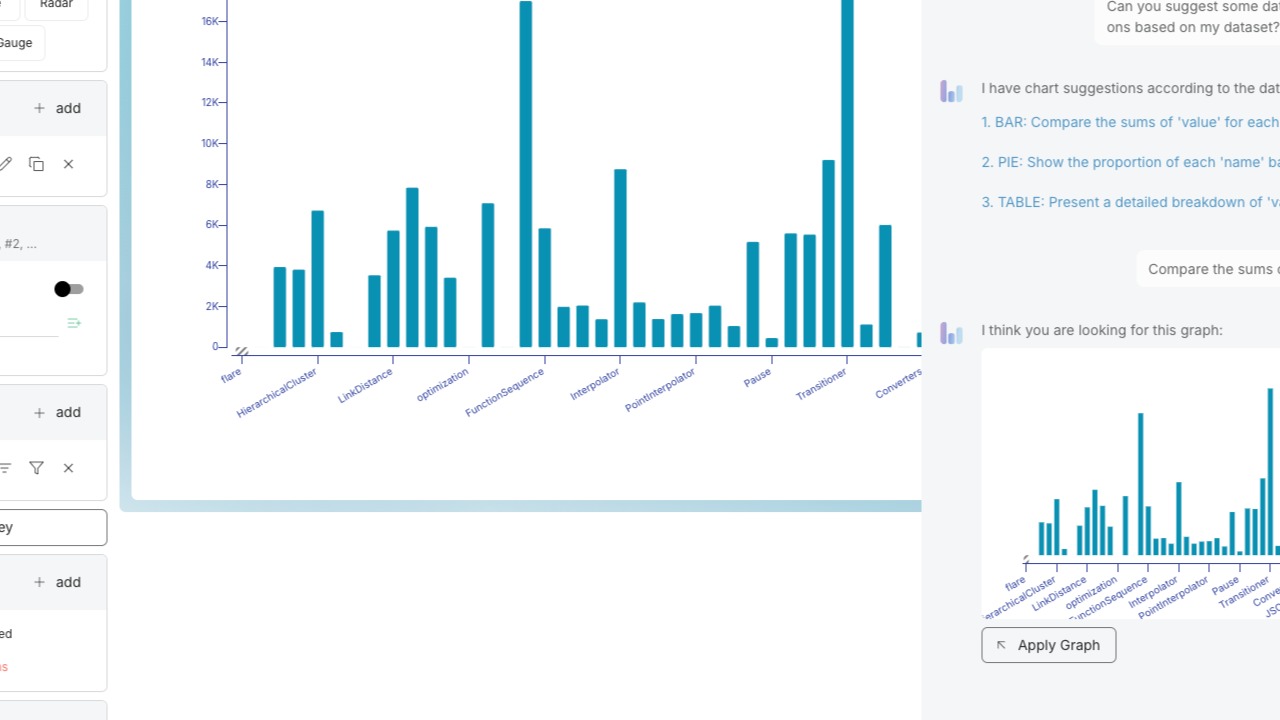
Its intuitive interface helps users craft visually compelling data representations, making it a valuable asset for data-driven decision-making.
How to use Columns?
Using Columns is straightforward. Start by connecting your data sources and follow these steps:
- Import your data from Excel or Google Sheets.
- Select from a variety of templates to best present your information.
- Customize elements like colors and fonts to match your branding.
- Review and adjust your visual story as needed.
- Export your final presentation for sharing or publication.
Key Differentiators
Columns stands out from competitors like Canva, Microsoft Excel, and Tableau in its automatic story creation and seamless data integration. Unlike Canva, which requires manual design work, Columns automates the visual storytelling process.
While Excel excels at data manipulation and Tableau in complex data visualization, Columns combines both strengths by offering easy-to-use templates that simplify the creation of attractive charts with minimal effort.
Pros and Cons
Pros
- Automatic transformation of data into visual stories.
- Intuitive integration with popular data sources.
- High user rating for ease and visual output quality.
Cons
- Limited mapping functionality noted by some users.
- May have a learning curve for new users.
Balancing these aspects, Columns offers a unique solution for visual storytelling, best suited for those seeking automated and integrated tools.
Who Is It For?
Columns is tailored for consultants, educators, and marketers requiring a powerful tool to visualize data. Consultants benefit from presenting data insights clearly, while educators can use the vivid graphics to engage students. Marketers can leverage visually compelling stories to attract and inform clients.
With its ability to speak directly to these professionals’ needs, Columns is an excellent choice for those who value time-saving features without sacrificing quality.
See the product in action
Product images

At a glance
| Alternative to |
CanvaMicrosoft ExcelTableau
|
|---|---|
| Integrations |
ExcelGoogle SheetsNotionPostgreSQLRest API
|
| Best for |
ConsultantsEducatorsMarketers
|
Is it worth it?
Columns presents a compelling offer with its ability to automatically create beautiful visual stories from raw data. This makes it particularly beneficial for marketers and educators who need to engage their audiences through impactful visuals.
Considering its substantial price reduction from $900 to $79, it provides excellent value for both small businesses and solo professionals looking to enhance their data presentation capabilities.
Overall, if you are looking to enhance your data visualizations without investing big time or effort, Columns is a smart investment.

About Columns Ai, Inc.
Compared to alternatives
| Feature | Columns | Canva | Microsoft Excel | Tableau |
|---|---|---|---|---|
| Automatic Visual Story Creation | Yes | No | No | Yes |
| Data Integration | Yes (Excel, Google Sheets, Notion) | No | Yes | Yes |
| User Rating | 4.77/5 | Varies | Varies | Varies |
| Price | $79 | Subscription | One-time/Subscription | Subscription |
| Mapping Functionality | Limited | Basic | Advanced | Advanced |
* Based on publicly available information.
What users are saying
What users like
Users report Columns as intuitive and cite its ability to create aesthetically pleasing charts and graphs. Most reviewers highlight the founder’s open reception to feedback and continuous improvements to the platform as major positives.
Common concerns
Some users mention limited mapping functionalities and a learning curve as drawbacks. However, the overall satisfaction remains high with consistent updates enhancing features.
FAQ
What integrations does Columns support?
Columns integrates with Excel, Google Sheets, Notion, PostgreSQL, and Rest API.
Is there a guarantee with the purchase?
Yes, there is a 60-day money-back guarantee available.
How do I redeem my Columns purchase?
Please redeem your code(s) within 60 days of purchase on the Columns website.
Who benefits the most from using Columns?
Consultants, educators, and marketers can leverage Columns for impactful data storytelling.
Can I update Columns?
Yes, you get lifetime access to all Columns Ai Plan updates.
Deal Terms
- Lifetime access to Columns Ai Plan
- You must redeem your code(s) within 60 days of purchase
- Lifetime access to all future Columns Ai Plan updates
- This deal is stackable
Related products

UseArticle: Automate SEO Content
UseArticle is a tool that automates the generation of SEO-optimized affiliate content. This innovative platform enables users to streamline their blogging efforts...

Pretty Prompt: Perfect Prompts Instantly
Pretty Prompt is an intuitive tool designed to enhance and refine your ChatGPT prompts with ease. This capability ensures improved and precise...

nichesss: Instant Ideas & Content
nichesss is an innovative tool designed to generate amazing content, images, and profitable ideas for any niche in 60 seconds or less....