Contact Button: Increase Engagement Easily
Quick summary
- Integrates multiple communication options effortlessly.
- Offers a simple, smartphone-like experience on your site.
- Designed for marketing and web design agencies.
- Provides excellent value with a lifetime deal.
Contact Button is an all-in-one website widget designed to enhance user engagement and capture new leads seamlessly. By integrating diverse communication channels, it simplifies interactions between you and your website visitors.
Ideal for businesses looking to improve user interaction, Contact Button offers a smartphone-like experience directly on your website, making it more attractive to potential customers. It’s highly customizable, allowing effortless integration with popular tools.
What Contact Button Does?
Contact Button is a versatile tool that consolidates multiple communication options into a single widget on your website. It is engineered to facilitate enhanced interactions between businesses and their customers, making digital communication straightforward and effective. By offering multiple contact methods such as WhatsApp, Calendly, and more, it aims to boost engagement by providing instant accessibility.
The widget works by embedding a button on your website that visitors can interact with. Once clicked, it opens a menu with various communication channels like chat, email, and scheduling tools. This feature simplifies user navigation, providing a smartphone-like interface that’s intuitive and user-friendly.
How to use Contact Button?
Setting up Contact Button is a breeze, ensuring you start engaging with customers swiftly. Follow these simple steps:
- Install the Contact Button widget on your website by adding the provided code.
- Choose and customize which communication channels you wish to incorporate, such as Whatsapp or Mailchimp.
- Embed the widget in your preferred spot on your site for optimal visibility.
Key Differentiators
Contact Button stands out with its all-in-one design, integrating seamlessly with tools like Calendly, Mailchimp, and more, making it a formidable alternative to services like Drift, Linktree, and Typeform. Unlike many competitors, it offers greater flexibility and customizability which are essential for tailored user experiences.
Furthermore, Contact Button’s lifetime pricing model provides a cost-effective solution for businesses, allowing them to avoid recurring subscription fees. This pricing flexibility can be a deciding factor for budget-conscious users who seek value for their investment.
Pros and Cons
Pros
- Highly customizable communication channels.
- Seamless integration with popular tools.
- Cost-effective lifetime deal available.
Cons
- Limitations with email service integrations.
- Mobile button sizing could be improved.
In conclusion, Contact Button offers a robust solution for user engagement despite minor limitations. Its strength lies in ease of setup and broad compatibility, which outweighs its drawbacks.
Who Is It For?
Contact Button is perfect for marketing agencies, small businesses, and web design agencies looking to enhance their digital interaction capabilities. This tool is especially beneficial for those wanting to enrich the user experience and capture leads effortlessly.
If your business focuses on online engagement, prioritizing communications, and offering various contact methods, Contact Button is an ideal choice due to its adaptability and comprehensive features.
Product images


At a glance
| Alternative to |
DriftLinktreeTypeform
|
|---|---|
| Integrations |
CalendlyMailchimptawk.toWhatsappWordPress
|
| Best for |
Marketing agenciesSmall businessesWeb design agencies
|
Is it worth it?
Contact Button provides exceptional value for businesses looking to improve their customer engagement. Its all-in-one communication tool makes it perfect for marketing agencies and small businesses wanting to simplify user interaction. At a price of $19 compared to the original $100, it presents an affordable way to add functionality to your website.
The lifetime access model ensures that you don’t have to worry about recurring fees, making it a smart investment for cost-conscious professionals. Overall, Contact Button offers features and benefits that are hard to overlook, especially with the 60-day money-back guarantee providing risk-free exploration.

About Letail, LLC
Compared to alternatives
| Feature | Contact Button | Drift | Linktree | Typeform |
|---|---|---|---|---|
| Price | $19 Lifetime | Monthly Subscription | Freemium/Subscription | Freemium/Subscription |
| Integration | Calendly, Mailchimp | CRM, Help Desk | Social Media Platforms | Email, CRM |
| Customizable Channels | Yes | Enhanced Chat | Basic Links | No |
* Based on publicly available information.
What users are saying
What users like
Most users appreciate the widget’s versatility and the ease of setting it up. Many highlight its seamless integration with existing tools like Mailchimp and WordPress as a significant advantage, making it an attractive option for digital marketing strategies.
Common concerns
Some users mention limitations in email service integrations, though these are generally seen as minor issues. Additionally, the mobile button size has been pointed out as potentially problematic, but these concerns don’t overshadow the overall positive feedback.
FAQ
What integrations are available?
Contact Button integrates with Calendly, Mailchimp, tawk.to, Whatsapp, and WordPress.
How does the 60-day guarantee work?
You can try Contact Button risk-free and receive a refund if not satisfied within 60 days of purchase.
Is there a limit on the number of codes to stack?
Yes, you can stack up to 5 codes to maximize functionality.
Can multiple users log in at once?
Currently, each workspace supports only a single login; multi-user logins are not available.
Who should consider using Contact Button?
It’s ideal for marketing agencies and small businesses aiming to boost website engagement.
Deal Terms
- Lifetime access to Contact Button
- Codes must be redeemed within 60 days of purchase
- All future updates on Max Plan
- Stack up to 5 activation codes
- Single login per workspace; no multi-user logins currently
Related products

Sbl.so: Boost Your Lead Generation
Sbl.so is an AI-driven tool that streamlines LinkedIn outreach. With its ability to automate personalized conversations, Sbl.so aims to enhance your lead...
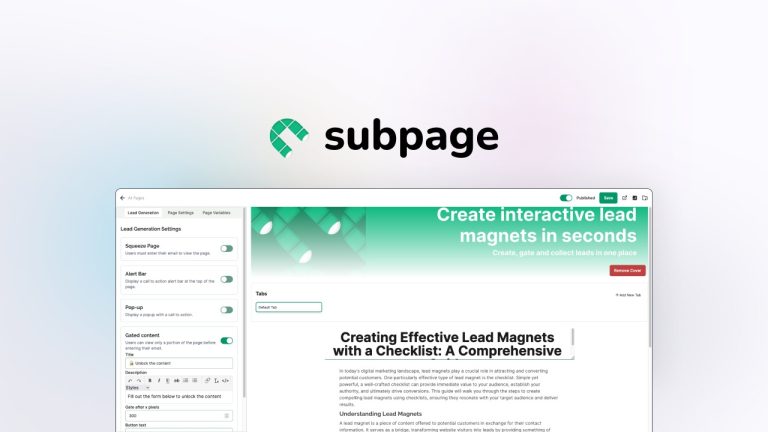
Subpage: Create Lead Magnets Easily
Subpage is the simplest way to create lead magnets and collect leads with ease. Powered by AI, it offers innovative tools for...
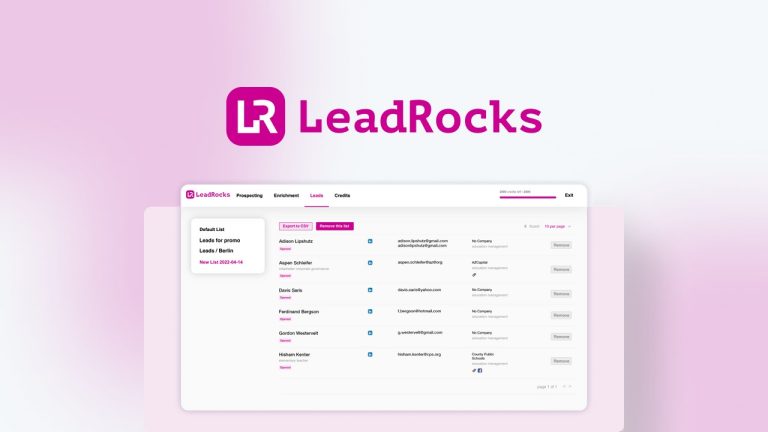
LeadRocks: Fast Lead Search
LeadRocks is a robust B2B contact database designed to enhance your lead generation efforts with speed and efficiency. Featuring a vast collection...