DigiParser: Automate Data Extraction
Quick summary
- Automates document data extraction with AI.
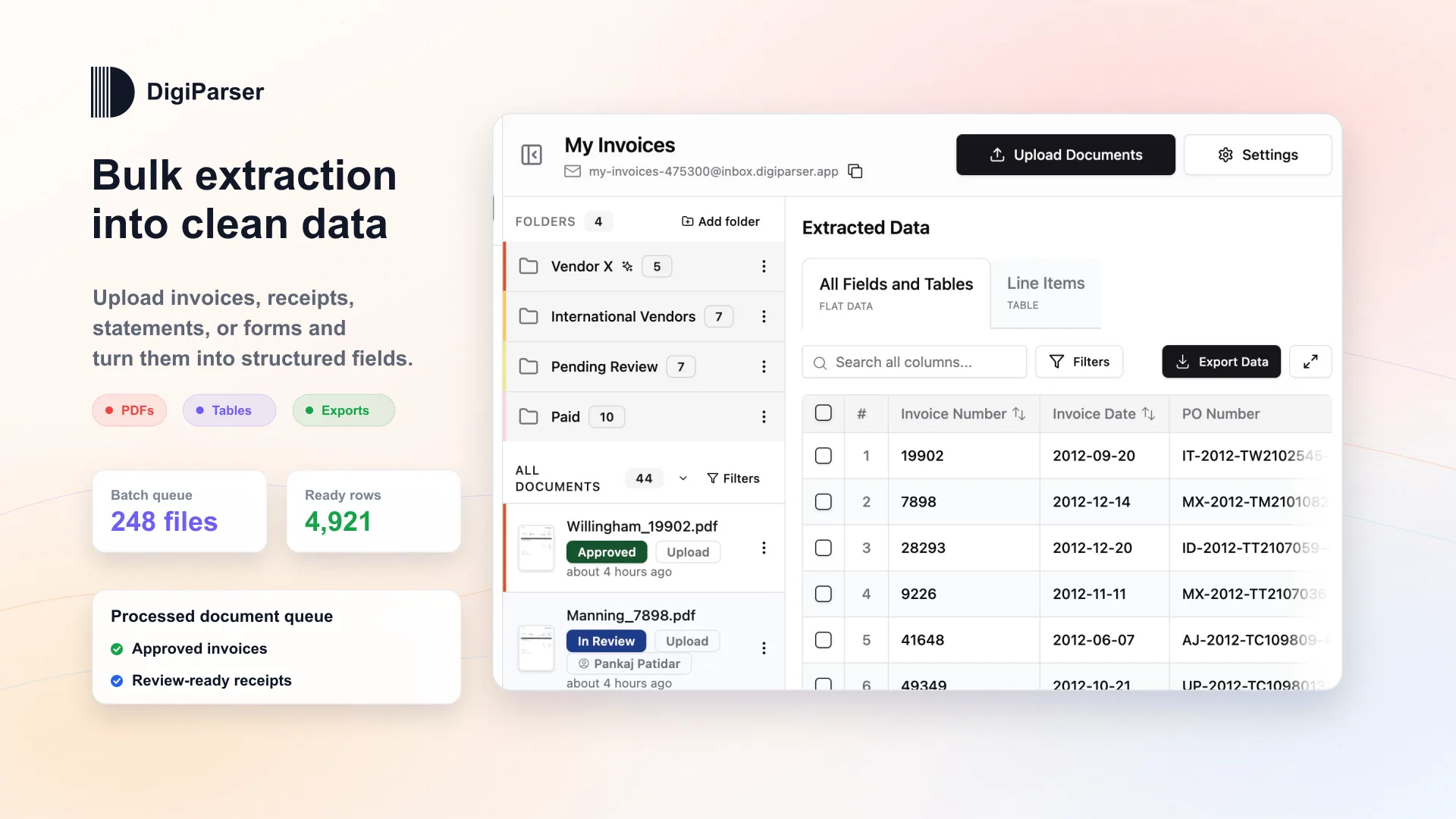
- Processes PDFs, images, emails in bulk.
- Integrates with Google Sheets and more.
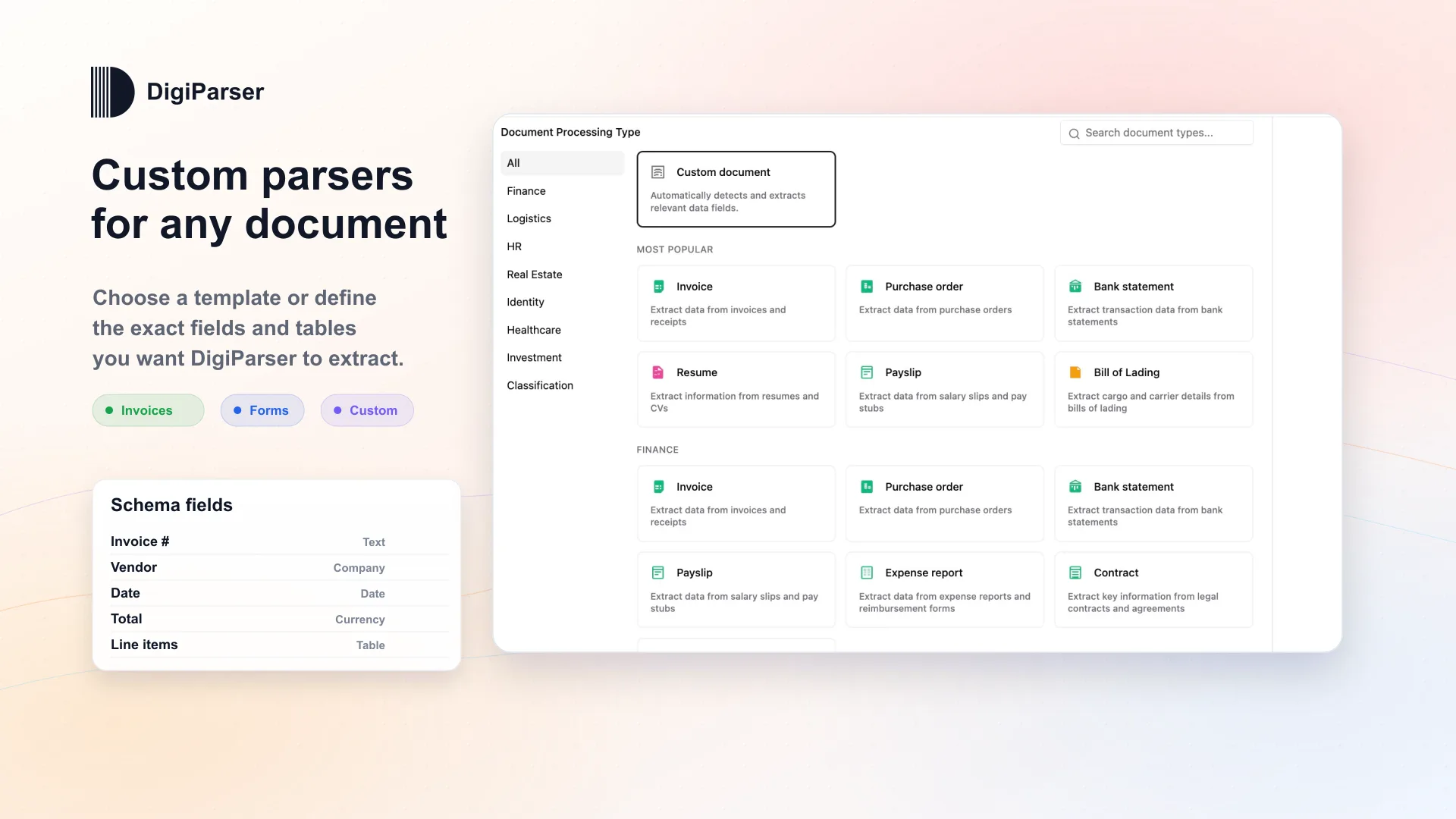
- Eliminates need for templates or training.
DigiParser is a tool that automates document data extraction into structured formats. By leveraging AI, it processes invoices, POs, and receipts without requiring templates. Its versatility and ease of use make it invaluable for freelancers, small businesses, and SaaS founders seeking to improve data handling efficiency.
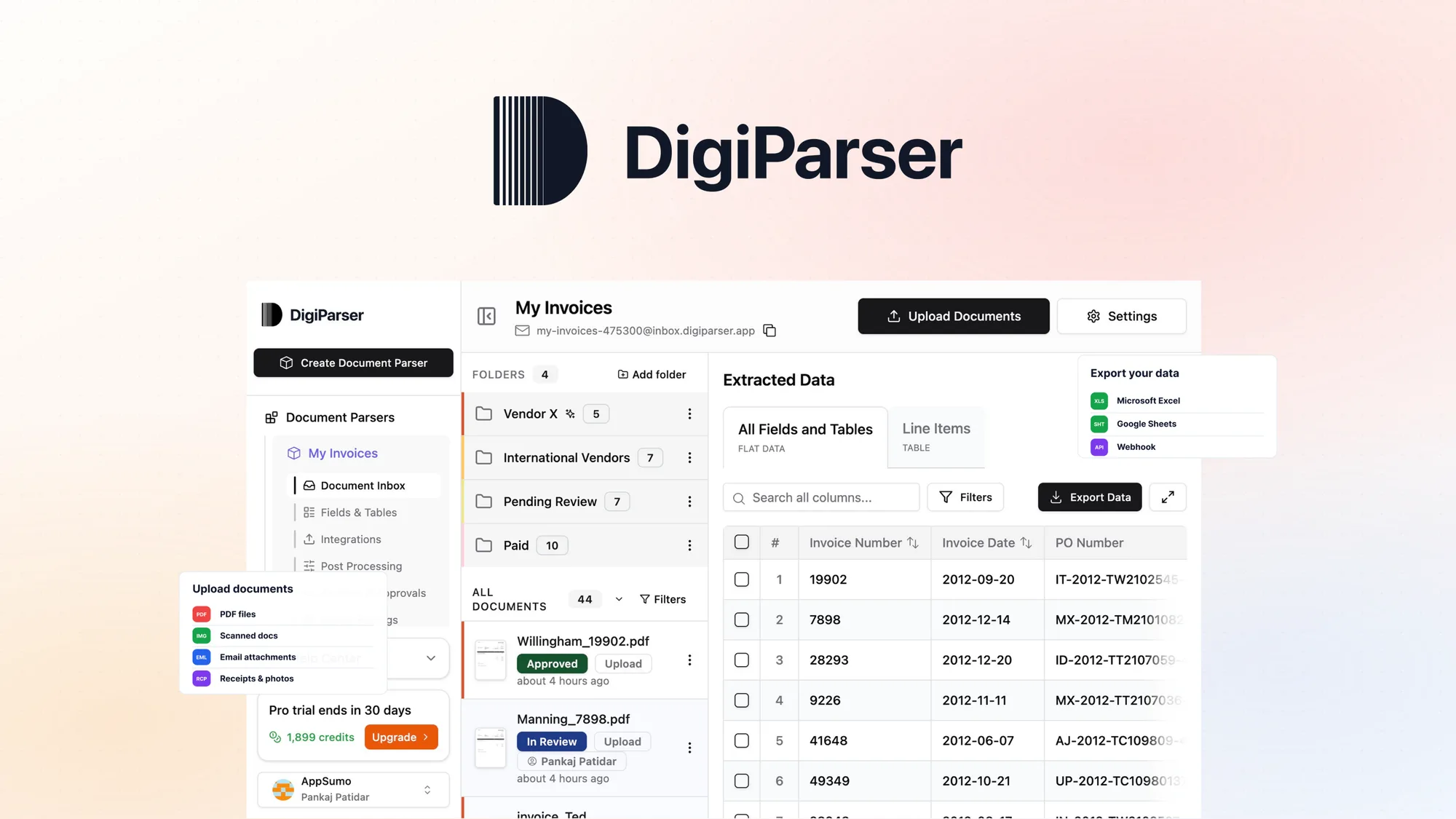
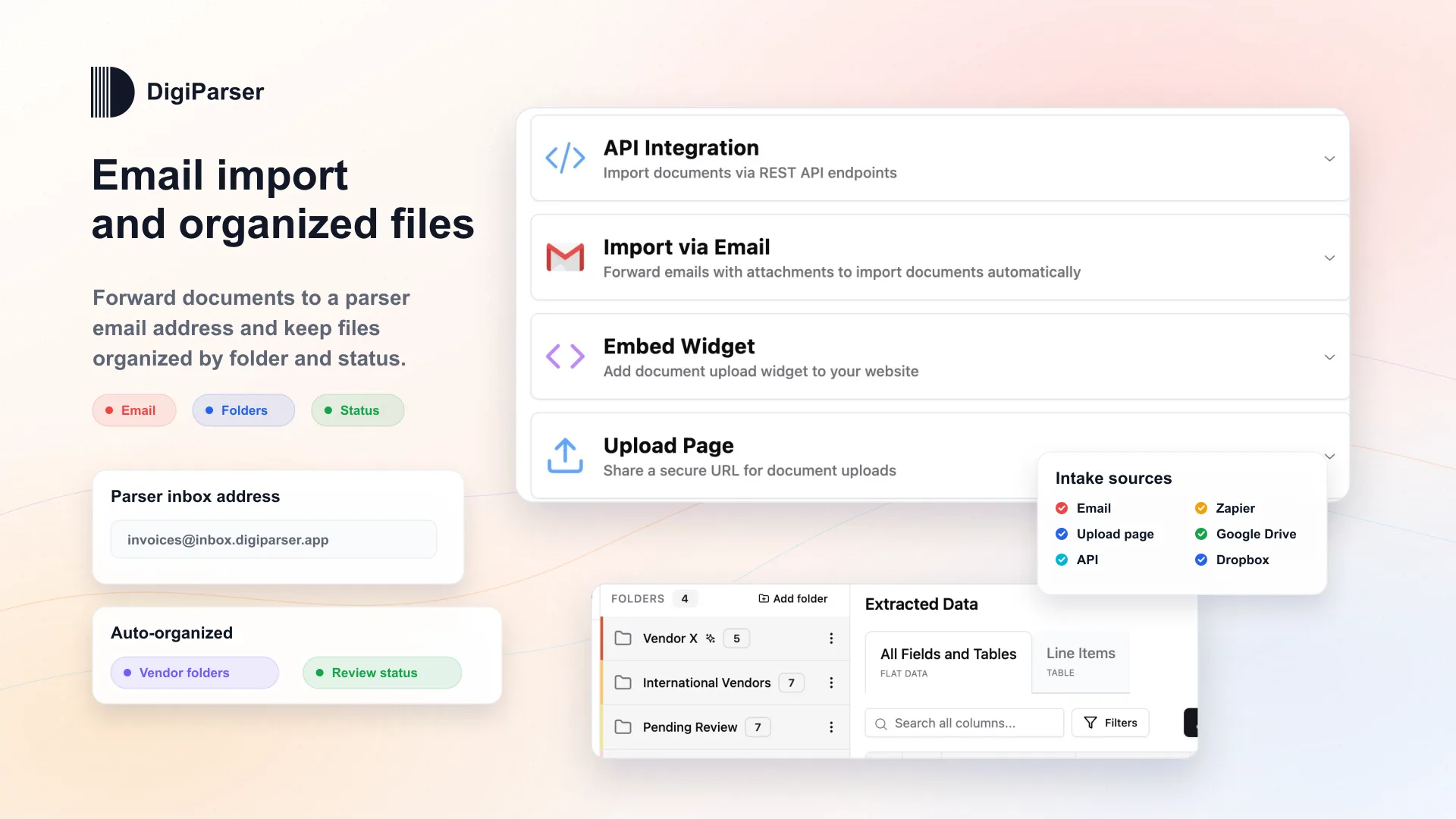
Moreover, DigiParser supports bulk processing of PDFs, images, and emails, seamlessly exporting data to platforms like Google Sheets and Zapier. This integration capability further enhances operational workflows, streamlining data management tasks effectively.
What DigiParser Does?
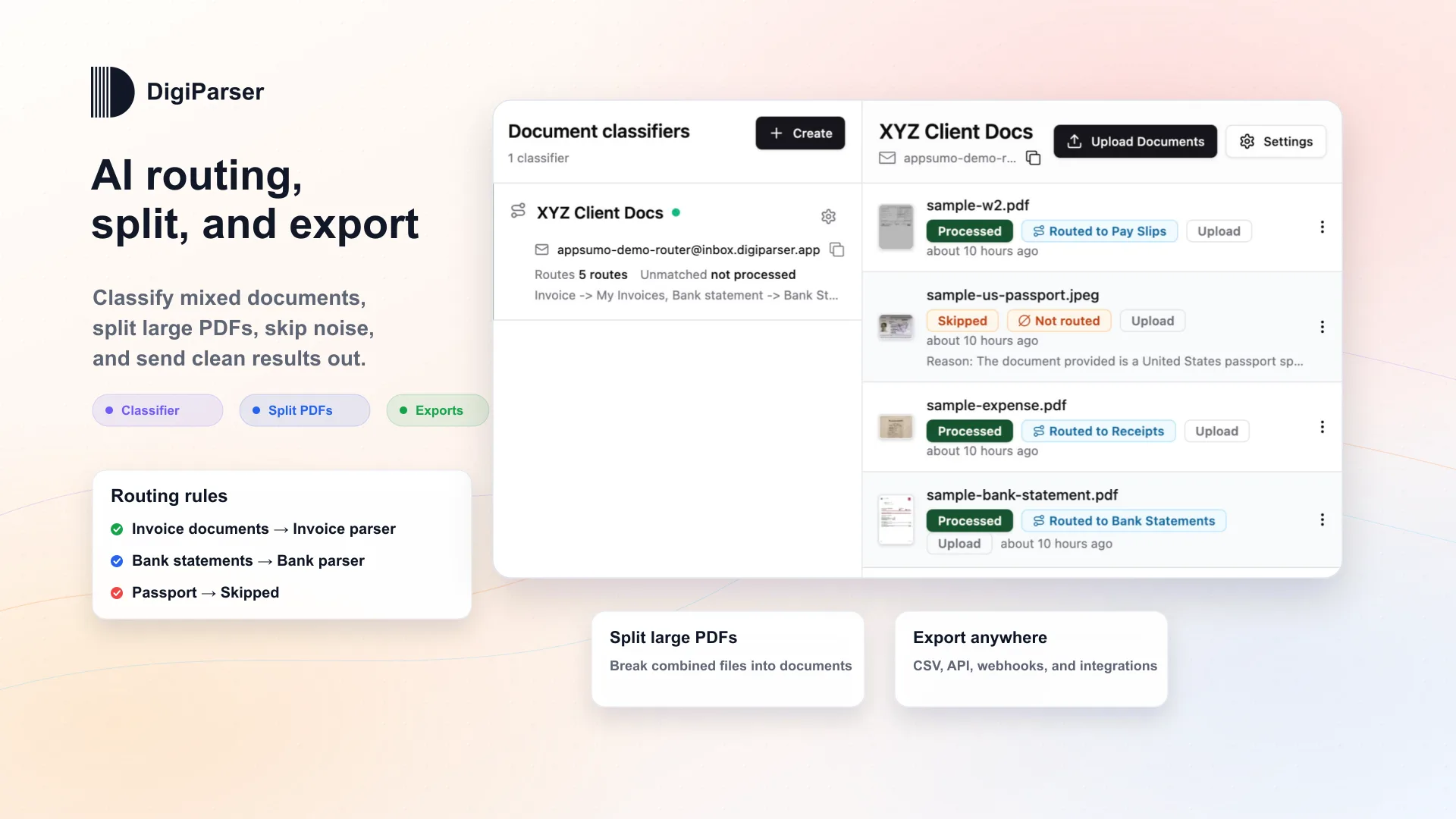
DigiParser is designed to transform unstructured data from various documents into organized formats. It uses advanced AI to parse invoices, purchase orders, and receipts, negating the need for predefined templates. This adaptability enables efficient handling of diverse document types, including PDFs and images.
The platform automatically routes and exports structured data to destinations such as Google Sheets, Xero, and webhooks. This seamless integration simplifies tasks for users, allowing focus on core business activities instead of manual data entry. Additionally, whether you handle emails, bulk documents, or images, DigiParser manages them effortlessly.
How to use DigiParser?
Using DigiParser is straightforward and efficient:
- Upload your documents in the preferred format (PDF, image, email).
- Select the desired data destinations like Google Sheets or Zapier.
- Allow the AI to parse and extract the data.
- Automatically export the results to the chosen platforms.
- Adjust document handling and routing settings as needed.
Key Differentiators
DigiParser stands out due to its AI-driven data extraction capabilities that eliminate the need for template creation. This flexibility allows users to handle a wide range of documents effortlessly. Alongside this, its automatic integration with popular platforms ensures a smooth transition from data extraction to application usage.
Furthermore, DigiParser’s ability to process documents in bulk significantly boosts productivity. Users save time previously spent on manual data entry, dedicating more resources to strategic tasks. This approach marks distinctiveness in the crowded data extraction market.
Pros and Cons
Pros
- Automated data extraction without templates
- Bulk processing capability
- Integrations with Google Sheets, Zapier, and more
- User-friendly interface
- Scalable for various business sizes
Cons
- Initial setup may require technical adjustments
- Limited customization for export formats
Overall, DigiParser offers a robust solution for managing data extraction tasks, with pros significantly outweighing cons. It provides a valuable service for its target audience, despite some setup nuances.
Who Is It For?
DigiParser is ideal for freelancers who manage client documents and small businesses seeking to optimize their data processes. Its integration with various platforms makes it useful for SaaS app founders who need to streamline customer data management.
Its automated data handling suits organizations looking for efficient, scalable solutions to replace time-consuming manual processes. DigiParser enhances productivity and precision, making it a strategic asset for those aiming to improve operational effectiveness.
Product images
At a glance
| Integrations |
Google SheetsMakePabbly ConnectQuickbooksZapier
|
|---|---|
| Best for |
FreelancersSmall businessesSaaS app / tool founders
|
Is it worth it?
Is DigiParser worth it? For those managing large volumes of documents, DigiParser offers seamless automation. With a current price of $69, marked down from the original $232, it presents a compelling price-value ratio.
Benefiting freelancers, small businesses, and SaaS founders, it effectively enhances data management efficiency. Thus, investing in DigiParser is a smart decision for those seeking streamlined workflows and reduced manual labor.

About Patidar Consultancy
Compared to alternatives
| Feature | DigiParser | Competitor 1 | Competitor 2 |
|---|---|---|---|
| Automated Extraction | Yes | Yes | No |
| Bulk Processing | Yes | No | Yes |
| Integration with Google Sheets | Yes | No | Yes |
| Template-Free Setup | Yes | No | Yes |
* Based on publicly available information.
What users are saying
What users like
Users report satisfaction with DigiParser’s ability to automate data extraction. Most reviewers highlight its ease of integration with popular tools like Google Sheets. Some mention the significant time saved from bulk processing capabilities.
Common concerns
Some users express a desire for more export format options. A few mention the learning curve in initial setup and adjustments. However, these concerns are outweighed by the overall benefits.
FAQ
How do I activate my DigiParser license?
You must activate your license within 60 days of purchase. Follow the instructions in your purchase confirmation email to do so.
Is DigiParser compatible with my existing software?
DigiParser integrates with Google Sheets, Zapier, and other platforms, enhancing its compatibility with existing workflows.
Can I upgrade or downgrade between license tiers?
Yes, you can upgrade or downgrade between the four available license tiers within 60 days of purchase.
What happens if the plan name changes?
If the plan name changes, your deal will automatically be mapped to the new plan with all accompanying updates.
Deal Terms
- Lifetime access to DigiParser
- Includes all future updates to Starter and Pro Plans
- If the plan name changes, the deal will adjust to the new name and updates
- No codes necessary, select the plan that suits you best
- License activation required within 60 days of purchase
- Option to upgrade or downgrade between four license tiers within 60 days
Related products

SaveMyLeads: Seamless Data Transfer
SaveMyLeads is a versatile platform that allows you to transfer lead data seamlessly across 150+ platforms. Utilizing code-free and ready-made API integrations,...
ApproveThis: Instant Collaboration
ApproveThis is a software tool designed to streamline approval workflows and facilitate seamless collaboration. Maximize efficiency with real-time updates and seamless integrations....

Smart Spreadsheets: Unlock Automation
Smart Spreadsheets is an innovative tool that empowers users to automate tasks within Google Sheets. Designed for bloggers, content creators, and marketers,...