Drawtify: Stunning Designs Instantly
Quick summary
- Create stunning visuals effortlessly.
- Enjoy extensive template and design libraries.
- Enhance designs with animation features.
- Save with a cost-effective lifetime deal.
Drawtify is an online Illustrator & Vector Graphic Editor designed to elevate your graphic design experience. Ideal for content creators, freelancers, and graphic designers seeking simplicity with power. With a 92% discount, its intuitive interface, extensive template library, and animation abilities make it an attractive choice.
Furthermore, the software integrates smoothly with Unsplash, providing access to a vast array of imagery. Backed by a 60-day money-back guarantee, you can explore its potential with confidence. Discover what makes Drawtify stand apart and how it can serve your creative needs effectively.
What Drawtify Does?
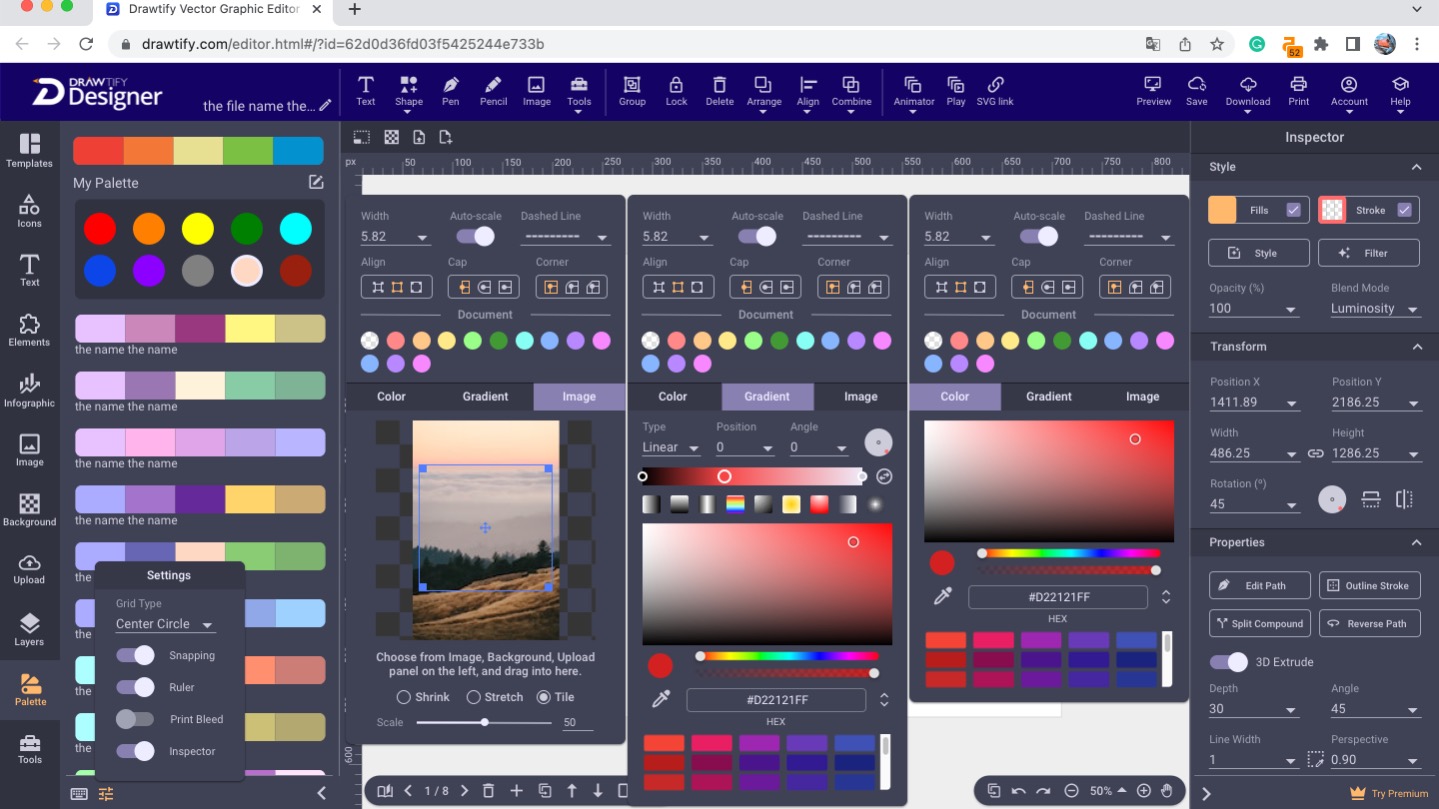
Drawtify is an online tool crafted for individuals who need sophisticated design software without the hefty price tag. It combines the power of vector graphics editing with the convenience of cloud-based access. Users can create, modify, and share stunning visuals anywhere with internet connectivity.
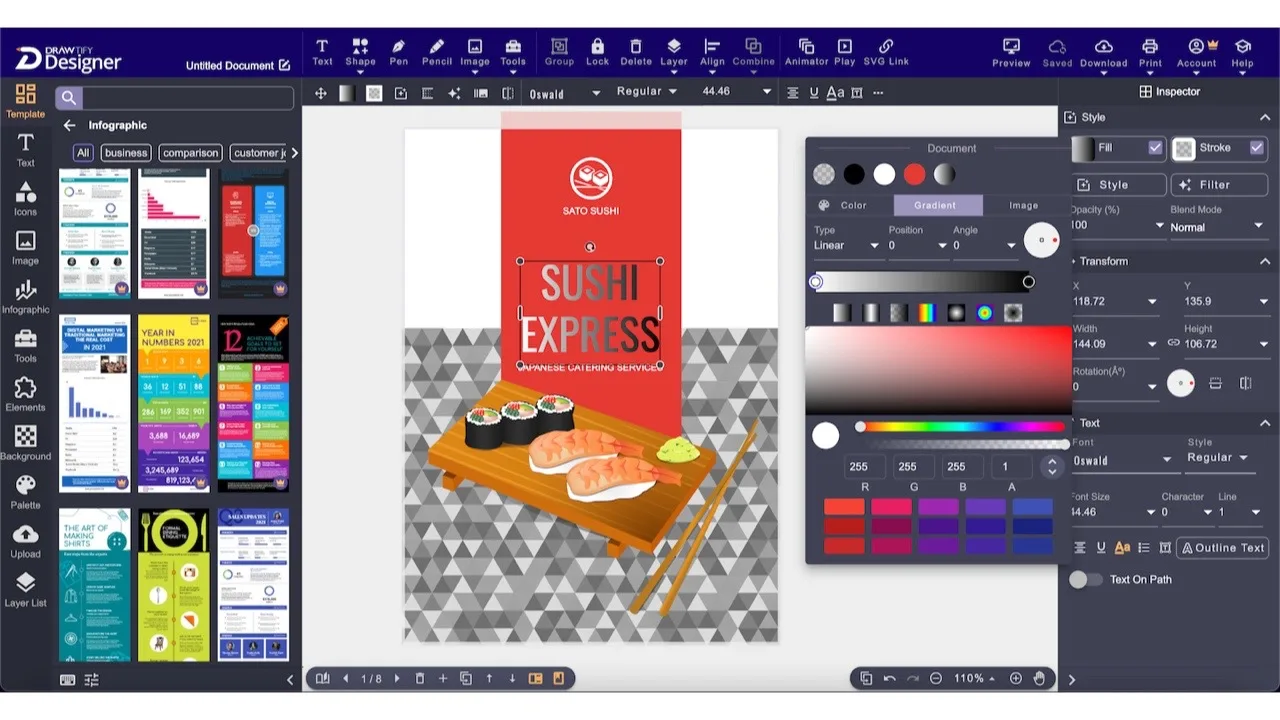
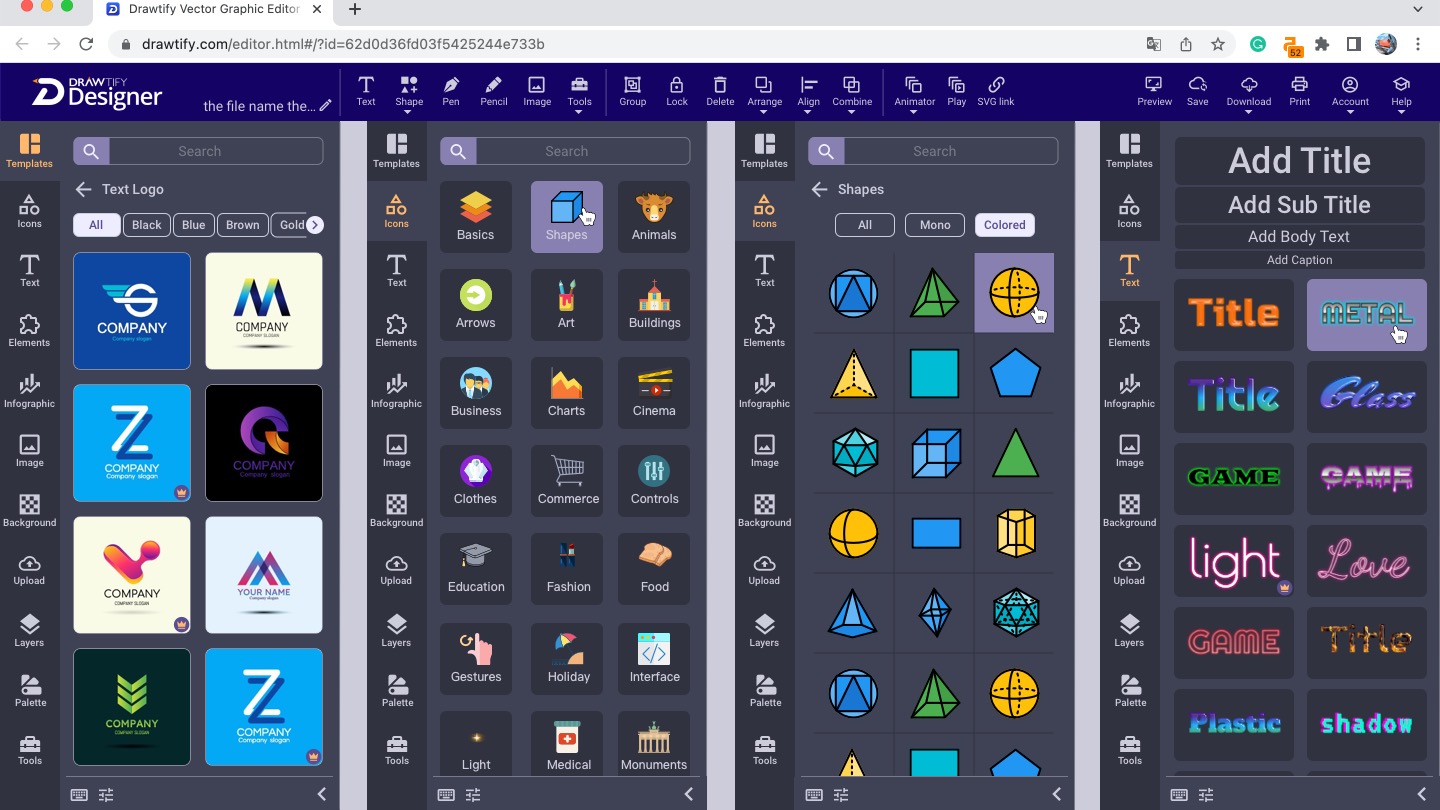
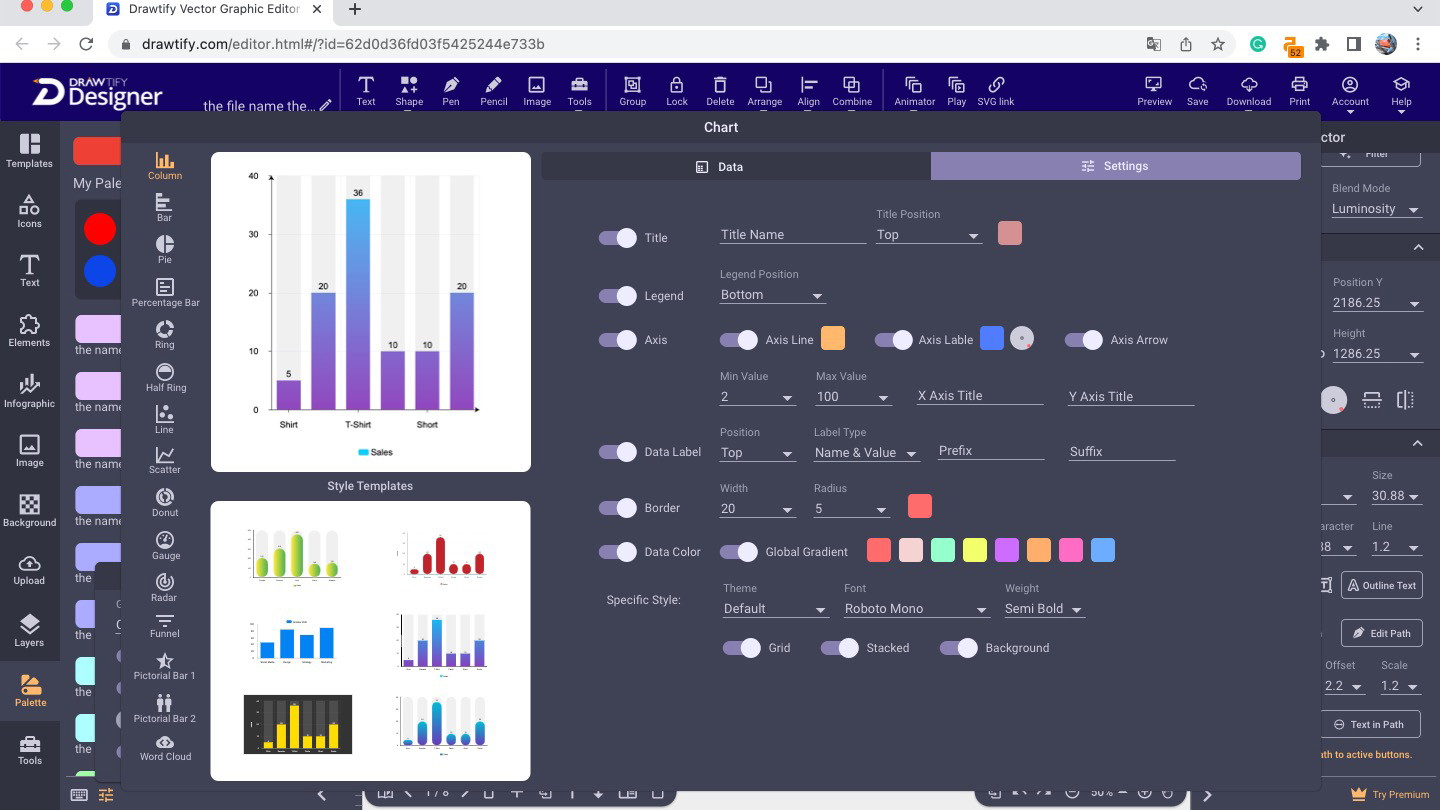
The platform features an easy-to-navigate user interface, allowing for a seamless design process. It offers a rich library of templates and design elements that cater to a wide range of artistic styles and project needs, whether you’re designing logos, infographics, or social media graphics.
Moreover, Drawtify includes animation capabilities that allow you to add a dynamic touch to your designs. This multifunctionality positions it as a versatile tool for both novice and experienced graphic designers, ensuring productivity and creativity without a steep learning curve.
How to use Drawtify?
Using Drawtify is straightforward, designed to cater to users with varying levels of experience.
- Create an account and login to access the full suite of tools.
- Choose a template or start from scratch using the blank canvas.
- Customize your design with a vast array of elements, including images from Unsplash.
- Use animation tools to add movement to your graphics.
- Save or export your design for use in various formats.
Key Differentiators
Drawtify sets itself apart from competitors like Adobe Illustrator, Canva, and Visme through its unique blend of affordability and functionality. Unlike Adobe Illustrator, Drawtify offers a more accessible pricing model with lifetime access, significantly reducing long-term costs for users. Its simplicity appeals to users who may find Illustrator’s feature set overwhelming.
Compared to Canva and Visme, Drawtify offers advanced vector editing capabilities integrated with animation functions, bridging the gap between static graphics and dynamic content. This combination grants users the flexibility to create more engaging designs, beyond what Canva and Visme typically offer.
Pros and Cons
Pros
- Intuitive user interface simplifies the design process.
- Extensive library of templates and design elements enhances creativity.
- Animation capabilities for dynamic content.
- Seamless integration with Unsplash for diverse imagery.
- Cost-effective lifetime deal pricing model.
Cons
- Minor compatibility issues with some image file formats.
- Limited functionality on mobile devices.
Despite some minor limitations, Drawtify offers a compelling package for most graphic design needs. Its powerful tools and rich features outshine its constraints, providing an excellent value for money, especially for non-mobile-dependent users.
Who Is It For?
Drawtify is perfect for individuals and businesses aiming to simplify their design workflow without compromising on creativity. Content creators wanting to produce visually appealing social media posts and infographics will find Drawtify’s features particularly advantageous.
Freelancers and small business owners looking for cost-effective alternatives to expensive design software will benefit significantly from Drawtify’s comprehensive toolset. Graphic designers seeking an online and affordable design suite with robust vector and animation features will appreciate its capabilities.
See the product in action
Product images

At a glance
| Alternative to |
Adobe IllustratorCanvaVisme
|
|---|---|
| Integrations |
Unsplash
|
| Best for |
Content creatorsFreelancersGraphic designers
|
Is it worth it?
Drawtify provides significant value for content creators seeking a comprehensive design tool without the hefty cost. Its lifetime deal of $79.9 compared to the original $990 is hard to ignore. The software’s intuitive interface and extensive features make it suitable for a wide audience of creators and designers. Although it has some limitations on mobile support, the benefits far outweigh these drawbacks for most desktop users.
Overall, Drawtify is a smart investment for anyone looking to streamline their digital design process with a reliable and feature-rich platform. It serves as a practical alternative to more expensive tools while offering its unique blend of functionalities ensuring it meets versatile needs.

About the company
Compared to alternatives
| Feature | Drawtify | Adobe Illustrator | Canva | Visme |
|---|---|---|---|---|
| Vector Editing | Yes | Yes | Limited | Yes |
| Animation Features | Yes | No | No | Limited |
| Template Library | Extensive | Moderate | Extensive | Extensive |
| Unsplash Integration | Yes | No | No | Yes |
| Price | Lifetime $79.9 | Subscription | Subscription | Subscription |
* Based on publicly available information.
What users are saying
What users like
Users report that Drawtify’s intuitive UI/UX and expansive template library greatly enhance the design process. Many appreciate the animation capabilities, finding them useful for creating dynamic content.
Common concerns
Some mention concerns over minor image file compatibility issues, while others highlight limited mobile device support as a drawback. Despite these issues, most reviewers view Drawtify positively for desktop use.
FAQ
How can I access Drawtify?
Drawtify is accessed online through any web browser. Simply create an account to get started.
Does the deal include future updates?
Yes, the lifetime access includes all future Drawtify Plan updates, ensuring you always have the latest features.
What is the refund policy?
There is a 60-day money-back guarantee if you are unsatisfied with your purchase.
Can Drawtify be used on mobile devices?
Drawtify is primarily designed for desktop use. While accessible on mobile, functionality may be limited.
What are the main use cases for Drawtify?
Drawtify is ideal for creating professional visual content like logos, infographics, and animated graphics.
Deal Terms
- Lifetime access to Drawtify
- Redeem your code(s) within 60 days of purchase
- Includes all future Drawtify Plan updates
- This deal is not stackable
Related products
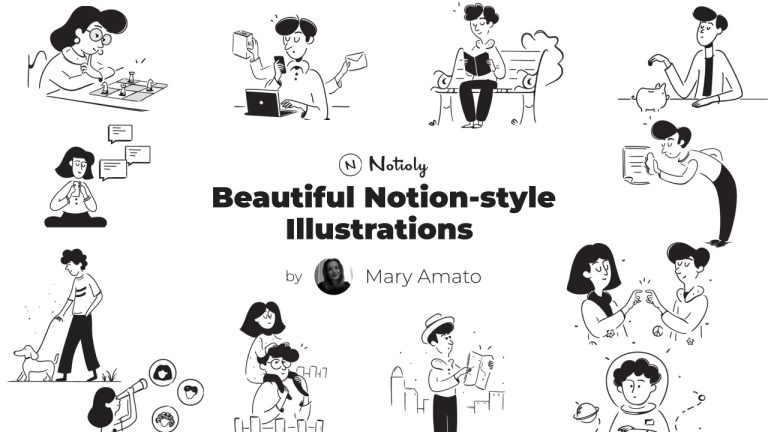
Notioly: Creative Notion-Style Illustrations
Notioly is a collection of over 400 Notion-style illustrations. Designed to enhance creative projects, Notioly features high-resolution vector images perfect for designers,...
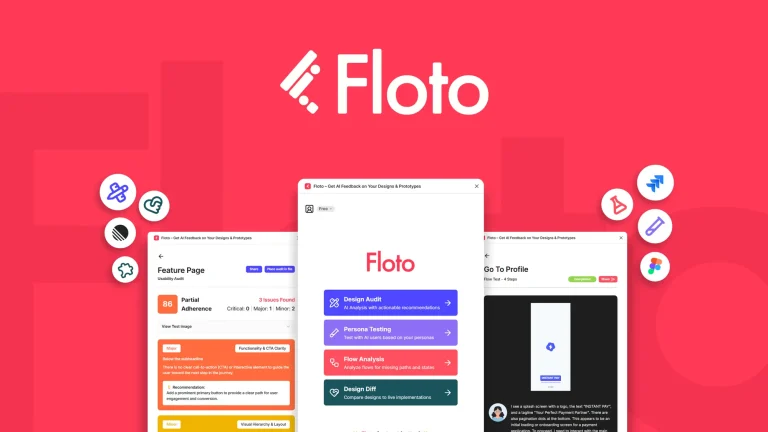
Floto.ai: Instant AI Feedback
Floto.ai is an innovative tool for providing instant AI feedback on your designs. By conducting design audits, performing persona tests, and identifying...

Graficto: Smart Visual Creations
Graficto is a dynamic tool designed to create smart infographics and visuals effortlessly. This solution is perfect for those seeking to generate...