FlexClip: AI Video Creation Made Easy
Quick summary
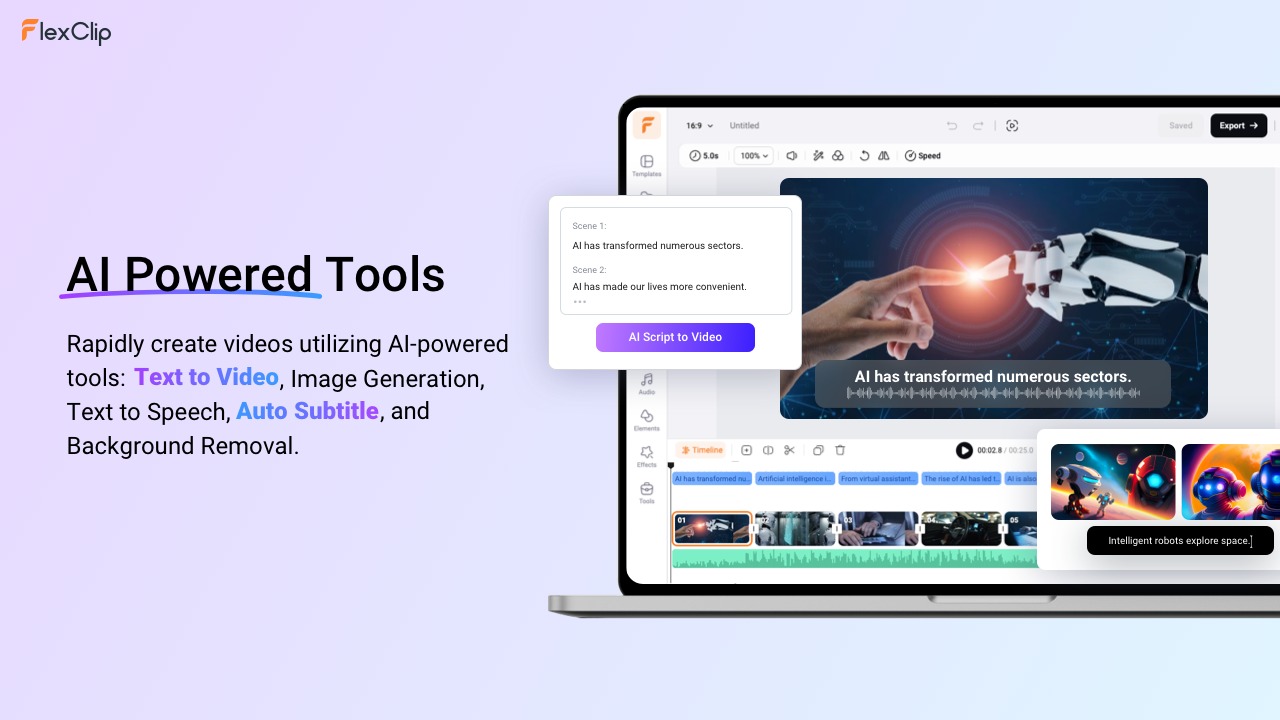
- Create videos with AI-powered tools.
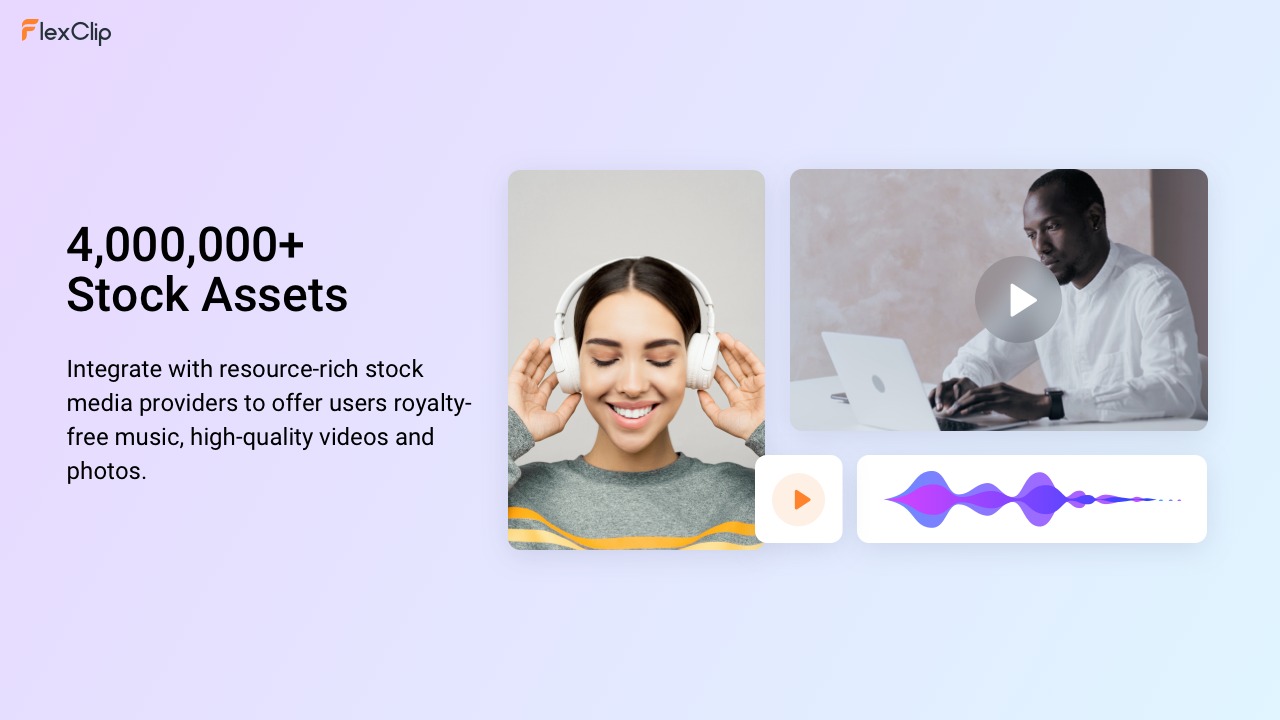
- Access over 4 million stock assets and templates.
- Beneficial for marketers, creators, small businesses.
- Includes all future plus plan updates.
FlexClip is a powerful tool that enables users to create professional videos with ease. With AI-powered features, over 4 million stock assets, and ready-made templates, FlexClip simplifies the video creation process. Whether you’re a content creator, marketer, or small business owner, this tool can transform how you produce videos for various platforms.
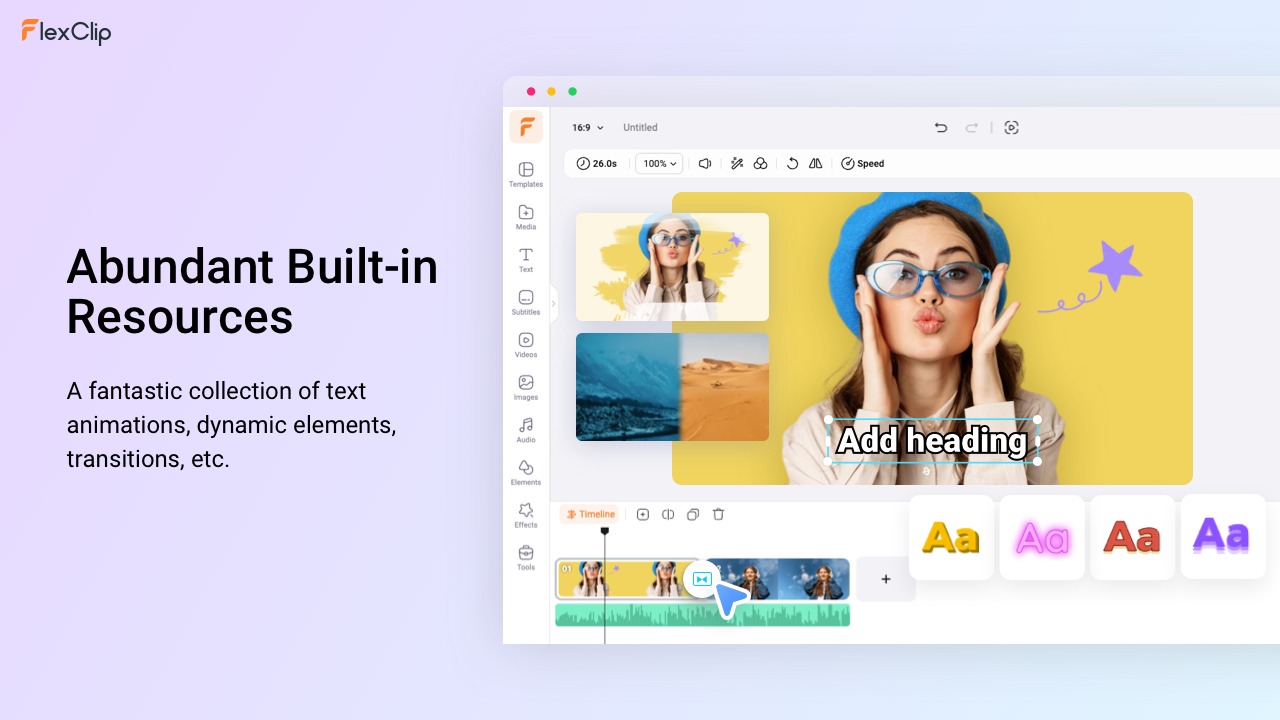
The platform offers essential integrations with rich stock media providers, enhancing your project’s quality with diverse animations, elements, and transitions. Discover how FlexClip can elevate your video projects, whether it’s for marketing, social media, or personal use.
What FlexClip Does?
FlexClip is an AI-powered video creation platform that allows users to easily create, edit, and share professional-quality videos. It integrates a suite of intuitive tools designed for anyone, from beginners to experts, to streamline the video production process. With an extensive library of over 4 million stock assets and a plethora of templates, FlexClip is perfect for crafting marketing videos, social media clips, or family montages.
The software’s key feature is its AI-driven interface, which simplifies video editing with automated enhancements and suggestions. This allows creators to focus more on storytelling and creativity rather than technical know-how. Users can effortlessly incorporate rich text animations, dynamic transitions, and visual elements to produce engaging content.
How to use FlexClip?
Using FlexClip is straightforward, thanks to its user-friendly design.
- Create an account on the FlexClip website.
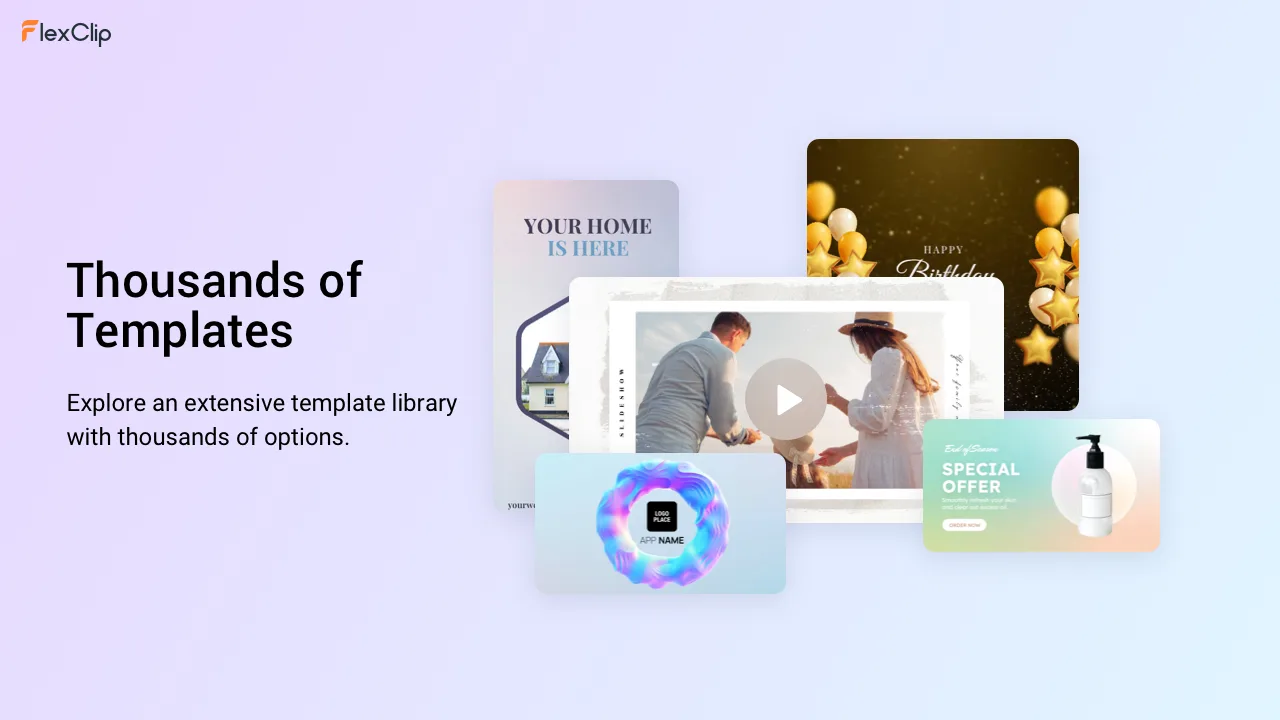
- Choose a template or start a new project from scratch.
- Upload your videos and personalize them with text, animations, and transitions.
- Utilize stock media resources to enrich your content.
- Export and share your video seamlessly on various platforms.
Key Differentiators
FlexClip sets itself apart from competitors like Adobe Premiere, iMovie, and Kapwing with its simplified AI-powered video editing process. While Adobe Premiere is known for its comprehensive professional tools, it often requires significant training and experience. FlexClip offers a more accessible solution, allowing users without editing expertise to produce high-quality videos swiftly.
Additionally, FlexClip’s integration with an extensive stock media library provides immediate access to millions of assets, which is less common in competing platforms. This feature, combined with its intuitive interface, makes FlexClip a great option for quick and innovative video production.
Pros and Cons
Pros
- AI-driven interface simplifies video editing.
- Over 4 million stock assets available.
- User-friendly design ideal for all skill levels.
- Affordable lifetime access deal.
Cons
- Some users experience slow export speeds.
- Audio track management can be limited.
Overall, FlexClip provides a robust solution for video creators looking for efficiency and ease-of-use, despite minor limitations.
Who Is It For?
FlexClip suits content creators, marketers, and small businesses seeking to enhance their video projects without the steep learning curve of advanced software. Its user-friendly platform makes it accessible for beginners, while experienced users can benefit from rapid content creation enhanced by AI.
Ideal for marketing professionals wanting to craft compelling ads, social media managers aiming to boost engagement, and small business owners who need streamlined video tools to showcase their offerings on digital platforms.
See the product in action
Product images

At a glance
| Alternative to |
Adobe PremiereiMovieKapwing
|
|---|---|
| Best for |
Content creatorsMarketersSmall businesses
|
Is it worth it?
FlexClip offers a unique combination of AI-powered editing and extensive stock assets, making it perfect for marketers and small businesses looking to enhance their video content efficiently. The 84% discounted lifetime access provides significant value, especially compared to alternatives like Adobe Premiere. While some users mention slow export speeds, overall, FlexClip is an accessible and valuable tool for video creation. For those without the time to learn complex software, FlexClip is worth considering.

About the company
Compared to alternatives
| Feature | FlexClip | Adobe Premiere | iMovie | Kapwing |
|---|---|---|---|---|
| AI Editing Tools | Yes | No | No | No |
| Stock Assets | 4M+ | Available at extra cost | Limited | Varied |
| User Interface | Intuitive | Complex | User-friendly | Simple |
| Price | $99 | $600+/year | Free | Starts at $20/month |
* Based on publicly available information.
What users are saying
What users like
Most users report satisfaction with FlexClip’s ease of use and the vast library of stock assets. Many highlight the convenience of AI tools in simplifying the video creation process. Users also appreciate the quality of templates and transitions available.
Common concerns
Some users mention limitations in audio track management and have experienced slow export speeds. These concerns are generally viewed as minor compared to the overall functionality and value provided.
FAQ
Is FlexClip suitable for beginners?
Yes, FlexClip’s intuitive interface and step-by-step workflow make it ideal for beginners.
What is included in the lifetime deal?
Lifetime access includes all current Plus plan features and future updates.
Can I integrate external media with FlexClip?
Yes, you can integrate media from various stock providers and upload your files.
How long does the export process take?
Export times vary based on video length and resolution, with some users noting slower speeds.
What happens after the 60-day guarantee period?
You retain lifetime access, and all policies remain applicable post-guarantee.
Deal Terms
- Lifetime access to FlexClip
- All future Plus plan (Tier 1) or Business plan (Tiers 2&3) updates
- If Plan name changes, deal will be mapped to the new Plan name with all accompanying updates
- You must redeem your code(s) within 60 days of purchase
- Stack up to 3 codes
- Available for new FlexClip users and returning customers
- For purchases prior to 2025, manual code stacking is not supported; please contact FlexClip for assistance
- Previous AppSumo customers will be grandfathered into any new features and feature limits
Related products

Followr Studio: AI Avatars & Viral Videos
Followr Studio is an innovative platform designed to transform your creative ideas into AI avatars and viral short videos. With its advanced...

Magic: Studio-Quality Videos Fast
Magic is a cutting-edge tool designed to generate studio-quality product videos and stills with ease. By simply uploading your product image, you...
Animazer: Stunning Promo Videos
Animazer is a powerful tool designed to help you create stunning promotional videos with professional flair. By offering a user-friendly interface and...