InstaCharts: Instantly Create & Share Charts
Quick summary
- Create and share charts instantly from multiple data sources.
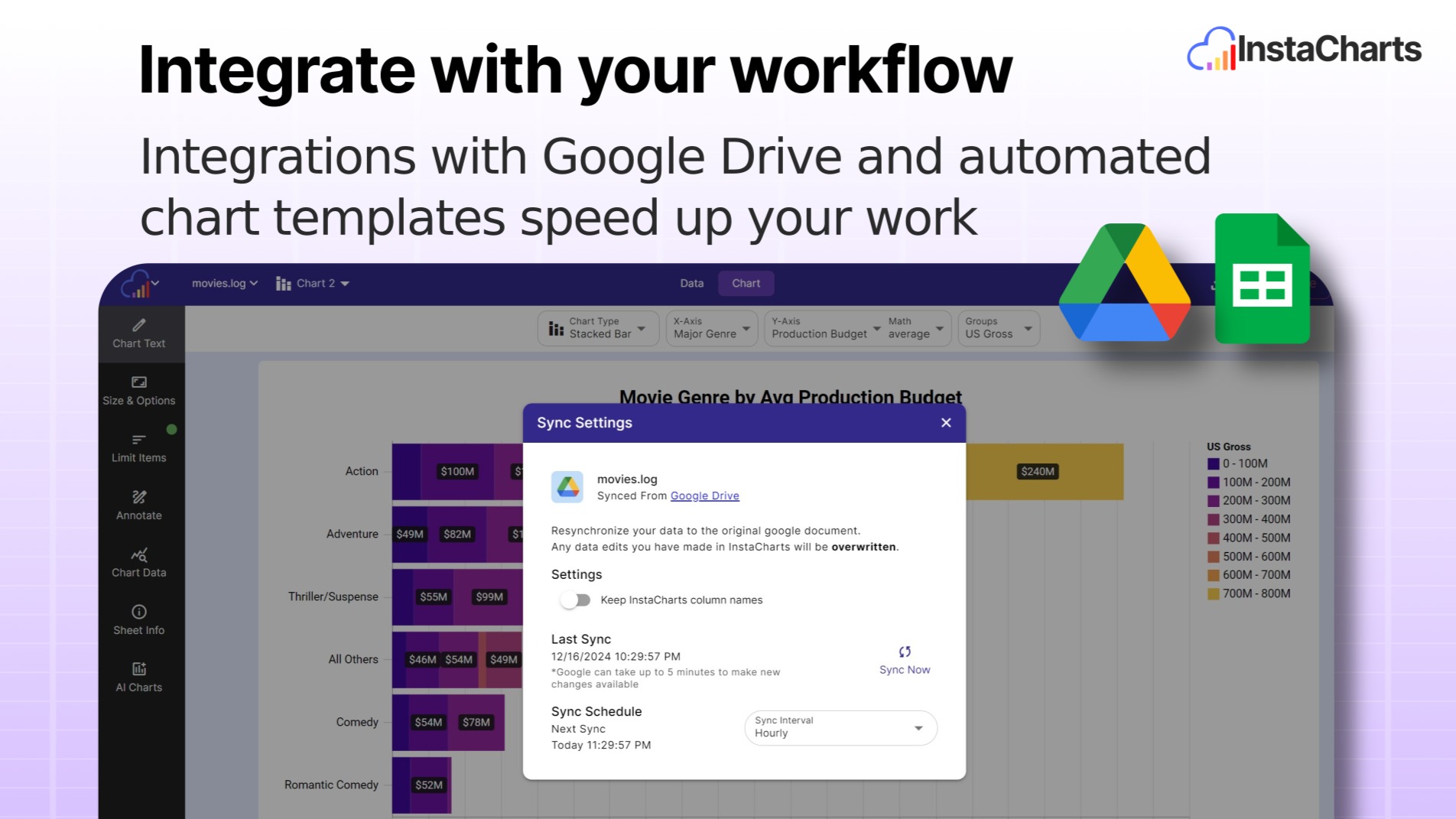
- Seamless Google Sheets and Drive integration.
- Intuitive interface ideal for non-technical users.
- Rated 4.92/5 with a 60-day money-back guarantee.
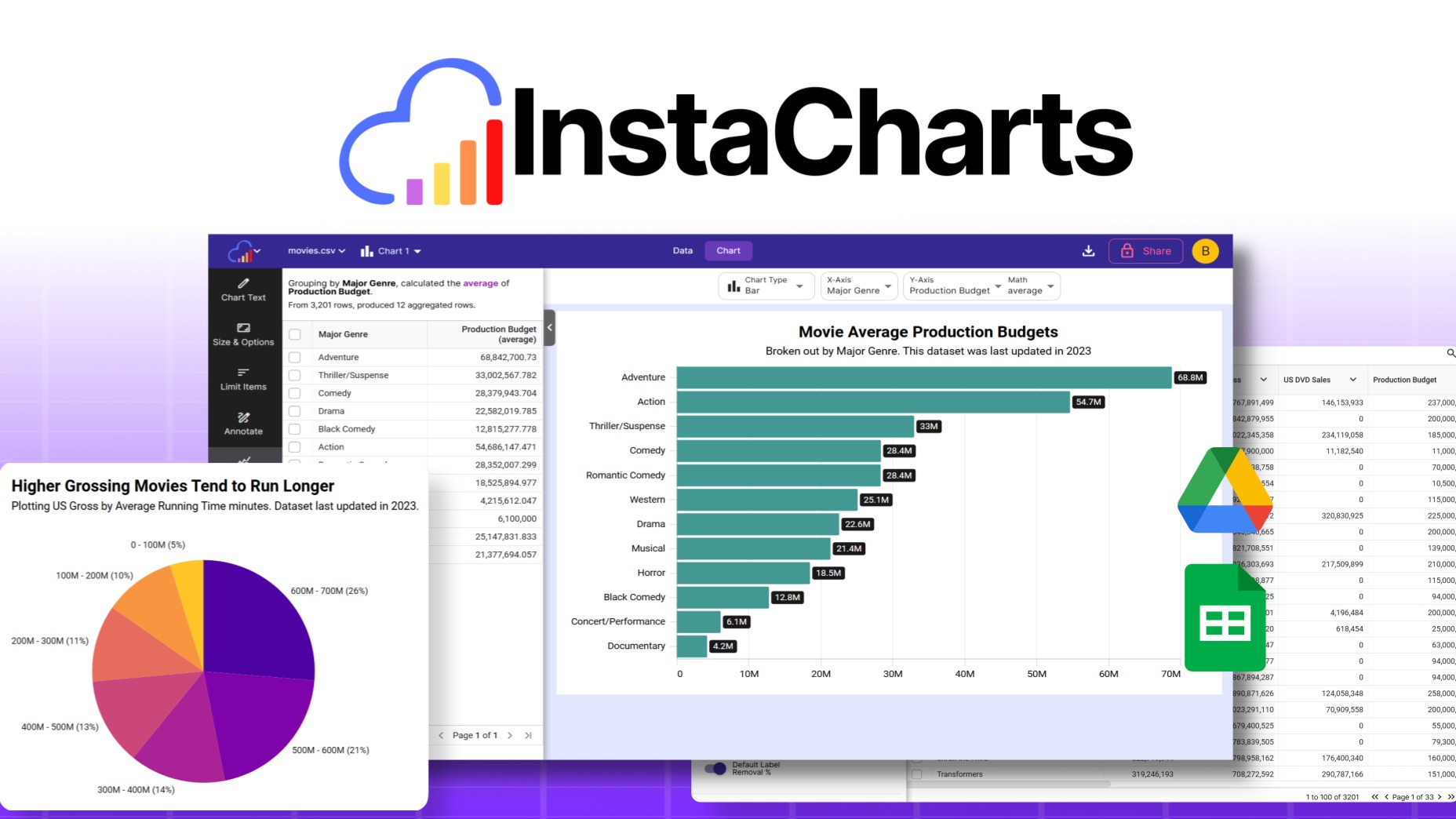
InstaCharts is a tool that allows users to instantly create, share, and embed charts from various data sources such as spreadsheet files and Google Sheets. Whether you’re a consultant, freelancer, or marketer, InstaCharts helps you explore data trends and glean valuable insights effortlessly.
With seamless integration capabilities and a high user satisfaction rating, this intuitive platform is your go-to choice for efficient data visualization and sharing. Let’s delve deeper into what InstaCharts offers.
What InstaCharts Does?
InstaCharts is crafted to transform raw data into visually engaging charts swiftly. It empowers users to create, share, and embed charts directly from spreadsheet files, JSON, Google Sheets, and more. The platform is designed with user-friendliness in mind, offering a straightforward approach to data visualization.
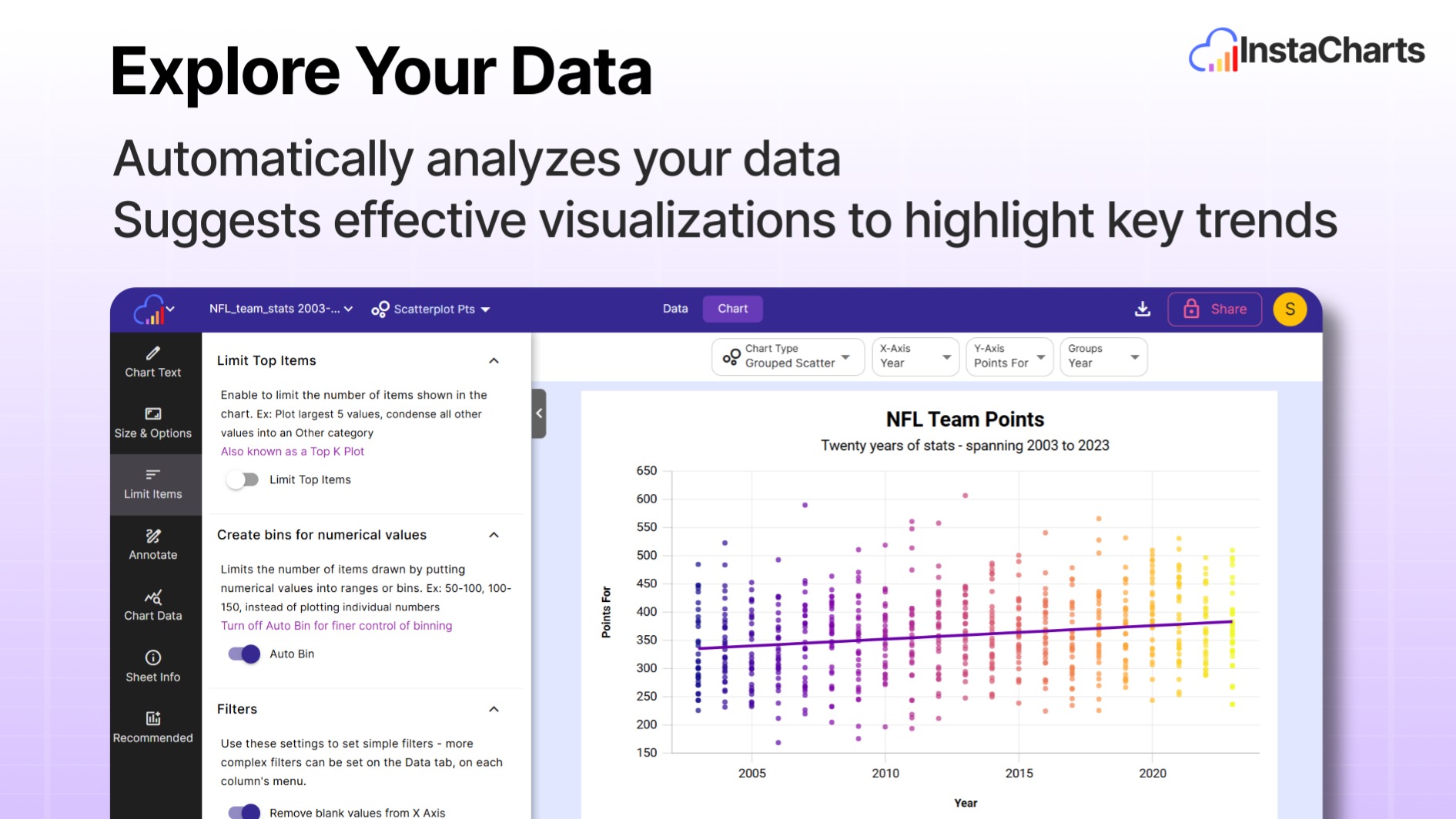
As a product tailored for consultants, freelancers, and marketers, InstaCharts facilitates the quick identification of data trends. By providing intuitive tools and features, it simplifies complex data analysis, allowing you to focus on interpreting the insights rather than getting bogged down in data processing.
Moreover, the seamless integration with Google Drive and Google Sheets ensures that your data source remains consistent and easily accessible. This enables real-time updates and collaboration, making InstaCharts a reliable ally in data management and decision-making.
How to use InstaCharts?
Using InstaCharts is straightforward and requires minimal technical expertise. Follow these steps to get started:
- Import your data from Google Sheets or upload spreadsheet files directly to InstaCharts.
- Select the chart type that best fits your data visualization needs.
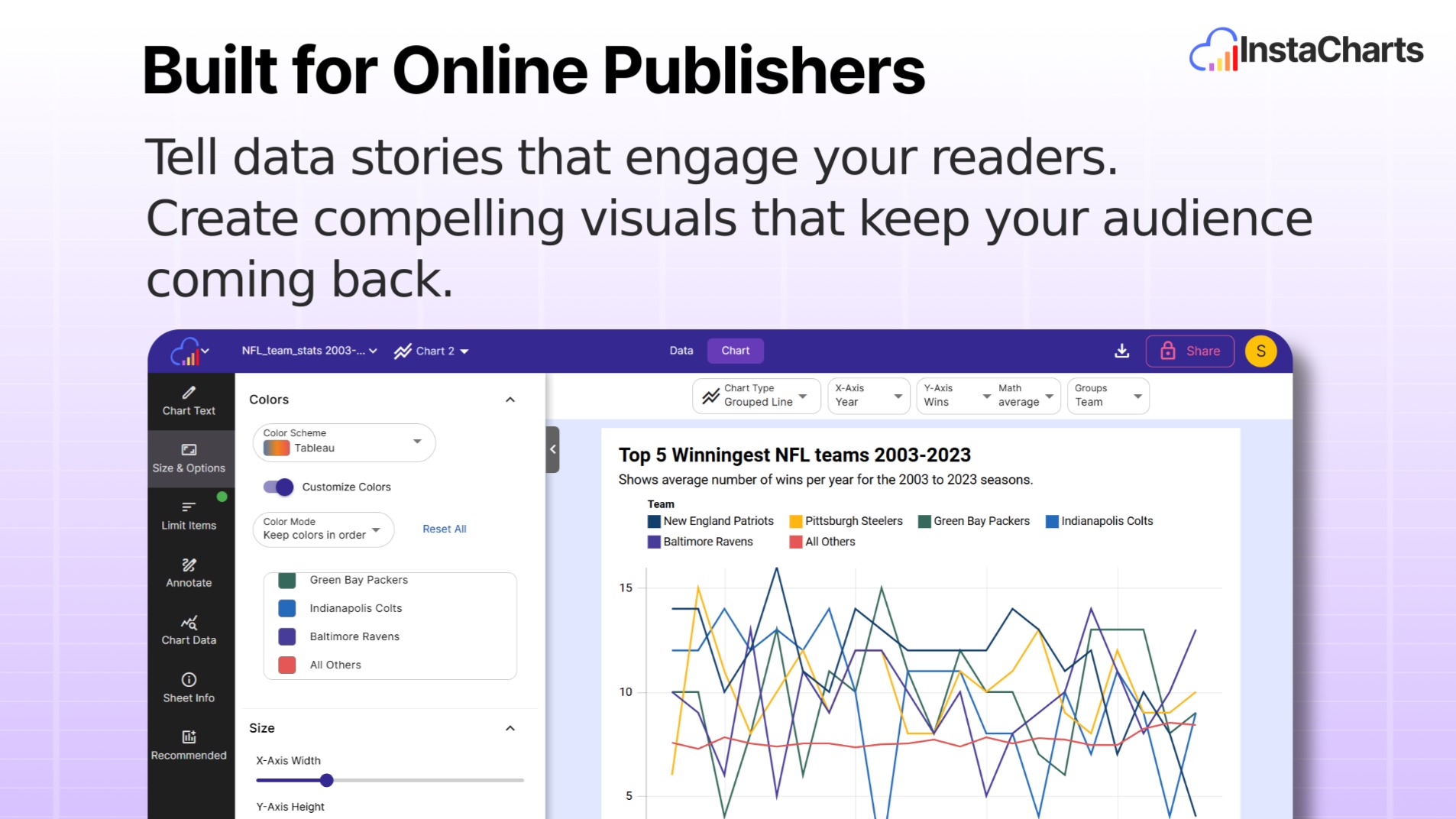
- Customize your chart’s appearance with available design tools.
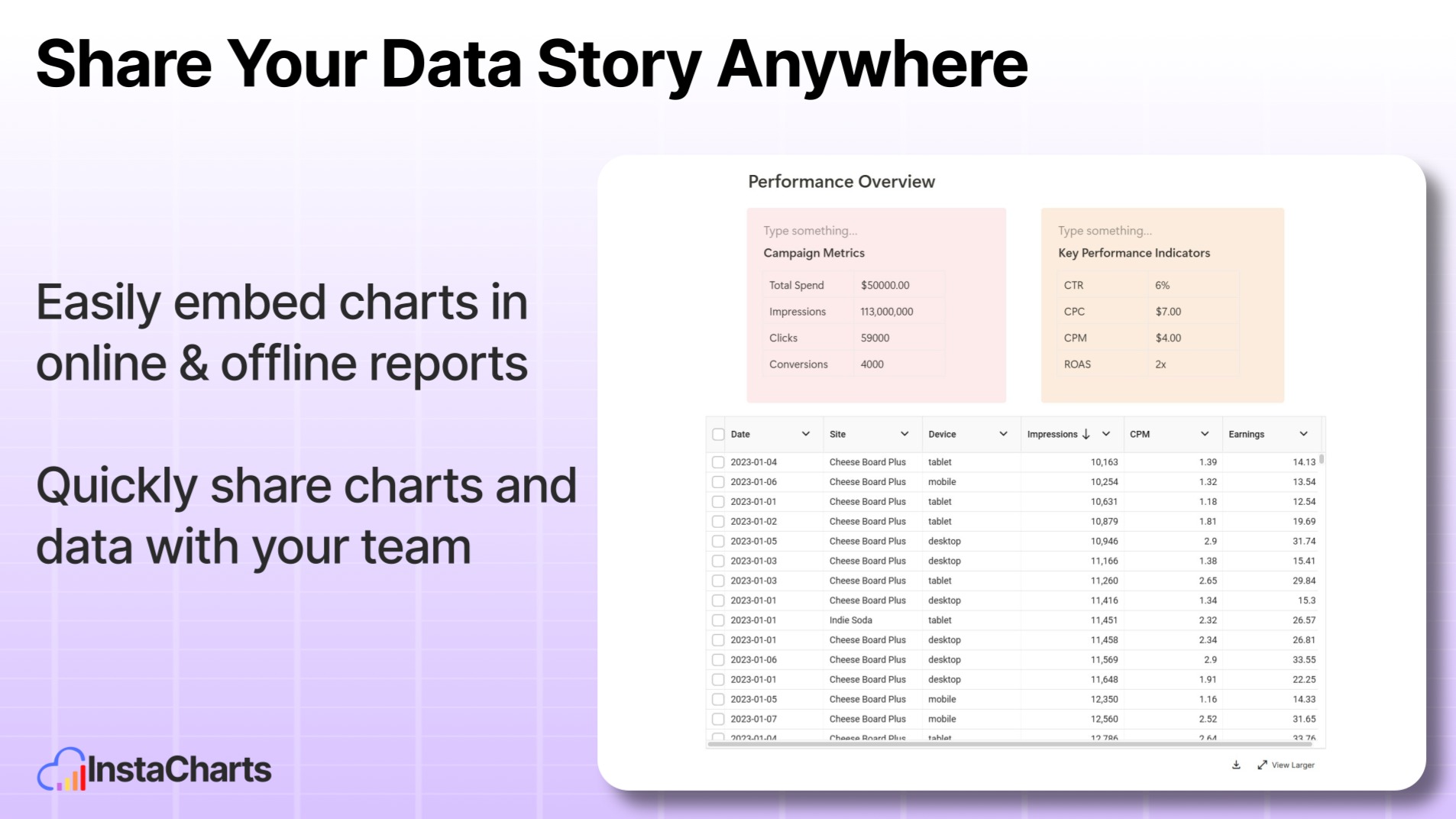
- Share your chart via a unique link or embed it on your website or presentations.
- Utilize real-time collaboration features for team-based projects.
Key Differentiators
InstaCharts distinguishes itself through its intuitive interface and seamless integrations. Unlike many complex chart generators, InstaCharts offers a user-friendly experience that requires no extensive training or onboarding. Its ability to effortlessly integrate with Google Drive and Google Sheets streamlines the data input process, saving users time and reducing complexity.
Furthermore, InstaCharts supports immediate sharing and embedding of charts, making it an ideal tool for professionals who need to present data swiftly and effectively. This ease of use, combined with the platform’s active development and support team, positions InstaCharts as a standout choice for efficient data visualization.
Pros and Cons
Pros
- Seamless integration with Google Sheets and Google Drive
- Intuitive interface that requires no technical expertise
- Instant sharing and embedding capabilities
- Affordable pricing with lifetime access
- Active engagement from the development team
Cons
- Limited advanced BI tool components
- Some users desire more onboarding tutorials
In balancing these aspects, InstaCharts emerges as a potent tool for those needing fast and effective data visualization, despite a few areas for enhancement.
Who Is It For?
InstaCharts caters to professionals who often engage with data analysis and presentation. Ideal for consultants, freelancers, and marketers, it’s particularly beneficial for individuals or teams needing to generate and share data insights quickly.
Its intuitive design minimizes the learning curve, empowering users to focus on interpreting data trends and making informed decisions. Whether you’re preparing a report for a client or making strategic marketing presentations, InstaCharts streamlines the data visualization process, improving overall efficiency.
Product images
Is it worth it?
Is InstaCharts worth it? Absolutely, for those seeking an efficient and user-friendly data visualization tool. With an impressive 76% discount, down to $29, it offers exceptional value for money. Its intuitive integration with Google services and ease of use make it particularly beneficial for consultants, freelancers, and marketers.
In conclusion, InstaCharts is a smart investment for anyone needing to generate and share data insights swiftly. The lifetime access ensures you get the most out of this powerful tool.

About the company
Compared to alternatives
| Feature | InstaCharts | Competitor 1 | Competitor 2 |
|---|---|---|---|
| Google Sheets Integration | Yes | Limited | Yes |
| Real-time Collaboration | Included | Not available | Available |
| Cost | $29 (Lifetime) | $20/month | $15/month |
| Ease of Use | High | Moderate | High |
* Based on publicly available information.
What users are saying
What users like
Users appreciate InstaCharts for its intuitive design and ease of use. Many highlight the platform’s seamless Google Sheets integration and the straightforward sharing capabilities. The founder’s active engagement and support further enhance the user experience, earning the platform high praise.
Common concerns
Some users express a desire for more advanced BI tool components and onboarding tutorials. Despite these minor requests, the overall user feedback remains overwhelmingly positive, emphasizing the platform’s effectiveness for quick data visualization tasks.
FAQ
How does InstaCharts integrate with Google Sheets?
InstaCharts allows seamless importing of data from Google Sheets, facilitating real-time updates and easy collaboration.
Is there a money-back guarantee available?
Yes, InstaCharts offers a 60-day money-back guarantee to ensure customer satisfaction.
What support is available for new users?
The InstaCharts team provides active support and development feedback, with extra resources to assist new users.
Can I embed charts on my website?
Yes, InstaCharts offers embedding features that allow you to include charts on websites easily.
What happens when future updates are released?
All users with lifetime access will receive updates as part of the Solo Plan.
Deal Terms
- Lifetime access to InstaCharts
- Redeem your code(s) within 60 days of purchase
- All future Solo Plan updates included
- Option to stack up to 2 codes
Related products

Letterly: Turn Speech to Perfect Text
Letterly is a versatile tool that turns any speech into the perfect text you need. With its cross-device capabilities, you can dictate...

Amical: Speech-to-Text Across Apps
Amical is an intuitive AI-driven tool that dictates text in your favorite apps. With support for over 100 languages, it turns your...

AI Context Flow: Universal Memory Bank
AI Context Flow is a transformative tool that empowers users to carry context across various AI platforms seamlessly. Designed for freelancers, marketing...