Internal Linking Related Contents: Boost SEO Fast
Quick summary
- Automatically links related content for improved SEO.
- Customizable templates adapt to any website design.
- Lifetime access with a 75% discount.
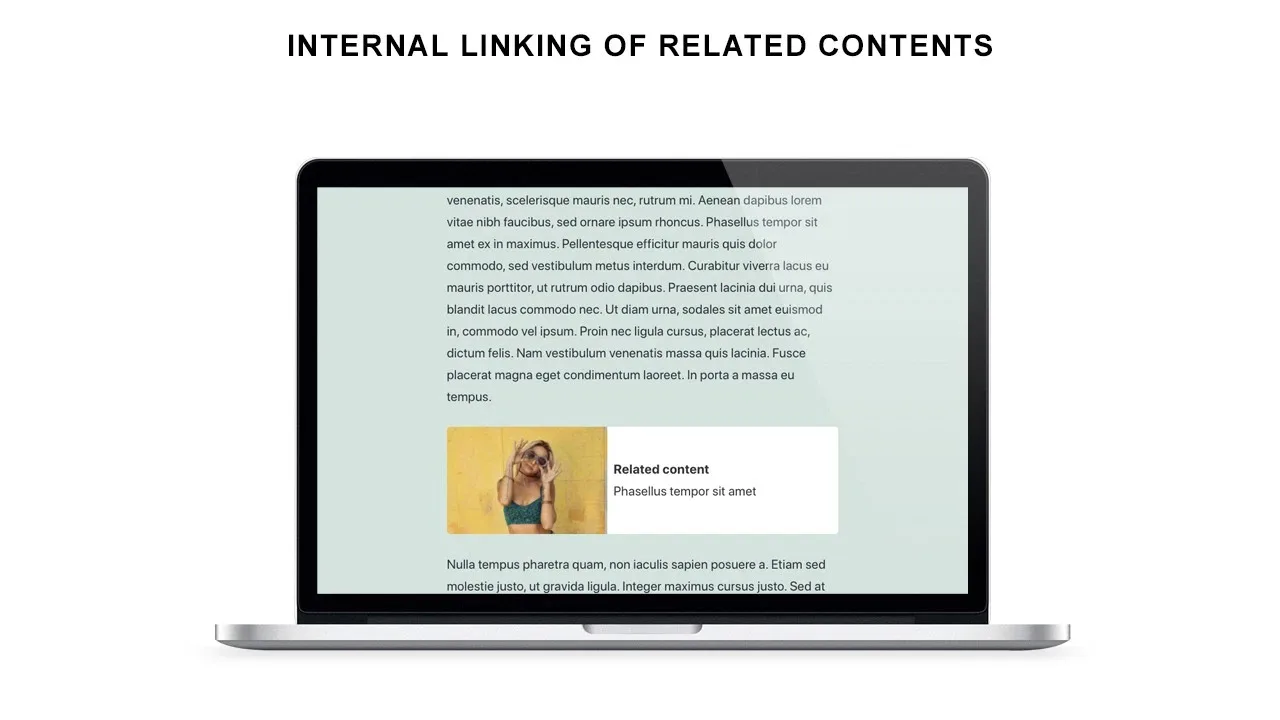
Internal Linking Related Contents is a tool that automatically links related posts to enhance your website’s SEO and engage users with relevant information. With the growing importance of SEO in digital marketing, this tool provides a seamless way to increase traffic and improve user engagement on your website. By connecting related posts effortlessly, it ensures readers stay longer on your site, exploring more content that’s important to them.
For bloggers, authors, and content creators looking to optimize their web content, Internal Linking Related Contents offers a streamlined solution. You can easily integrate it with WordPress and WooCommerce, making it a versatile choice for various digital platforms.
What Internal Linking Related Contents Does?
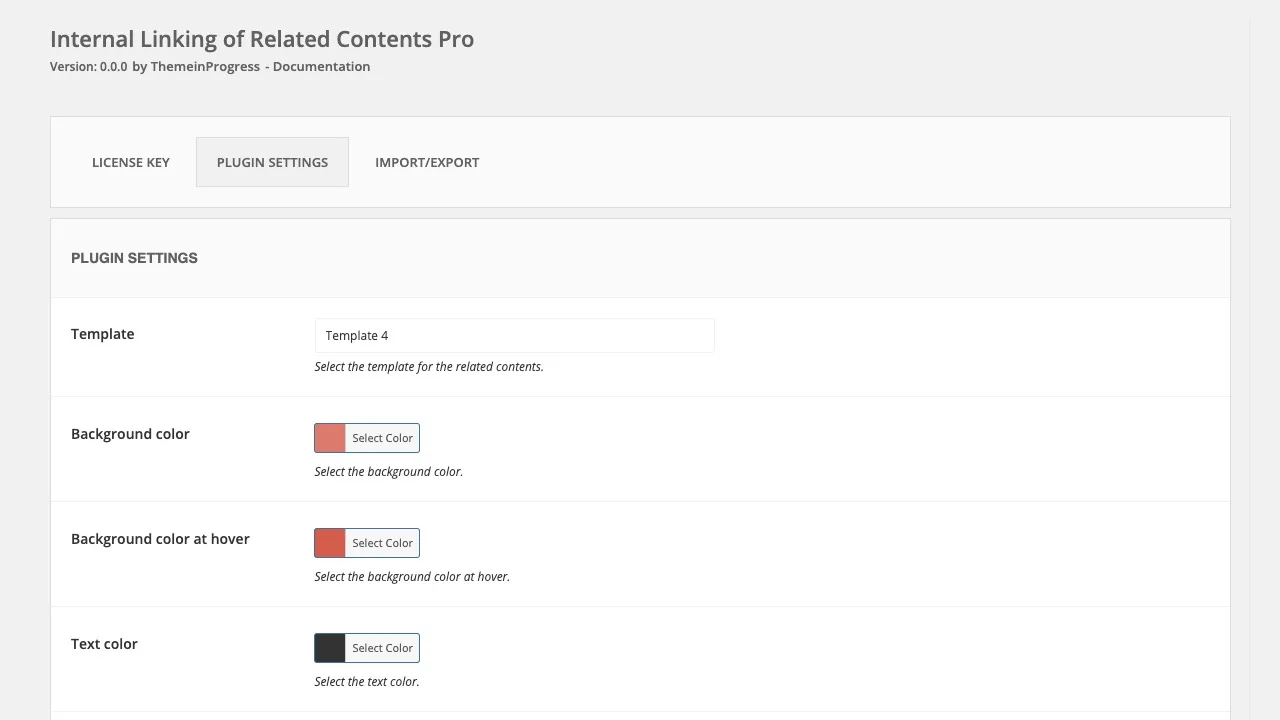
Internal Linking Related Contents is a powerful tool designed to enhance your website’s SEO by automatically linking related content. This tool uses post categories and tags to identify and connect relevant posts, leading to better search engine indexing and user engagement. With seven different customizable templates, you can tailor the appearance of these links to match your site’s design, ensuring they integrate seamlessly without disrupting the visual experience.
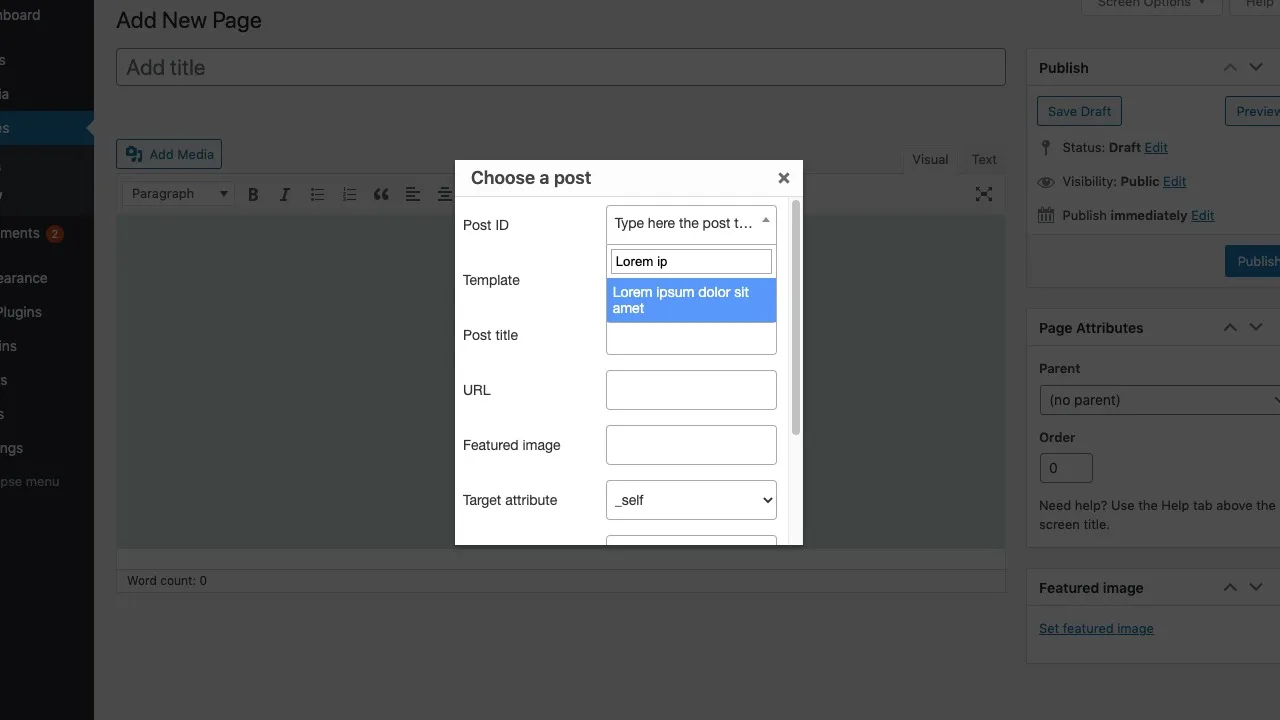
The functionality doesn’t stop at just linking posts. You have the option to exclude certain categories, tags, or specific posts from being linked, giving you full control over your site’s internal linking strategy. Whether you’re managing a personal blog or an e-commerce platform, this tool adapts to your needs, helping to distribute page authority and improve navigation for your audience.
How to use Internal Linking Related Contents?
Using Internal Linking Related Contents is straightforward and can be integrated into your current content strategy with ease.
- Install and activate the plugin on your WordPress site.
- Configure settings to suit your linking preferences, like selecting categories and tags.
- Choose and customize a template for displaying related content.
- Specify any content or tags to exclude if necessary.
- Save changes and let the tool automatically link relevant posts for you.
Key Differentiators
Internal Linking Related Contents stands out from the competition by providing lifetime access with one-time payment, making it an economical choice for long-term digital strategies. The ability to deploy across unlimited websites means it’s an all-in-one solution for agencies or multi-site owners seeking to enhance their SEO effectiveness.
Additionally, the feature to customize which devices display related content allows you to tailor user experiences based on platform-specific behaviors. This level of customization ensures higher engagement rates and a more personalized approach to content browsing for your audience.
Pros and Cons
Pros
- Automatically improves SEO with internal linking.
- Customizable through multiple templates.
- Lifetime access ensures long-term value.
- Works on unlimited websites, making it scalable for businesses.
Cons
- Dashboard could be more user-friendly for beginners.
- Advanced features may be lacking for some power users.
While the interface might not meet all users’ expectations and some advanced options are missing, Internal Linking Related Contents remains an efficient tool with strong foundational features for improving SEO capabilities.
Who Is It For?
This tool is perfect for bloggers and content creators who aim to improve their website’s search engine ranking by optimizing the internal link structure. It’s also ideal for authors who manage multiple publications and need a systematic approach to linking content effortlessly.
Businesses using WordPress as their site platform will benefit from its seamless integration. Additionally, digital marketers and SEO professionals looking to maximize client engagement through strategic link placement will find this tool highly useful.
Product images

Is it worth it?
Is it worth it? For those looking to enhance their website’s SEO efficiently, Internal Linking Related Contents offers substantial value. Its integration with WordPress and ability to customize the linking criteria make it a versatile option, especially for bloggers and digital marketers. At just $49, which is a significant saving from the original $199, it’s a cost-effective solution that promises long-term benefits. With these features and pricing, it’s a smart investment for content creators seeking to maximize their site’s SEO potential.

Compared to alternatives
| Feature | Internal Linking Related Contents | [Competitor 1] | [Competitor 2] |
|---|---|---|---|
| Automatic Internal Linking | Yes | Yes | No |
| Customizable Templates | Yes | No | Yes |
| Unlimited Website Usage | Yes | No | Yes |
| Device-specific Display | Yes | No | Yes |
* Based on publicly available information.
What users are saying
What users like
Users report that the automated linking feature is highly effective, streamlining their SEO efforts significantly. Most reviewers highlight the ease of use once set up and the customizable templates that integrate well with different site designs. Additionally, the responsive customer support has been appreciated.
Common concerns
Some mention that while the tool functions well, the dashboard interface could be more intuitive, which would aid users who are not as tech-savvy. A few also express the desire for additional advanced features that could expand its current capabilities.
FAQ
How do I install Internal Linking Related Contents?
You can install it by downloading and activating the plugin via your WordPress dashboard.
Can I customize which posts are linked?
Yes, you have the option to exclude specific categories, tags, or posts.
Is the tool compatible with WooCommerce?
Yes, it seamlessly integrates with WooCommerce, enhancing e-commerce sites.
What if I need a refund?
There is a 60-day money-back guarantee, allowing you to request a refund if not satisfied.
Are updates included?
All future updates are included with your lifetime access purchase.
Deal Terms
- Lifetime access to Internal Linking Related Contents
- You must redeem your code within 60 days of purchase
- All future plan updates
- This deal is not stackable
Related products
CrawlWP: Instant SEO Boost
CrawlWP is a WordPress plugin that boosts your SEO by instantly indexing your content. With seamless integration into Google Search Console, this...
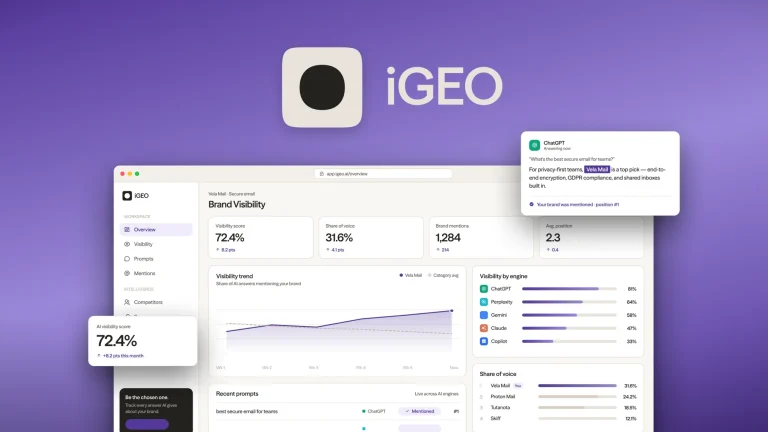
iGEO: Boost AI Search Visibility
iGEO is your strategic tool for enhancing AI search visibility by monitoring mentions and optimizing content. Marketers, agencies, and SaaS platforms can...
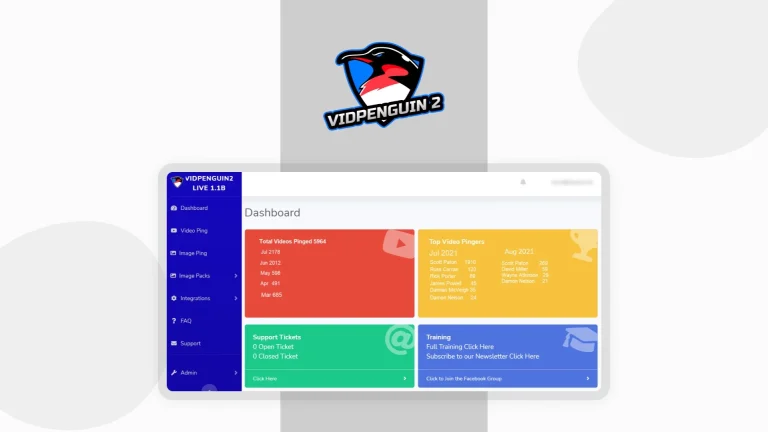
VidPenguin2: Boost Video Rankings
VidPenguin2 is a powerful video ranking software designed to help your videos reach the top of Google SERPs. Perfect for content creators...