Motionvid AI: Turn Prompts to Graphics
Quick summary
- Create motion graphics from simple text prompts.
- Export content ready for various digital platforms.
- Access a wide range of customizable templates.
- Intuitive interface suitable for all user levels.
Motionvid AI is a powerful tool that transforms your text prompts into vibrant motion graphics. Ideal for content creators, this software simplifies the process of creating visual content like map animations and explainer videos. With its intuitive design, Motionvid AI enables high-quality output even for beginners.
Utilizing artificial intelligence, it offers a diverse array of templates and integrations with popular platforms, making it an essential tool for YouTubers and social media marketers. Whether you’re crafting a one-page infographic or a detailed video asset, Motionvid AI provides the capabilities you need for professional results.
What Motionvid AI Does?
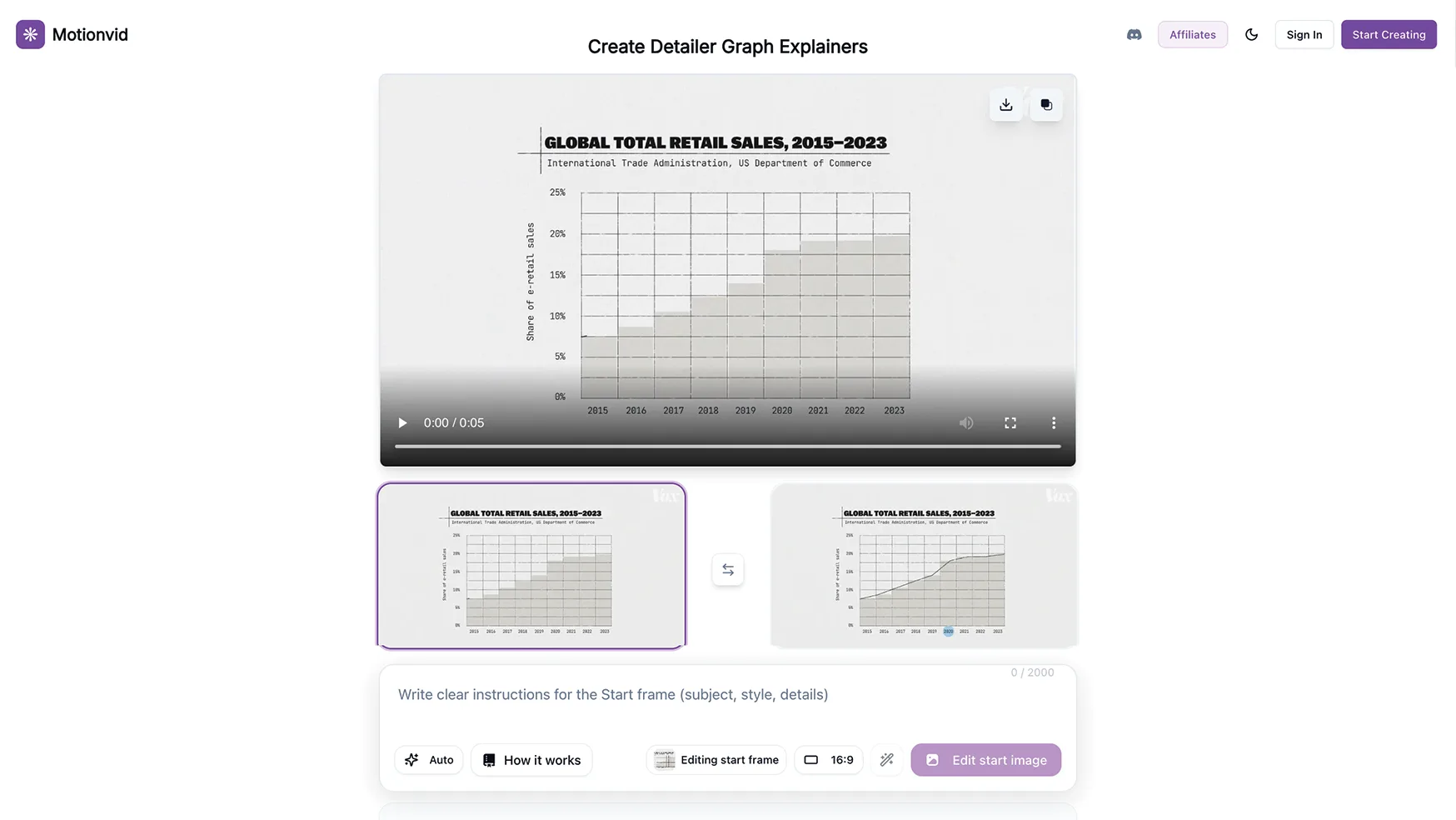
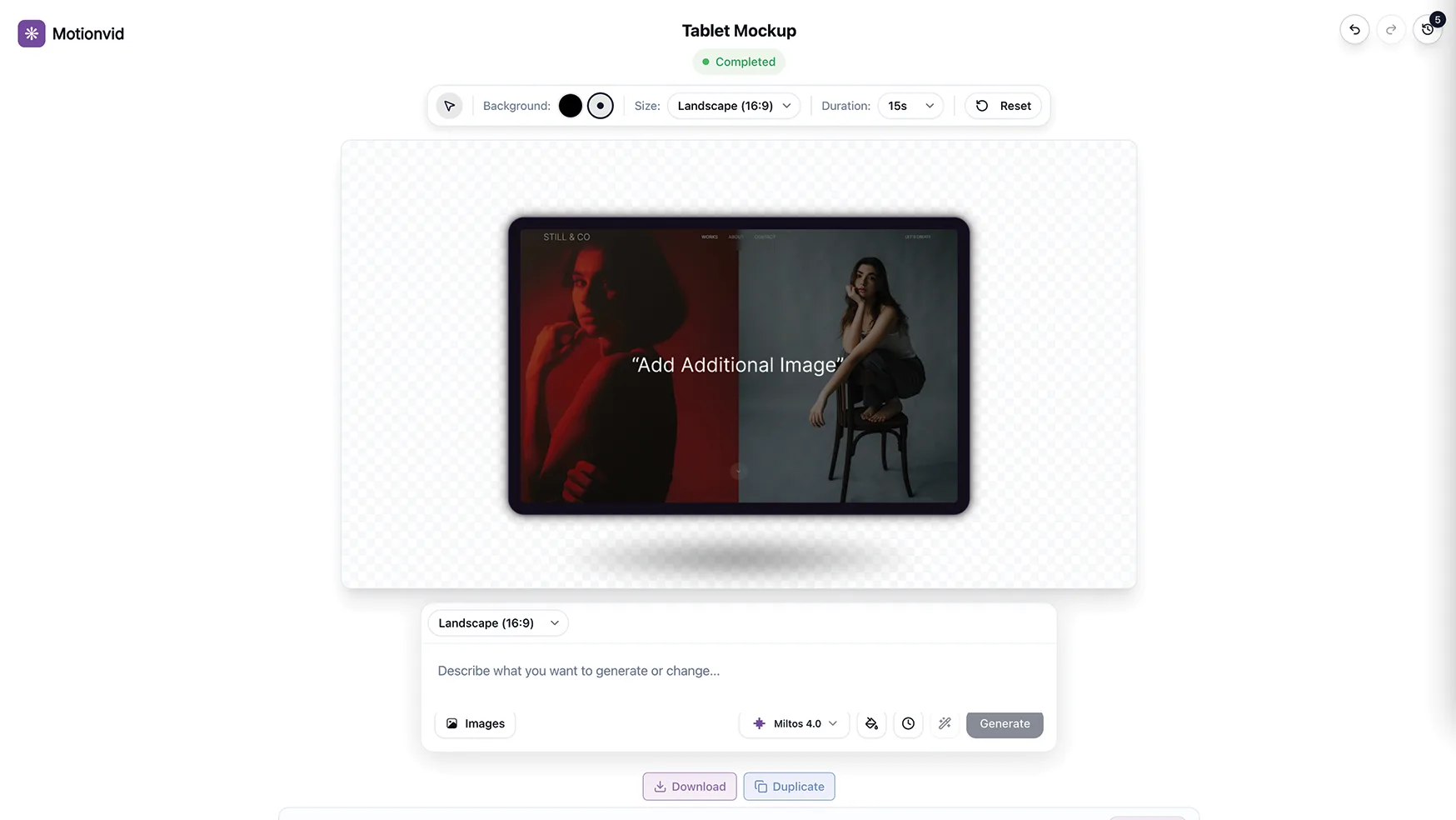
Motionvid AI enables users to generate motion graphics, map animations, and explainer videos from simple text prompts. The software leverages advanced AI technology to create professional-grade animations, all from the ease of a user-friendly interface. Users can effortlessly transform their ideas into high-impact visuals without needing extensive technical skills.
This tool is particularly beneficial for creating social media content and digital marketing assets. With ready-to-use templates, Motionvid AI offers a streamlined solution for producing AI images and engaging infographics, which are easily exportable for various digital platforms.
How to use Motionvid AI?
Using Motionvid AI is straightforward and efficient. Here’s how you can start:
- Choose a template that suits your project needs.
- Enter your text prompt to guide the AI in generating content.
- Preview and adjust the generated graphics or videos as needed.
- Export your design for use in marketing campaigns, social media, or presentations.
Key Differentiators
Motionvid AI distinguishes itself from competitors like Adobe Animate and Synthesia through its simplicity and efficiency. While Adobe Animate requires significant learning investment, Motionvid AI offers a more accessible entry point without compromising on quality.
Unlike Synthesia, which is more focused on synthetic video creation, Motionvid AI provides a comprehensive approach to visual content creation, including map animations and infographics. Furthermore, its integration capabilities with platforms like Instagram and Sketch enhance its utility for marketers and content creators.
Pros and Cons
Pros
- Intuitive interface that’s easy to navigate.
- Wide range of ready-to-use templates.
- High-quality output comparable to industry standards.
Cons
- Potential high credit usage depending on usage intensity.
- Occasional minor bugs experienced by users.
While Motionvid AI has minor limitations, its benefits significantly outweigh these drawbacks, making it a worthwhile investment for most users.
Who Is It For?
Motionvid AI is designed for content creators, social media marketers, and YouTubers looking to enhance their visual content. Its easy-to-use interface and powerful AI make it perfect for professionals who require rapid, high-quality graphics and animations.
Whether you’re a solo digital marketer or part of a larger content team, Motionvid AI offers the tools needed to bring innovative ideas to life, streamlining the visual content creation process across multiple platforms.
Product images



At a glance
| Alternative to |
Adobe AnimateSynthesia
|
|---|---|
| Integrations |
InstagramMakeSketch
|
| Best for |
Content creatorsSocial media marketersYouTubers
|
Is it worth it?
For those seeking a versatile tool to easily craft professional-grade visuals, Motionvid AI stands out as a smart choice. Its ability to turn basic text prompts into dynamic graphics offers considerable value at a reduced cost of $49 compared to the original $499. Ideal for content creators and social media marketers, it’s tailored to boost efficiency and output quality.
Despite some minor drawbacks like credit usage, the 60-day money-back guarantee provides peace of mind. Ultimately, Motionvid AI represents excellent value for money with its comprehensive feature set and ease of use, especially for those new to motion graphics.

About DIGISELL HUB LTD
Compared to alternatives
| Feature | Motionvid AI | Adobe Animate | Synthesia |
|---|---|---|---|
| Ease of Use | High | Moderate | Moderate |
| AI Motion Graphics | Yes | No | Yes |
| Integration with Social Media | Yes | Limited | Moderate |
| Template Availability | Extensive | Moderate | Limited |
* Based on publicly available information.
What users are saying
What users like
Users report a seamless experience with Motionvid AI, highlighting its ease of use and the high quality of its output. Many are pleased with the range of tools and templates available, which make creating professional visuals straightforward and efficient.
Common concerns
Some users mention that the credit usage can be high, which may impact frequent users. Additionally, a few have noted occasional bugs, though these do not significantly detract from the overall functionality of the software.
FAQ
What integrations does Motionvid AI support?
Motionvid AI integrates with Instagram, Make, and Sketch.
Can I use Motionvid AI without previous experience?
Yes, its intuitive interface is designed for users of all experience levels.
Is there a satisfaction guarantee with my purchase?
Yes, there is a 60-day money-back guarantee available.
What happens if the Motionvid AI plan changes?
Your plan will automatically transfer to the new plan with all updates.
Who benefits most from using Motionvid AI?
Content creators, social media marketers, and YouTubers find it particularly beneficial.
Deal Terms
- Lifetime access to Motionvid
- All future Pro (Tiers 1-4) plan updates
- If the plan name linked to your deal changes, it will automatically transfer to the new plan with all updates
- This deal is only for brand-new Motionvid users—no previous accounts, trials, or paid plans with this partner
- Activate your license within 60 days—you can upgrade while the deal is live but can only downgrade within 60 days of purchase
Related products

Followr Studio: AI Avatars & Viral Videos
Followr Studio is an innovative platform designed to transform your creative ideas into AI avatars and viral short videos. With its advanced...
Animazer: Stunning Promo Videos
Animazer is a powerful tool designed to help you create stunning promotional videos with professional flair. By offering a user-friendly interface and...

Magic: Studio-Quality Videos Fast
Magic is a cutting-edge tool designed to generate studio-quality product videos and stills with ease. By simply uploading your product image, you...