NextDocs: AI-Enhanced Doc Creation
Quick summary
- Create professional docs and slides with AI.
- Get multiple content variants from a single prompt.
- Seamlessly export to PDF, PowerPoint, and more.
- Perfect for freelancers and small businesses.
NextDocs is your go-to solution for creating elegant documents and presentations with the power of AI. Whether you’re a freelancer, marketer, or a small business owner, this tool offers the simplicity and efficiency you’ve been looking for.
With a robust set of features, including multiple AI-produced variants and seamless exports to popular formats, NextDocs ensures your content is professional and polished. Read on to discover more about how this tool can transform your document creation process.
What NextDocs Does?
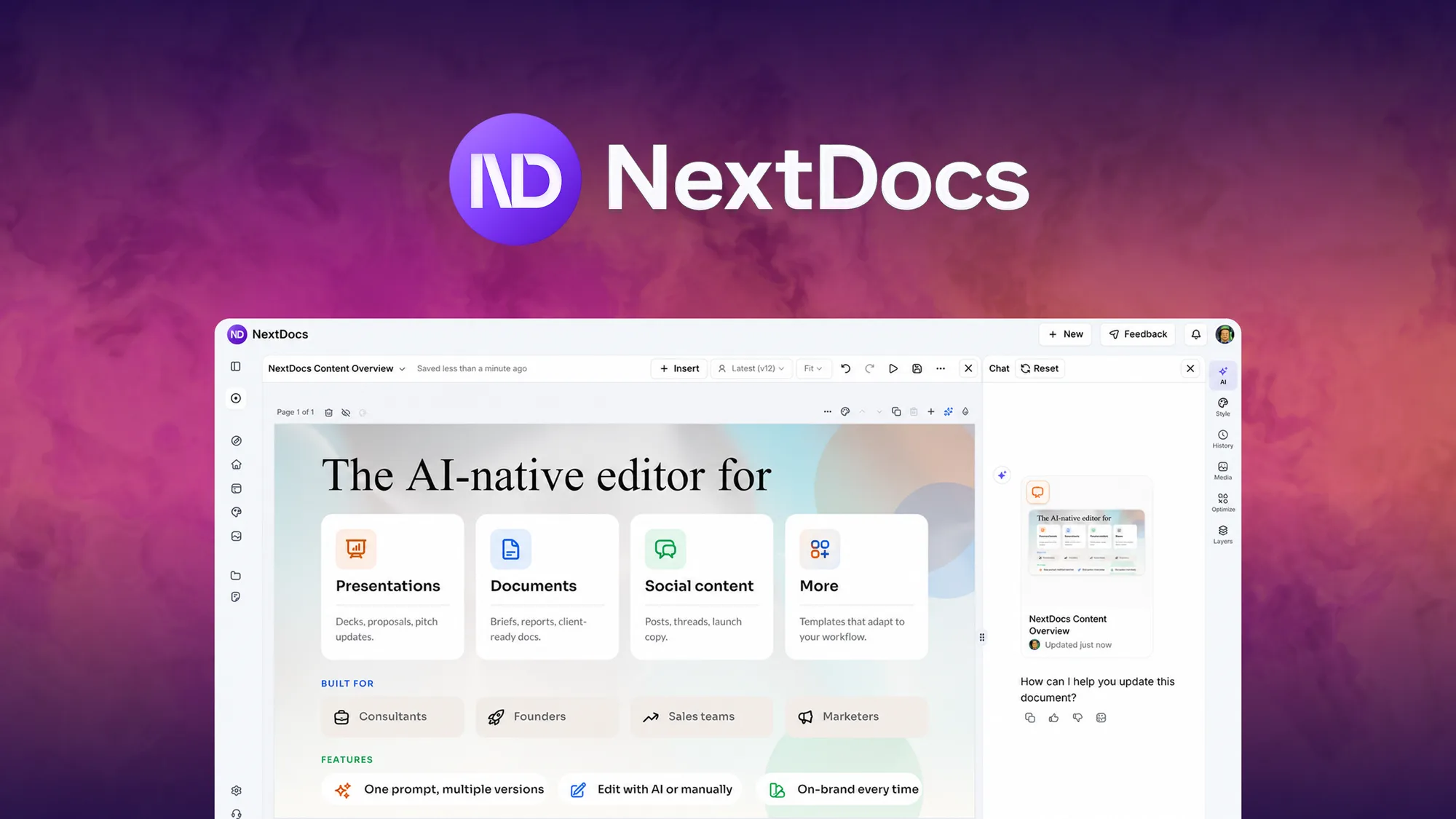
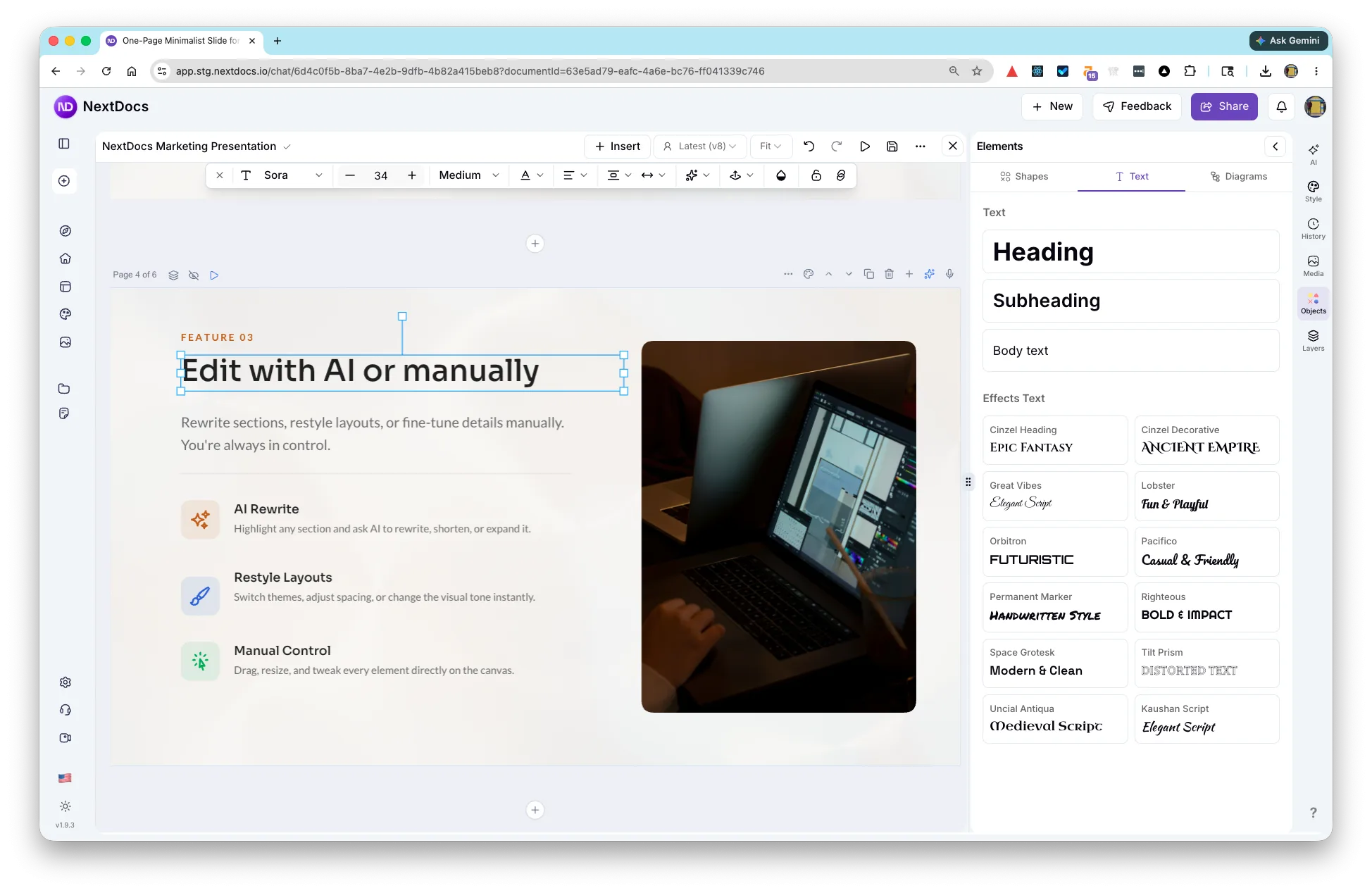
NextDocs is a versatile tool that leverages artificial intelligence to help users create polished documents, slides, and social posts. By taking advantage of AI-generated variants, users can quickly decide on the best content format and design.
Its easy integration with platforms like Google Docs, Google Slides, and Microsoft Powerpoint ensures that you can seamlessly switch between tools to enhance your workflow. The brand kit and one-click export feature further streamline the process, making document creation simple yet effective.
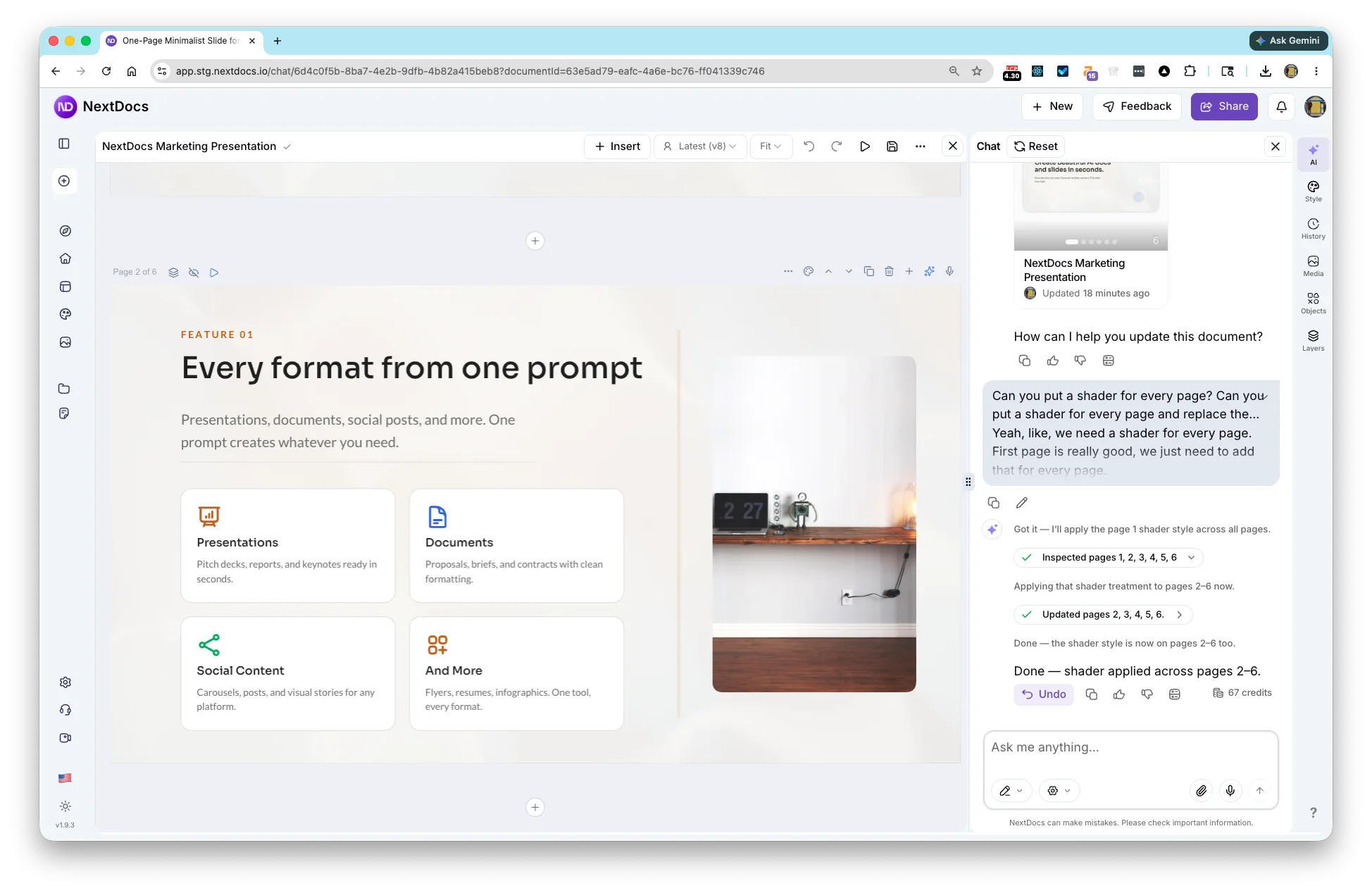
Whether you need a presentation for a client meeting or a series of social media posts, NextDocs provides multiple options tailored to your needs, all from a single prompt. This functionality saves time and ensures consistency in branding and style.
How to use NextDocs?
The process of using NextDocs is intuitive and user-friendly. Here’s how you can start:
- Log in to your NextDocs account and navigate to the dashboard.
- Select the type of document you wish to create—either a doc, slide, or social post.
- Input your content prompt, allowing the AI to generate multiple variants.
- Review the variants and select the one that best fits your needs.
- Export your final product to PDF, PowerPoint, or Google Docs with just one click.
Key Differentiators
One of NextDocs’ primary differentiators is its ability to generate multiple AI variants from a single prompt. This feature allows users to easily compare and choose the best-suited format for their specific needs, significantly enhancing efficiency.
Unlike Canva or Google Docs, NextDocs offers seamless integration with your existing tools while also providing unique features such as a brand kit and one-click exports, making it a robust choice for those seeking advanced document solutions.
Pros and Cons
Pros
- AI-powered generation of multiple content variants
- Easy integration with popular document tools
- One-click exports to various formats
- User-friendly interface for quick navigation
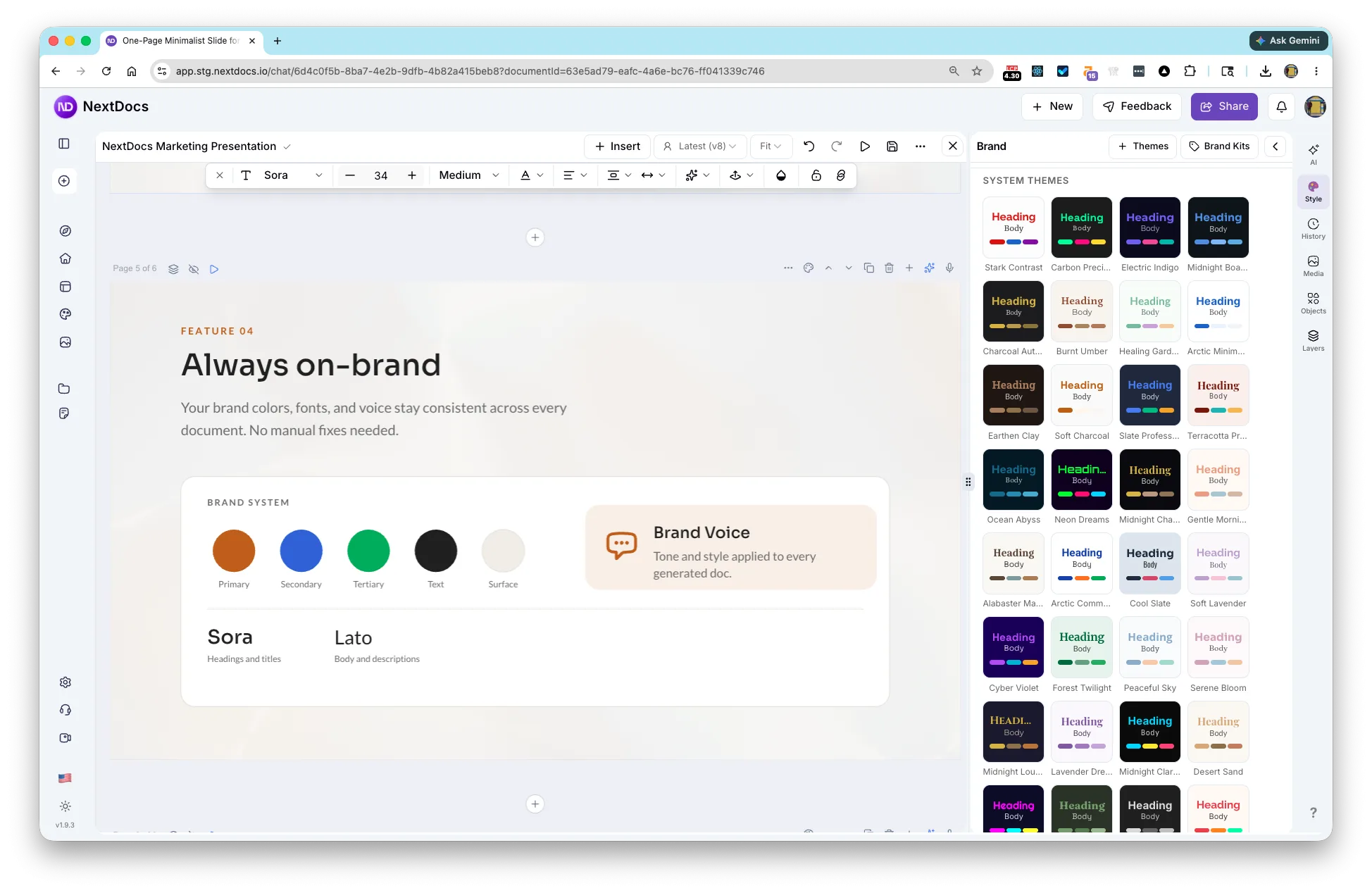
- Comprehensive brand kit for consistency
Cons
- Issues with credit usage in some cases
- Occasional reliability concerns with longer documents
Balancing these aspects, NextDocs provides a significant advantage in reducing the time and effort needed for professional document creation.
Who Is It For?
NextDocs is specifically designed for freelancers, marketers, and small businesses who frequently require expertly crafted documents and presentations. Its intuitive AI-driven process is perfect for individuals who want to focus on content quality without spending hours on formatting.
This tool is also beneficial for team collaborations, marketing campaigns, and client presentations, where consistency in brand appearance and message delivery is critical. If producing sleek, professional content quickly and efficiently is a priority for you, NextDocs is an excellent choice.
Product images

At a glance
| Alternative to |
CanvaGoogle DocsMicrosoft Powerpoint
|
|---|---|
| Integrations |
Google DocsGoogle SlidesMicrosoft Powerpoint
|
| Best for |
FreelancersMarketersSmall businesses
|
Is it worth it?
Is it worth it? If you’re looking for an efficient way to create professional documents, NextDocs offers significant value. Freelancers and marketers will benefit most from its AI capabilities, which streamline the creation process. At $64 vs original $192, it provides a competitive price while offering extensive functionality.
With features like multiple content variants, seamless exports, and a user-friendly interface, NextDocs is a smart investment for small businesses aiming to enhance their content strategy. The inclusion of a 60-day money-back guarantee further makes it worth considering for those exploring advanced document tool options.

About NextDocs
Compared to alternatives
| Feature | NextDocs | Canva | Google Docs | Microsoft Powerpoint |
|---|---|---|---|---|
| AI-Generated Variants | Yes | No | No | No |
| One-Click Export | Yes | Yes | No | Yes |
| Brand Kit | Yes | No | No | No |
| Integration with Popular Tools | Google Docs, Slides, Powerpoint | Limited | Built-in | Built-in |
* Based on publicly available information.
What users are saying
What users like
Users report that NextDocs significantly improves efficiency in document creation. Most reviewers highlight its user-friendly interface and the AI’s ability to produce polished results swiftly. Many also appreciate the valuable integration capabilities with existing tools.
Common concerns
Some mention concerns regarding credit usage and the occasional reliability issues experienced during longer document generation. Despite these minor issues, NextDocs remains a valuable tool for creating high-quality content.
FAQ
What formats can I export my documents to?
You can export your documents to PDF, PowerPoint, Google Slides, or Docs with one click.
Is there a money-back guarantee?
Yes, NextDocs offers a 60-day money-back guarantee, giving you time to explore its features risk-free.
Can I switch between plans easily?
You can upgrade or downgrade between the three license tiers within the first 60 days of purchase.
Does NextDocs integrate with my existing tools?
Yes, it integrates smoothly with Google Docs, Google Slides, and Microsoft Powerpoint.
How does the license activation work?
You must activate your license within 60 days of purchase to gain full access to NextDocs features.
Deal Terms
- Lifetime access to NextDocs
- All future Pro (Tier 1), Pro+ (Tier 2), or Business (Tier 3) Plan updates
- If Plan name changes, deal will be mapped to the new Plan name with all accompanying updates
- No codes, no stacking — just choose the plan that’s right for you
- You must activate your license within 60 days of purchase
- Ability to upgrade between 3 license tiers while the deal is available
- Ability to downgrade between 3 license tiers within 60 days of purchase
Related products
Notioly: Creative Notion-Style Illustrations
Notioly is a collection of over 400 Notion-style illustrations. Designed to enhance creative projects, Notioly features high-resolution vector images perfect for designers,...
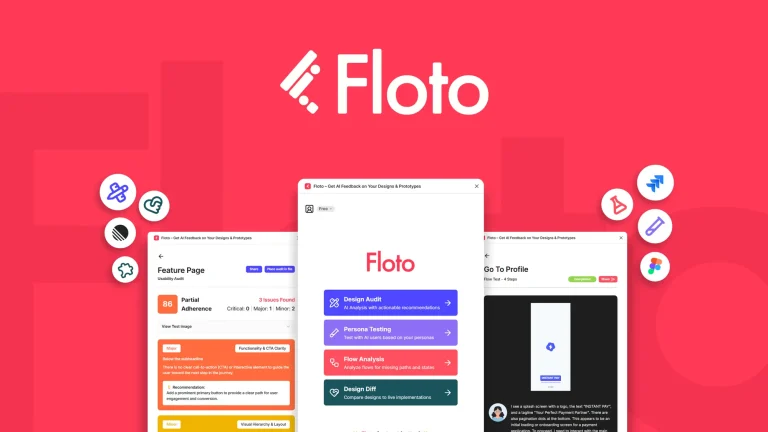
Floto.ai: Instant AI Feedback
Floto.ai is an innovative tool for providing instant AI feedback on your designs. By conducting design audits, performing persona tests, and identifying...
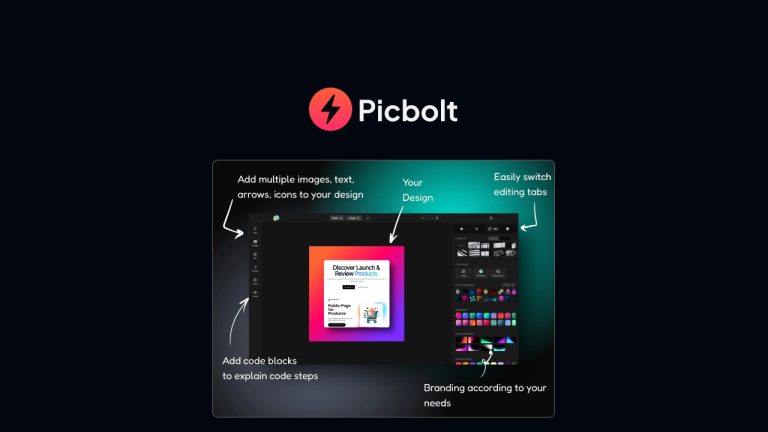
Picbolt: Eye-Catching Visuals Instantly
Picbolt is transforming your everyday screenshots into captivating visuals within seconds. Without any design skills, Picbolt allows bloggers, content creators, and small...