One Accessibility: WordPress Accessibility Plugin
Quick summary
- Enables compliance with WCAG and ADA guidelines.
- Integrates directly into WordPress, ensuring speed and security.
- Customizable widget for brand consistency.
- Includes AI accessibility checker for proactive management.
One Accessibility is a WordPress plugin designed to make your website compliant with WCAG and ADA guidelines. It offers a powerful accessibility widget that integrates seamlessly within WordPress, ensuring your site remains fast and efficient while prioritizing inclusivity. For online businesses and agencies, this tool is invaluable in broadening your audience by ensuring website accessibility for all users.
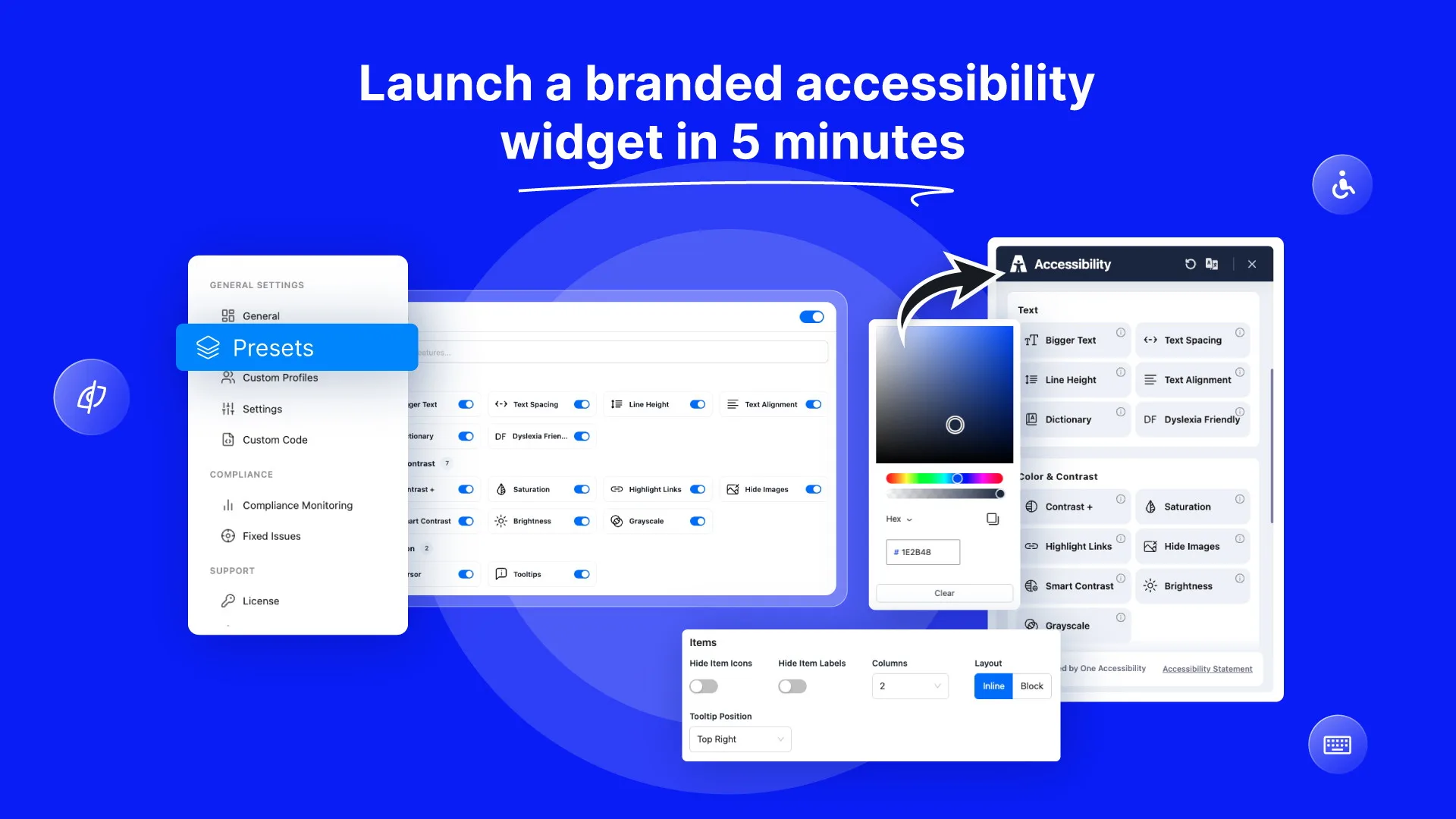
Built with webmasters and developers in mind, One Accessibility makes it effortless to launch an accessibility solution that matches your brand. In just five minutes, businesses can incorporate essential accessibility features directly into their sites without the need for expensive external overlays, ensuring that no visitor is left behind.
What One Accessibility Does?
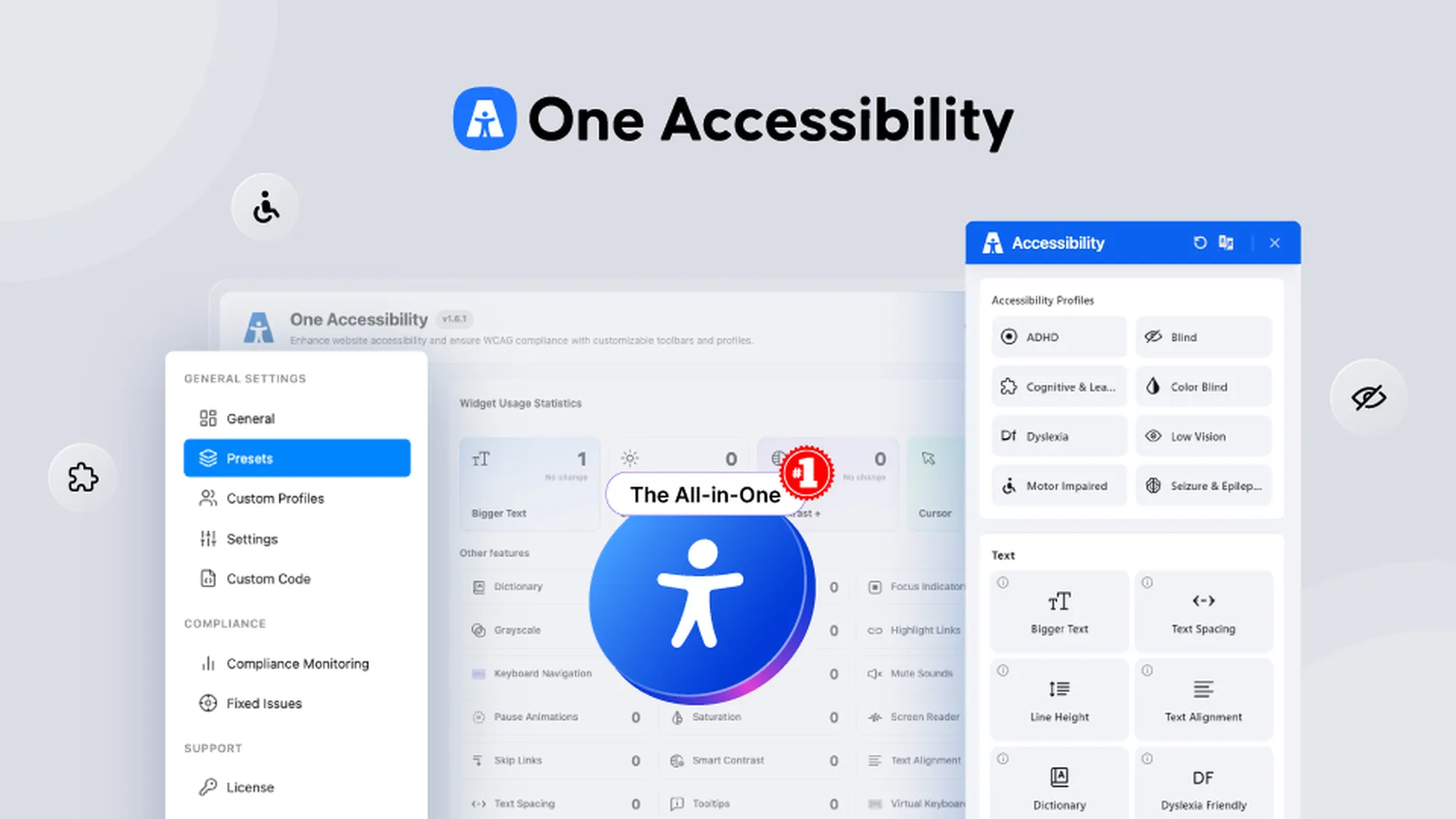
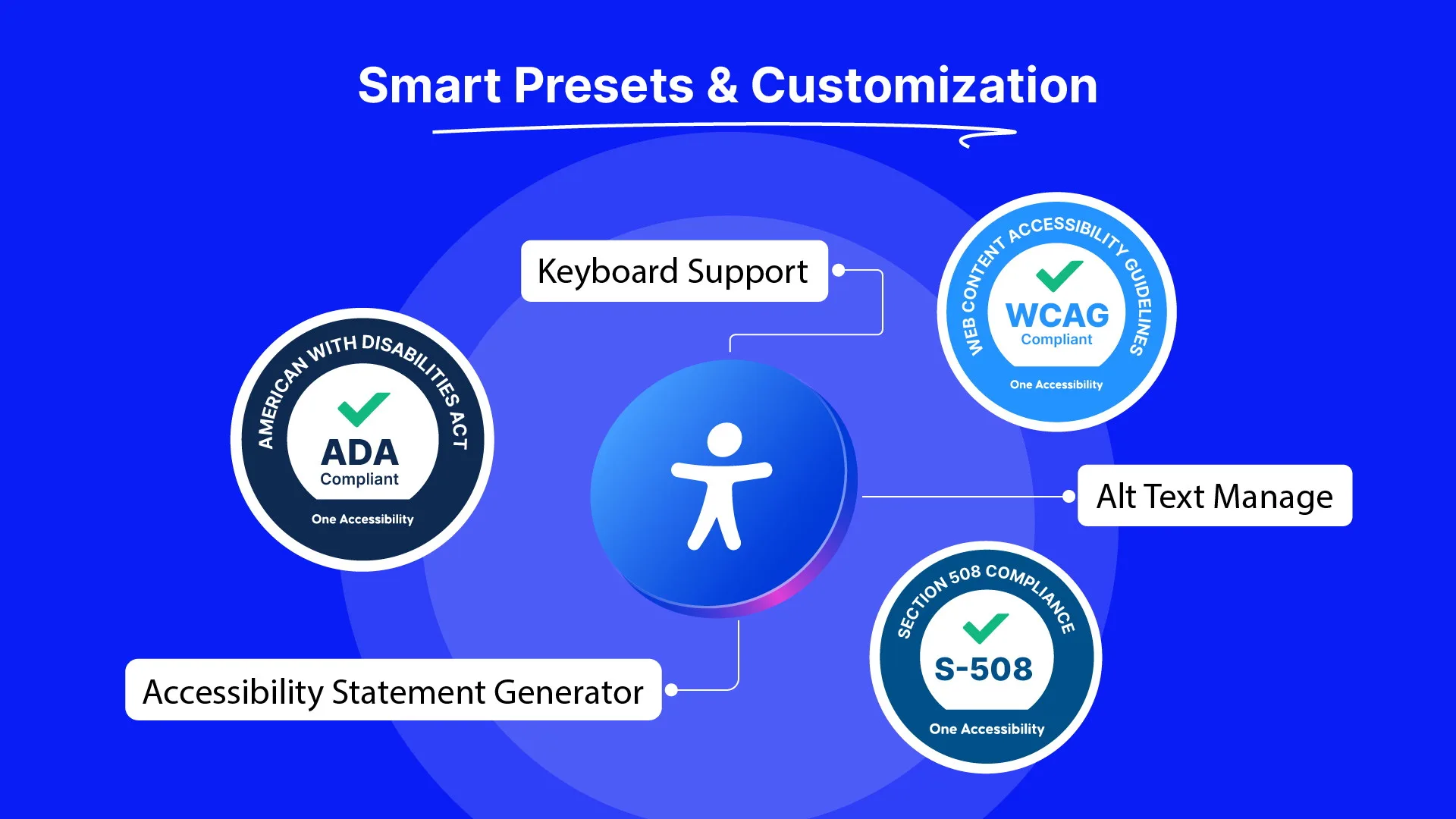
One Accessibility is a feature-rich WordPress plugin designed to enhance your website’s accessibility. The plugin supports WCAG 2.2 AA and ADA guidelines, ensuring that your site is accessible to everyone, including users with disabilities. With a customizable accessibility widget that can be tailored to fit your site’s aesthetic, One Accessibility ensures that compliance doesn’t come at the cost of style or performance.
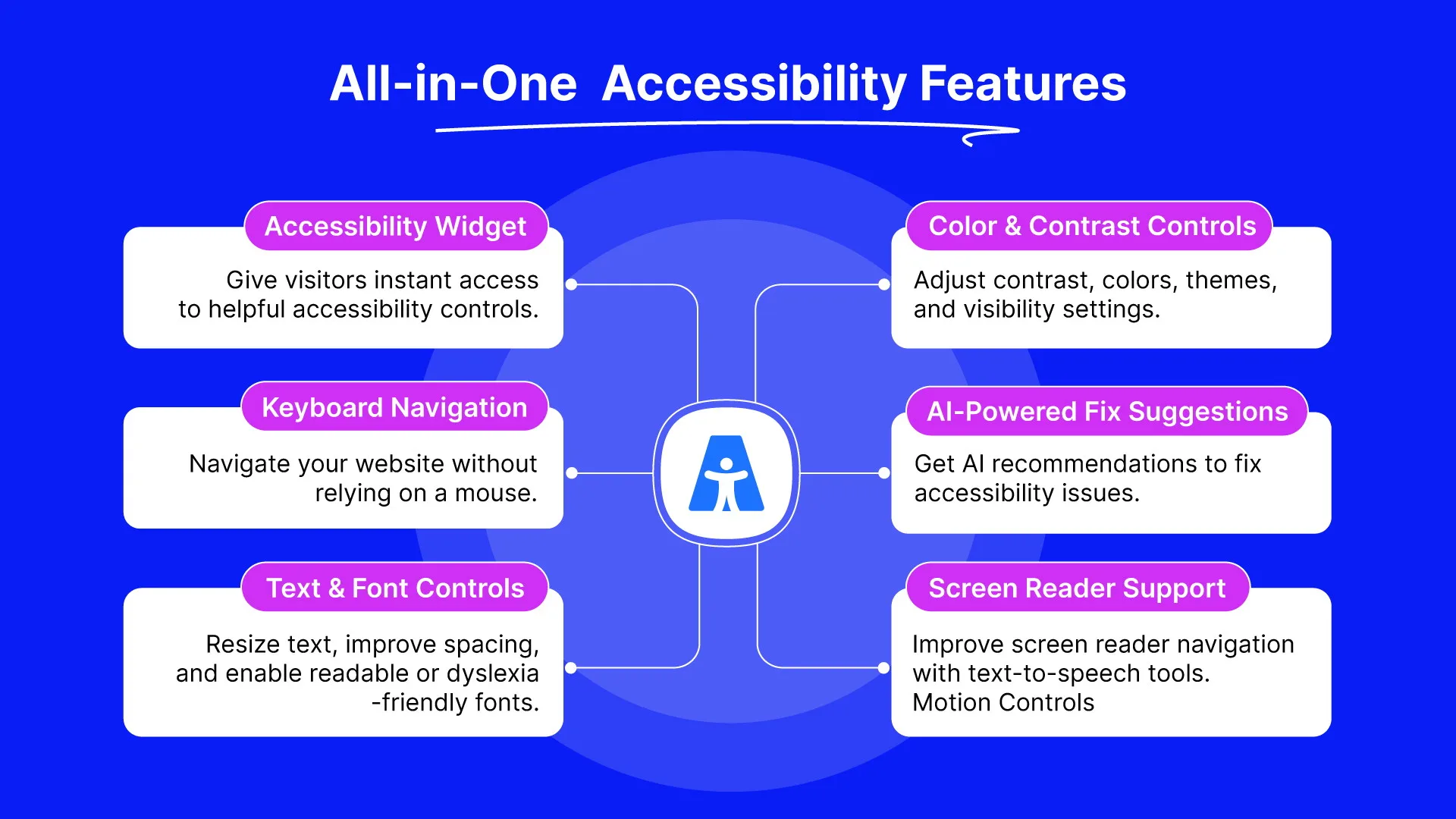
At the heart of One Accessibility are seven disability profiles, covering a broad range of accessibility needs such as vision impairments and cognitive challenges. The plugin also includes tools like text-to-speech functionality and an AI accessibility checker, which automatically scans your site to identify and address potential accessibility issues. These features work together to create a more inclusive browsing experience for all visitors, helping your site reach a wider audience.
Moreover, One Accessibility operates entirely within WordPress, eliminating the need for external scripts that can slow down your site. This internal operation not only enhances your site’s speed but also ensures sensitive data remains within your control, maintaining both user privacy and performance.
How to use One Accessibility?
Implementing One Accessibility on your WordPress site is straightforward. Here’s how you can get started:
- Install the One Accessibility plugin directly from your WordPress dashboard.
- Activate the plugin and access the settings panel to configure your accessibility options.
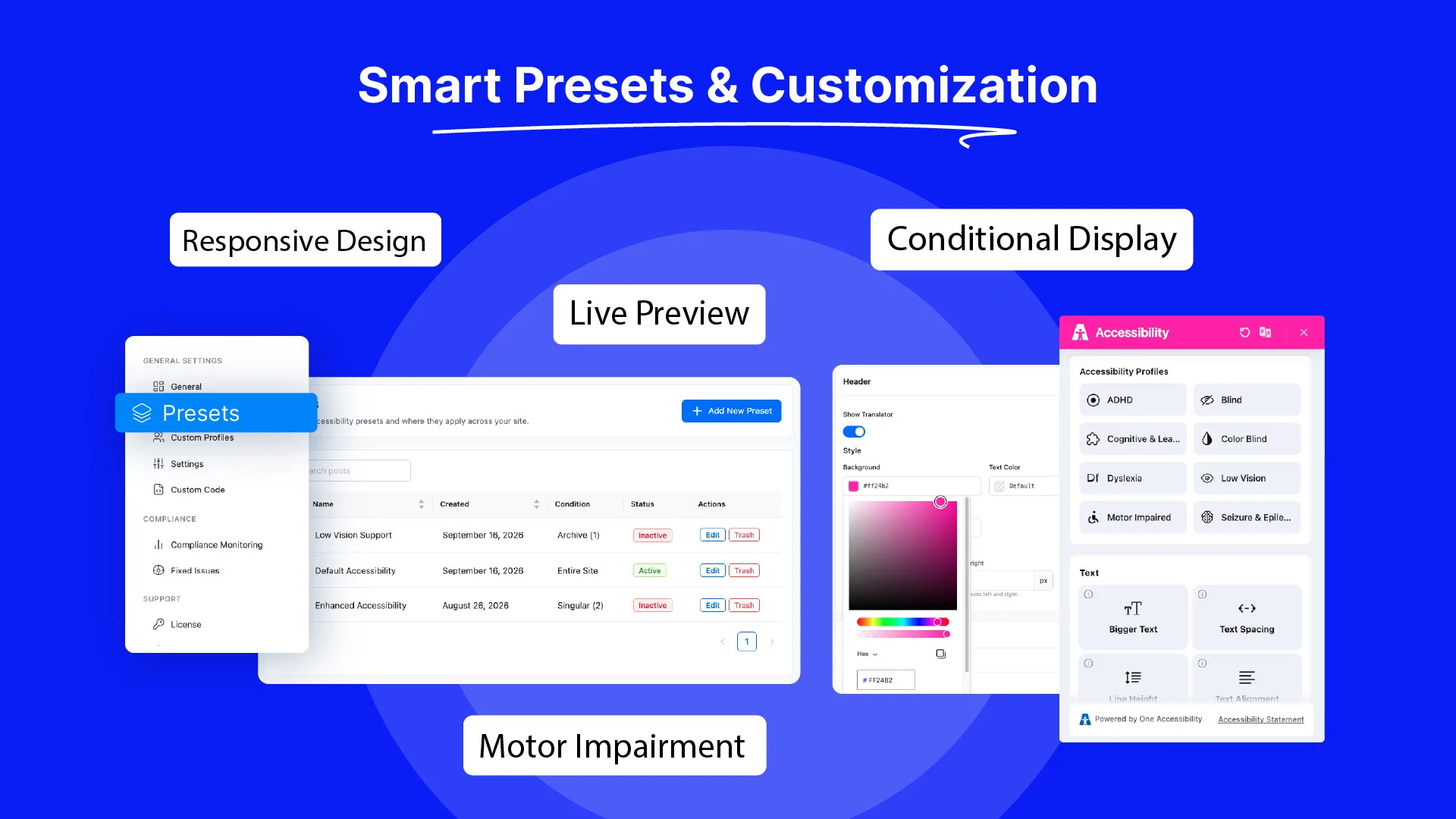
- Customize the accessibility widget to match your site’s branding.
- Enable the necessary accessibility profiles depending on your site’s audience needs.
- Use the AI accessibility checker to regularly scan for and resolve accessibility issues.
Key Differentiators
One Accessibility stands out from its competitors like userWay, AccessiBe, and Web Accessibility due to its integrated approach and user-friendly setup. By operating fully within WordPress, it avoids the downsides of overlays, such as site slowdowns and potential data security concerns. This plugin focuses on integrating accessibility features directly into your website’s structure, providing a smoother experience for webmasters and users alike.
Furthermore, One Accessibility’s support for multiple disability profiles allows it to cater to a broad range of user needs, something not all competitors equally address. The inclusion of an AI accessibility checker also gives you a proactive tool for maintaining ongoing compliance, helping your site keep pace with evolving accessibility standards.
Pros and Cons
Pros
- Comprehensive support for WCAG 2.2 AA and ADA guidelines.
- Internal WordPress operation ensures faster page loads and secure data handling.
- Customizable widget matches your site’s style effortlessly.
- AI accessibility checker identifies and resolves issues proactively.
- Seven disability profiles create a truly inclusive user experience.
Cons
- No reviews available yet to gauge real-world performance.
- Initial setup may require learning for those unfamiliar with accessibility standards.
- Limited feedback on long-term updates and support services.
While One Accessibility excels in its promise of seamless integration and comprehensive accessibility features, potential users should weigh the benefits against the current lack of user reviews and consider the time investment for initial setup.
Who Is It For?
One Accessibility is ideal for small to medium-sized businesses, ecommerce sites, and web design agencies that want to ensure their websites are accessible to all users. The plugin caters to those who are looking to meet WCAG and ADA guidelines without compromising on site speed or aesthetics. It’s particularly beneficial for organizations aiming to widen their audience base by making their digital spaces more inclusive.
The plugin is also a great fit for web developers and agencies who manage multiple client sites and want a scalable solution for enhancing accessibility. By offering seamless WordPress integration, One Accessibility allows for easy setup and maintenance, making it a top choice for professionals looking to uphold ethical web practices.
See the product in action
Product images
At a glance
| Alternative to |
userWayAccessiBeWeb Accessibility (formerly Ally)
|
|---|---|
| Integrations |
DiviElementorGutenbergWooCommerceWordPress
|
| Best for |
EcommerceSmall businessesWeb design agencies
|
Is it worth it?
Is One Accessibility worth it? For businesses and developers focused on inclusivity, One Accessibility offers a compelling set of features. This plugin ensures compliance with vital accessibility standards without sacrificing your site’s performance. At $49 with lifetime access, it represents a cost-effective solution compared to traditional accessibility methods that often require ongoing fees and updates.
Its appeal is enhanced by the ability to match your brand with ease, providing an integrated solution that requires minimal overhead for maintenance. Ideal for small business websites and agencies, this plugin not only helps optimize compliance efforts but also expands potential audience reach. In conclusion, One Accessibility is a smart investment for those seeking to responsibly enhance their online presence.

About One Accessibility
Compared to alternatives
| Feature | One Accessibility | userWay | AccessiBe | Web Accessibility (formerly Ally) |
|---|---|---|---|---|
| WordPress Integration | Native integration | Requires additional setup | Overlay solution | External script |
| Customization | High customization | Limited | Moderate | Moderate |
| AI Accessibility Checker | Yes | No | Yes | No |
| Text-to-Speech | Included | Included | Included | Included |
| Compliance Levels | WCAG 2.2 AA, ADA | WCAG 2.1 AA | WCAG 2.1 AA, ADA | WCAG 2.1 AA |
* Based on publicly available information.
What users are saying
What users like
Currently, there are no user reviews available for One Accessibility. However, based on its features, potential users might appreciate its seamless WordPress integration and its comprehensive support for accessibility standards.
Common concerns
Without available reviews, it’s uncertain what common concerns might be. However, some may speculate about the setup complexity or the frequency of updates and support given the newness of the product.
FAQ
Does One Accessibility slow down WordPress sites?
No, One Accessibility operates entirely within WordPress, minimizing any potential impact on your site’s speed.
What happens if ADA guidelines update?
Your lifetime deal includes all future updates, ensuring ongoing compliance with the latest standards.
Is there a support system in place for troubleshooting?
Yes, One Accessibility provides customer support options to assist with any issues.
Can the accessibility widget be customized?
Yes, the widget can be tailored to fit your website’s brand aesthetic.
Are there multiple license options available?
Yes, you can choose from four license tiers and even upgrade or downgrade as needed.
Deal Terms
- Lifetime access to One Accessibility
- All future plan updates
- You must activate your license within 60 days of purchase
- Ability to upgrade or downgrade between 4 license tiers
- No codes, no stacking—just choose the plan that is right for you
Related products

Interactive 3D Experiences & Augmented Reality – no app install required: Boost Engagement
Interactive 3D Experiences & Augmented Reality is a dynamic tool that allows website visitors to engage with immersive 3D models and view...
Directorist: Build Niche Directories
Directorist is a powerful tool that enables you to create niche directories on WordPress. With features like search, maps, and bookings, it...

Sheetany: Code-Free Website Creation
Sheetany is an innovative solution that transforms Google Sheets into fully functional websites without the need for coding. This intuitive tool is...