Reelify AI: Clip Viral Moments
Quick summary
- Turn long videos into engaging short clips easily.
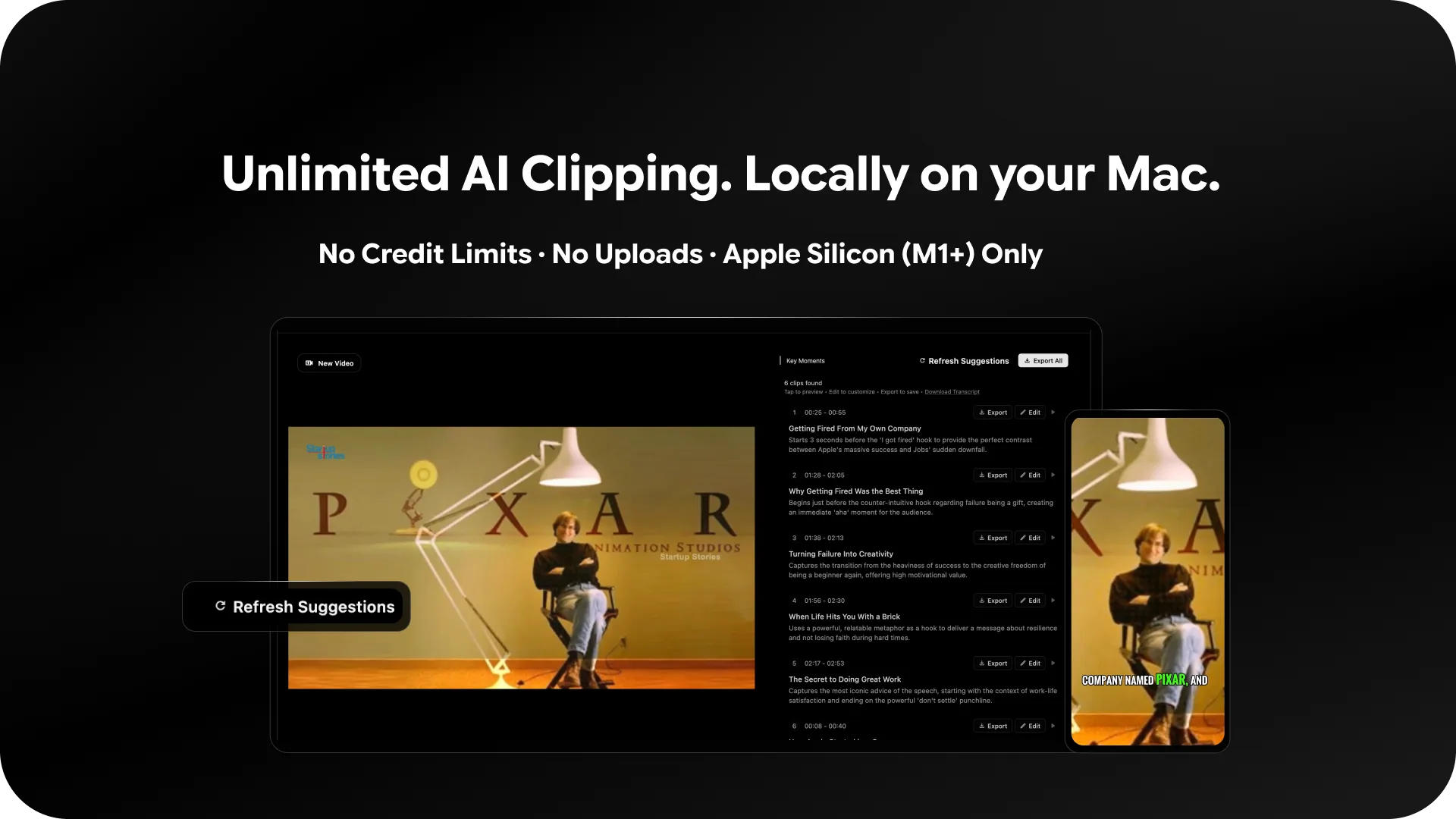
- No credit limits or monthly caps imposed.
- AI detects viral moments with precision.
- Local processing ensures faster results.
- Perfect for TikTok and Instagram content creators.
Reelify AI is a powerful tool to transform long videos into captivating short clips right on your Mac. With no credit limits or monthly caps, it’s perfect for content creators aiming for limitless creativity. Whether you’re an influencer or videographer, Reelify AI optimizes your workflow by detecting viral moments, hooks, and emotional peaks locally.
This tool is especially beneficial for those looking to create content quickly and efficiently for platforms like TikTok, Reels, and Shorts. With a 67% discount available, now is the perfect time to gain lifetime access and enhance your video content strategy.
What Reelify AI Does?
Reelify AI is designed for content creators who want to capitalize on the most engaging segments of their long videos. The software intelligently detects viral moments and generates unlimited short clips without any uploads, ensuring you have complete control over your content.
Its real strength lies in its ability to quickly process videos locally, offering instant insights into which parts of the video carry emotional peaks and hooks that are likely to engage viewers. By focusing on vertical 9:16 clips, Reelify AI makes it easy to produce content optimized for popular social media platforms.
How to use Reelify AI?
Getting started with Reelify AI is straightforward. Here’s how you can transform your videos:
- Open your video in Reelify AI on your Mac.
- Use the AI detection feature to analyze the video.
- Select the viral moments suggested by the software.
- Export the clips directly to your desired format for social media.
- Share your content on TikTok, Reels, or Shorts.
Key Differentiators
Reelify AI sets itself apart from alternatives like Descript by focusing on local processing, which provides faster results and greater privacy for users who prefer not to upload their files online. With its unlimited clipping capability and accurate auto-captioning, users have more flexibility and creative control.
Unlike other tools with monthly restrictions or credit systems, Reelify AI offers unrestricted access to generate as many clips as needed without worrying about monthly caps. This model supports a consistent content output without hidden costs.
Pros and Cons
Pros
- Unlimited short clips without monthly caps.
- Local processing for privacy and speed.
- Accurate AI-driven viral moment detection.
Cons
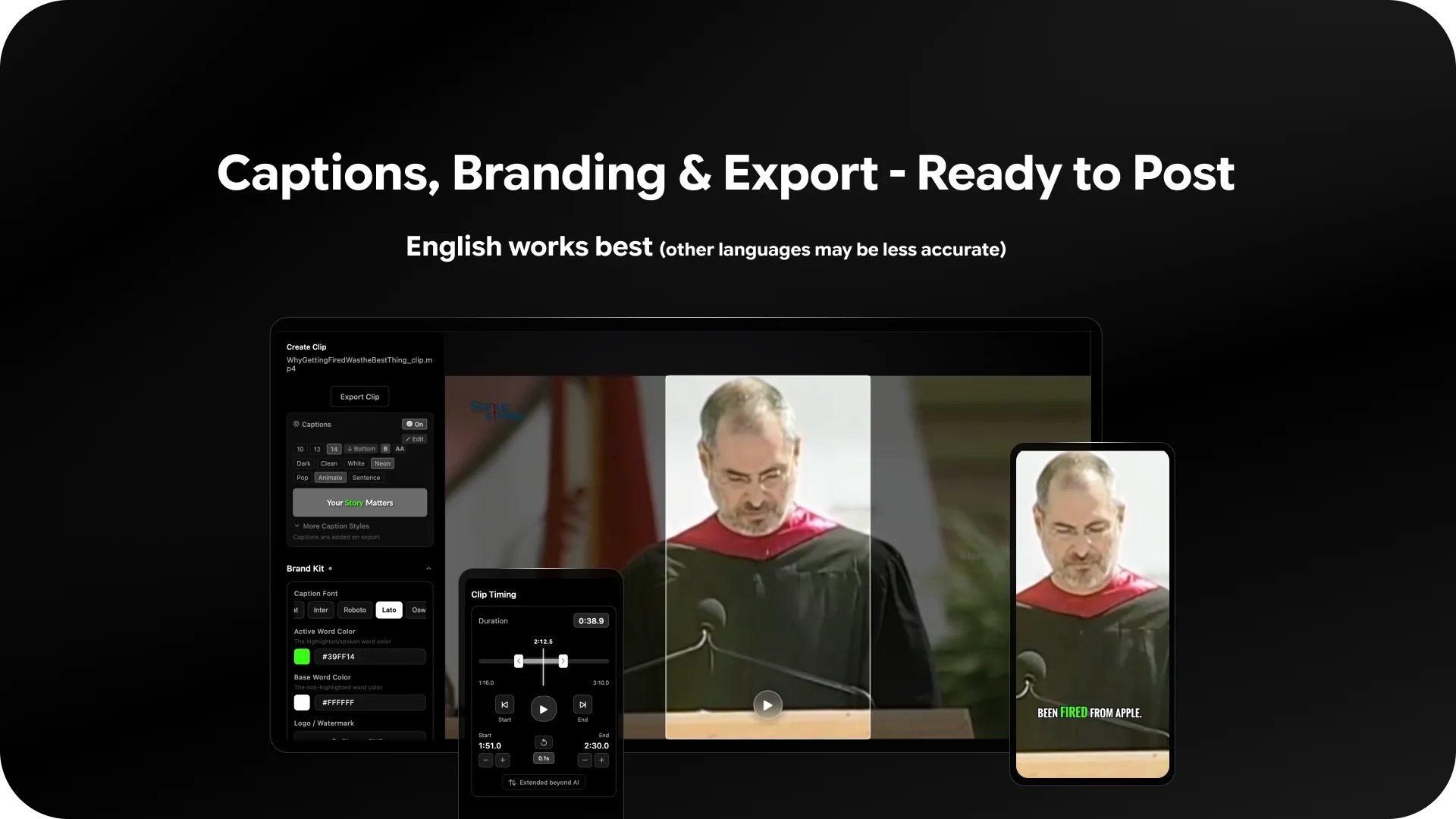
- Limited language support.
- Interface visibility issues on some setups.
Overall, the advantages of Reelify AI are significant for those seeking efficient video processing, although improvements in language support could enhance its appeal further.
Who Is It For?
Reelify AI is ideal for content creators, influencers, and videographers looking for a reliable tool to easily produce optimized social media clips. If you consistently engage with platforms like TikTok or Instagram, Reelify AI streamlines your workflow by turning podcasts or long videos into digestible content pieces.
This tool is perfect for professionals who need to maximize their content output without compromising on quality or facing credit restrictions. Its simple interface ensures that users of all technical skills can benefit from its features.
Product images

At a glance
| Alternative to |
Descript
|
|---|---|
| Best for |
Content creatorsInfluencersVideographers
|
Is it worth it?
Reelify AI offers significant value, especially for content creators targeting social media platforms. With its unlimited clipping capability and local processing, it stands out as a versatile tool that enhances efficiency. The price point of $59 vs original $177 adds to its appeal, making it a smart investment for regular video producers. While some language support limitations exist, the overall benefits make Reelify AI a worthy purchase for those who prioritize speed and privacy in their video processing.

About Reelify AI
Compared to alternatives
| Feature | Reelify AI | Descript |
|---|---|---|
| Local Processing | Yes | No |
| Unlimited Clipping | Yes | No |
| Autocaptioning | Yes | Yes |
* Based on publicly available information.
What users are saying
What users like
Users report that Reelify AI excels in fast local processing and unlimited video clipping. Most reviewers highlight its accurate auto-captioning and the advantageous lack of credit limitations.
Common concerns
Some mention minor drawbacks like interface visibility issues and limited language support. However, these are noted as areas for improvement rather than deal-breakers.
FAQ
How do I activate my license?
You must activate your license within 60 days of purchase by following the provided instructions in your confirmation email.
Are future updates included?
Yes, all future Creator Plan updates are included with your purchase of Reelify AI.
Can I change my license tier?
You can upgrade or downgrade your license tier within 60 days of purchase while the deal is available.
What platforms are the clips optimized for?
Reelify AI optimizes clips for vertical 9:16 format suitable for TikTok, Reels, and Shorts.
Deal Terms
- Lifetime access to Reelify AI
- All future Creator Plan updates
- If Plan name changes, deal will be mapped to the new Plan name with all accompanying updates
- No codes, no stacking—just choose the plan that’s right for you
- You must activate your license within 60 days of purchase
- Ability to upgrade between 4 license tiers while the deal is available
- Ability to downgrade between 4 license tiers within 60 days of purchase
Related products

Taja: Social-Ready Video Shorts
Taja is a versatile tool designed for creators who want to transform long-form videos into platform-specific, short-form content. This software offers seamless...
Motionvid AI: Transform Prompts Fast
Motionvid AI is a cutting-edge tool that transforms text prompts into stunning motion graphics. Perfect for content creators and social media marketers,...

SoundMadeSeen: Transform Audio Effortlessly
SoundMadeSeen is your ultimate tool for transforming audio content into video masterpieces. Whether you're working with podcasts, music, or narrations, this tool...