Trebble Online Audio & Video Editor: Easy Editing
Quick summary
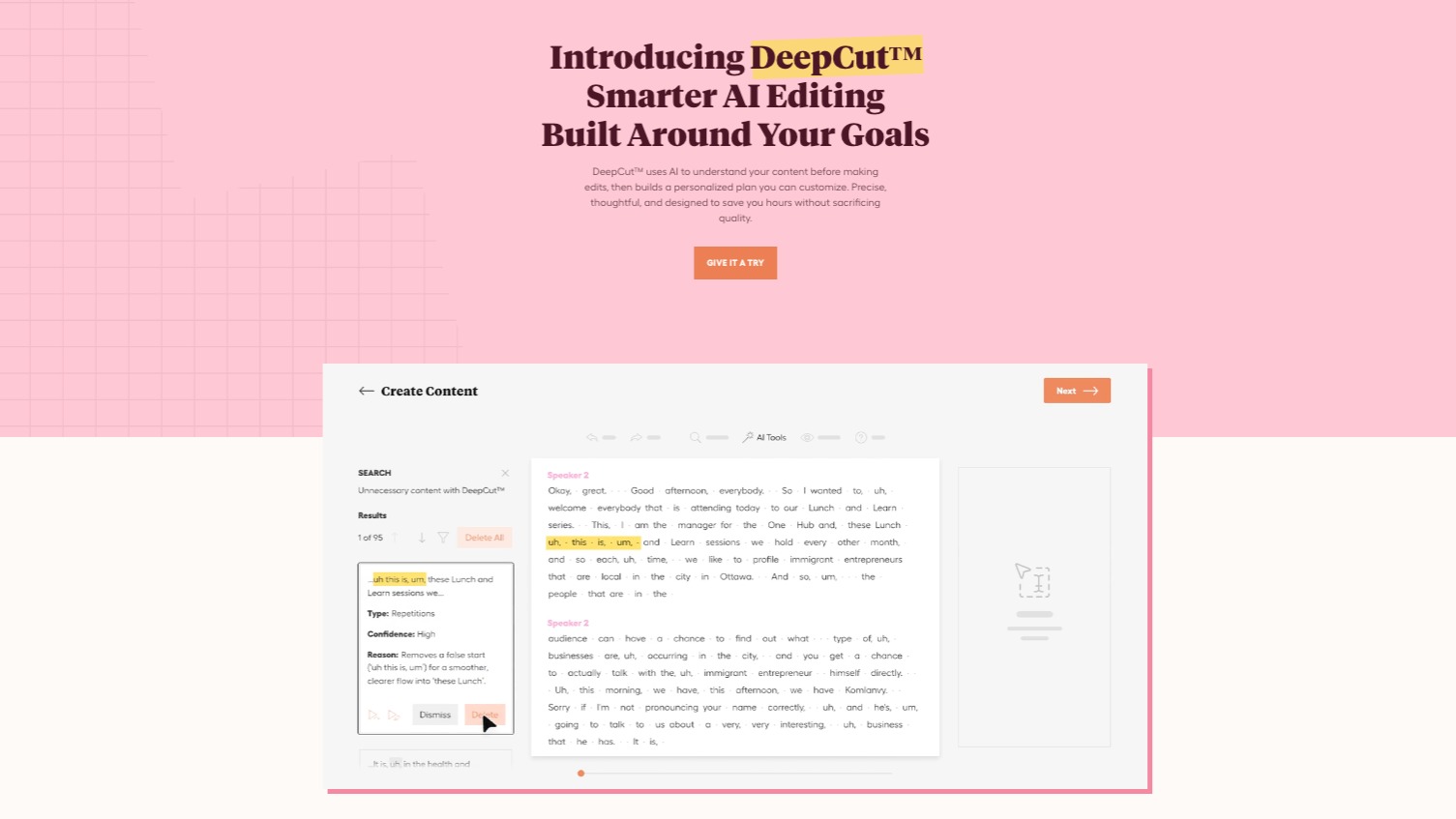
- Edit audio like a text document.
- Automatically enhance audio quality.
- Access a library of license-free music.
- No software or downloads required.
- Lifetime access with a 60-day guarantee.
Trebble Online Audio & Video Editor is the audio & video editor for non-editors. It empowers creators with its user-friendly interface and powerful editing tools. Perfect for content creators, course creators, and podcasters, Trebble simplifies the editing process with features like text-based editing and AI noise cancellation. This innovative tool ensures your content sounds professionally produced without the steep learning curve.
For those looking to enhance audio quality effortlessly, Trebble offers a unique solution. Its proprietary Magic Sound Enhancer™ technology, combined with a vast library of license-free music, makes it an essential tool for modern audio editing needs.
What Trebble Online Audio & Video Editor Does?
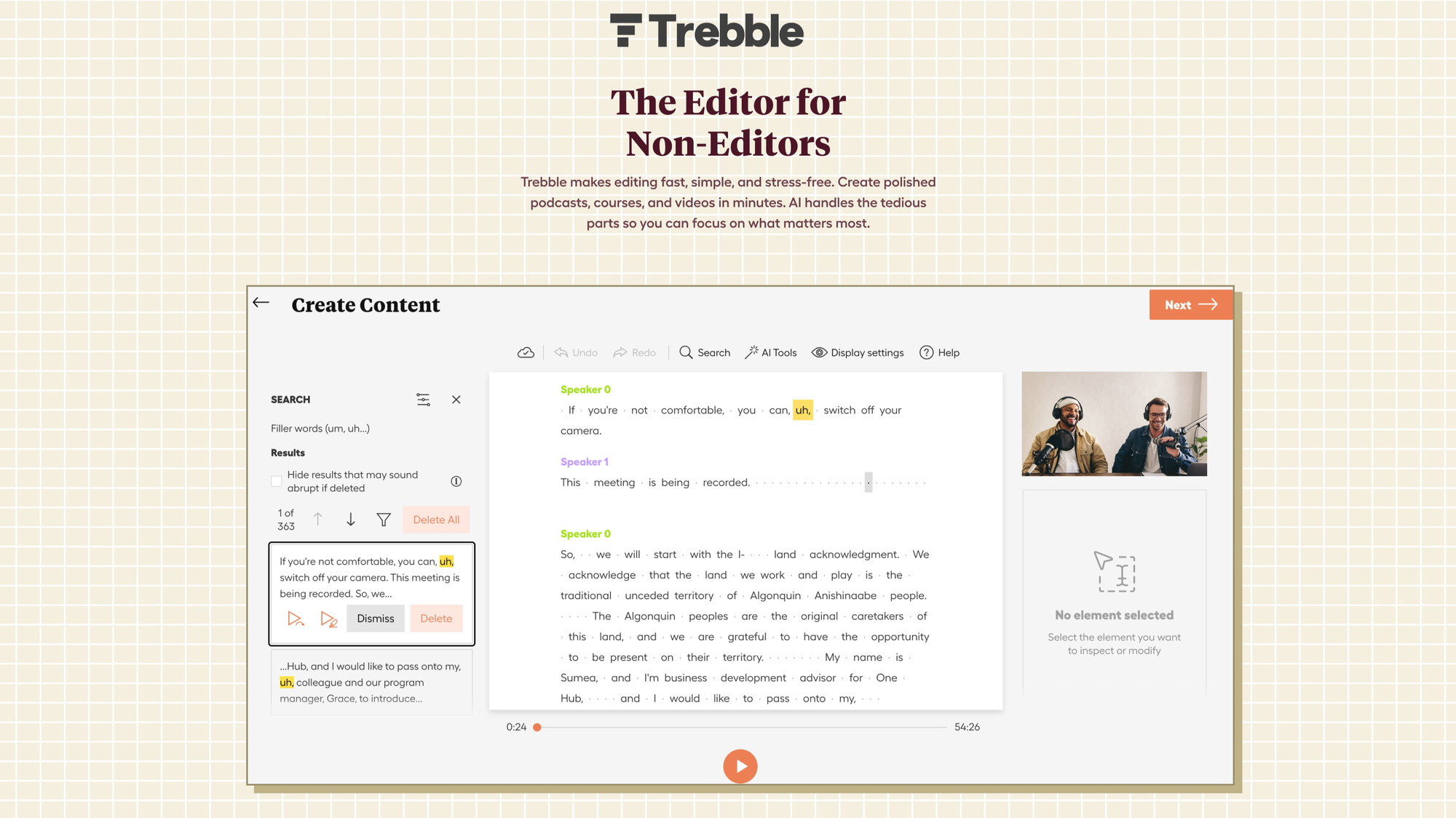
Trebble Online Audio & Video Editor is a cutting-edge tool designed to simplify the audio and video editing process. It uses an innovative approach that allows users to edit audio content using text transcriptions, providing a seamless editing experience even for those without prior knowledge in audio engineering.
With Trebble, you can remove background noise with AI precision, enhance audio automatically using a proprietary sound algorithm, and access a comprehensive library of license-free music and sound effects. The platform enables direct recording from your browser in high-quality audio, making it convenient for podcasters and content creators.
The export functionality of the tool lets you normalize audio files, ensuring that they are ready for uploading to podcast hosting platforms. Additionally, Trebble facilitates easy sharing with a social media-ready URL and embedding capabilities for newsletters.
How to use Trebble Online Audio & Video Editor?
Getting started with Trebble is straightforward. Here are the steps to utilize its features:
- Create an account or sign in to start your editing project.
- Upload your audio or record directly in the platform.
- Use the transcription feature to edit your audio like a word document.
- Enhance your audio with Magic Sound Enhancer™ and remove background noise.
- Export the final product, ready for distribution and sharing.
Key Differentiators
Trebble Online Audio & Video Editor stands out with its innovative text-based editing feature, making it easy for users to edit audio as if they were editing a document. This unique capability drastically reduces the complexity of traditional audio editing techniques.
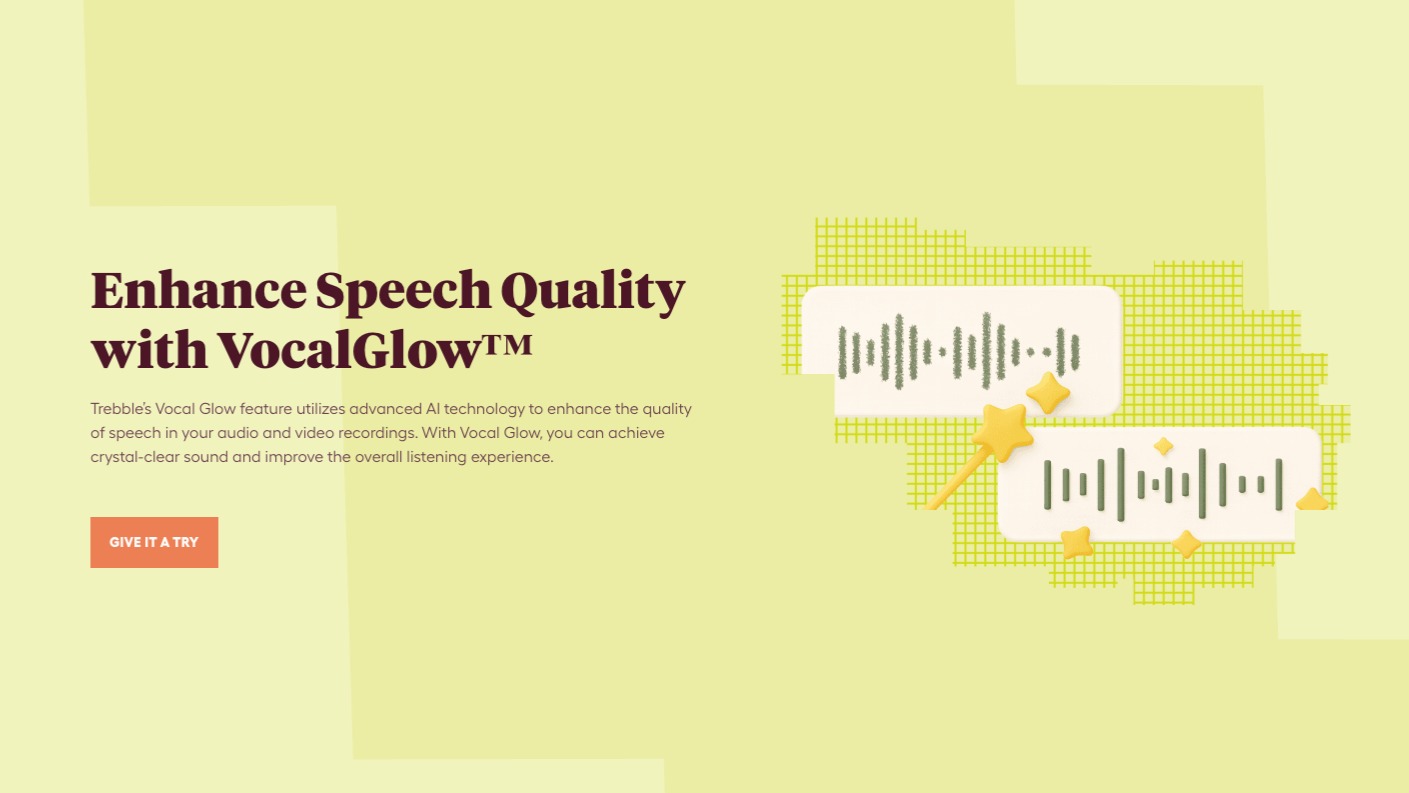
Unlike Descript, Trebble offers the Magic Sound Enhancer™ technology, which automates audio enhancement processes. This proprietary algorithm ensures that your audio sounds crisp and professional with minimal effort, saving you both time and resources.
Pros and Cons
Pros
- Text-based audio editing simplifies the process.
- Powerful AI noise cancellation ensures clear audio.
- Integrated Magic Sound Enhancer™ for automatic quality improvement.
- Access to a vast library of license-free music.
- No software download necessary, available entirely online.
Cons
- Extended processing times for larger files.
- Occasional technical glitches reported by users.
- Limited integrations with third-party platforms.
Trebble Online Audio & Video Editor balances simplicity with powerful features, making it an attractive option for content creators. While some users note limitations, the overall benefits significantly enhance the editing workflow.
Who Is It For?
Trebble Online Audio & Video Editor is ideal for content creators, course developers, and podcasters looking to simplify their audio and video editing processes. Its intuitive interface and text-based editing feature make it accessible even to those with limited editing experience. Podcasters will find the platform’s recording and enhancement tools especially beneficial, as they aim to produce high-quality audio effortlessly.
For educators creating online courses, Trebble provides a straightforward way to edit instructional videos and narration quickly. The platform eliminates the need for complex audio engineering knowledge, allowing educators to focus on content rather than technical details.
Product images

At a glance
| Alternative to |
Descript
|
|---|---|
| Best for |
Content creatorsCourse creatorsPodcasters
|
Is it worth it?
Trebble Online Audio & Video Editor offers a comprehensive feature set that is perfect for non-experienced editors. With its text-based editing and automatic sound enhancement, it simplifies the process, allowing users to produce professional content quickly. At $69 vs the original $239.88, it provides excellent value.
Content creators and podcasters will find this tool especially helpful due to its ease of use and efficiency. Despite some technical limitations, Trebble remains a viable choice for those looking to streamline their editing process. We recommend it for anyone in need of reliable and straightforward editing capabilities.

About Trebble.fm Inc.
Compared to alternatives
| Feature | Trebble Online Audio & Video Editor | Descript | [Competitor 2] |
|---|---|---|---|
| AI Noise Cancellation | Yes | Yes | No |
| Text-based Audio Editing | Yes | Yes | No |
| Magic Sound Enhancer™ | Yes | No | No |
| License-free Music Library | Yes | Yes | No |
| Online Access | Yes | No | Yes |
* Based on publicly available information.
What users are saying
What users like
Most users appreciate the intuitive interface and the ability to edit audio through text transcriptions. Many highlight the effectiveness of the AI noise cancellation and the convenience of having an online platform with no downloads required.
Common concerns
Some users mention extended processing times, particularly with larger files, and occasional technical issues that disrupt the editing process. Integrations with third-party platforms are also noted as limited.
FAQ
Can I use Trebble without downloading any software?
Yes, Trebble operates fully online, so no downloads are required.
Is there a money-back guarantee?
Yes, there is a 60-day money-back guarantee if you’re not satisfied.
What if I need more transcription minutes?
You can stack additional codes to increase your monthly transcription minutes.
How does the Magic Sound Enhancer work?
It’s a proprietary algorithm that automatically improves audio quality, making it sound more professional.
Is Trebble suitable for podcasters?
Absolutely, podcasters will benefit from its high-quality audio recording and enhancement features.
Deal Terms
- Lifetime access to Trebble Online Audio Editor
- Redeem your code(s) within 60 days of purchase
- Includes all future plan updates
Related products
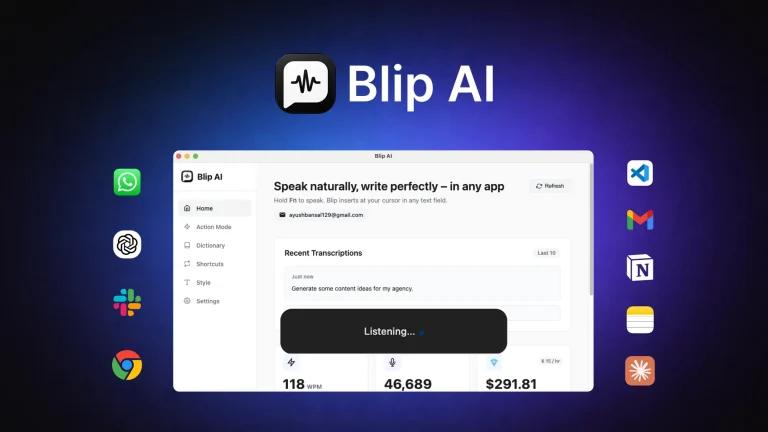
Blip AI: Turn Speech into Text
Blip AI is an innovative tool that turns your speech into polished writing. It offers content creators and marketers an intuitive way...
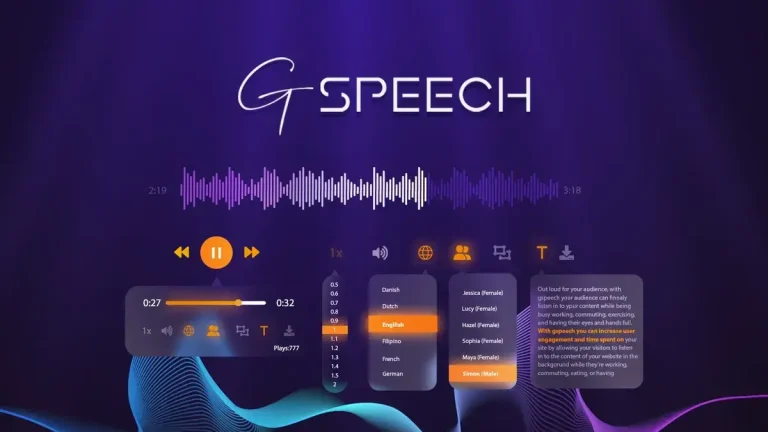
GSpeech: AI Text Narration
GSpeech is a powerful AI tool that converts any text content into immersive audio using an extensive library of realistic voices. The...
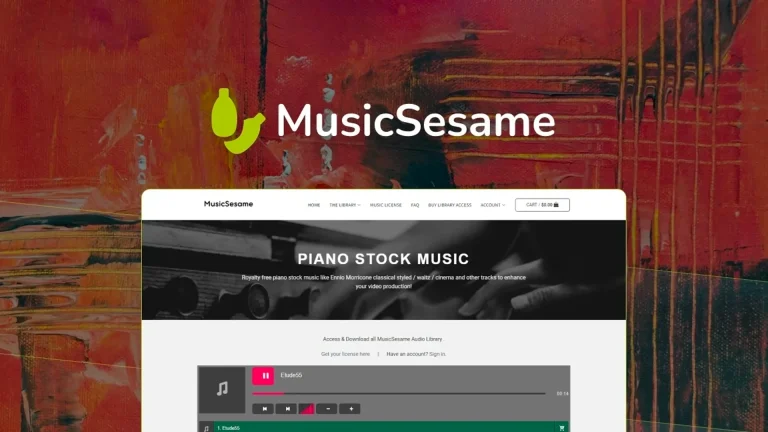
Musicsesame – Stock Music Library: Exclusive Music
Musicsesame - Stock Music Library is your go-to solution for royalty-free music that enhances creative projects. With over 200 tracks exclusively owned...