UPDF – PDF Editor All Platforms for Individuals: Comprehensive PDF Editing
Quick summary
- Edit, annotate, convert, and organize PDFs with ease.
- Powerful OCR technology ensures accuracy in document conversions.
- Share securely with customizable password protection.
UPDF – PDF Editor All Platforms for Individuals is a versatile PDF tool that enables users to edit, annotate, convert, and organize PDFs across Windows, Mac, iOS, and Android. This robust solution offers a comprehensive suite of features suitable for consultants, educators, and small businesses. With an array of functionalities, UPDF makes PDF management seamless and efficient, ensuring document processing is swift and hassle-free.
Offering powerful OCR technology, this tool excels in handling conversions with precision while maintaining original formatting. With a secure and user-friendly interface, UPDF provides peace of mind by protecting documents through customizable passwords and sharing PDFs effortlessly via links or email. An attractive lifetime deal makes this an appealing option for those seeking reliable PDF solutions.
What UPDF – PDF Editor All Platforms for Individuals Does?
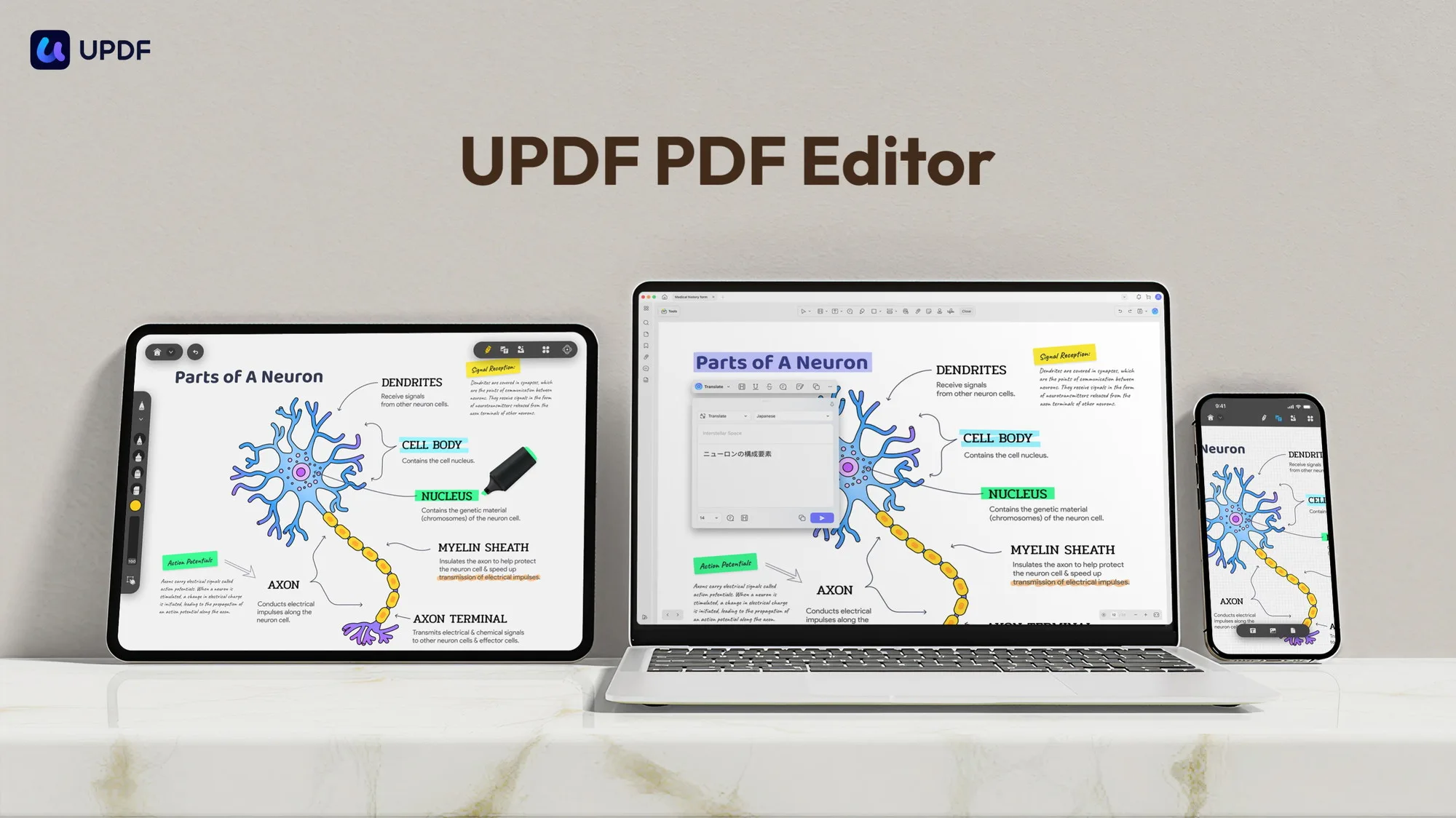
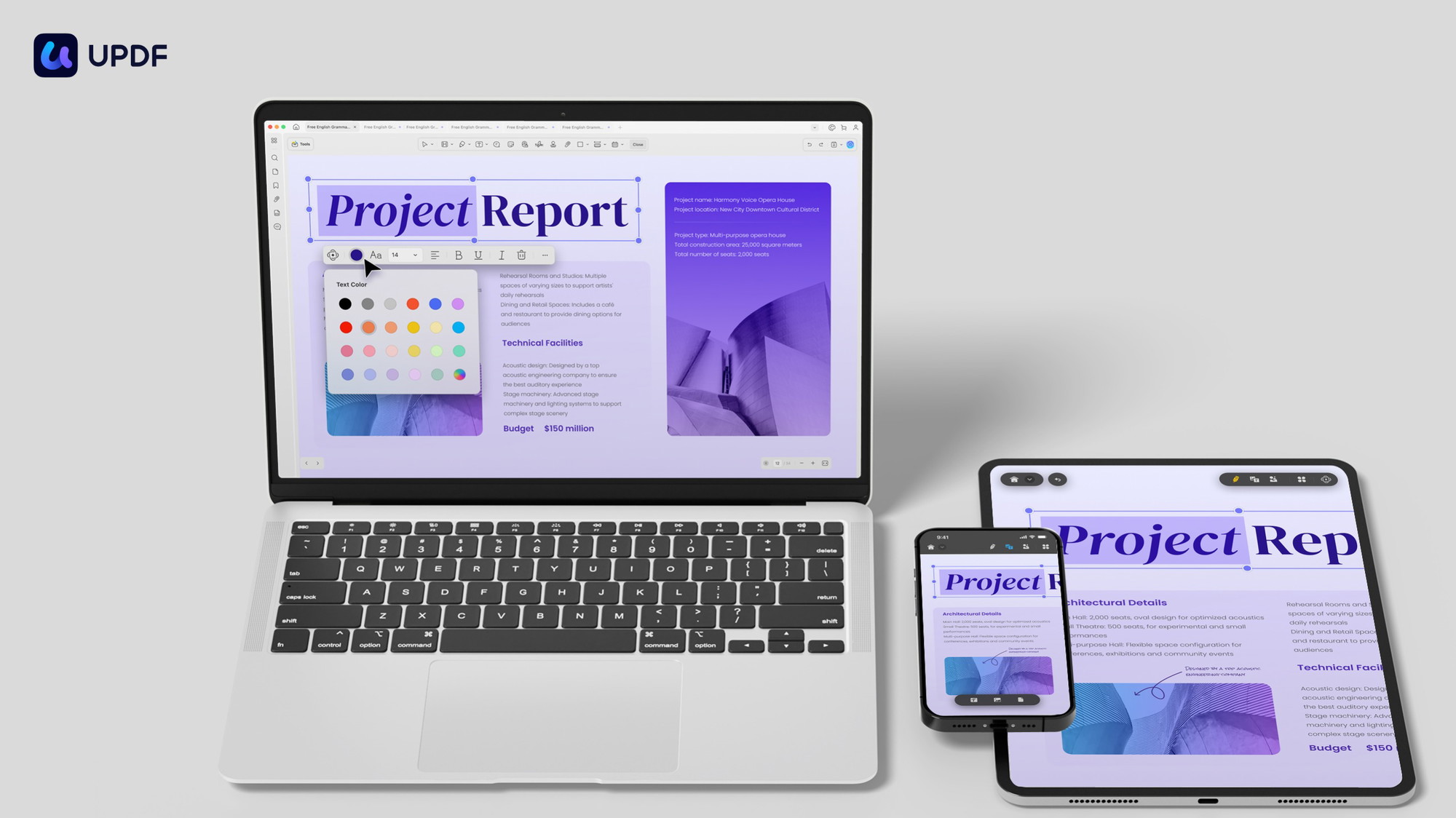
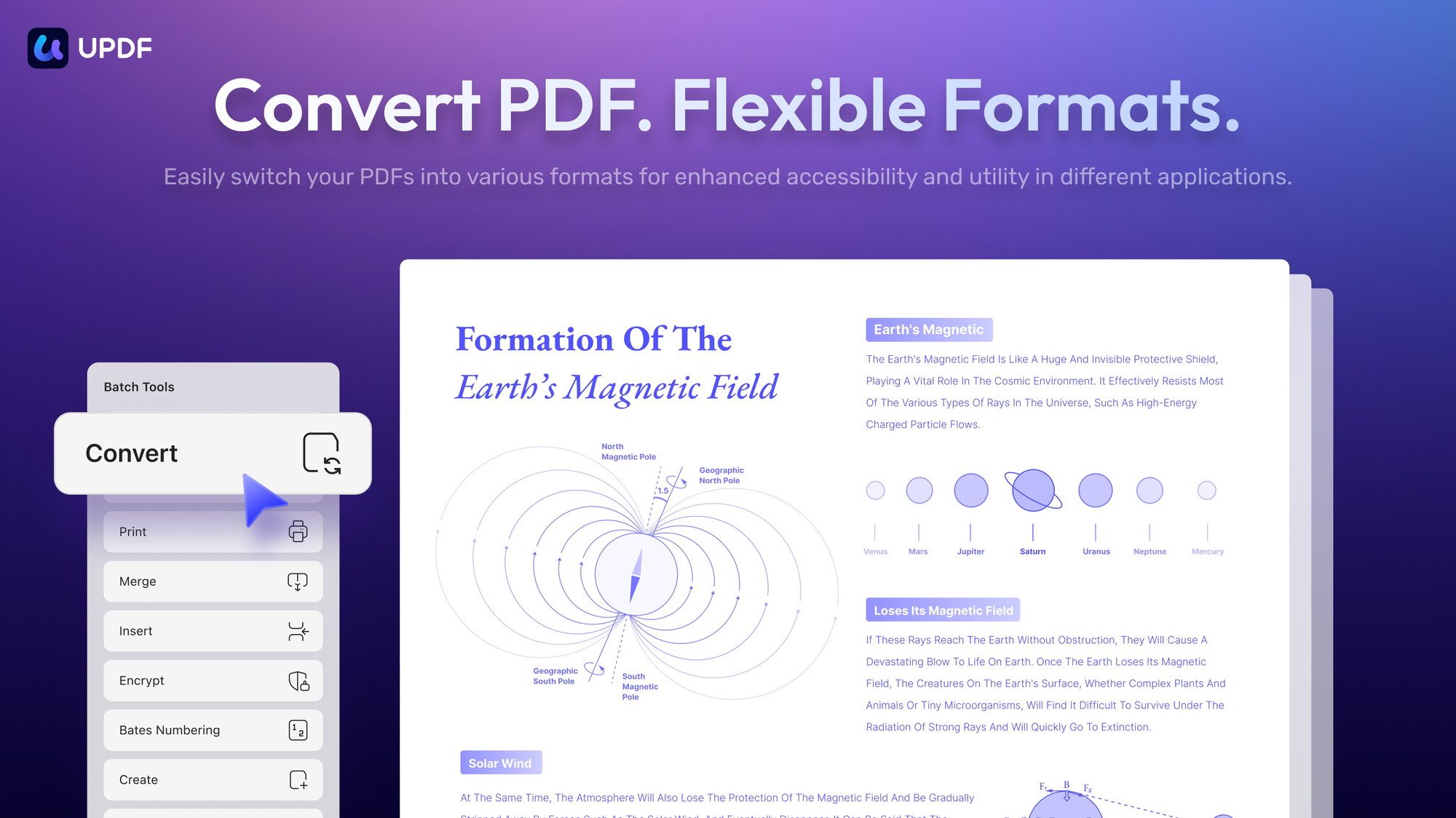
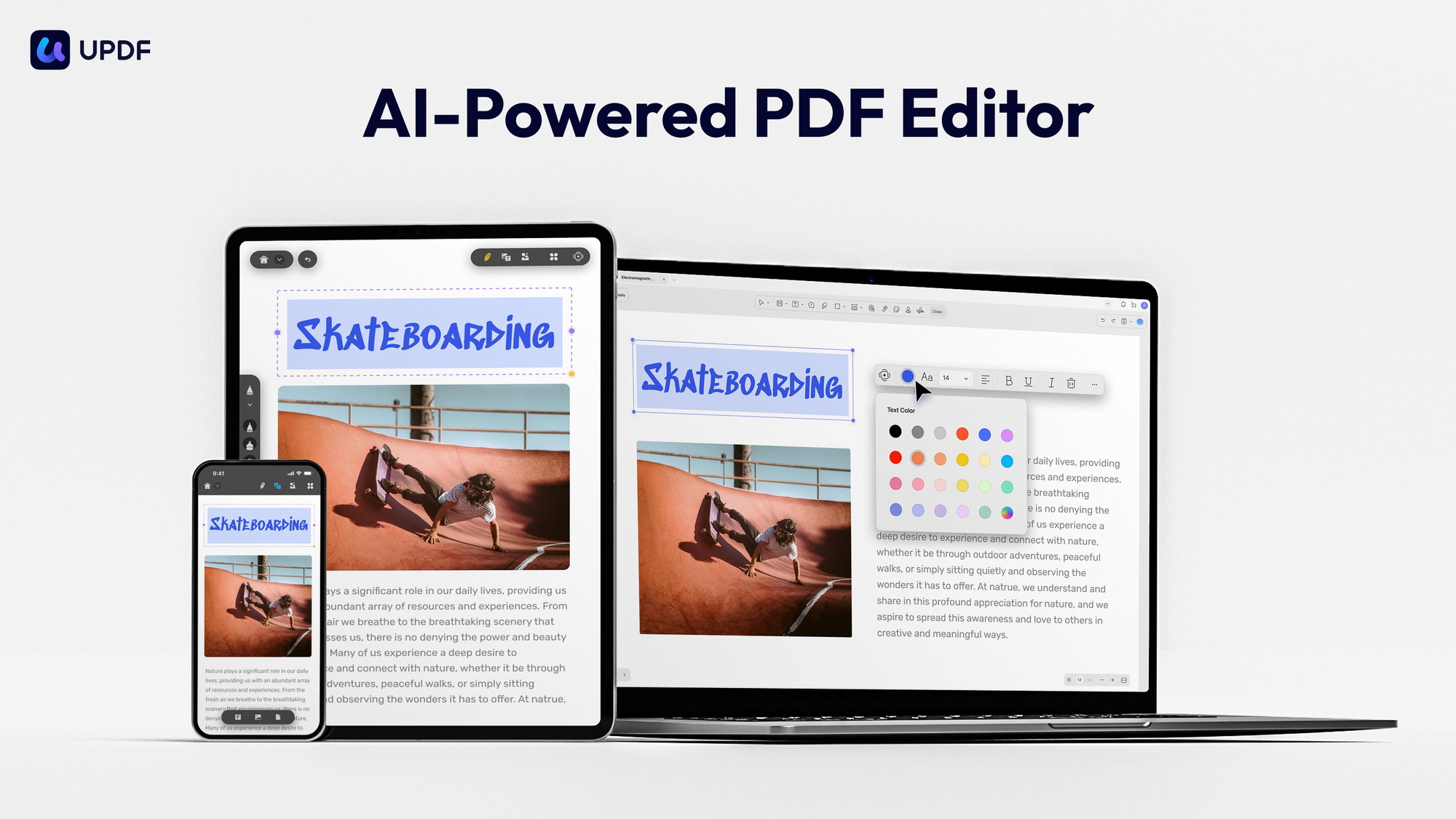
UPDF – PDF Editor All Platforms for Individuals offers an all-encompassing PDF editing solution that enhances document workflows. It allows users to effortlessly edit text and images within a PDF, ensuring flexibility in document customization. Furthermore, UPDF‘s robust conversion capabilities enable seamless transformations to formats like Word, Excel, PowerPoint, and more, all while retaining the document’s original structure and style.
The software also offers comprehensive annotation tools, empowering users to highlight, underline, and add notes or drawings to PDFs, thus facilitating enhanced collaboration and review processes. Additionally, UPDF includes powerful organizational features that let users delete, rearrange, rotate, extract, and replace pages with ease. The inclusion of both open and permission passwords ensures that documents remain secure and accessible only to intended recipients.
Cross-platform compatibility ensures that users can view and edit PDFs across different devices with dark mode support for a more comfortable reading experience. UPDF is integrated with GPT-4, enhancing its capability to handle complex documents efficiently. This makes it an excellent choice for those requiring a comprehensive PDF solution without extensive setup time or steep learning curves.
How to use UPDF – PDF Editor All Platforms for Individuals?
Using UPDF – PDF Editor All Platforms for Individuals is intuitive and streamlined:
- Install UPDF on your preferred device, ensuring compatibility across all platforms.
- Open your PDF document within UPDF to begin editing.
- Utilize the convert function to change the PDF into the required format, such as Word or Excel.
- Use annotation tools to mark up the document and add comments.
- Organize pages to meet your requirements by rotating, deleting, or rearranging them.
Key Differentiators
UPDF – PDF Editor All Platforms for Individuals distinguishes itself from Adobe Acrobat Pro, Adobe Sign, and DocuSign through its user-friendly interface and competitive pricing. Unlike Adobe, UPDF offers a straightforward lifetime access model, saving users from recurring subscription fees and offering peace of mind with its 60-day satisfaction guarantee. Moreover, UPDF’s integration with GPT-4 enhances document processing, leveraging artificial intelligence to deliver more accurate and efficient outcomes.
While Adobe products are known for robust features, UPDF’s comprehensive editing suite, secure sharing options, and customizable password protection provide an equally potent, yet simpler alternative. Its approach to powerful features like OCR technology—without overcomplicating usability—sets it apart from more complex counterparts, making it an excellent choice for small businesses and individual users who seek functionality and simplicity.
Pros and Cons
Pros
- Intuitive interface for easy navigation and usage.
- Broad device compatibility, ensuring accessibility.
- Robust OCR technology for precise conversions.
- Secure document protection with password options.
- Lifetime access offering cost-effectiveness.
Cons
- Minor interface issues occasionally reported by users.
- Limited cloud storage options compared to competitors.
Overall, UPDF offers strong PDF editing capabilities balanced with user-friendliness and affordability. Despite some interface usability concerns, its all-inclusive features make it a viable alternative for many.
Who Is It For?
UPDF – PDF Editor All Platforms for Individuals is ideal for consultants, educators, and small businesses seeking a reliable, comprehensive PDF editing tool. Its extensive range of features supports various document management needs, from basic editing to complex conversion tasks, making it suitable for diverse professional environments.
Whether you’re managing educational materials, business contracts, or detailed reports, UPDF provides the tools needed to efficiently handle PDF documents on any device. Its lifetime access makes it particularly attractive to cost-conscious users who value long-term reliability over recurring subscription costs, providing a sound investment in productivity tools.
See the product in action
Product images

At a glance
| Alternative to |
Adobe Acrobat ProAdobe SignDocuSign
|
|---|---|
| Integrations |
GPT-4
|
| Best for |
ConsultantsEducatorsSmall businesses
|
Is it worth it?
UPDF – PDF Editor All Platforms for Individuals is well-suited for unaffiliated consultants, educators, and small businesses that need a reliable, comprehensive PDF management solution. At a current price of $69, it’s an attractive offer compared to traditional subscription models. The tool’s broad array of features offers strong functionality across multiple devices.
Overall, UPDF balances functionality, affordability, and user-friendliness, making it an excellent alternative to costly competitors. Its lifetime access model ensures long-term value without the burden of recurring fees, which aligns perfectly with small business needs and educational environments, seeking effective yet economical software solutions.

About Superace Software Technology Co., Ltd.
Compared to alternatives
| Feature | UPDF – PDF Editor All Platforms for Individuals | Adobe Acrobat Pro | DocuSign |
|---|---|---|---|
| Editing Tools | Text, image, link editing | Advanced text and image editing | Limited editing tools |
| Conversion Options | Word, Excel, PowerPoint, Images | Word, Excel, HTML, more | Primarily digital signatures |
| OCR Technology | Included | Advanced OCR | Not applicable |
| Security Features | Password protection | Complete encryption and protection | Digital verification security |
| Lifetime Access | Yes | No | No |
* Based on publicly available information.
What users are saying
What users like
Most reviewers highlight UPDF’s efficient OCR functionality for precise document conversions. The user-friendly interface makes navigation straightforward for educators and small business professionals alike. Users also report satisfaction with the software’s comprehensive editing tools.
Common concerns
Some reviews note occasional minor interface issues, with a few users mentioning limitations in cloud storage options compared to more extensive services.
FAQ
Is UPDF compatible with all platforms?
Yes, UPDF is designed to function across Windows, Mac, iOS, and Android platforms for maximum versatility.
What is the 60-day guarantee?
The 60-day guarantee allows users to test UPDF risk-free, ensuring satisfaction before making a permanent commitment.
How does UPDF handle document security?
UPDF offers both open and permission password protections to ensure your documents remain secure and restricted to authorized viewers only.
Can I edit images within a PDF using UPDF?
Yes, UPDF allows you to edit images directly within PDF files, offering greater control over document customization and layout.
Does UPDF offer a lifetime access option?
Yes, purchasing UPDF provides lifetime access, ensuring ongoing usage without additional subscription fees.
Deal Terms
- Lifetime access to UPDF
- You must redeem your code(s) within 60 days of purchase
- All future UPDF Plan updates
- This deal is not stackable
Related products
Notion Agency Kit: Power Your Business
Notion Agency Kit is a comprehensive toolkit designed to streamline and optimize your agency operations using Notion. Tailored for consultants, marketing agencies,...

AI Context Flow: Universal Memory Bank
AI Context Flow is a transformative tool that empowers users to carry context across various AI platforms seamlessly. Designed for freelancers, marketing...
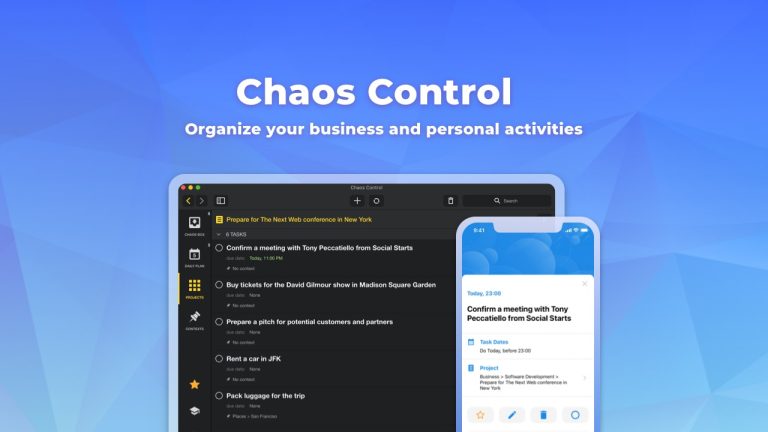
Chaos Control: Master Your Goals
Chaos Control is a personal organizer designed to streamline your daily tasks and goals management. Whether you’re seeking to enhance productivity in...