vidBoard: Create AI Avatar Videos
Quick summary
- Transform text into AI avatar videos easily.
- Multilingual features expand global reach.
- User-friendly drag-and-drop editor.
- Ideal for educators and small businesses.
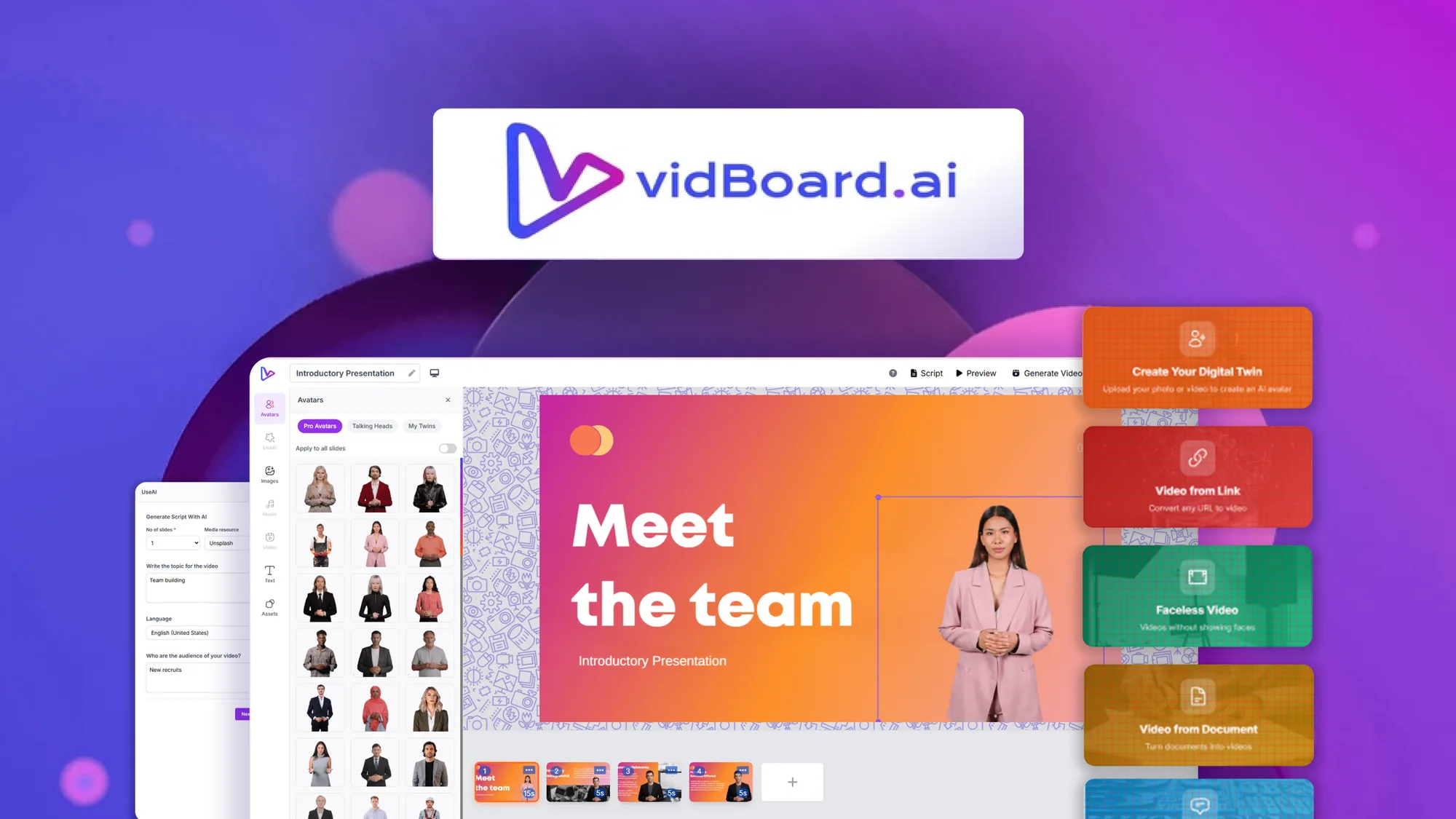
vidBoard is an innovative tool that transforms text into AI avatar videos. This platform is perfect for educators, marketing agencies, and small businesses looking to create engaging content. By converting documents, URLs, and plain text into polished videos, vidBoard offers a drag-and-drop editor for easy use.
With features like multilingual lip-syncing and automated script syncing, vidBoard makes video creation efficient and user-friendly. Whether you’re crafting training materials or promotional content, this powerful tool ensures your message is delivered effectively and creatively.
What vidBoard Does?
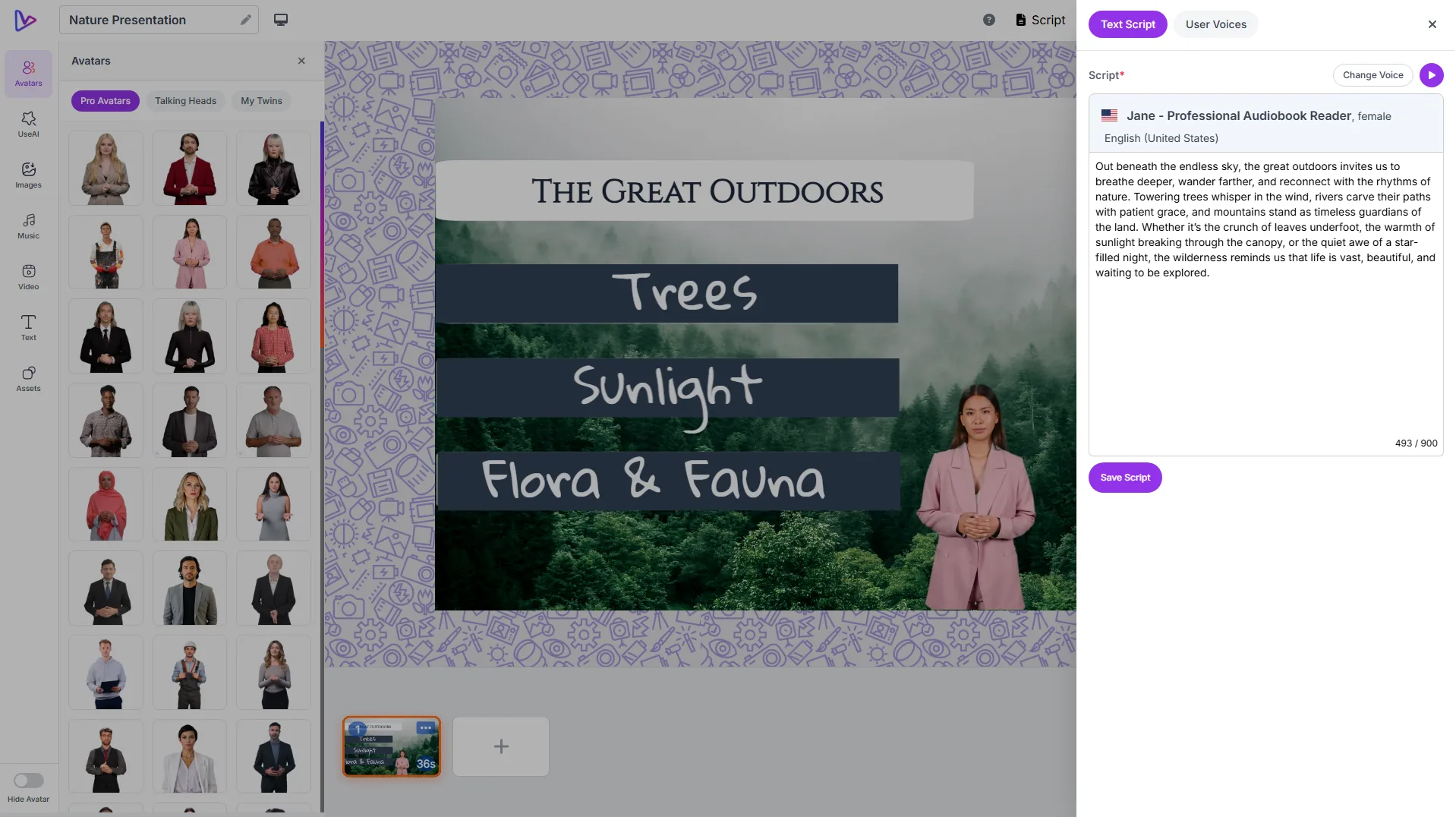
vidBoard allows users to create AI avatar videos using plain text, URLs, or documents. Its drag-and-drop editor simplifies the process, enabling users to adjust text per slide, reorder content, and add transitions. This helps users create professional-quality videos with ease.
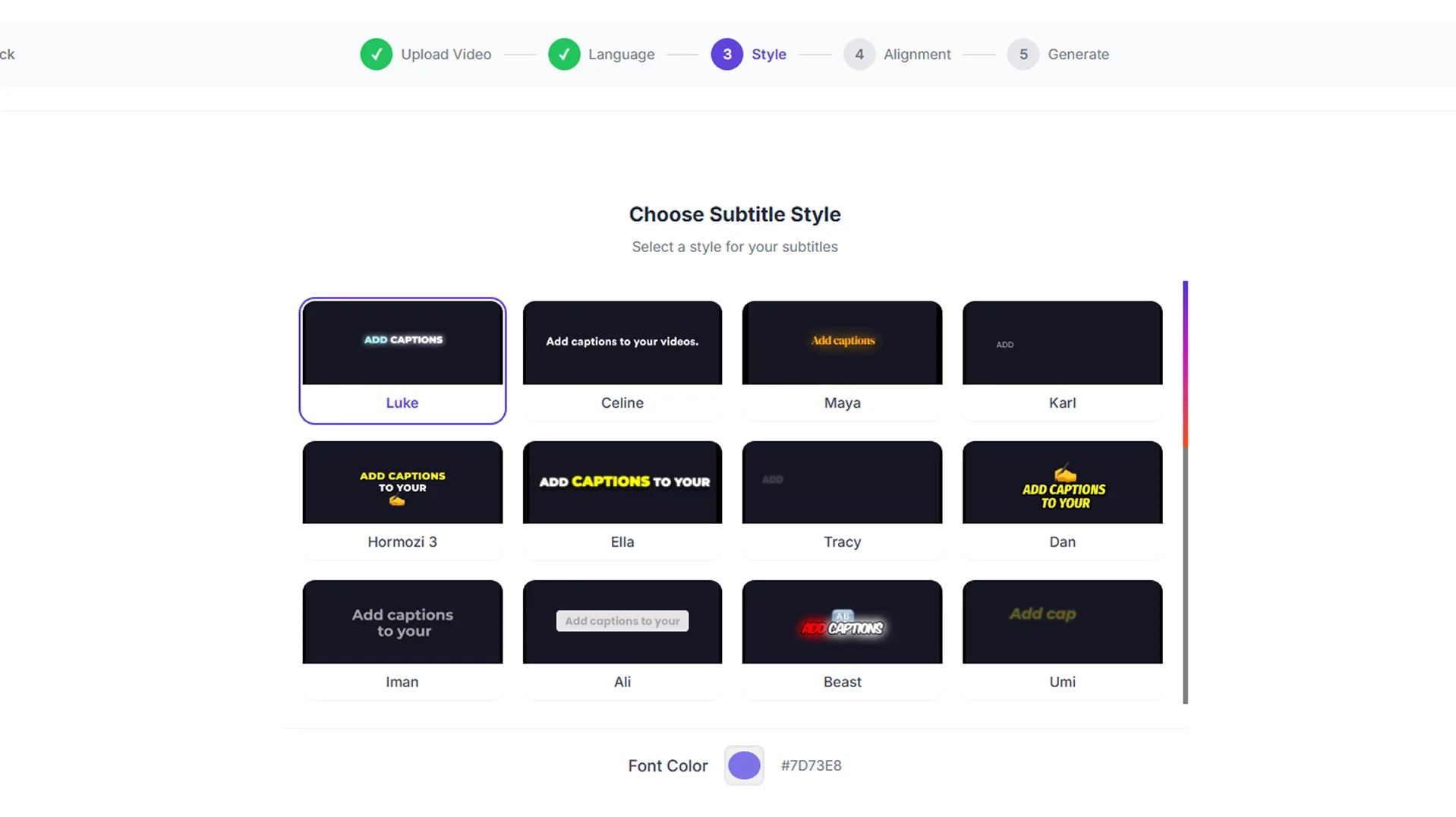
The platform supports multilingual lip-syncing and captions, offering a seamless experience for viewers in different languages. The automated script syncing feature ensures that the audio matches perfectly with the visual, enhancing the overall user experience.
Additionally, vidBoard‘s flexibility and ease of use make it a great choice for small businesses, educators, and marketing agencies looking to leverage video content effectively.
How to use vidBoard?
Using vidBoard is straightforward and intuitive. Here’s a quick guide:
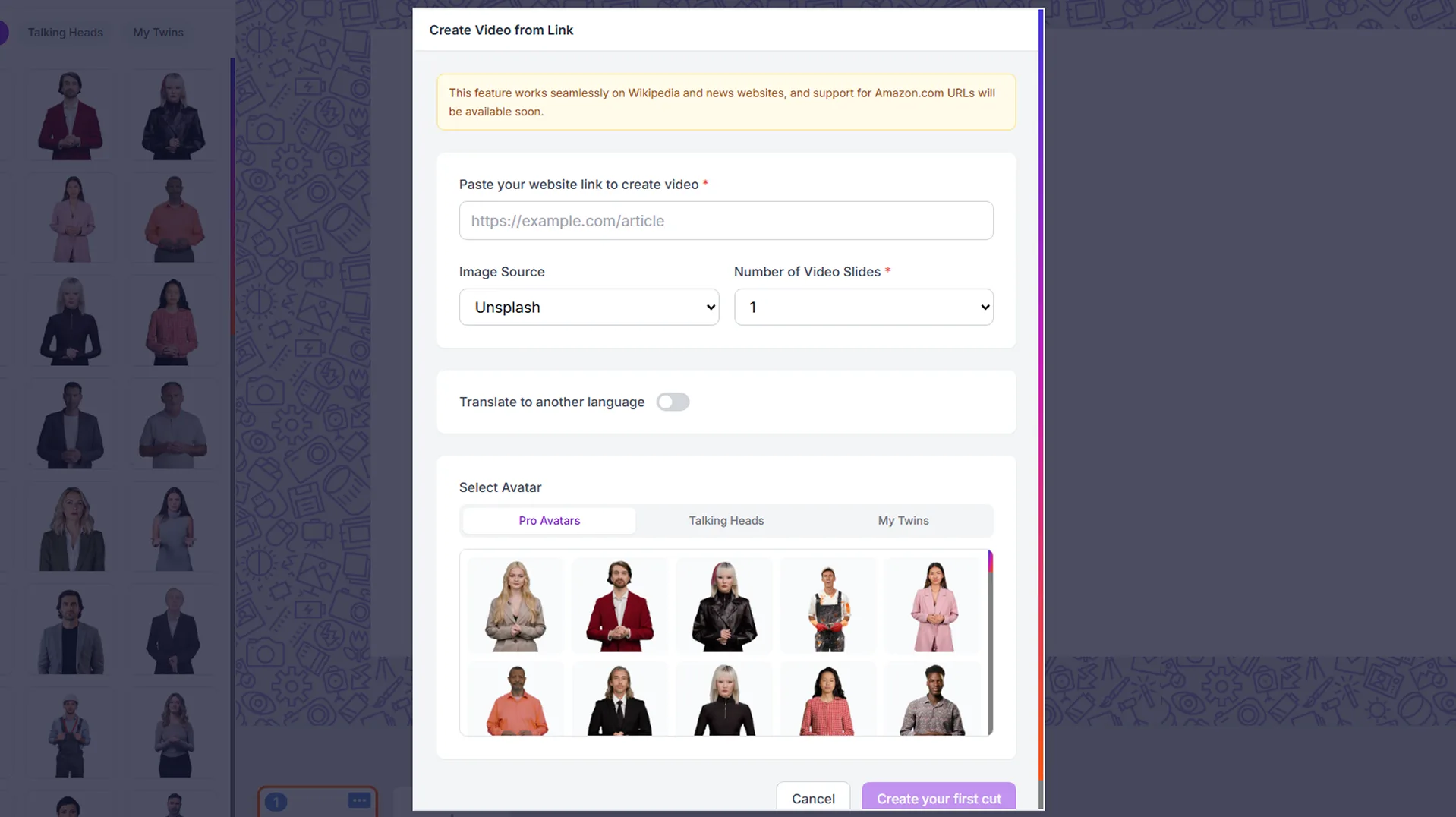
- Upload or input your text, URL, or document.
- Select your preferred AI avatar and set the language.
- Use the drag-and-drop editor to customize the video.
- Preview the video and adjust details as needed.
- Export the final video to share with your audience.
Key Differentiators
vidBoard stands out due to its multilingual capabilities and AI avatar technology. Unlike Canva, which primarily focuses on visuals and graphics, vidBoard specializes in video content with avatars that lip-sync in multiple languages, making it a great choice for global reach.
Compared to Synthesia and Vidyard, vidBoard offers a more accessible user experience through its drag-and-drop editor. This simplicity, combined with cost-effective pricing, makes it ideal for small businesses and educators who may not have dedicated video production teams.
Pros and Cons
Pros
- Easy-to-use drag-and-drop editor
- Multilingual lip-syncing and captions
- Affordable lifetime access pricing
- Automated script syncing enhances audio-visual coordination
- Adaptable for various content types
Cons
- Some file size limitations apply
- Occasional glitches reported by users
Despite a few limitations, vidBoard offers numerous benefits for those seeking an efficient AI video creation tool. Its range of features and ease of use make it a strong contender in the market.
Who Is It For?
vidBoard is ideal for educators who need to create engaging multimedia content for classes. Its ability to lip-sync in multiple languages is particularly useful for reaching diverse student populations.
Marketing agencies and small businesses will also find profound value in vidBoard, as it allows for the cost-effective production of promotional videos and presentations. The platform’s versatility ensures that users from various industries can produce customized content tailored to specific needs.
Product images

At a glance
| Alternative to |
CanvaSynthesiaVidyard
|
|---|---|
| Best for |
EducatorsMarketing agenciesSmall businesses
|
Is it worth it?
vidBoard is a versatile tool for video creation, offering features that cater to various needs. Its multilingual capabilities and user-friendly editor make it particularly beneficial for small businesses and educators. At $69, significantly lower than the original price of $250, vidBoard offers excellent value for money. Those seeking to efficiently create professional avatar videos will find it a wise investment.
In conclusion, if you need to communicate effectively through video content and are looking for a cost-effective solution, vidBoard is worth considering. Its array of features and ease of use ensure that you can produce engaging and dynamic videos with minimal effort.

About VidBoard.ai Pvt Ltd (VidBoard)
Compared to alternatives
| Feature | vidBoard | Canva | Synthesia |
|---|---|---|---|
| AI Avatar Videos | Yes | No | Yes |
| Multilingual Lip-sync | Yes | No | Yes |
| Drag-and-Drop Editor | Yes | Yes | No |
| Script Syncing | Yes | No | Yes |
| Price | $69 | Varies by plan | $500+ |
* Based on publicly available information.
What users are saying
What users like
Users report that vidBoard’s intuitive interface allows for quick learning and efficient video creation. Many highlight its AI-powered features and appreciate the multilingual support, which enhances accessibility. The drag-and-drop editor is commended for its simplicity, making customization straightforward.
Common concerns
Some mention occasional glitches that can affect workflow, though these seem to be relatively minor. File size limitations are also a point of contention for a few users, who note these restrictions can limit flexibility in video creation.
FAQ
What type of content can vidBoard handle?
vidBoard can convert text, URLs, and documents into AI avatar videos.
Does vidBoard support multiple languages?
Yes, vidBoard supports multilingual lip-syncing and captions.
Is there a money-back guarantee?
Yes, there is a 60-day money-back guarantee available.
Who can benefit from using vidBoard?
Educators, marketing agencies, and small businesses will find vidBoard particularly beneficial.
How does vidBoard compare with other tools?
vidBoard offers unique features like AI avatars and multilingual support, differentiating it from competitors like Canva and Synthesia.
Deal Terms
- Lifetime access to vidBoard
- All future Tier 2 Plan updates
- If Plan name changes, deal will be mapped to the new Plan name with all accompanying updates
- No codes, no stacking—just choose the plan that’s right for you
- You must activate your license within 60 days of purchase
- Ability to upgrade between 5 license tiers while the deal is available
- Ability to downgrade between 5 license tiers within 60 days of purchase
- GDPR compliant
- Available for new vidBoard users and returning AppSumo purchasers
- Previous AppSumo customers who purchased vidBoard can upgrade their license to increase their feature limits
- Purchasers of previous vidBoard Lifetime Deals must purchase this deal to receive access to AppSumo features & limits
- Previous Tier 1 purchasers will keep their 100-video monthly limit
- *Pro Avatars are vidBoard digital avatars with hand movements
Related products

Magic: Studio-Quality Videos Fast
Magic is a cutting-edge tool designed to generate studio-quality product videos and stills with ease. By simply uploading your product image, you...

SoundMadeSeen: Transform Audio Effortlessly
SoundMadeSeen is your ultimate tool for transforming audio content into video masterpieces. Whether you're working with podcasts, music, or narrations, this tool...

AvoMap: Stunning Route Animations
AvoMap is your solution for creating eye-catching animated maps that bring routes and adventures to life. With the ability to combine various...