Watermarkup: Customizable Watermarks
Quick summary
- Batch watermark up to 200 images with ease.
- Maintain original photo quality with customizable features.
- Ideal for protecting and branding visual content.
Watermarkup is a specialized software designed to add batch watermarks to your images. This powerful tool helps protect your photos from unauthorized use while enhancing brand identity through customizable options. Whether you aim to safeguard your work or boost your brand visibility, Watermarkup offers a practical and efficient solution.
With the ability to watermark up to 200 images simultaneously, it streamlines your workflow and maintains image quality. Bloggers, small business owners, and ecommerce platforms will find this service particularly beneficial as it combines ease of use with professional-grade results.
What Watermarkup Does?
Watermarkup provides an efficient way to apply watermarks to multiple images, protecting intellectual property and promoting online branding. This tool allows users to apply batch watermarks to up to 200 photos in minutes. Users can customize watermarks with options for opacity, positioning, and tiling, allowing them to create a consistent brand image across various platforms.
Beyond securing your images, Watermarkup also supports commercial use, making it a viable tool for professionals. It preserves the original quality of images, ensuring they remain sharp and clear while being protected against unauthorized distribution.
How to use Watermarkup?
Getting started with Watermarkup is simple. Here are steps for effective use:
- Upload your images—select up to 200 at a time.
- Design your watermark—choose opacity, position, and tiling options.
- Preview watermarked images—ensure they meet your branding needs.
- Apply and save—watermarked images are ready for download.
Key Differentiators
Watermarkup stands out with its ability to efficiently batch process large numbers of images while maintaining their quality. Unlike other tools, which may reduce image clarity, Watermarkup ensures that every photo retains its original resolution and detail.
Another unique feature is the advanced customization of watermarks. Users can adjust the appearance to meet different branding requirements, including text and image-based marks. This flexibility makes Watermarkup ideal for users who need more than a one-size-fits-all solution.
Pros and Cons
Pros
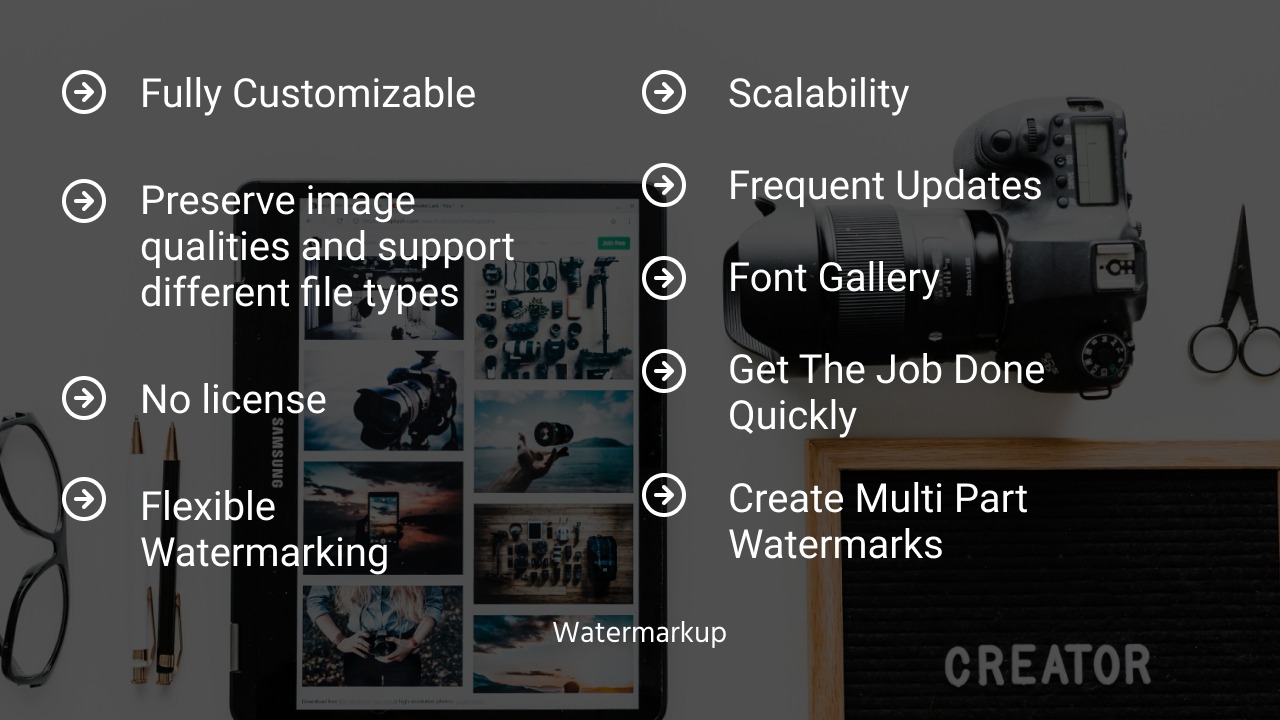
- Batch processes up to 200 images at once
- Maintains original image quality
- Customizable watermark options
- Use for commercial purposes
- Affordable pricing with lifetime access
Cons
- Limited advanced photo editing features
- Minor issues with blind watermark tool
Overall, Watermarkup delivers a specialized, cost-effective solution for image protection and branding. While it has some limitations in editing features, its strong points lie in watermarking efficiency and customization options.
Who Is It For?
Watermarkup is designed for bloggers, small business owners, and ecommerce professionals who need to protect and brand their visual content. It serves anyone looking to apply consistent branding across a large number of images quickly, without compromising quality.
If you frequently share images online and need a straightforward solution for watermarking and brand identity reinforcement, Watermarkup is ideal. Its ease of use and effectiveness make it particularly suitable for those with limited technical expertise who seek reliable, professional results.
Product images

At a glance
| Best for |
BloggersEcommerceSmall businesses
|
|---|
Is it worth it?
Evaluating whether Watermarkup is worth it ultimately depends on your needs for watermarking and branding. If you are a blogger, ecommerce professional, or small business owner, Watermarkup provides an accessible and cost-effective solution. Its pricing at $15, originally $49, offers significant savings over alternatives without compromising functionality.
The lifetime deal ensures ongoing updates, making it a smart long-term investment for those who consistently need watermarking services. Overall, Watermarkup covers essential functions for protecting and promoting visual content, making it a recommended choice for its target users.

About the company
Compared to alternatives
| Feature | Watermarkup | Competitor 1 | Competitor 2 |
|---|---|---|---|
| Batch Processing | Up to 200 images | Limited to 50 images | Up to 100 images |
| Image Quality | Preserved | Reduced | Preserved |
| Customization | Advanced options | Basic options | Moderate options |
| Commercial Use | Allowed | Not allowed | Allowed |
* Based on publicly available information.
What users are saying
What users like
Users appreciate Watermarkup’s efficient batch processing and user-friendly interface. Most highlight its ability to process up to 200 images without losing quality. Reviewers also praise its affordability and the 60-day money-back guarantee, which adds trust.
Common concerns
Some mention minor issues with the blind watermark feature. Users also noted the software lacks advanced editing capabilities. However, these issues don’t detract significantly from the overall positive experience.
FAQ
Can I use Watermarkup for commercial purposes?
Yes, Watermarkup allows usage for commercial projects, making it suitable for businesses and freelancers.
Does Watermarkup maintain image quality?
Yes, Watermarkup is designed to preserve the original quality of your images during the watermarking process.
How many photos can I watermark at once?
You can watermark up to 200 images simultaneously with Watermarkup, enhancing workflow efficiency.
Is there a money-back guarantee?
Yes, there is a 60-day money-back guarantee, ensuring satisfaction with your purchase.
Are future updates included?
Yes, purchasing the lifetime deal includes all future Pro Plan updates, enhancing long-term value.
Deal Terms
- Lifetime access to Watermarkup
- Redeem your code within 60 days of purchase
- Includes all future Pro Plan updates
- Deal cannot be stacked with others
Related products

TextSniper – OCR Simplified: Instant Text Extraction
TextSniper is an efficient OCR app designed to quickly extract text from a variety of sources. This includes images, PDFs, and even...

Unlimphotos: Authentic Stock Photos
Unlimphotos is a growing collection of 12M+ authentic stock photos. Ideal for creators, marketers, and small businesses, it offers exceptional value by...

FlipLink.me: Turn PDFs into Flipbooks
FlipLink.me is a powerful platform that transforms your PDFs into interactive online Flipbooks. With customization, sharing, and performance analysis features, it caters...