AmyMind: AI-Powered Mind Mapping
Quick summary
- Instantly create visual mind maps from text with AI.
- Export diagrams in multiple formats easily.
- Leverage powerful AI integrations for deeper insights.
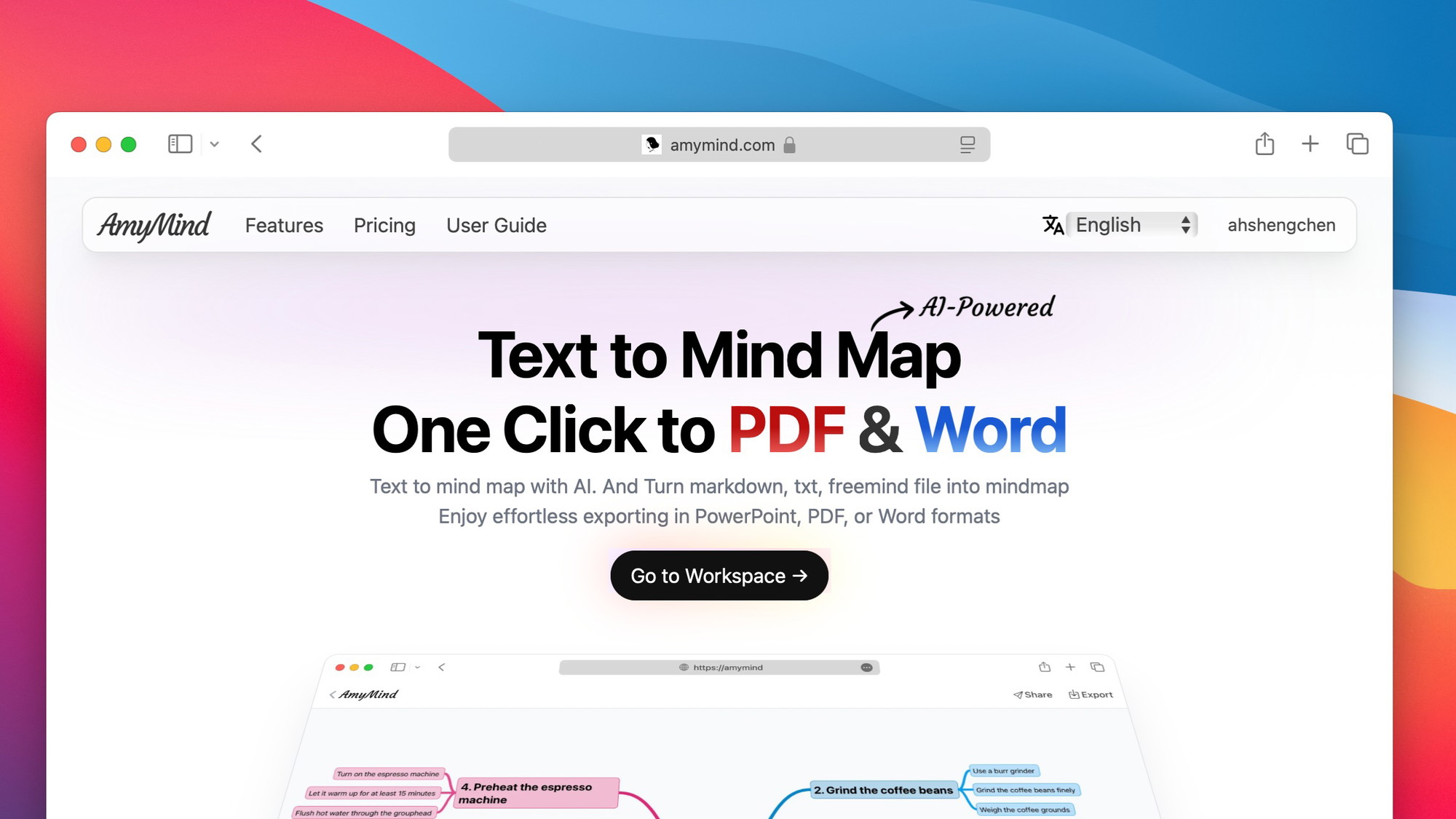
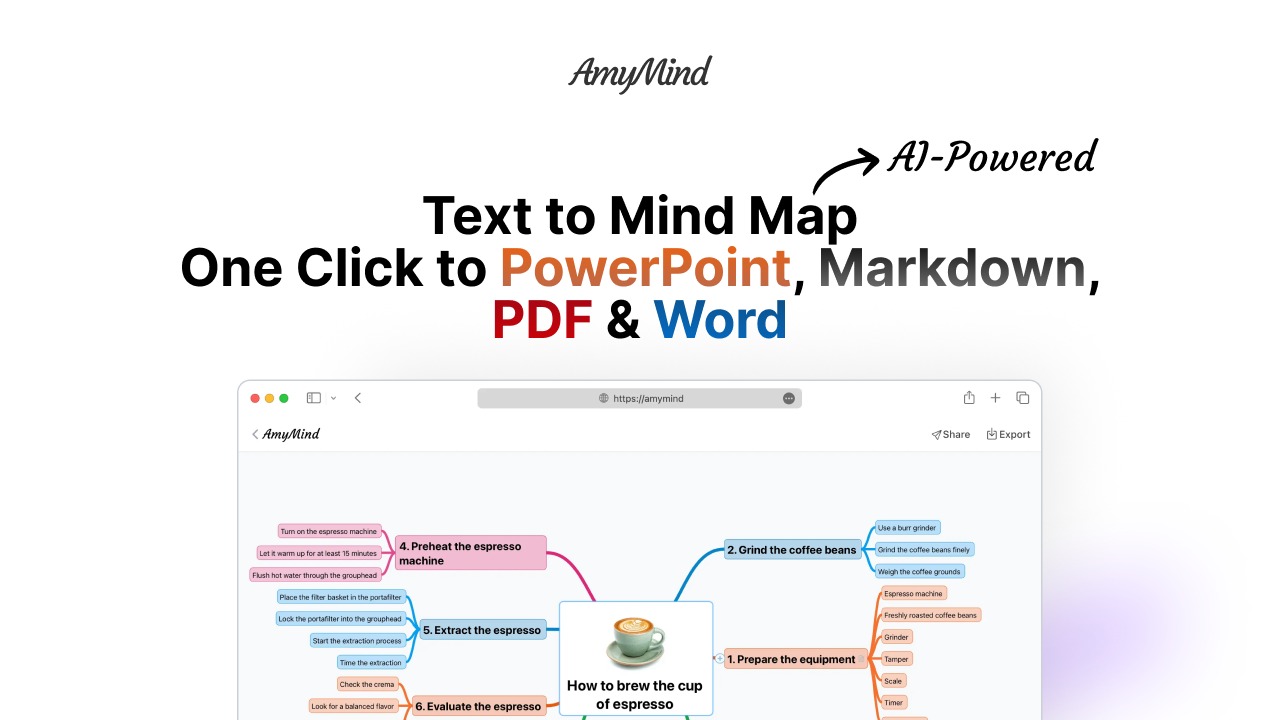
AmyMind is an innovative tool that transforms ideas into structured, visual mind maps in seconds using AI. Its intuitive interface and powerful AI capabilities make mind mapping quick and efficient. Perfect for educators, content creators, and project managers, AmyMind allows users to convert messy notes into organized, exportable mind maps.
Moreover, with seamless integrations like GPT 3.5-Turbo and GPT-4, and unique features such as export options, folder management, and theme styles, AmyMind revolutionizes the way we visualize ideas. Explore the lifetime deal offering 76% off.
What AmyMind Does?
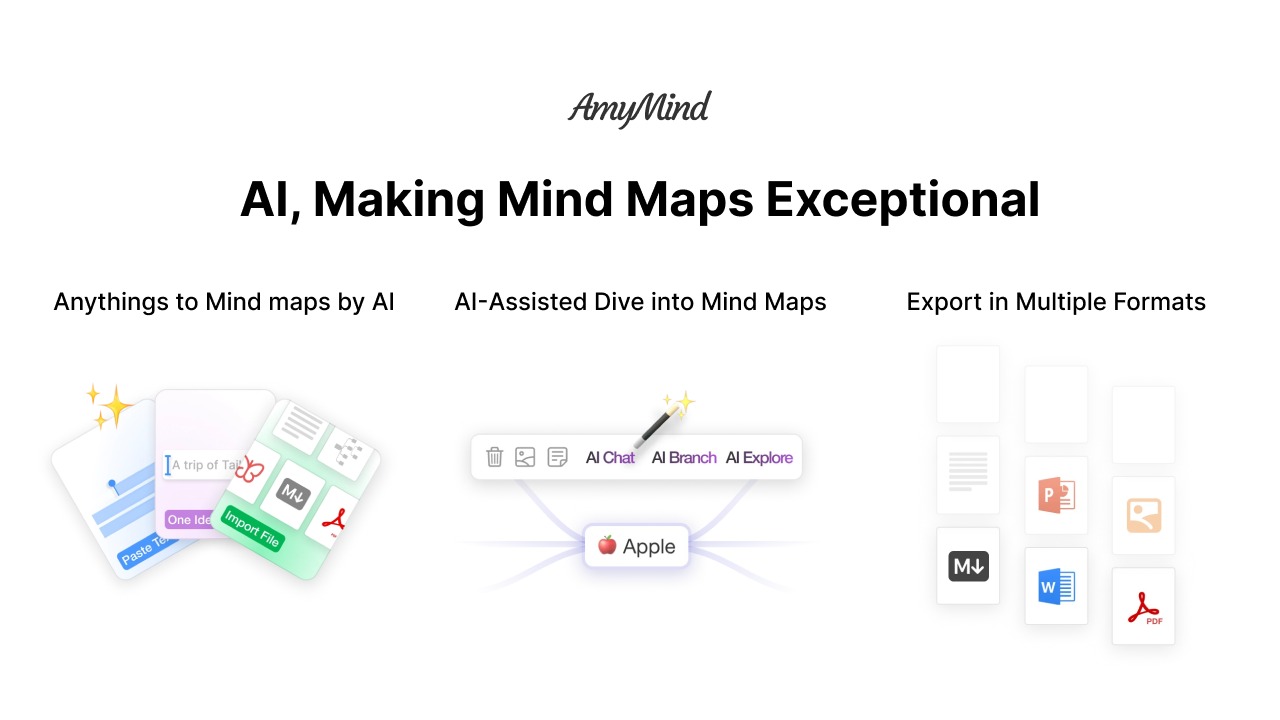
AmyMind is designed to turn your notes and ideas into structured mind maps seamlessly. By leveraging advanced AI technology, AmyMind converts text into comprehensive visual diagrams, allowing you to organize your thoughts better. This tool bridges the gap between brainstorming and presentation, offering export options in various formats.
Alongside AI-assisted mapping, AmyMind includes functionalities such as node notes, icons, and a wide array of theme styles. Additionally, it offers 500 MB storage to maintain a repository of your creative work. From content creation to educational projects, AmyMind has an application that suits multiple domains.
Furthermore, it offers easy sharing and collaborative opportunities, making it ideal for educators and project managers looking to streamline their workflows. The integration with AI models like GPT 3.5-Turbo and GPT-4 further enriches its functionality, helping you delve deeper into topics effortlessly.
How to use AmyMind?
Using AmyMind is intuitive and straightforward. Here’s a quick guide to getting started:
- Sign up and login. Begin by creating an account on AmyMind.
- Upload or input your notes. Start by entering the text or notes you want to convert into a mind map.
- Use AI features. Utilize the AI-assisted options to transform your text into an organized mind map.
- Customize and edit. Adjust theme styles, add nodes, and personalize your mind map with icons and notes.
- Export and share. Once completed, export your mind map in your desired format and share it with your team or audience.
Key Differentiators
AmyMind stands out from alternatives like Xmind with its advanced AI capabilities and user-centric design. Unlike traditional tools, AmyMind allows for instant mind map creation from raw text, saving users time and enhancing productivity. Its seamless integration with cutting-edge AI models like GPT 3.5-Turbo and GPT-4 adds an intelligent layer to content management.
Moreover, AmyMind’s commitment to user experience is evident in its intuitive interface, enabling users of all skill levels to craft detailed and visually appealing maps. This innovative approach, combined with unmatched export flexibility, makes AmyMind a valuable asset for structured visualization and effective communication of ideas.
Pros and Cons
Pros
- AI-powered text-to-map transformation.
- Intuitive interface with drag-and-drop functionality.
- Extensive export options for collaboration.
- Seamless integration with leading AI models.
- 500 actions per day for creative freedom.
Cons
- Occasional language AI constraints.
- Navigation controls may require learning time.
While AmyMind offers advanced mapping capabilities, users should consider their specific needs against any potential limitations they might encounter. Its robust features generally outweigh the minor drawbacks, providing substantial value for visual planning.
Who Is It For?
AmyMind is ideal for professionals and creatives who value structured and high-quality visualization. Content creators benefit from its ability to quickly convert brainstormed ideas into visual presentations, while educators find it invaluable for constructing lesson plans or educational materials.
Project managers can explore AmyMind’s potential to streamline processes and present timelines effectively. With functionalities that cater to strategic planning and team management, AmyMind is a versatile tool that fits the dynamic needs of various professional spheres.
Product images
At a glance
| Alternative to |
Xmind
|
|---|---|
| Integrations |
GPT 3.5-TurboGPT-4
|
| Best for |
Content creatorsEducatorsProject managers
|
Is it worth it?
AmyMind offers remarkable AI-driven features perfect for transforming and structuring ideas. At its current price of $59, with an impressive 76% discount, it’s a smart investment for users in need of a dynamic mind mapping solution. While it may have minor language AI challenges, the feature-rich environment and value offer substantial benefits.
AmyMind is particularly beneficial for content creators, educators, and project managers seeking efficient ways to manage ideas. Overall, the competitive pricing and enhanced functionalities make AmyMind well worth considering for anyone prioritizing effective and quick mind mapping.

About Shengchen Ding
Compared to alternatives
| Feature | AmyMind | Xmind | Competitor 2 |
|---|---|---|---|
| Text to Mind Map | AI-powered | Manual | Partially automated |
| AI Integration | GPT 3.5 & 4 | None | Limited |
| Export Options | Multiple Formats | Basic | Standard |
| Storage Capacity | 500 MB | 200 MB | 1 GB |
| Lifetime Deal | $59 | N/A | N/A |
* Based on publicly available information.
What users are saying
What users like
Users report AmyMind’s ease of use and AI features as significant advantages. Most reviewers highlight the platform’s ability to create mind maps quickly, appreciating its straightforward interface. Some mention the helpfulness of export options for sharing work with colleagues and clients.
Common concerns
Some concerns center around occasional language limitations within the AI. Additionally, a few users note that navigation controls might require a learning curve. Overall, these issues are minor compared to the tool’s comprehensive benefits.
FAQ
How quickly can AmyMind convert text to maps?
AmyMind uses AI to convert text into mind maps almost instantaneously, saving time and effort for users.
What AI models does AmyMind support?
AmyMind integrates with GPT 3.5-Turbo and GPT-4 for enhanced AI capabilities.
Is there a maximum number of maps I can create daily?
AmyMind allows for unlimited diagram creation with a cap of 500 actions per day.
Can I customize my mind maps?
Yes, AmyMind offers various customization options, including theme styles, node notes, and icons.
What is the refund policy?
AmyMind offers a 60-day money-back guarantee, allowing you to try it risk-free.
Deal Terms
- Lifetime access to AmyMind
- You must redeem your code(s) within 60 days of purchase
- All future Pro Plan updates
- Please note: This deal is not stackable
Related products
Chaos Control: Master Your Goals
Chaos Control is a personal organizer designed to streamline your daily tasks and goals management. Whether you’re seeking to enhance productivity in...

Robomotion RPA: Automate Repetitive Tasks
Robomotion RPA is a tool that automates repetitive and data-intensive tasks using robotic process automation (RPA) bots. By streamlining operations, it helps...
OrcaSheets: Instant Data Answers
OrcaSheets is a versatile data analytics tool that allows you to run local-first analytics using plain-English queries. This tool is ideal for...