SheetXAI: Automate Spreadsheet Tasks
Quick summary
- Automates spreadsheet tasks with AI.
- No coding required; uses plain English.
- Integrates with Excel and Google Sheets easily.
- Offers over 200 AI models.
- Great for freelancers and small businesses.
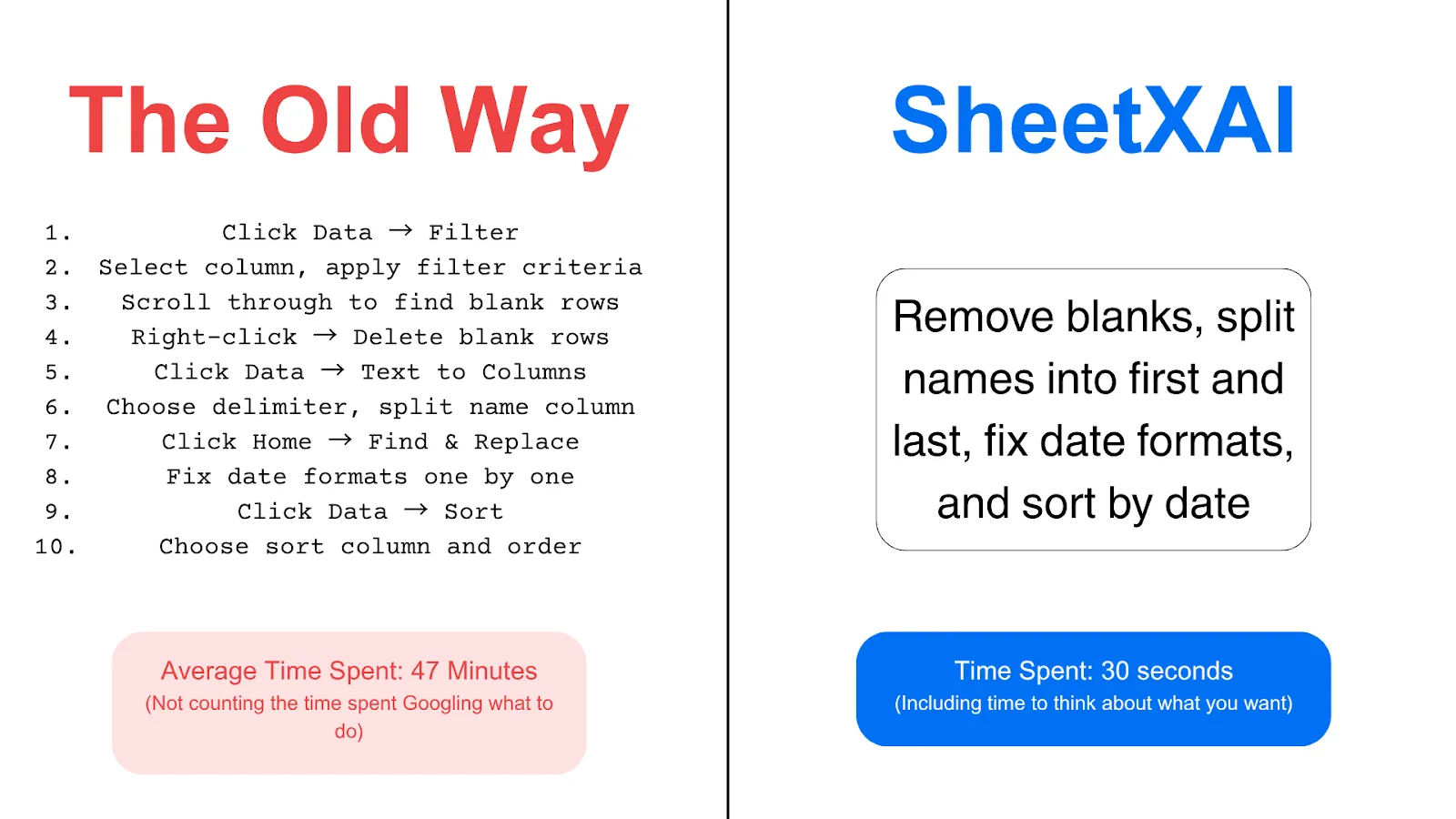
SheetXAI is an innovative tool that uses AI agents to automate spreadsheet tasks effortlessly. Designed to eliminate the need for complex formulas or programming skills, SheetXAI operates seamlessly within Excel and Google Sheets. This solution is perfect for freelancers, marketing agencies, and small businesses looking to streamline their workflows. Its user-friendly interface and extensive integrations make it a game-changer for productivity.
By leveraging over 200 AI models, SheetXAI allows you to handle any spreadsheet task using plain English commands. Whether you’re in marketing or project management, SheetXAI offers a flexible and efficient way to automate recurring tasks. With a stellar rating and a money-back guarantee, now is the best time to secure a lifetime deal on this powerful tool.
What SheetXAI Does?
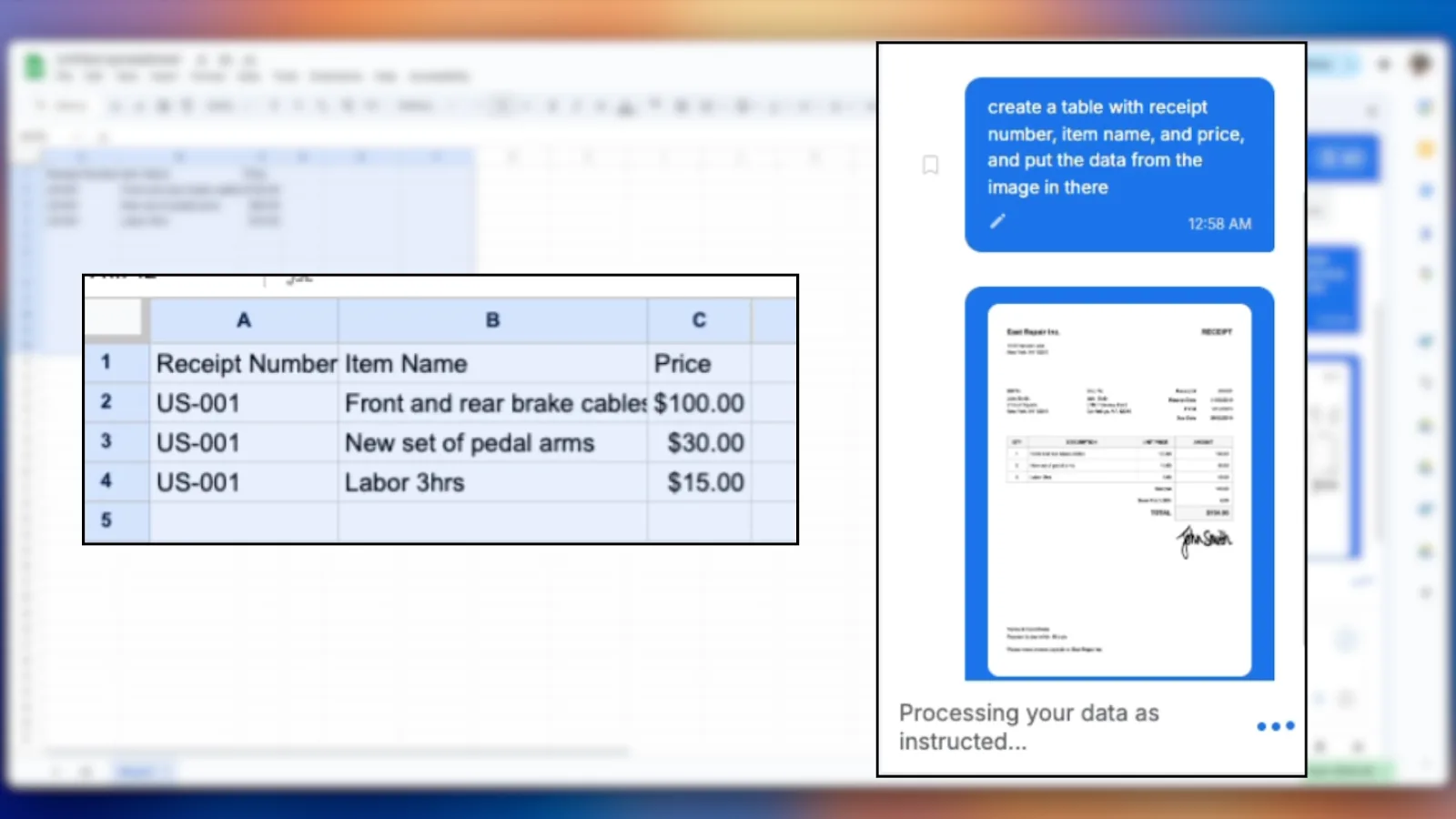
SheetXAI automates spreadsheet tasks by harnessing the power of artificial intelligence. Whether you’re managing financial data or organizing inventories, SheetXAI simplifies operations with intuitive AI-powered workflows. Unlike traditional spreadsheet tools, SheetXAI requires no complicated formulas or coding expertise, allowing you to accomplish tasks through straightforward English commands.
This tool integrates effortlessly with widely-used spreadsheet programs like Excel and Google Sheets, enhancing their functionality with more than 200 AI models. It also supports external tool integrations, making it a versatile addition for any tech stack. The primary objective of SheetXAI is to save time and reduce manual effort by automating repetitive tasks that typically demand considerable attention.
How to use SheetXAI?
Using SheetXAI is straightforward, designed to minimize the traditional learning curve associated with advanced spreadsheet tasks.
- Install the SheetXAI add-on for Excel or Google Sheets.
- Open or create a new spreadsheet you want to automate.
- Input plain English commands to instruct SheetXAI on desired tasks.
- Review the automated processes executed by the AI.
- Modify or optimize your commands as needed for seamless integration.
Key Differentiators
Unlike Airtable or standard spreadsheet programs like Google Sheets and Microsoft Excel, SheetXAI fully integrates AI-driven automation directly into your existing workflows. This integration eliminates the need for middleware solutions or extensive training, making it significantly more efficient and user-friendly. Airtable and traditional spreadsheets require manual configurations or additional third-party tools to achieve similar automation levels.
Moreover, SheetXAI stands out due to its vast selection of AI models, enabling it to perform diverse and intricate tasks without user intervention. The ability to execute commands using everyday language makes SheetXAI vastly more accessible compared to competitors that rely on proprietary languages or complex settings.
Pros and Cons
Pros
- Automates tasks using plain English—no technical expertise needed.
- Integrates seamlessly with Excel and Google Sheets.
- Rich library of over 200 AI models for versatile functionality.
- Rated highly by users for ease of use and customer support.
- Comes with a 60-day money-back guarantee.
Cons
- Initial setup might be challenging for some users.
- Occasional issues reported with AI model selection.
- Best suited for new users; existing SheetXAI users do not qualify for this offer.
Overall, the benefits of automating spreadsheet tasks with SheetXAI far outweigh the minor setup challenges. Its intuitive design and powerful AI capabilities make it an invaluable tool for various professional environments.
Who Is It For?
SheetXAI is ideally suited for freelancers, marketing agencies, and small businesses seeking to maximize efficiency and minimize overhead costs. Those frequently handling repetitive spreadsheet tasks will find exceptional value in automating their processes with AI technology.
It’s also perfect for teams looking to enhance collaboration without sacrificing productivity, allowing diverse users from different backgrounds to engage with spreadsheets more effectively. By streamlining task execution, SheetXAI makes it easier for professionals to focus on strategic initiatives rather than mundane data management chores.
Product images



At a glance
| Alternative to |
AirtableGoogle SheetsMicrosoft Excel
|
|---|---|
| Integrations |
Google SheetsInstantlyOffice 365WooCommerceWordPress
|
| Best for |
FreelancersMarketing agenciesSmall businesses
|
Is it worth it?
SheetXAI is a versatile and effective solution for those looking to streamline their workflow and boost productivity. Using plain English commands, it automates complex spreadsheet tasks without the need for technical skills. Priced at $49 compared to the original $180, it’s a cost-effective choice for freelancers, marketing agencies, and small businesses. With its 60-day money-back guarantee, giving it a try is virtually risk-free. We recommend SheetXAI for anyone aiming to enhance their spreadsheet management with the power of AI.

About Sheetxai
Compared to alternatives
| Feature | SheetXAI | Airtable | Google Sheets | Microsoft Excel |
|---|---|---|---|---|
| Automation with AI | Yes | Limited | No | Limited |
| Plain English Commands | Yes | No | No | No |
| Integrations | Extensive | Moderate | Moderate | Limited |
| User-Friendly Interface | Yes | Yes | Yes | Complex for some tasks |
* Based on publicly available information.
What users are saying
What users like
Most users report that SheetXAI significantly simplifies their spreadsheet management tasks, emphasizing its intuitive interface and powerful automation capabilities. Many highlight the exceptional customer support as a standout feature.
Common concerns
Some users mentioned initial challenges during setup and occasional issues with AI model selection, but these were generally deemed manageable and outweighed by the tool’s comprehensive capabilities.
FAQ
How does SheetXAI integrate with Excel?
SheetXAI works as an add-on for Excel, enhancing its capabilities with AI-driven automation tasks.
Is there a guarantee with this deal?
Yes, there is a 60-day money-back guarantee if you’re not satisfied.
What platforms does it support?
SheetXAI supports Google Sheets, Excel, and integrates with tools like WooCommerce and WordPress.
Can I upgrade my package?
Yes, you can upgrade while the deal is live, but downgrading is only possible within 60 days of purchase.
Deal Terms
- Lifetime access to SheetXAI
- Includes all future Custom App plan updates
- Automatic transfer of deal and updates if plan changes
- Exclusive to new SheetXAI Add On users; excludes past accounts, trials, or paid plans
- Activate within 60 days of purchase; upgrades available while live, downgrades allowed within 60 days
Related products
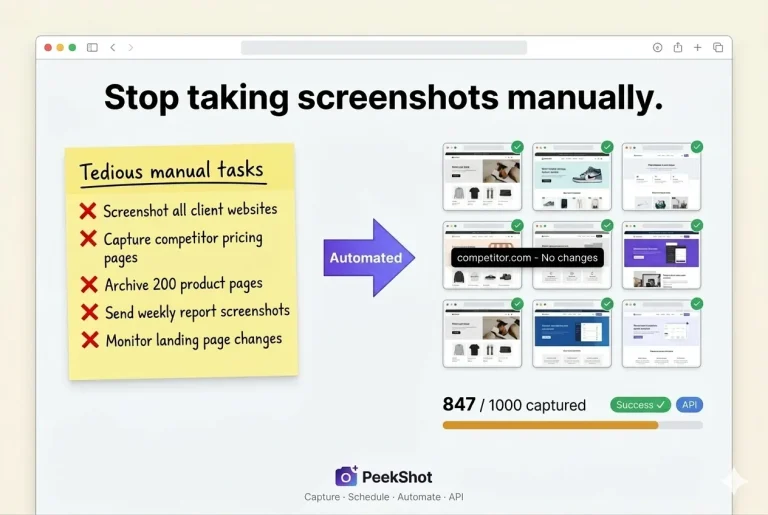
PeekShot: Efficient Screenshot Automation
PeekShot is a screenshot automation solution designed for seamless capture and sharing. This tool is indispensable for teams needing to schedule and...
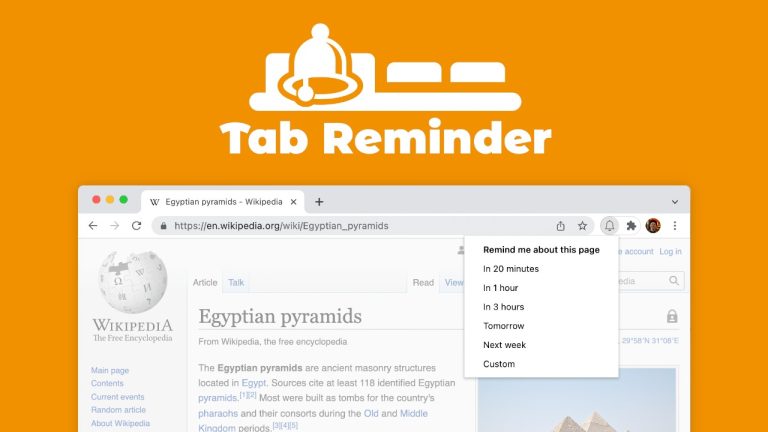
Chrome Tab Reminder: Set Website Reminders
Chrome Tab Reminder is a tool that quickly sets a reminder to revisit important websites at the perfect time. This intuitive app...
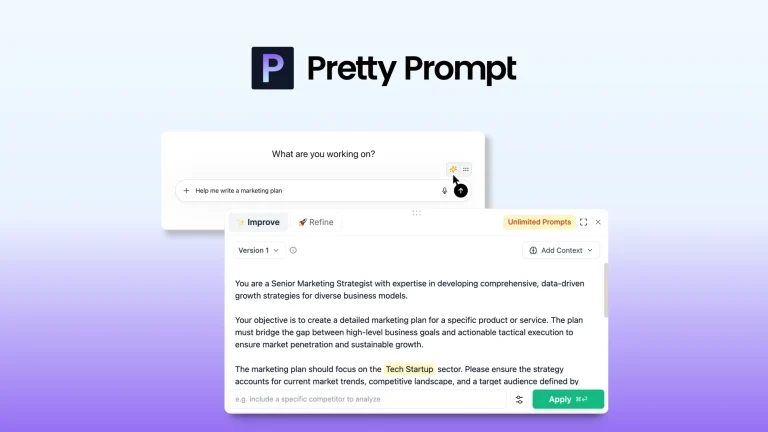
Pretty Prompt: Refine Prompts Instantly
Pretty Prompt is a tool that instantly refines and perfects your prompts for better outputs from ChatGPT. This intuitive solution seamlessly integrates...