BannerBoo: Launch Animated Ads Quickly
Quick summary
- Build animated ads without coding.
- Wide format support: HTML5, GIF, MP4.
- Integrates with creative tools like Photoshop.
- Share branded links to display ads.
- A powerful tool for marketers and agencies.
BannerBoo is a platform that allows users to launch animated ads without needing any code. With BannerBoo, marketers and businesses can efficiently create and manage advertisements for various outlets and social media channels. By integrating tools like Photoshop and image resources from Pixabay and Unsplash, BannerBoo simplifies the ad creation process. Users can get lifetime access to this tool at a significant discount, making it a cost-effective choice for increasing marketing efficiency.
Furthermore, BannerBoo offers the key feature of creating HTML5, AMP HTML, GIF, and MP4 ads, enabling seamless sharing across different platforms. The platform’s extensive library and branded share URLs help users to stand out, ultimately enhancing their branding efforts. BannerBoo is ideal for marketing agencies, marketers, and small businesses looking for a reliable, coding-free way to produce high-quality ads.
What BannerBoo Does?
BannerBoo is a versatile tool designed to streamline the process of building animated ads, allowing users to create complex animations without needing to write a single line of code. This platform supports multiple ad formats including HTML5, AMP HTML, GIF, and MP4, making it suitable for various advertising needs across social media and ad networks.

BannerBoo’s elegant drag-and-drop interface enables users to quickly assemble and enhance their ads with elements like text, images, and animations. The platform integrates with resources such as Photoshop, Pixabay, and Unsplash, giving marketers access to a wide range of imagery and design options. The integration of these tools within BannerBoo allows users to customize their ads extensively while retaining control over the branding and messaging.
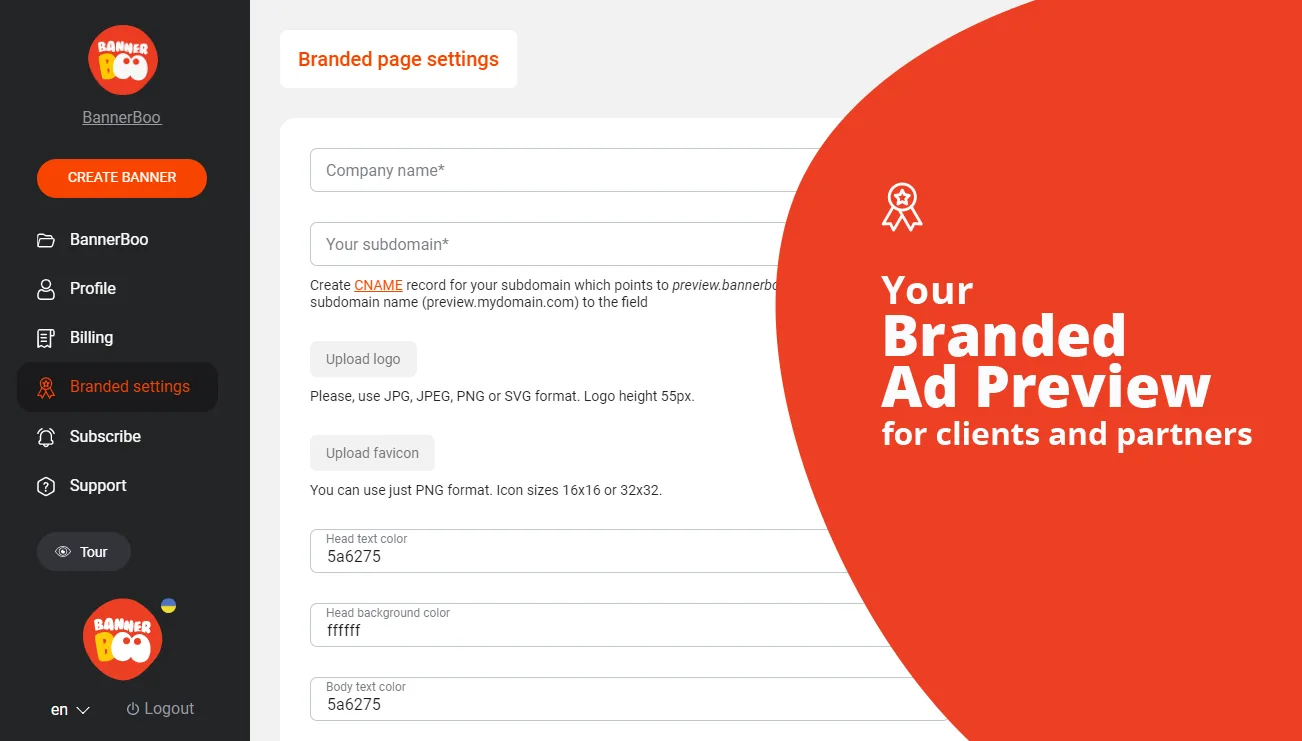
In addition, using the Branded Share URL feature, businesses can provide their clients with a dedicated, branded link to view and approve ad content. This enhances professionalism and leads to smoother client relationships. Overall, BannerBoo streamlines the ad design process, boosting productivity and efficiency for marketing professionals.
How to use BannerBoo?
Using BannerBoo is straightforward, ensuring that you can start creating stunning ads quickly. Here is how you can make the most out of BannerBoo:
- Sign up and log into your BannerBoo account.

- Choose a template from the extensive library or start with a blank canvas.
- Utilize the drag-and-drop editor to add and customize elements like text, images, and animations.
- Integrate resources from Photoshop, Pixabay, or Unsplash to enhance visual appeal.
- Publish your completed ad across social media and ad networks, or share the Branded Share URL with clients for feedback.
Key Differentiators
BannerBoo stands out due to its comprehensive suite that supports multiple ad formats such as HTML5, GIF, and MP4, ensuring high compatibility with all major social and advertising platforms. Additionally, the Branded Share URL (CNAME) feature empowers agencies to share their work with clients under their own branding, fostering better client relations and trust.
Moreover, the seamless integration with tools like Photoshop, Pixabay, and Unsplash provides nearly limitless creative possibilities for marketers. This flexibility allows for high-quality customizations that distinguish ads from competitors, all managed within a user-friendly interface. BannerBoo’s adaptability and ease of use make it a preferable choice for professionals looking for efficient, code-free ad creation.
Pros and Cons
Pros
- Easy to use with a no-code interface, making ad creation accessible to non-technical users.
- Supports a variety of ad formats, ensuring wide-ranging compatibility.
- Integration with Photoshop, Pixabay, and Unsplash enhances creative options.
- Branded Share URL for improved client communication.
- Excellent value from the lifetime deal with continuous updates.
Cons
- Some users report occasional software glitches.
- Limited text styling options compared to some competitors.
- Best suited for small to medium-sized campaigns.
In summary, while BannerBoo has a few limitations such as occasional glitches and constrained text styling capabilities, it more than compensates with its robust feature set and ease of use. These characteristics, combined with its competitive pricing model, make it an excellent option for marketers seeking to amplify their advertising return on investment.
Who Is It For?
BannerBoo is designed primarily for marketing agencies, individual marketers, and small businesses looking to improve their advertisement production efficiency without needing technical skills. These users will benefit from the cost savings provided by the lifetime access deal, making it especially attractive for those with ongoing campaigns.
The platform is also a great resource for businesses that engage in frequent digital marketing efforts and require a quick solution for producing professional-looking ads that captivate their audience. Marketing professionals who wish to achieve more within tight schedules will appreciate BannerBoo’s user-friendly interface and wide array of customizable templates and tools.
See the product in action
Product images



At a glance
| Integrations |
PhotoshopPixabayUnsplash
|
|---|---|
| Best for |
MarketersMarketing agenciesSmall businesses
|
Is it worth it?
Considering the extensive features and ease of use, BannerBoo is a smart choice for marketers and agencies aiming to create animated ads without technical hurdles. The 90% discount on lifetime access offers terrific value compared to the usual price. Its ability to seamlessly integrate with tools like Photoshop extends its usability even further.
While users have noted some minor drawbacks like glitches and limited text styling options, the strengths of BannerBoo far outweigh these. For those focused on delivering creative and effective campaigns, BannerBoo represents an invaluable tool. Its array of templates, flexible integration, and branded sharing options make it a versatile solution for various marketing needs.

About BannerBoo OU
Compared to alternatives
| Feature | BannerBoo | [Competitor 1] | [Competitor 2] |
|---|---|---|---|
| No-code Interface | Yes | Yes | No |
| Ad Formats Supported | HTML5, GIF, MP4 | HTML5, JPG | MP4, GIF |
| Image Resources | Pixabay, Unsplash | Shutterstock | Depositphotos |
| Branded Share URL | Yes | No | No |
* Based on publicly available information.
What users are saying
What users like
Many users applaud BannerBoo for its intuitive interface and the speed with which they can create ads. Most reviewers highlight the platform’s ability to support various ad formats, allowing for greater flexibility in campaign strategies. Additionally, the integration with resources like Pixabay and Unsplash is praised for enhancing creativity without leaving the platform.
Common concerns
Some users mention occasional software glitches that can disrupt the creative process. A few have pointed out the limited text styling options as a downside, feeling that they have fewer choices compared to some other tools.
FAQ
What types of ads can be created with BannerBoo?
BannerBoo supports the creation of HTML5, AMP HTML, GIF, and MP4 ad formats, providing versatility for various platforms.
Can I use BannerBoo if I have no coding skills?
Yes, BannerBoo is designed for ease of use with a drag-and-drop interface, requiring no coding knowledge.
Is there a money-back guarantee available?
Yes, BannerBoo offers a 60-day money-back guarantee, ensuring peace of mind for new purchasers.
What integration options does BannerBoo offer?
BannerBoo integrates with Photoshop, Pixabay, and Unsplash, allowing for enhanced creative input.
How can I share ads created with BannerBoo?
BannerBoo provides a Branded Share URL feature to showcase ads directly to clients with your branding.
Deal Terms
- Lifetime access to BannerBoo
- All future Plus Plan updates
- If the plan name changes, deal will shift correspondingly
- No codes or stacking needed—choose your ideal plan
- License activation required within 60 days of purchase
- Upgradable across 5 license tiers during deal availability
- Downgrading option available within 30 days of purchase
- Accessible to new BannerBoo users and returning purchasers
- Previous purchasers can upgrade to increase feature limits
- Previous users are grandfathered into any new features
Related products
Contact Button: Increase Engagement Easily
Contact Button is an all-in-one website widget designed to enhance user engagement and capture new leads seamlessly. By integrating diverse communication channels,...
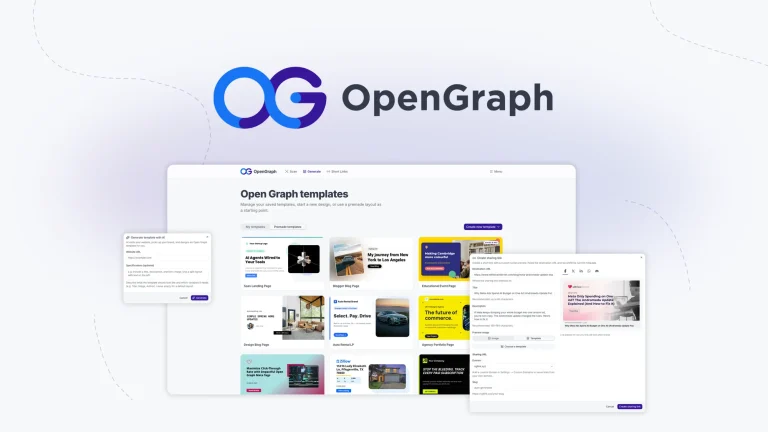
OpenGraph: Scale Branded OG Images
OpenGraph is a powerful tool designed to generate branded Open Graph images at scale. This platform offers businesses the ability to create...
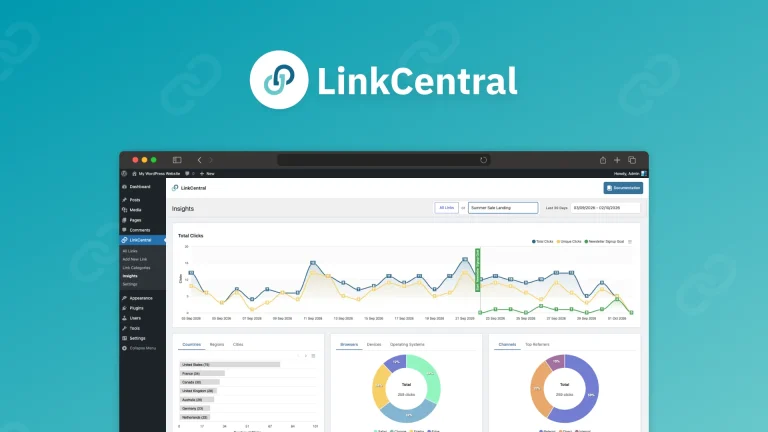
LinkCentral: Smart Short Links
LinkCentral is a platform that offers smarter short links for affiliates and bloggers looking to track clicks and redirect users effectively within...