Crayo: Viral Video Creation
Quick summary
- Generate viral videos quickly with AI tools.
- Effortless integration with major platforms.
- Streamlined workflows enhance creativity.
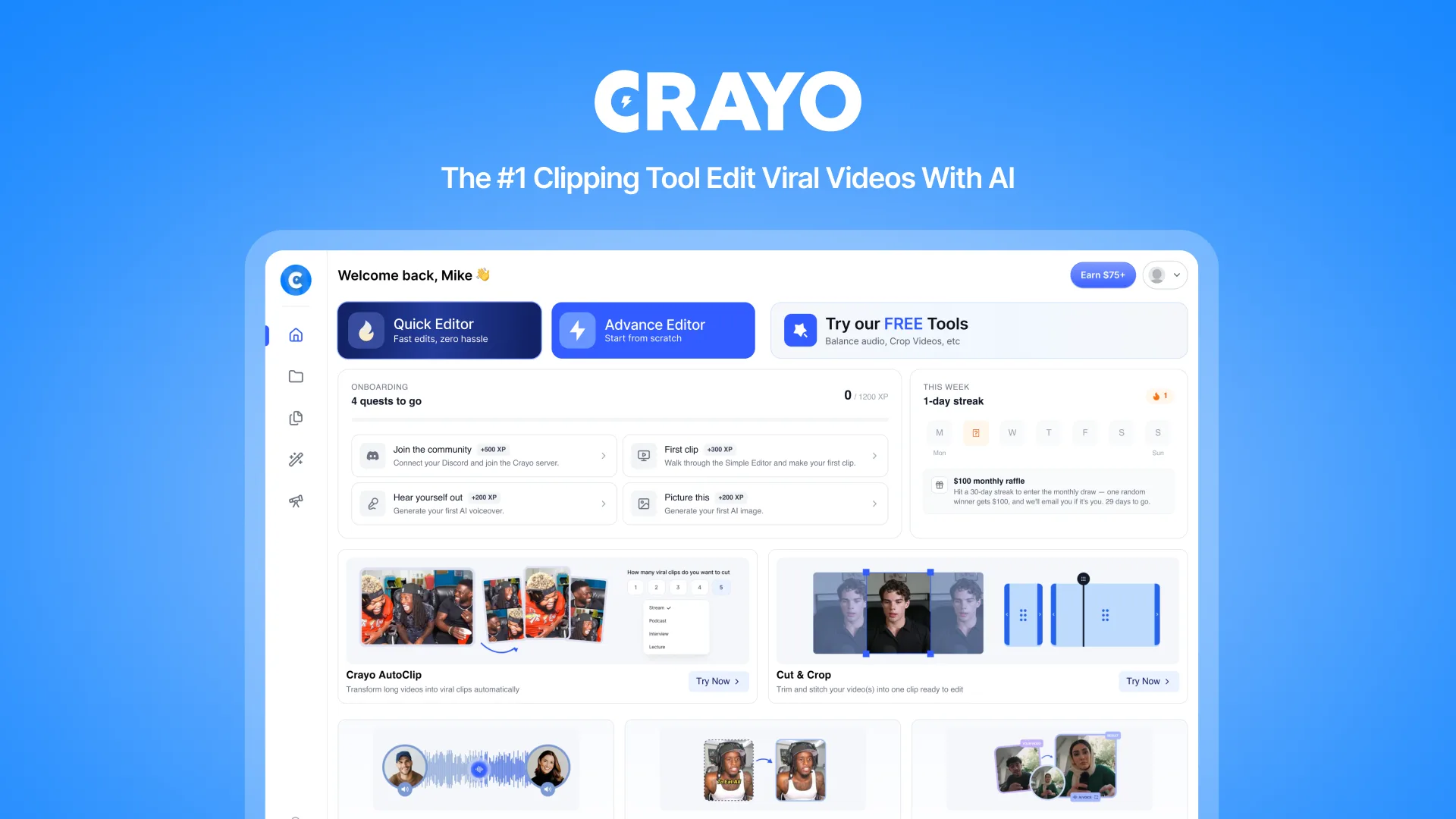
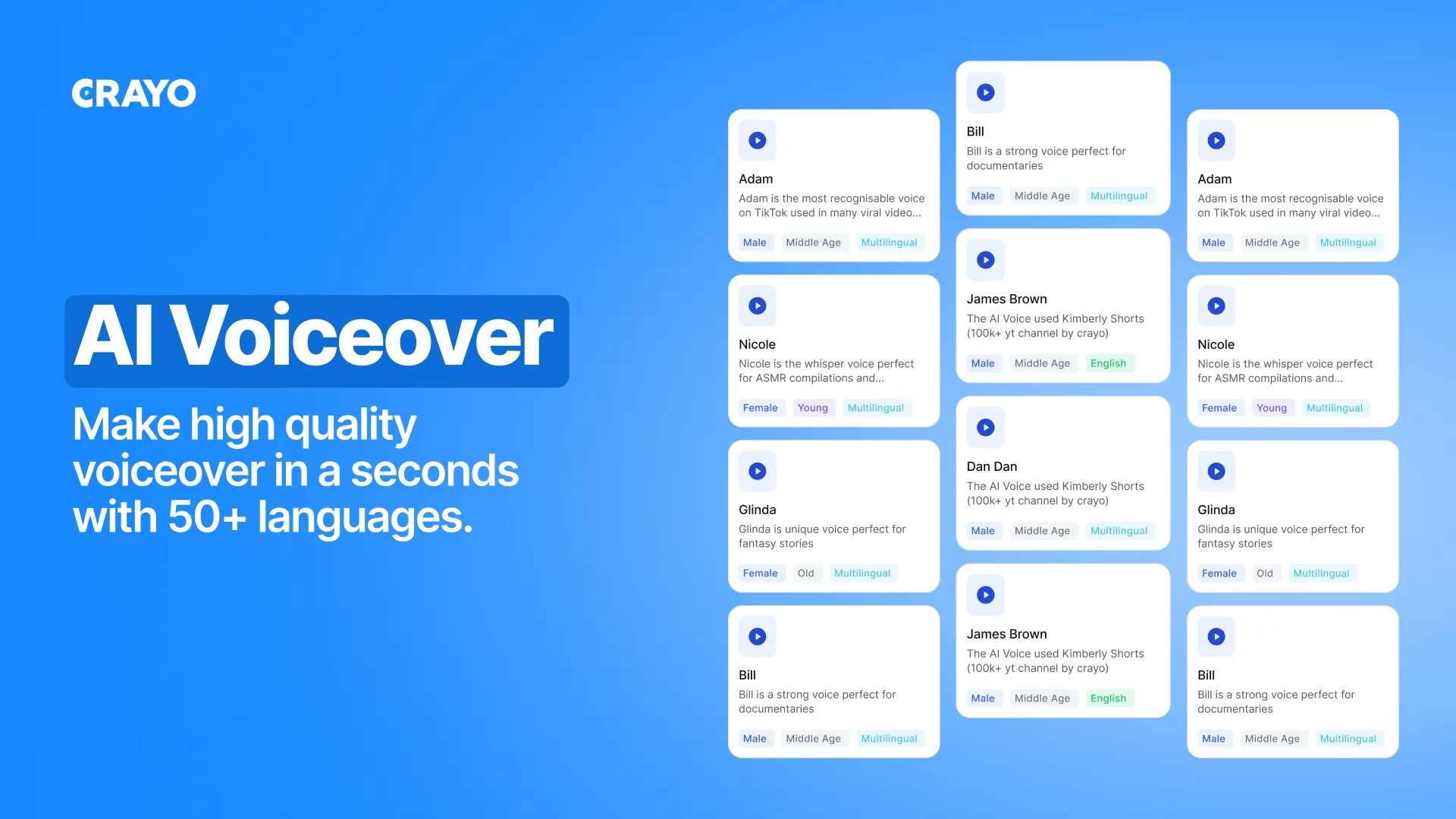
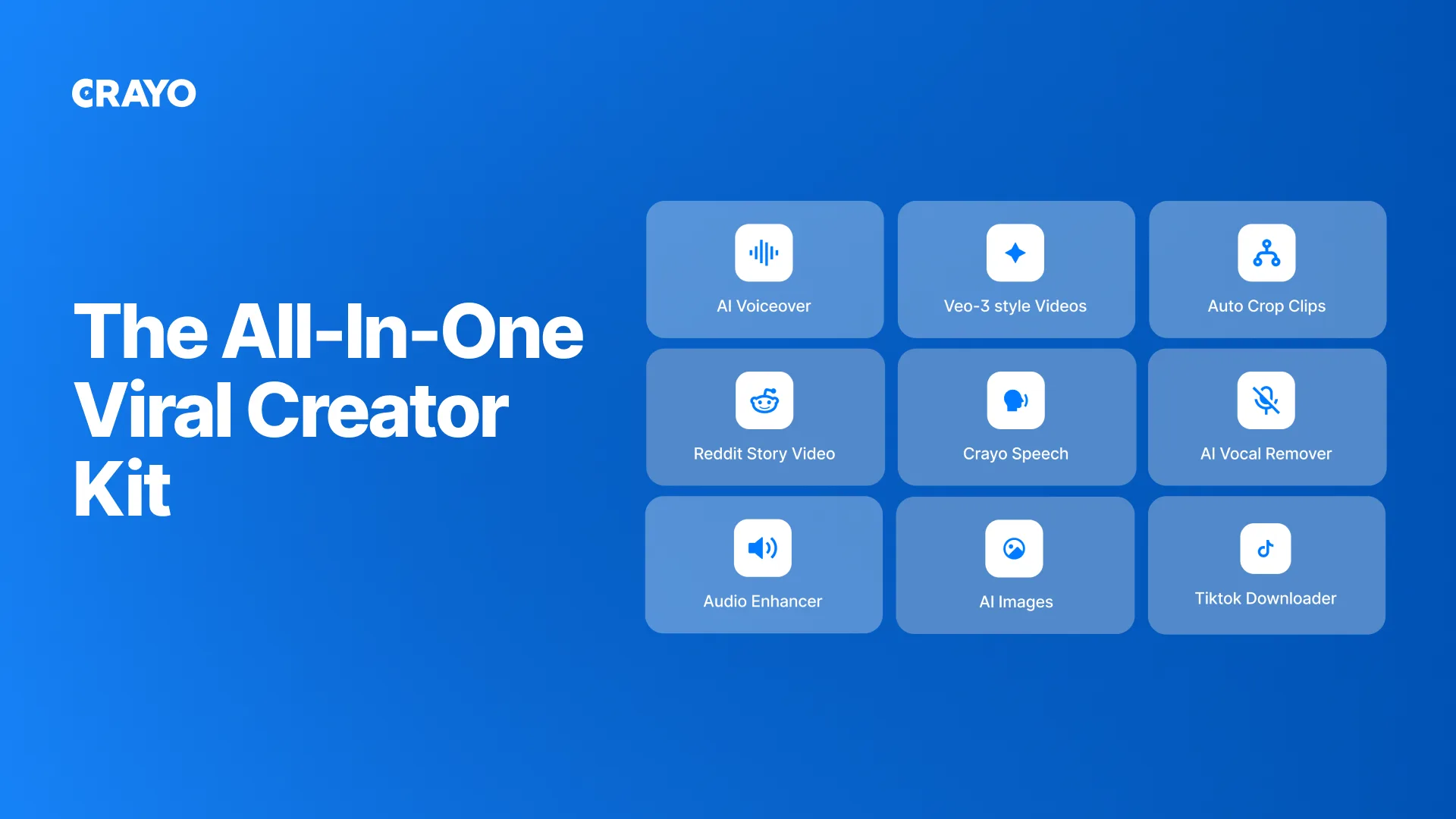
Crayo is an AI-powered tool designed to create viral short-form videos effortlessly. It enables users to generate engaging clips with AI voiceovers, animated subtitles, and split-screen workflows. Crayo caters to content creators and social media managers aiming to enhance their video production capabilities. Furthermore, the integration with popular platforms like TikTok and YouTube makes it a versatile choice for digital marketers.
The platform offers a substantial discount, providing users with a valuable opportunity to access high-end video production tools at an affordable price. It stands out as a compelling alternative for those seeking efficient and innovative ways to produce quality content without traditional editing hassles.
What Crayo Does?
Crayo is a cutting-edge tool that simplifies the process of creating engaging, short-form videos. It leverages artificial intelligence to offer features such as AI voiceovers, animated subtitles, and the ability to remove backgrounds, all without requiring users to manipulate complex timelines. The platform is designed to cater to the growing demand for quick, viral video content—integrating seamlessly with social media platforms like Instagram, TikTok, and YouTube.
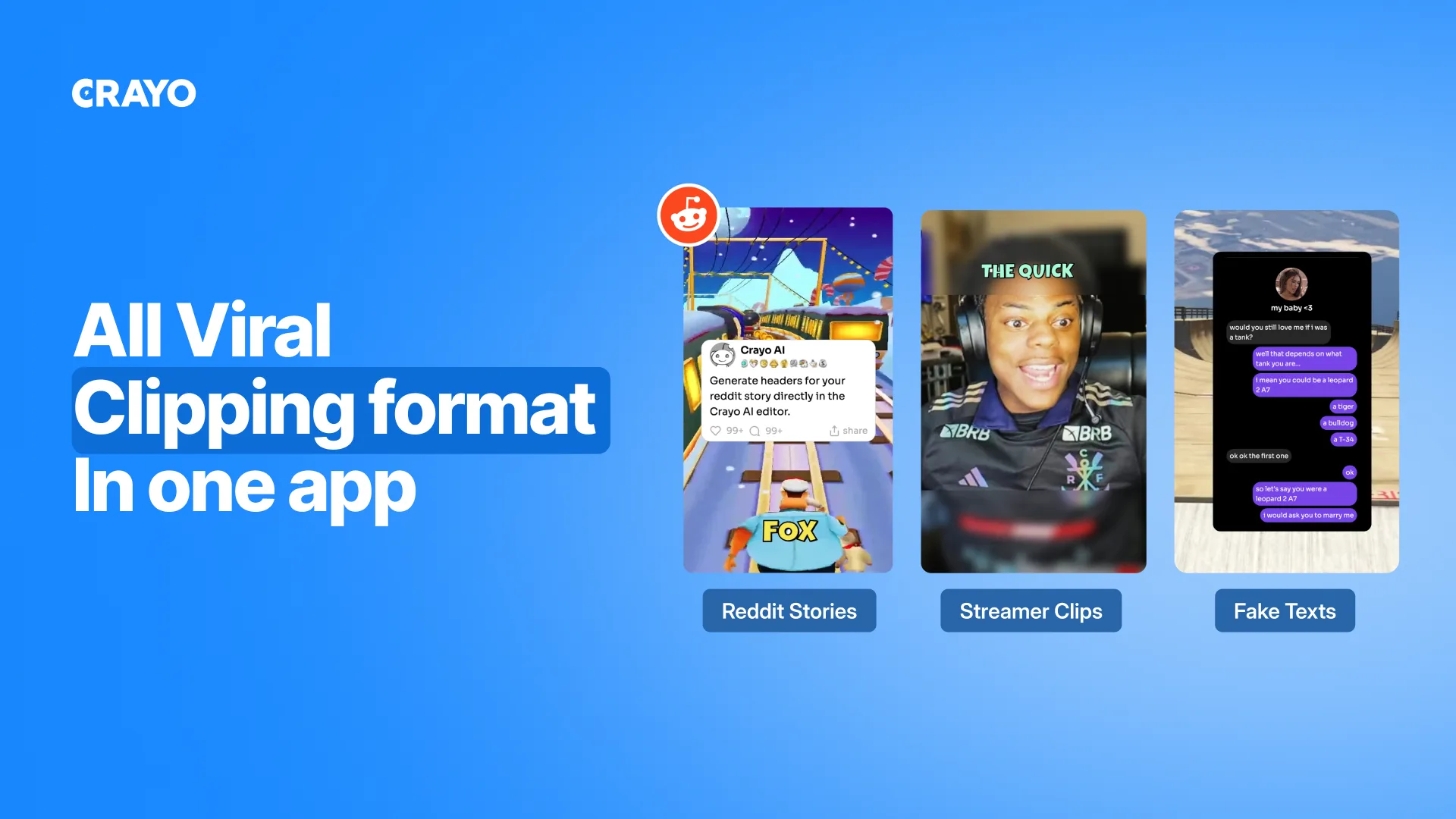
Users can create various video types like split-screen clips, Reddit story videos, and fake text conversations using Crayo‘s pre-built workflows. This feature allows anyone, from seasoned content creators to social media novices, to produce professional-looking videos with ease. Crayo‘s innovative approach helps streamline video production, enabling users to keep up with fast-paced digital trends.
How to use Crayo?
Utilizing Crayo to create content is straightforward, thanks to its intuitive interface and pre-designed workflows. Users can follow these steps to get started:
- Log in to your Crayo account and select a video format from the available options.
- Use the AI brainstorming feature to generate innovative content ideas.
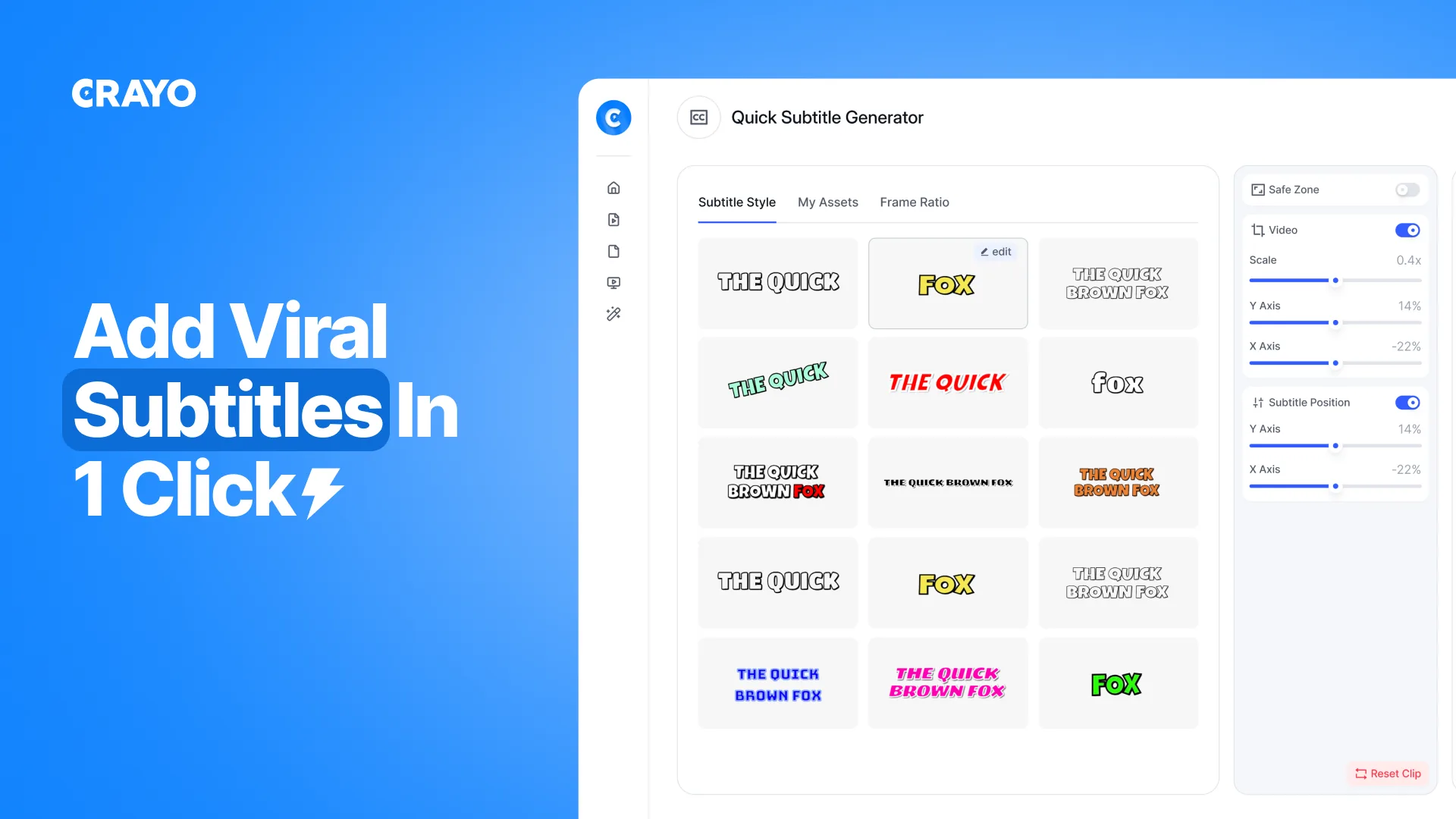
- Add voiceovers and animated subtitles to your clips for enhanced engagement.
- Preview the video and make adjustments until you achieve the desired look.
- Export the finished video to your preferred platform or download it for later use.
Key Differentiators
Compared to alternatives like Canva, Descript, and Kapwing, Crayo offers a unique blend of features specifically designed for short-form video creation. Its focus on AI-driven elements, such as automated voiceovers and subtitle animations, reduces the workload on users while enhancing the overall video quality. This approach sets Crayo apart from more generic video editing platforms.
Moreover, Crayo’s ability to integrate direct downloads from YouTube and TikTok ensures that users can quickly and efficiently produce content tailored to those platforms. The combination of ease-of-use with advanced AI functionalities provides a competitive edge in the market, particularly for creators looking to produce high-quality content quickly without technical complexities.
Pros and Cons
Pros
- AI-powered voiceovers for seamless audio integration.
- Pre-built workflows for quick setup and execution.
- Direct integration with TikTok and YouTube for easy sharing.
- Competitive pricing with a substantial discount.
Cons
- Limited reviews may signal a nascent market presence.
- Annual access requires credit card information for activation.
- Features may not suit long-form video editing needs.
Overall, Crayo offers a strong package for users focused on short-form content, balancing rich features with cost-effectiveness.
Who Is It For?
Crayo’s ideal user profile includes content creators, social media managers, and YouTubers seeking efficient solutions for video content creation. Its feature set is particularly beneficial for users who frequently produce short-form content and require tools that enhance creativity without demanding extensive technical skills.
The platform is also suited for those who manage multiple social media channels and need a streamlined tool to ensure consistent video production. Small businesses and digital marketing agencies can also benefit from Crayo’s easy-to-use workflows and AI-enhanced production capabilities.
Product images
At a glance
| Alternative to |
CanvaDescriptKapwing
|
|---|---|
| Integrations |
InstagramTikTokYouTube
|
| Best for |
Content creatorsSocial media managersYouTubers
|
Is it worth it?
Crayo offers a compelling feature set for those focused on generating social media content. Its integration with AI for video production provides substantial value, especially given its current 94% discount. This makes Crayo a smart investment for content creators and social media managers aiming to improve their video output.
While the product may not cater to all video editing needs, its effectiveness in creating engaging short-form videos is apparent. At $19 compared to the original $324, Crayo presents an accessible entry point into enhanced video creation, making it worth exploring for those in the target audience.

About Crayo
Compared to alternatives
| Feature | Crayo | Canva | Descript | Kapwing |
|---|---|---|---|---|
| AI Audio | Included | Not included | Included | Included |
| Video Templates | Pre-built workflows | Extensive | Basic | Limited |
| Platform Integration | TikTok, YouTube | Limited | Advanced | Limited |
| Image Editing | Basic | Advanced | Not focused | Included |
| Cost | $19/year | $120/year | $360/year | $240/year |
* Based on publicly available information.
What users are saying
What users like
Users highlight the intuitive interface and seamless integration with social media platforms as significant positives. Most find the AI-driven features useful for quickly enhancing video quality without extensive editing knowledge.
Common concerns
Some mention concerns about the platform’s current market presence, suggesting that its reach and reputation are still developing. Additionally, users note that while functional for short-form videos, it may not suffice for more extensive editing projects.
FAQ
What is included in the Crayo deal?
The deal offers one-year access to Crayo’s features including AI voiceovers, script generation, and video editing tools.
Is Crayo suitable for long-form videos?
Crayo is optimized for short-form video content, making it less suitable for detailed long-form video editing.
How does Crayo integrate with TikTok?
Crayo allows direct uploads to TikTok, enabling quick sharing of content directly from the platform.
What are the technical requirements?
Crayo is web-based, requiring a stable internet connection and can be accessed via any modern browser.
Can the subscription be canceled?
Yes, you can cancel the subscription any time before the renewal date to avoid recurring charges.
Deal Terms
- One year access to Crayo
- Redeem code within 60 days of purchase
- Available for new and existing Crayo users
- Credit card required for annual deal redemption
- Cancel anytime to avoid renewal charges
Related products
Reelify AI: Clip Viral Moments
Reelify AI is a powerful tool to transform long videos into captivating short clips right on your Mac. With no credit limits...

SurFast Video Downloader: Easy Video Downloads
SurFast Video Downloader is your tool for seamless video downloads from over 1,000 websites. Ideal for content creators, educators, and marketing agencies,...

Followr Studio: AI Avatars & Viral Videos
Followr Studio is an innovative platform designed to transform your creative ideas into AI avatars and viral short videos. With its advanced...