Dashform: Forms Agents Find Easily
Quick summary
- Dashform creates entire forms from one prompt.
- Sync responses with 5,000+ apps via Zapier.
- Export data to Google Sheets, Notion, Airtable.
Dashform is a powerful tool that enables you to publish forms agents can easily locate and use, seamlessly syncing responses to over 5,000 apps via Zapier. Designed for real estate professionals, online coaches, and small business owners, Dashform streamlines the process of form creation with intuitive prompts and seamless integrations.
With the ability to export responses to platforms like Notion, Airtable, or Google Sheets, Dashform ensures your data is not only collected efficiently but also organized and accessible, making it an essential tool for productivity and workflow optimization.
What Dashform Does?
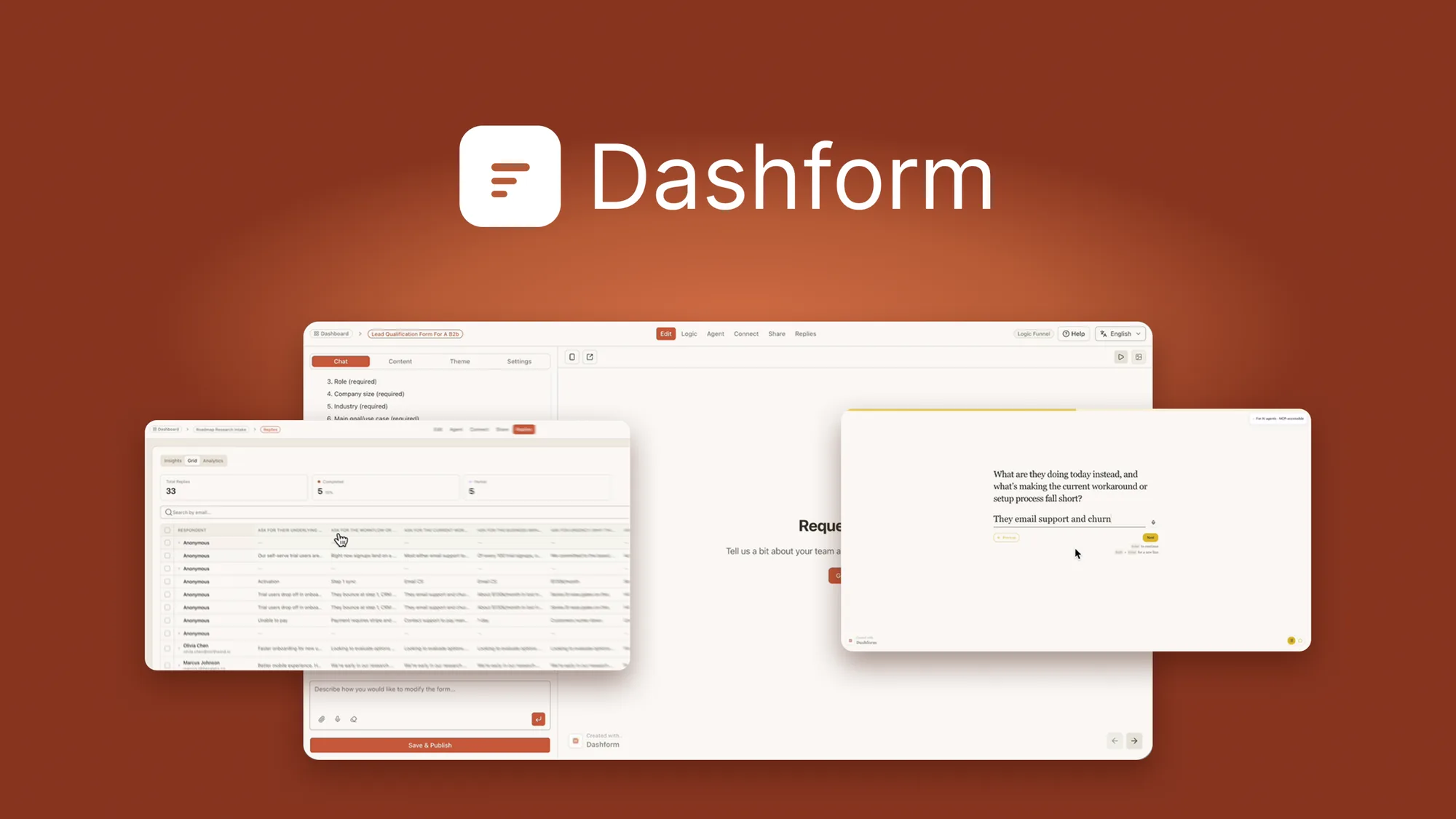
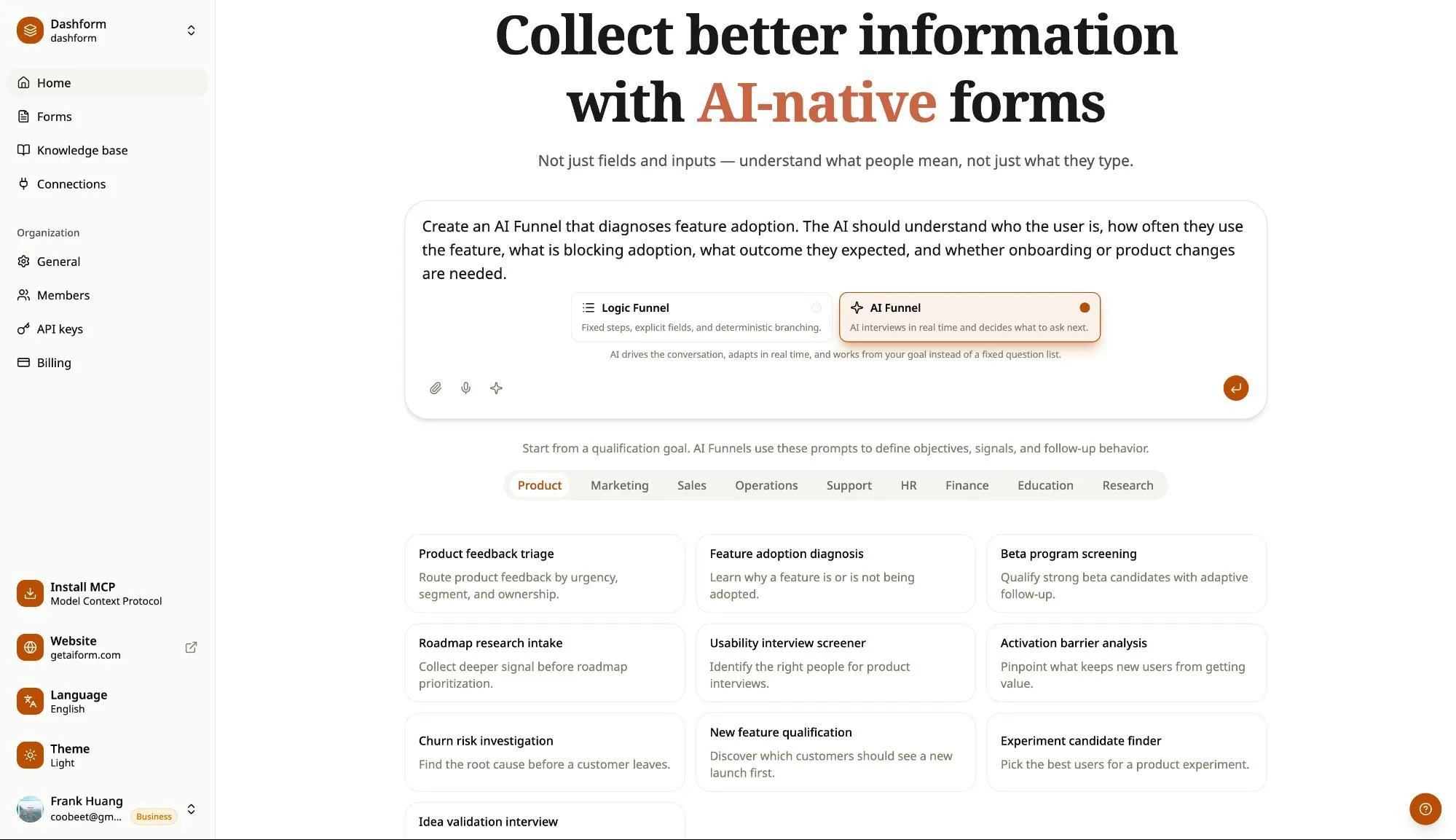
Dashform is an innovative software solution designed to transform the way forms are created and managed. By using a singular prompt, it crafts entire forms, including the questions, logic, and layout, without the need for tedious field-by-field setup. Dashform makes it simple for real estate agents and small businesses to publish forms that can be easily discovered and used.
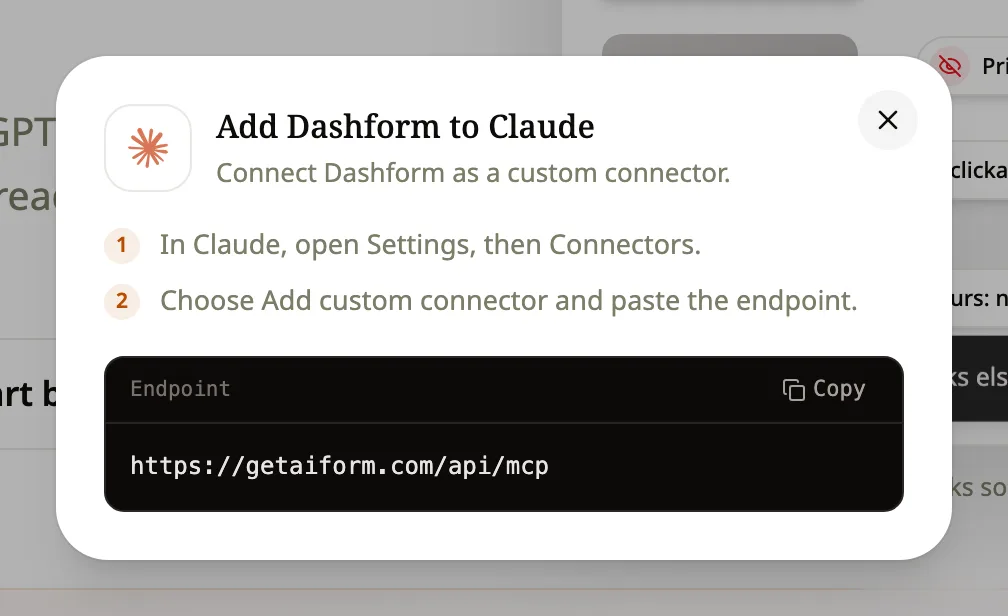
The platform’s standout feature is its integration capability; responses can be seamlessly synced with over 5,000 apps, courtesy of Zapier. This means your valuable data can be exported to applications like Google Sheets, Airtable, and Notion, fitting perfectly into your existing systems and enhancing productivity.
How to use Dashform?
Using Dashform effectively involves a few straightforward steps:
- Initiate the form creation by entering a single prompt that outlines your requirements.
- Review the automatically generated form with questions and logic tailored to your needs.
- Publish the form, ensuring it’s accessible and functional for intended users.
- Sync form responses automatically with your preferred applications, facilitated by Zapier.
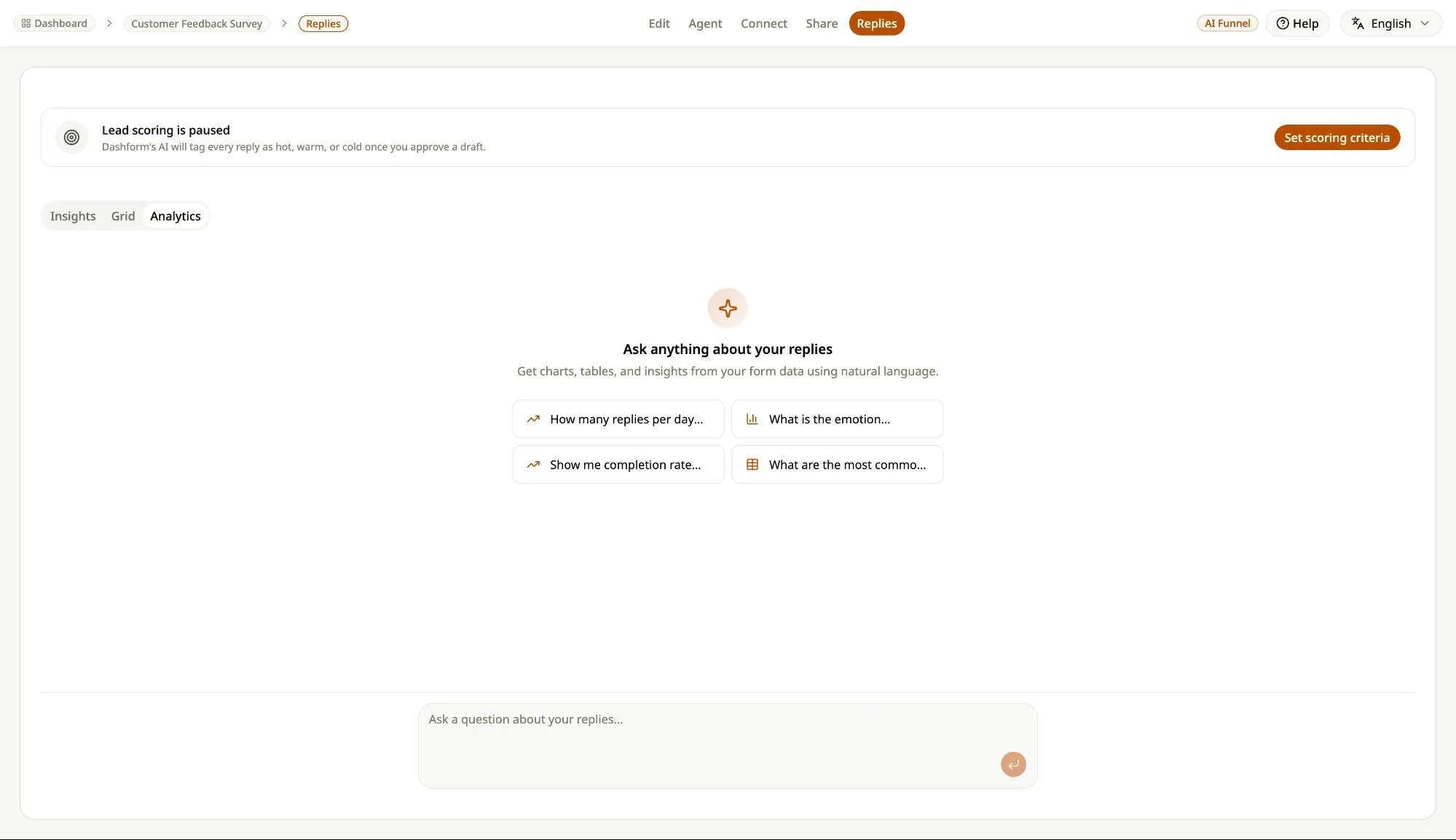
- Analyze the collected data across platforms like Airtable and Google Sheets for strategic planning.
Key Differentiators
What sets Dashform apart from competitors like Typeform and Jotform is its streamlined, AI-driven form creation process. Unlike other platforms that demand extensive manual input for form design, Dashform builds complete forms from a simple prompt. This unique feature saves time and reduces complexity, allowing users to focus on more critical tasks.
Additionally, the broad integration capability and ability to easily sync with thousands of apps via Zapier mean Dashform offers unparalleled flexibility. This ensures that businesses can effectively manage their data flows and maintain continuity across various systems—something crucial for small businesses and online coaches.
Pros and Cons
Pros
- Quick form creation from a single prompt.
- Seamless integration with 5,000+ apps.
- Direct export to Google Sheets, Airtable, Notion.
Cons
- Limited user reviews available.
- Potential learning curve initially.
While Dashform excels in offering a comprehensive and flexible platform for form management, users should weigh the slight learning curve against its impressive capabilities and integration potential.
Who Is It For?
Dashform is an ideal solution for professionals and organizations needing effective data collection and management. Online coaches can use it to create client intake forms, and real estate agents might utilize it for property inquiries. Its ability to score submissions and direct exports enhances utility in various fields.
The platform is especially beneficial for small businesses looking to streamline operations through automation and integration. By simplifying form creation and data-syncing tasks, Dashform frees up time for these users to focus on essential business growth activities.
Product images

At a glance
| Alternative to |
TypeformJotform
|
|---|---|
| Integrations |
AirtableGoogle SheetsHubSpotMailchimpSlack
|
| Best for |
Online coachesReal estateSmall businesses
|
Is it worth it?
Is Dashform worth the investment? If you’re an online coach or real estate agent needing streamlined form creation and data management, the answer is yes. The 87% discount makes it an attractive offer, especially compared to the original price of $468. With its capabilities to handle various integrations and automate processes, Dashform is a smart investment for those looking to optimize workflows and maintain streamlined operations.
Ultimately, whether or not Dashform is right for you depends on your need for intelligent form management and integration flexibility. Those who can benefit from having all data consolidated and easily accessible will find tremendous value.

About Dashform
Compared to alternatives
| Feature | Dashform | Typeform | Jotform |
|---|---|---|---|
| Automatic Form Creation | Yes, single prompt | No | No |
| Integrations | 5,000+ via Zapier | 350+ | 300+ |
| Export Options | Google Sheets, Notion, Airtable | Google Sheets, Zapier | CSV, Excel, Google Sheets |
| Price | $59 one-time | Monthly subscription | Monthly subscription |
* Based on publicly available information.
What users are saying
What users like
Reviewers emphasize the ease of form creation thanks to the single-prompt feature. Many appreciate the ability to integrate with multiple apps, which streamlines data management
Common concerns
Several users express a desire for more user reviews to gauge reliability and effectiveness further. Some mention a minor initial learning curve
FAQ
How does the form creation process work in Dashform?
The creation process is initiated with a single prompt, which enables Dashform to automatically generate entire forms.
What applications can Dashform sync with?
Dashform integrates with over 5,000 apps via Zapier, including Google Sheets, Airtable, and Notion.
Is there a limit to the number of forms I can create with Dashform?
There is no limit on the number of forms you can create. You can design and publish as many forms as needed.
Can I access future updates with my current plan?
Yes, you will receive all future updates to the Pro or Business Plans, depending on your license tier.
Deal Terms
- Lifetime access to Dashform
- All future Pro (Tiers 1-2) or Business (Tier 3) Plan updates
- If Plan name changes, deal will be mapped to the new Plan name with all accompanying updates
- No codes, no stacking—just choose the plan that’s right for you
- You must activate your license within 60 days of purchase
- Ability to upgrade between 3 license tiers while the deal is available
- Ability to downgrade between 3 license tiers within 60 days of purchase
Related products
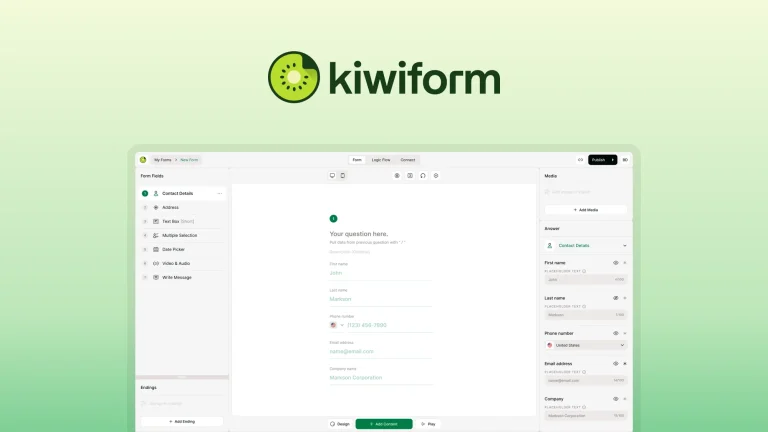
Kiwiform: Smarter Form Building
Kiwiform is a platform that enables users to build forms with advanced features effortlessly. With its focus on unlimited forms, built-in analytics,...

LeadToSheet: Instant Form Sync
LeadToSheet is a tool that turns forms into Google Sheets instantly. Designed for marketing agencies, small businesses, and solopreneurs, it streamlines form...

MetaSurvey — Survey, Quiz, Form: Gain Customer Insights
MetaSurvey — Survey, Quiz, Form is an AI-powered tool for creating engaging, card-style surveys, quizzes, and forms. Designed for effective feedback and...