LeadToSheet: Instant Form Sync
Quick summary
- Sync form submissions to Google Sheets instantly.
- Works without coding or field mapping.
- Automatically captures UTMs and device data.
- Integrates with Slack, Discord, and more.
LeadToSheet is a tool that turns forms into Google Sheets instantly. Designed for marketing agencies, small businesses, and solopreneurs, it streamlines form submissions by capturing every detail directly into your Google Sheets without any coding. This tool offers seamless real-time synchronization, allowing you to track attribution and score leads efficiently.
Furthermore, LeadToSheet easily integrates with popular platforms like Discord, Microsoft Teams, Slack, and more, making it a versatile choice. Its powerful features include auto-capturing UTMs, device data, and lead sources, equipping you with comprehensive insights for better decision-making.
What LeadToSheet Does?
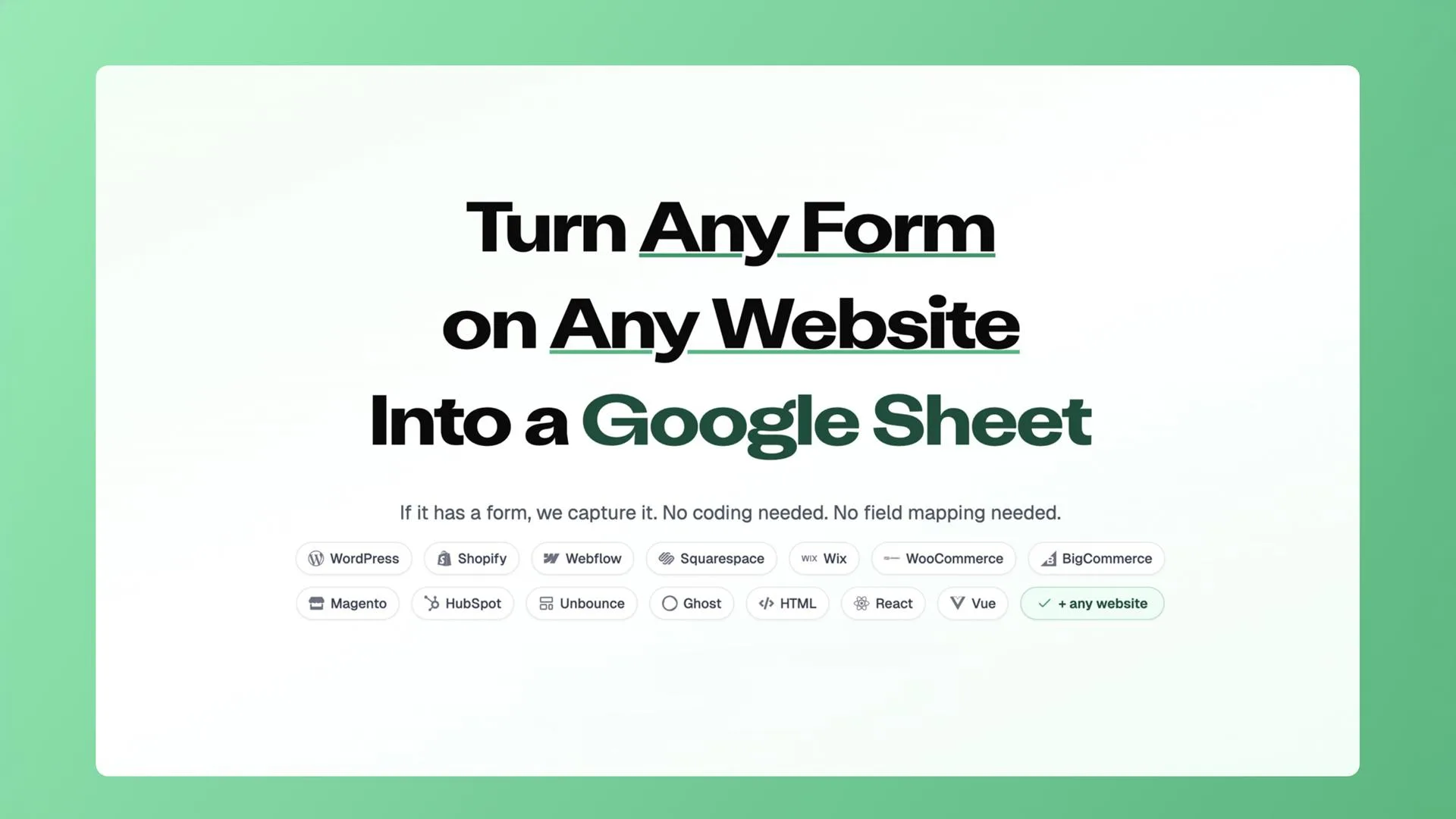
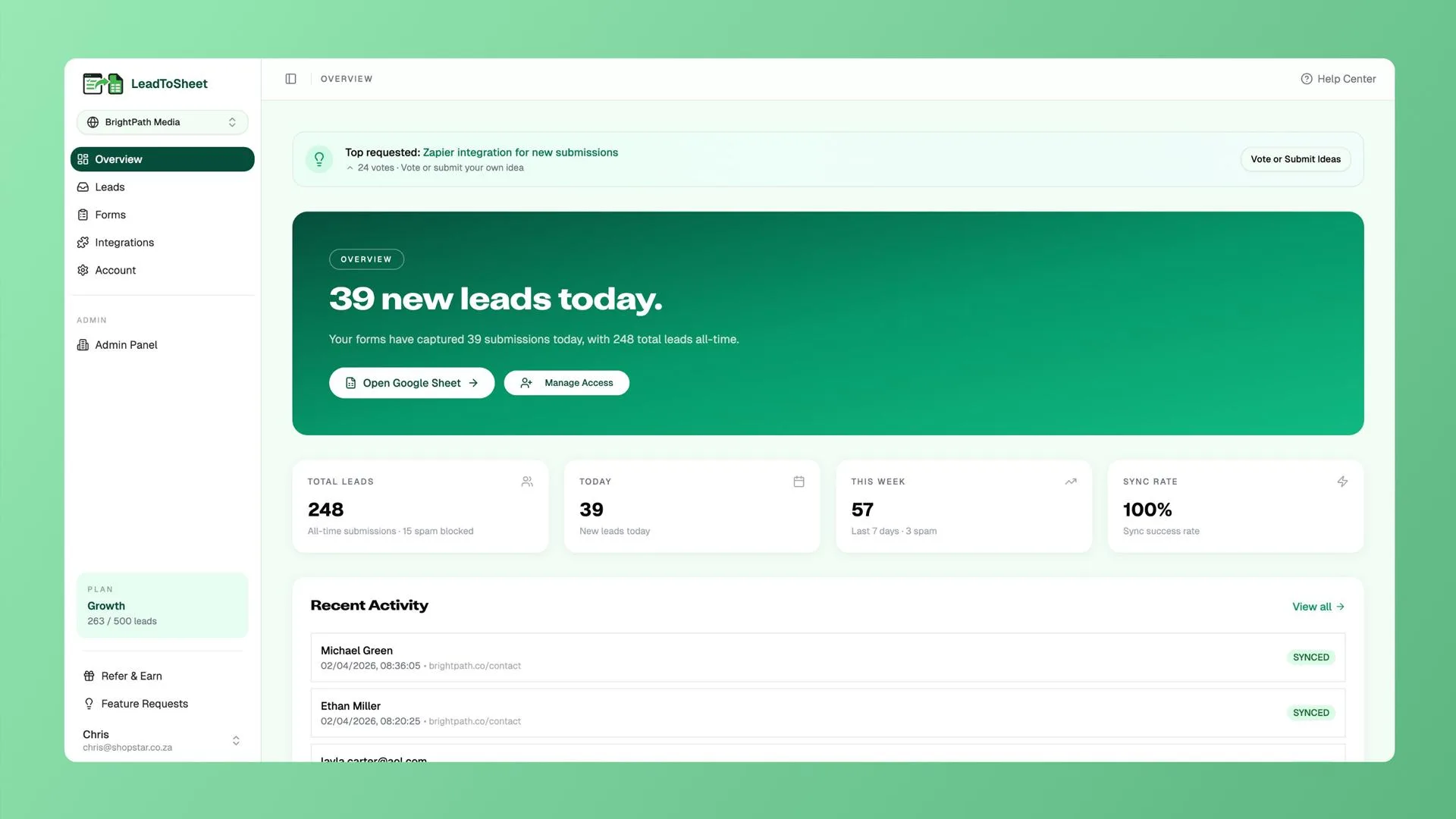
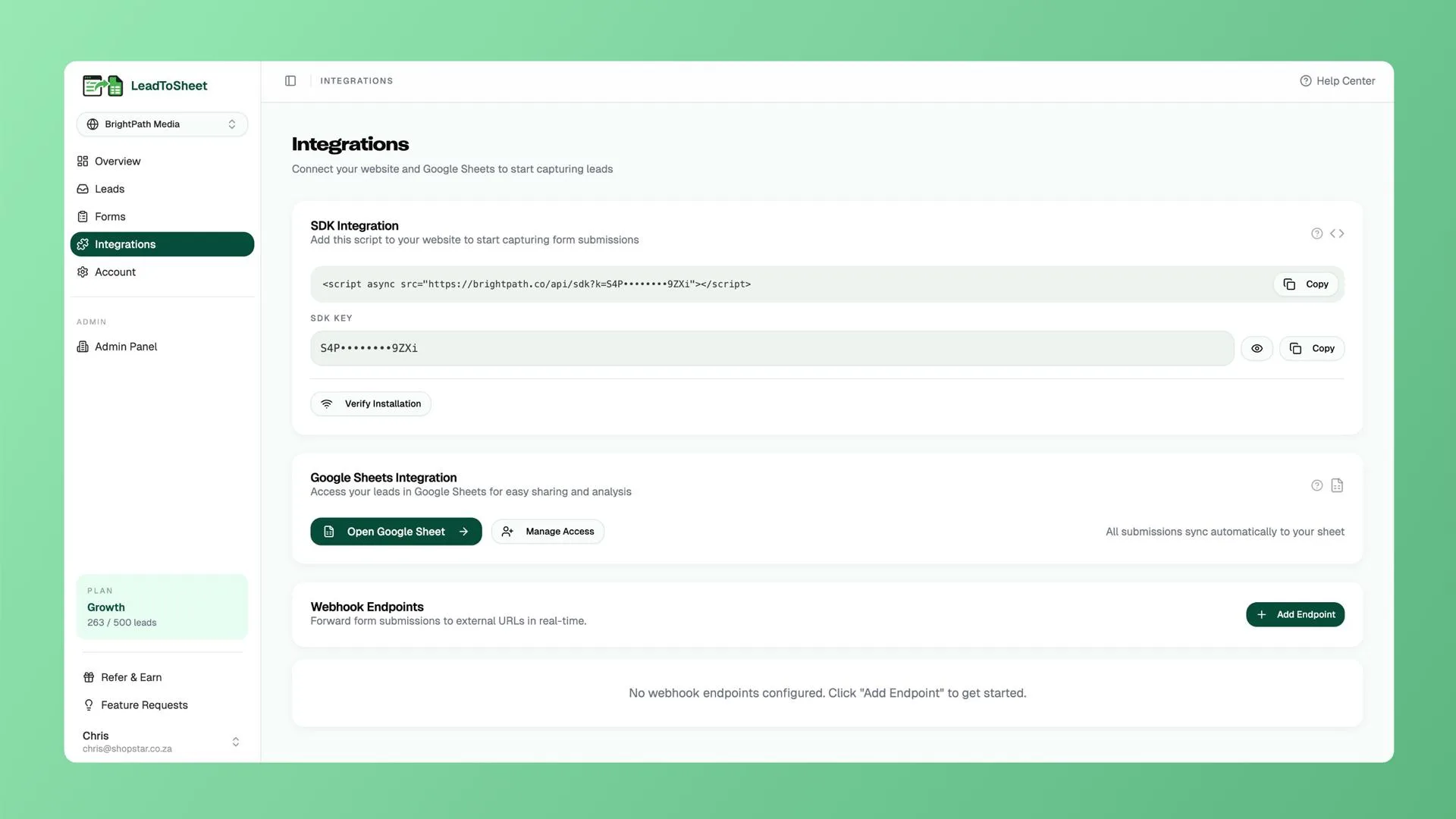
LeadToSheet transforms your website form submissions into actionable data by syncing them directly into Google Sheets. This process occurs in real-time, eliminating manual data entry needs. Simply insert a single line of JavaScript, and LeadToSheet automatically captures each form submission.
Designed to integrate effortlessly, LeadToSheet doesn’t require any coding or field mapping, making it accessible to users with any level of technical expertise. This tool can automatically capture additional information like UTMs, device data, and lead sources, providing you with valuable insights to understand attribution and enhance your marketing strategy.
How to use LeadToSheet?
Using LeadToSheet is simple and efficient:
- Install the LeadToSheet script on your website.
- Create or connect your existing Google Sheet.
- Monitor your form submissions in real-time in Google Sheets.
- Utilize the captured data for lead tracking and attribution analysis.
- Collaborate with your team using integrated tools like Slack or Discord.
Key Differentiators
LeadToSheet offers unique advantages over other form automation tools like Make and Zapier. Unlike competitors, LeadToSheet eliminates the need for coding or complex integrations, allowing users to synchronize forms with just one line of JavaScript. This simplicity saves significant setup time and reduces the potential for technical errors.
Moreover, LeadToSheet’s ability to capture detailed data such as UTMs and device information sets it apart from Typeform by offering deeper insights into your marketing campaigns. Users can effectively track lead attributions and adjust strategies based on real-time data.
Pros and Cons
Pros
- Real-time syncing with Google Sheets
- No coding or complex setups required
- Automatic data capture for robust insights
- Seamless integration with popular platforms
- Lifetime access with regular updates
Cons
- May not support all types of complex form structures
- Requires internet connectivity for real-time updates
- Customization options are limited compared to some competitors
While LeadToSheet offers significant advantages, it’s important to consider these limitations based on your specific needs. Its simplicity and efficiency make it a valuable tool for straightforward applications.
Who Is It For?
LeadToSheet is ideal for marketing agencies, small businesses, and solopreneurs who seek a straightforward solution to sync form submissions with Google Sheets. It caters to users seeking to automate data entry and enhance lead tracking without the complexities of coding.
This tool is particularly useful for teams utilizing multiple platforms such as Slack or Microsoft Teams, as it facilitates seamless integration and collaboration. Overall, LeadToSheet is an excellent choice for anyone looking to improve their marketing analytics with minimal technical intervention.
Product images


Is it worth it?
For marketers and small business owners, LeadToSheet provides an effective tool for data management. Its ability to capture and sync form submissions to Google Sheets in real-time makes it exceptionally useful. The price of $39 versus the original $120 offers great value, especially for those looking to enhance their data analytics with minimal effort.
While there are certain limitations, such as customization, the value and convenience make LeadToSheet a sound investment for those who need a straightforward setup and real-time data access. Ideal for marketing agencies and solopreneurs, it meets essential needs without the hassle of complex integrations.

About Edington Ltd
Compared to alternatives
| Feature | LeadToSheet | Make | Typeform |
|---|---|---|---|
| Real-time Google Sheets Sync | Yes | Limited | No |
| No Coding Required | Yes | Yes | No |
| Automatic UTM Capture | Yes | No | Yes |
| Device and Source Tracking | Yes | No | Yes |
| Integration with Slack | Yes | Yes | Yes |
* Based on publicly available information.
What users are saying
What users like
Users report that LeadToSheet is extremely easy to set up, highlighting its simplicity as a major benefit. Most reviewers appreciate the real-time data syncing feature and the automatic capturing of UTMs and device data.
Common concerns
Some users mention that while the tool covers most needs, there are limited customization options for form structures. A few also note that an internet connection is required for real-time syncing, which might be a constraint for some.
FAQ
How do I integrate LeadToSheet with my website?
Simply insert a single line of JavaScript to connect your forms to Google Sheets seamlessly.
Is there a limit to the number of submissions LeadToSheet can handle?
LeadToSheet is designed to handle large volumes of form submissions efficiently.
Can I use LeadToSheet with existing platforms like Slack?
Yes, LeadToSheet integrates with popular platforms such as Slack and Discord for enhanced collaboration.
What happens if my needs change after activating the license?
You can upgrade your plan while the deal is live. Downgrades are possible within the first 60 days after purchase.
Do I need to manually update my LeadToSheet software?
No, all future updates under your plan tier are included with lifetime access.
Deal Terms
- Get lifetime access to LeadToSheet
- Includes all future updates to Basic, Growth, and Professional plans
- License change follows if the plan name changes, with updates
- Activate your license within 60 days to retain the offer
- You can only downgrade within 60 days of purchase
Related products
Kiwiform: Smarter Form Building
Kiwiform is a platform that enables users to build forms with advanced features effortlessly. With its focus on unlimited forms, built-in analytics,...

Formly – Forms, Surveys & Quizzes: Smart Data Collection
Formly - Forms, Surveys & Quizzes is designed to help users create engaging and professional forms, surveys, and quizzes effortlessly. By using...

MetaSurvey — Survey, Quiz, Form: Gain Customer Insights
MetaSurvey — Survey, Quiz, Form is an AI-powered tool for creating engaging, card-style surveys, quizzes, and forms. Designed for effective feedback and...