Kan: Streamline Project Management
Quick summary
- Manage projects with an open-source kanban platform.
- Import Trello boards seamlessly, ensuring workflow continuity.
- Customize team access controls for improved security.
- Integrate with GitHub and Trello for enhanced functionality.
Kan is an open-source kanban tool designed to streamline project management. This platform offers seamless board imports and intuitive team access controls. Ideal for project managers, remote teams, and solopreneurs, Kan simplifies workflow with its self-hosting capabilities. Discover how Kan can transform the way you manage your projects.
With integrations like GitHub and Trello, Kan positions itself as a versatile alternative to established project management tools. Its clean UI paired with a robust feature set makes project management more efficient and collaborative. Explore Kan’s benefits and see how it can optimize your team’s efficiency.
What Kan Does?
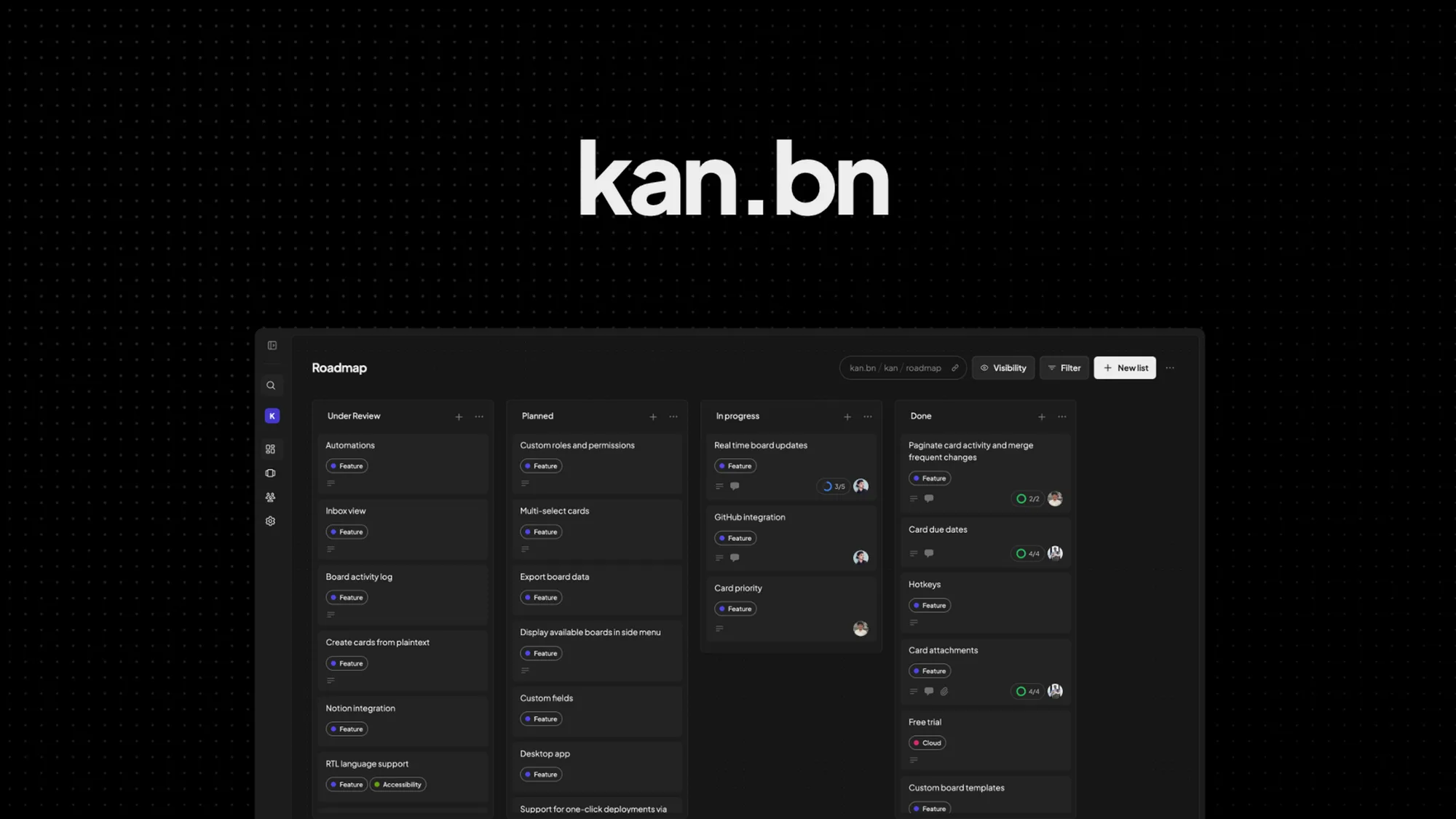
Kan is a robust project management solution that leverages the power of open-source technology. It provides a kanban-based interface allowing teams to visualize and manage projects efficiently. With Kan, teams can self-host their boards for enhanced control over data privacy and access.
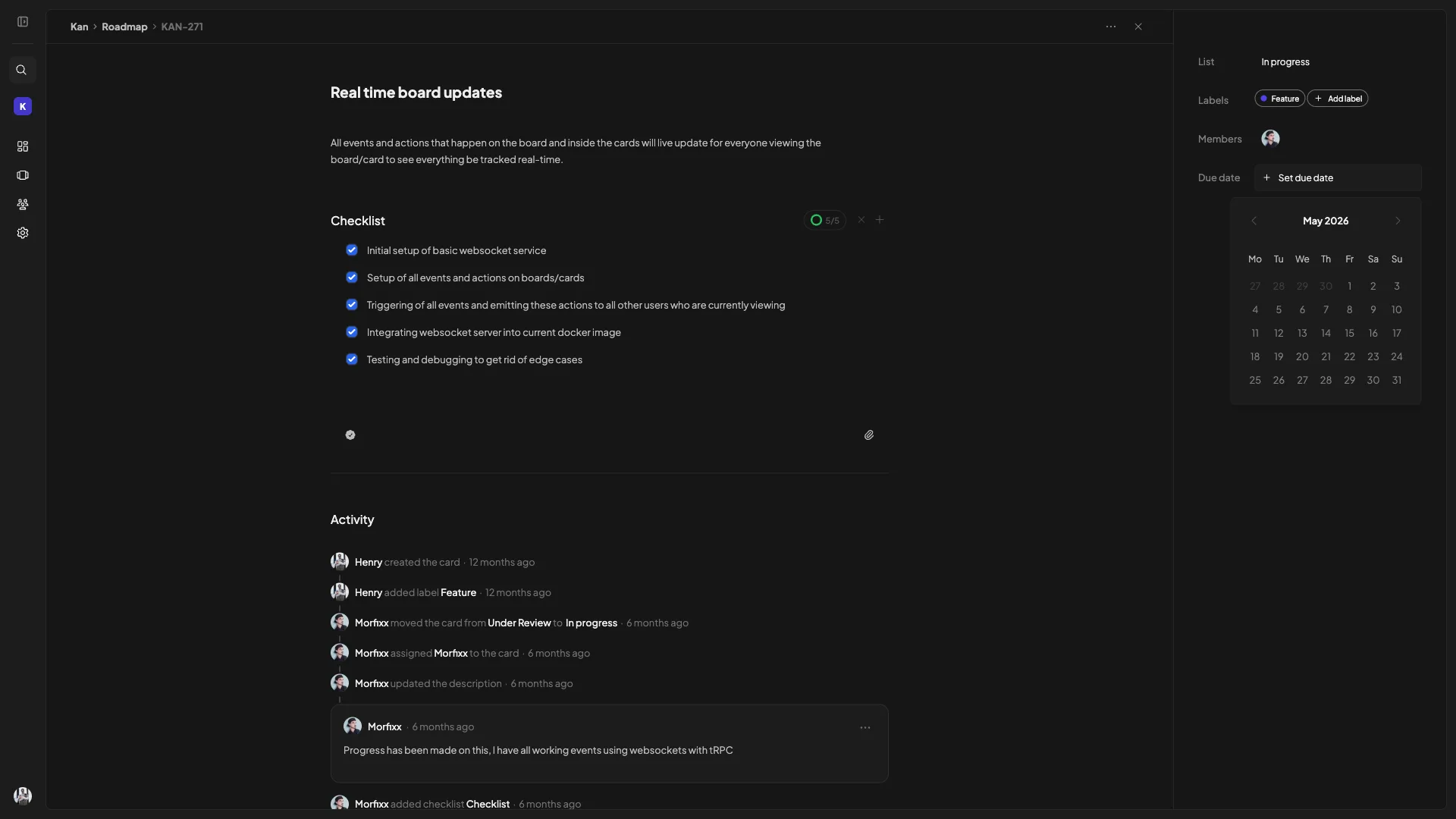
A major feature of Kan is its ability to import boards from Trello, ensuring a smooth transition without interrupting ongoing workflows. Additionally, Kan offers detailed activity logs that keep everyone informed of changes, promoting transparent and accountable project tracking. This feature set empowers teams to maintain productivity and stay on top of their tasks.
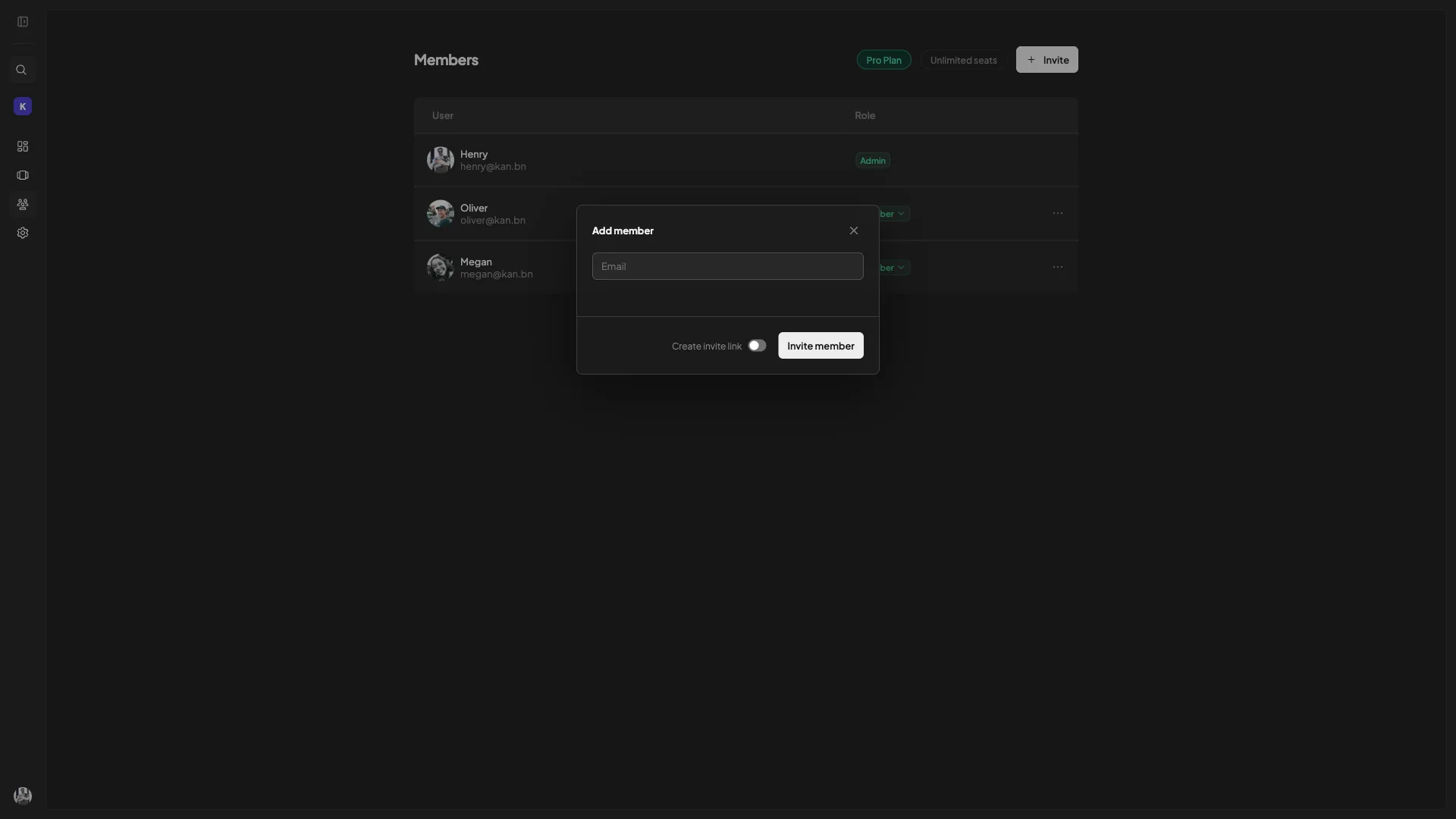
One of Kan’s standout elements is its customizable team access controls. Users can set specific permissions for visibility and participation, making it easier to manage team dynamics and ensure that everyone has access to the relevant information they need to perform their tasks effectively.
How to use Kan?
Using Kan is straightforward, and its intuitive design makes for a user-friendly experience.
- Start by creating or importing a project board to get a visual overview of your tasks.
- Set team permissions based on roles to streamline workflow and ensure task security.
- Utilize activity logs to review changes and monitor project progress consistently.
- Integrate with tools like GitHub and Trello to expand functionality and enhance collaboration.
- Self-host your boards for increased autonomy and data protection.
Key Differentiators
Kan stands apart from Asana, ClickUp, and Trello primarily due to its open-source platform and self-hosting capabilities. These features provide users with a significant degree of autonomy, ensuring data privacy and providing full control over hosting environments.
Additionally, its seamless integration with Trello enables Kan users to import and continue their projects without disruptions. Furthermore, the application of activity logs allows for greater visibility into project changes, making it easier to track progress and improve accountability among team members.
Pros and Cons
Pros
- Open-source platform for customization and flexibility.
- Seamless Trello board imports for continuity.
- Self-hosting provides greater autonomy over data.
- Integrations with popular tools like GitHub.
- Intuitive UI that supports efficient task management.
Cons
- Users express the need for more workspace customization.
- Notifications could be improved for timely updates.
In balancing these findings, the benefits of Kan, particularly in control over data and ease of integration, make it a compelling choice for teams seeking a flexible project management tool.
Who Is It For?
Kan is ideal for project managers looking for a self-hosted, secure kanban tool that supports integrations and imports from existing platforms like Trello. It’s particularly beneficial for remote teams and solopreneurs who require a centralized space to manage multifaceted projects with ease.
For teams that value flexibility and privacy, Kan’s open-source nature allows for tailored configurations that align with their unique project management needs, ensuring that all members operate from a unified, efficient platform.
Product images


At a glance
| Alternative to |
AsanaClickUpTrello
|
|---|---|
| Integrations |
GitHubTrello
|
| Best for |
Project managersRemote teamsSolopreneurs
|
Is it worth it?
Deciding whether Kan is worth the investment involves considering several key factors. For those who prioritize privacy and data control, the self-hosting capability is a major benefit, allowing full autonomy over project management processes. Furthermore, the ability to import existing Trello boards without missing a step offers seamless transition for teams migrating their project management efforts.
The price of $59 compared to $288 provides an excellent value for those seeking cost-effective project management solutions. While users may desire improved notifications, the overall package delivers solid performance, making Kan a smart choice for teams seeking flexibility and integration.

About Kan
Compared to alternatives
| Feature | Kan | Asana | ClickUp | Trello |
|---|---|---|---|---|
| Open-Source | Yes | No | No | No |
| Trello Board Import | Yes | No | Limited | N/A |
| Self-Hosting | Yes | No | No | No |
| Integration with GitHub | Yes | Limited | Yes | Yes |
| Team Access Controls | Robust | Standard | Comprehensive | Standard |
* Based on publicly available information.
What users are saying
What users like
Users report appreciation for Kan’s clean and minimalist UI, which enhances usability and ease of access. Many highlight the platform’s responsive support team as a valuable asset in troubleshooting and navigating the system. Additionally, the self-hosting capability provides peace of mind regarding data management and privacy.
Common concerns
Some users mention the need for more workspace options and feel that notification features could benefit from enhancements for more timely alerts. However, these points are mostly seen as minor drawbacks in an otherwise well-received product.
FAQ
What is Kan?
Kan is an open-source, self-hosted project management tool utilizing kanban boards to streamline tasks and team collaboration.
Can I import Trello boards into Kan?
Yes, Kan allows you to import Trello boards easily, ensuring continuity in your project workflow.
Who benefits most from using Kan?
Project managers, remote teams, and solopreneurs benefit from Kan’s flexibility and control over data and privacy.
Are there any ongoing costs with Kan?
No, once you get lifetime access, you receive all future updates without ongoing costs.
How does self-hosting work?
Self-hosting provides full control over your project data, allowing you to host your boards on your own servers.
Deal Terms
- Lifetime access to Kan
- All future Teams (Tier 1), Pro (Tiers 2, 3) plan updates
- Automatic transfer to the new plan with all updates if plan name changes
- Exclusive to new Kan users—no previous accounts or trials
- Activate license within 60 days; upgrades available during live deal, downgrades permitted within 60 days of purchase
- Future AI model access may be discounted or require an add-on
Related products
IdeaBuddy: AI-Powered Business Planner
IdeaBuddy is an innovative platform enabling entrepreneurs to transform their ideas into concrete business plans with the aid of AI. This all-in-one...
AgencyPro: Streamline Client Relationships
AgencyPro is a comprehensive platform designed to consolidate all your client interactions, making it easier for agencies to deliver services efficiently. With...
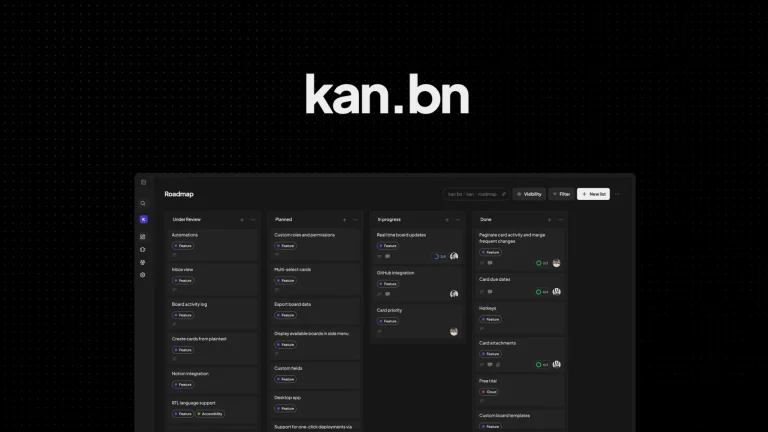
Kan: Manage Projects Effortlessly
Kan is a project management tool that utilizes open-source kanban boards. It offers self-hosting capabilities, board imports, and team access control features....