Learn To Code In Google Sheets by Better Sheets: Learn To Code In Google Sheets: Simplify Tasks
Quick summary
- Learn to automate tasks using Google Sheets scripts.
- Ideal for educators, freelancers, and automators.
- Course offers a practical approach with immediate applications.
Learn To Code In Google Sheets by Better Sheets is an easy-to-follow guide that demystifies Google Sheets scripting. With this resource, you’ll gain basic coding skills tailored specifically for Google Sheets. Dive into automating tasks and enhancing productivity with practical lessons.
This course is perfect for educators, freelancers, and anyone interested in task automation. By the end, you’ll be writing scripts in Google Sheets confidently, transforming your workflow into a seamless, automated process.
What Learn To Code In Google Sheets by Better Sheets Does?
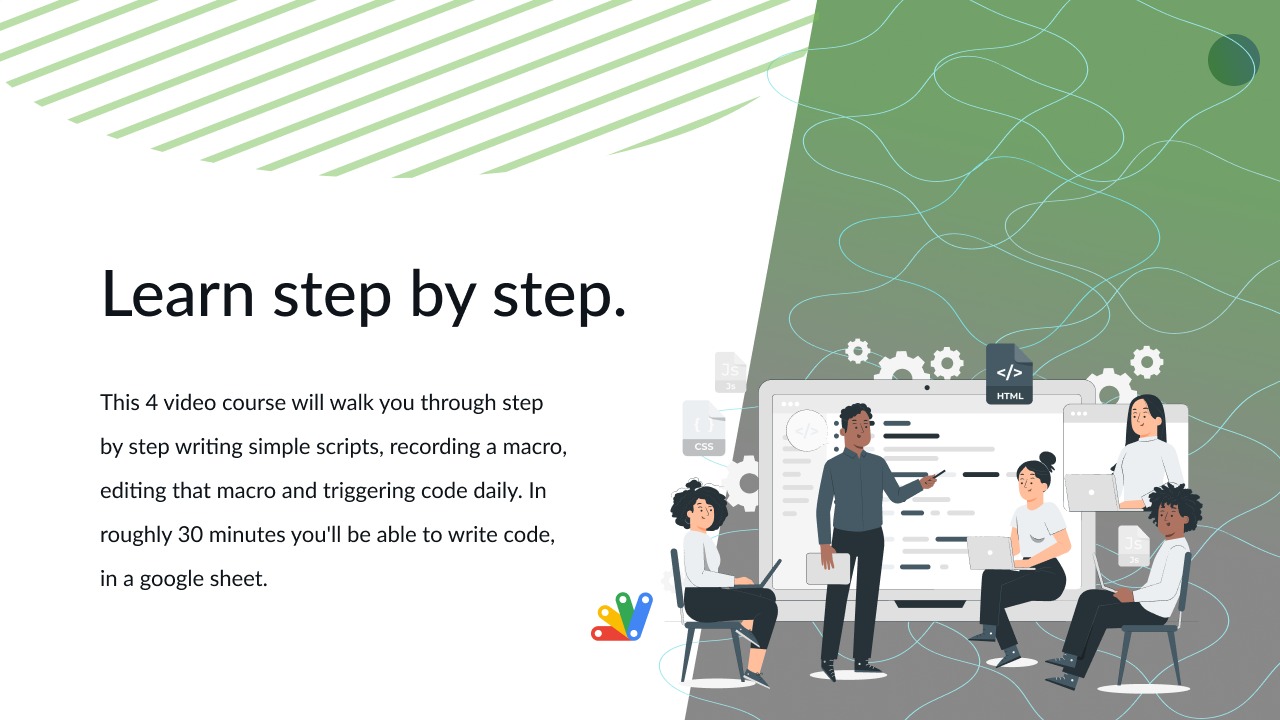
Learn To Code In Google Sheets by Better Sheets is a beginner-friendly course designed to teach the fundamentals of scripting within Google Sheets. It introduces you to the secret script editor, guiding you through automated script creation directly within the spreadsheet application.
The course focuses on making coding accessible and practical. By following this guide, users can discover how to leverage Google Sheets scripting for automating daily tasks, providing a significant productivity boost.
This course doesn’t just teach theoretical knowledge; it enables you to apply what you learn immediately, demonstrating how to write your first code inside a Google Sheet, allowing you to see real-time results and efficiencies compared to manual tasks.
How to use Learn To Code In Google Sheets by Better Sheets?
Getting started with Learn To Code In Google Sheets is straightforward. Here is a step-by-step guide:
- Begin with an introduction to the Google Sheets script editor.
- Follow detailed instructions to automate simple daily tasks.
- Apply your learning by writing and executing your first script in Google Sheets.
- Explore different options to streamline more complex tasks, adapting the scripts to your needs.
- Access ongoing updates and improve your scripts as you become more familiar with the process.
Key Differentiators
Unlike many courses that overwhelm beginners with advanced concepts, Learn To Code In Google Sheets by Better Sheets focuses on providing just enough knowledge to get started without feeling intimidated. This makes it highly approachable for beginners.
Furthermore, the course highlights practical applications, allowing you to see immediate benefits. The focus on real-world tasks rather than theoretical coding ensures that learners can see the impact of their new skills on productivity enhancements.
Pros and Cons
Pros
- Accessible and affordable for beginners.
- Immediate, practical applications in Google Sheets.
- Lifetime access to course updates ensures continual learning.
Cons
- Limited advanced content for seasoned coders.
- Some redundancy in lesson material.
Overall, while Learn To Code In Google Sheets may not cater to advanced programmers, its straightforward and practical approach makes it a valuable resource for those new to coding, especially for specific tasks within Google Sheets.
Who Is It For?
This course is ideally suited for educators, freelancers, and any individuals keen on boosting their productivity through automation. If you’re tired of repetitive manual tasks and seek efficient solutions, this guide serves as a perfect entry point.
Additionally, those with little to no coding experience who seek to enrich their technical skillset without diving into complex programming languages will find this course particularly beneficial.
Product images

At a glance
| Integrations |
Google Sheets
|
|---|---|
| Best for |
EducatorsFreelancersTask Automation
|
Is it worth it?
Is ‘Learn To Code In Google Sheets by Better Sheets’ worth it? Absolutely, if you’re looking to enhance productivity with minimal investment. The course’s affordable price of $5 compared to the original $20 offers tremendous value for beginners eager to enter the coding world.
Furthermore, it is perfect for those new to coding and seeking practical, hands-on knowledge. For anyone aiming to automate and optimize their tasks without diving into complex programming, this is a smart investment.

About the company
Compared to alternatives
| Feature | Learn To Code In Google Sheets by Better Sheets | [Competitor 1] | [Competitor 2] |
|---|---|---|---|
| Pricing | $5 with 75% discount | $19.99 | $29.99 |
| Focus | Basic coding in Google Sheets | General spreadsheets tutorials | Advanced scripting courses |
| Updates | Lifetime access to updates | Annual update | Limited updates |
* Based on publicly available information.
What users are saying
What users like
Users report a clear and structured approach to teaching scripting. Most reviewers highlight the course’s simplicity, making coding approachable for beginners. Immediate real-world applications of scripts in their workflow increase its utility.
Common concerns
Some mention recurring material and wish for more advanced topics. However, these are minor issues in comparison to the course’s overall effectiveness.
FAQ
What is the focus of the course?
The focus is on teaching basic coding principles within Google Sheets for task automation.
Can advanced users benefit from this course?
While primarily for beginners, some intermediate users may find practical tips beneficial.
Is there a guarantee if I’m not satisfied?
Yes, you have a 60-day period to redeem your code and assess its fit for your needs.
What integrations are available?
The course integrates with Google Sheets, focusing on task automation within this environment.
Deal Terms
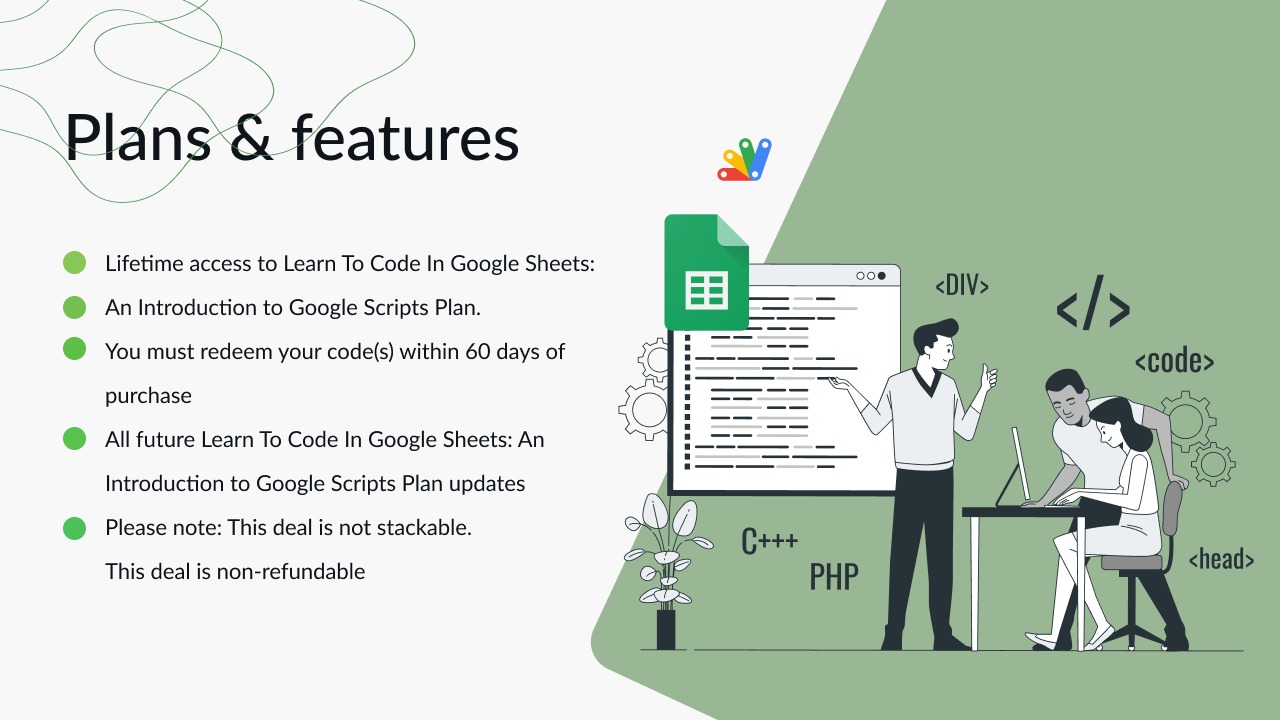
- Lifetime access to Learn To Code In Google Sheets: An Introduction to Google Scripts Plan
- You must redeem your code(s) within 60 days of purchase
- All future Learn To Code In Google Sheets: An Introduction to Google Scripts Plan updates
- This deal is not stackable
- This deal is non-refundable
Related products

Learn To Code In Google Sheets by Better Sheets: Learn To Code In Google Sheets: Start Coding
Learn To Code In Google Sheets by Better Sheets is a straightforward introduction to writing scripts within Google Sheets. With a focus...

The Ultimate Agency Masterclass: Start Your Agency
The Ultimate Agency Masterclass is a comprehensive, step-by-step video training designed to guide entrepreneurs on starting an agency business from scratch. With...

Headway: Quick Book Insights
Headway is your go-to tool for obtaining quick and insightful book summaries. This app condenses popular nonfiction books into 15-minute readable or...