ScreenToVideo: Create Stunning Videos
Quick summary
- Record and edit videos seamlessly.
- Intuitive interface for easy navigation.
- Free lifetime upgrades and support.
- Integrates with Google Drive for easy sharing.
ScreenToVideo is a powerful screen recorder and video editor designed to simplify the process of creating and sharing videos. Whether you’re a content creator or a small business owner, this tool allows you to capture your screen effortlessly and edit videos with ease. Discover how ScreenToVideo can help elevate your video content today.
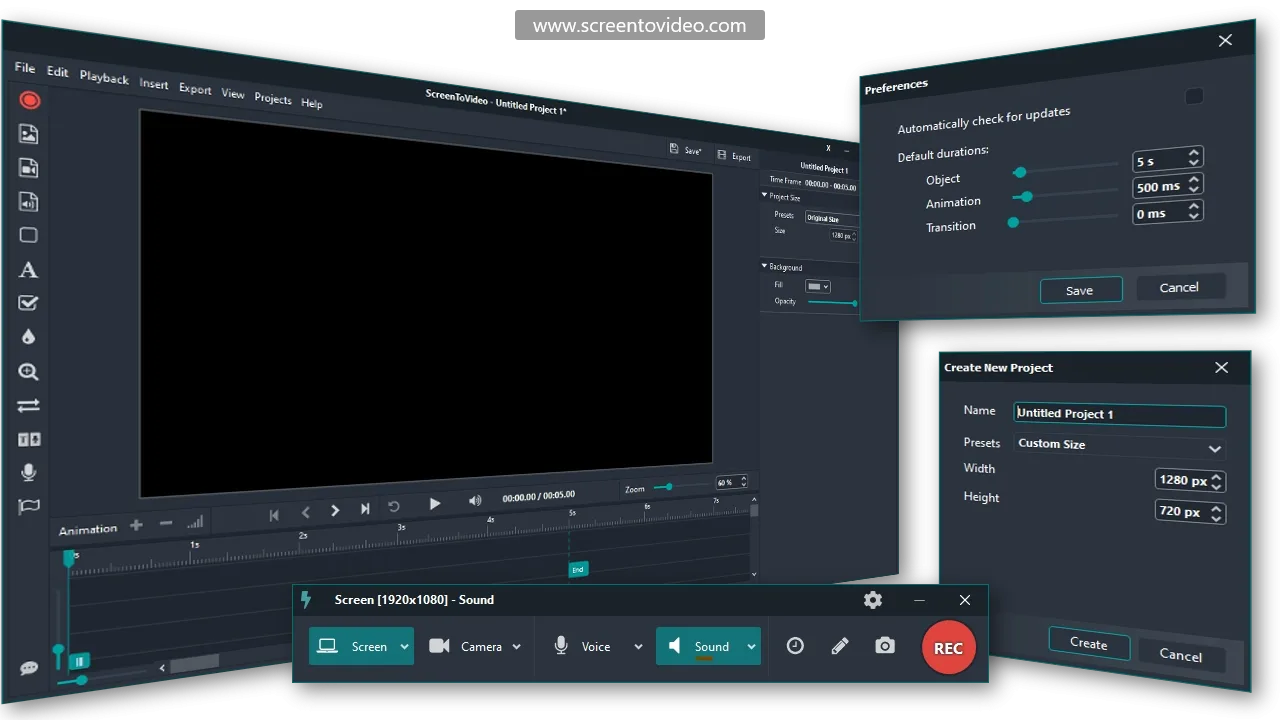
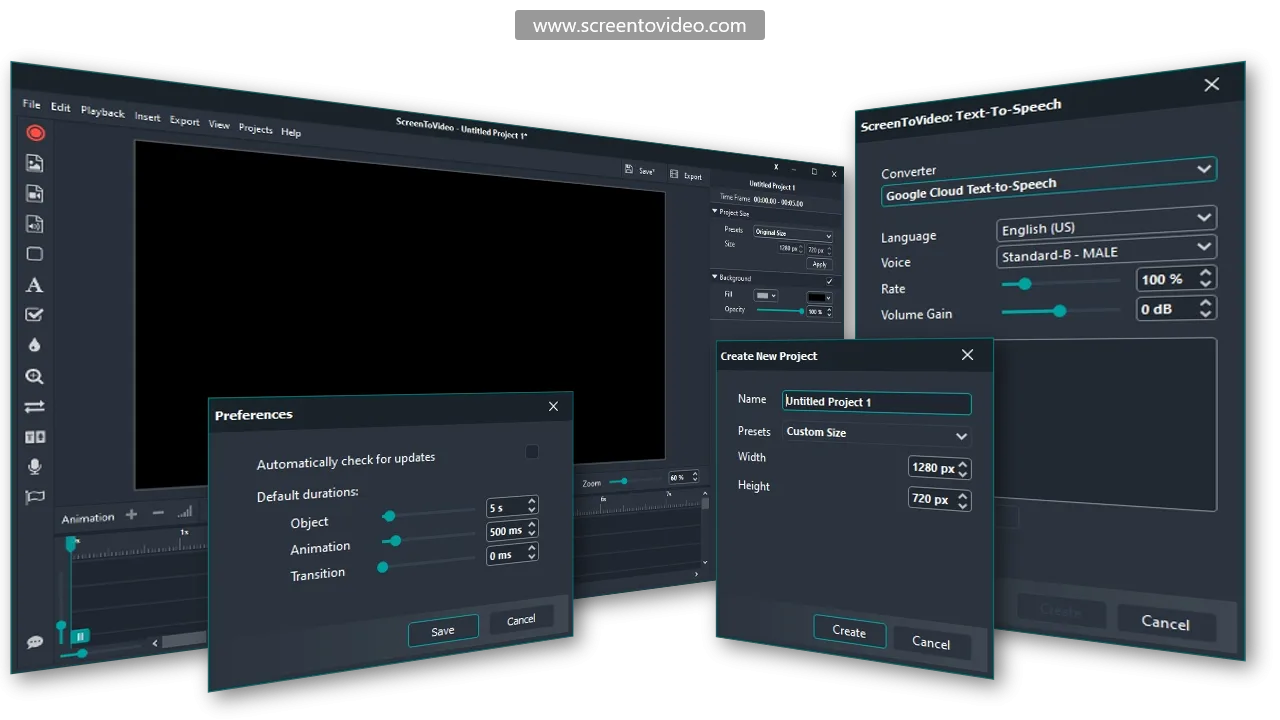
The intuitive interface provides a user-friendly experience, making video editing accessible to everyone. With features like full-featured recording, free lifetime upgrades, and seamless Google Drive integration, ScreenToVideo offers exceptional value for anyone looking to enhance their video production capabilities.
What ScreenToVideo Does?
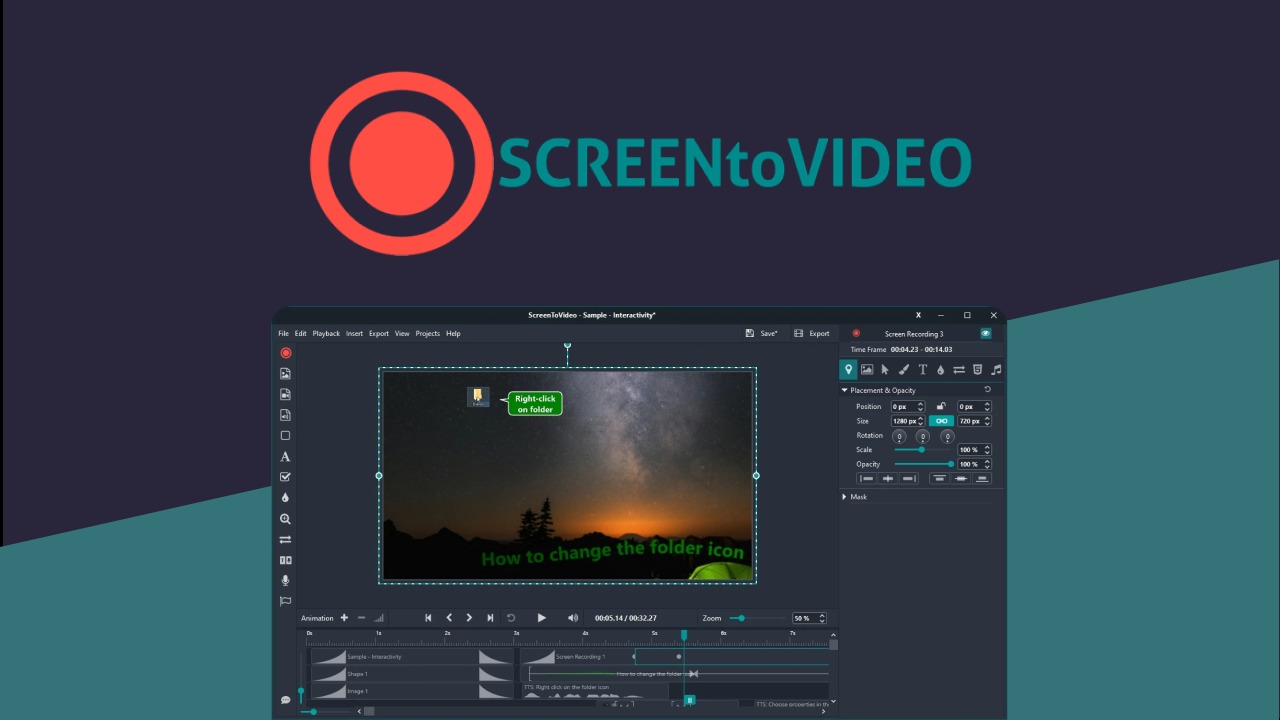
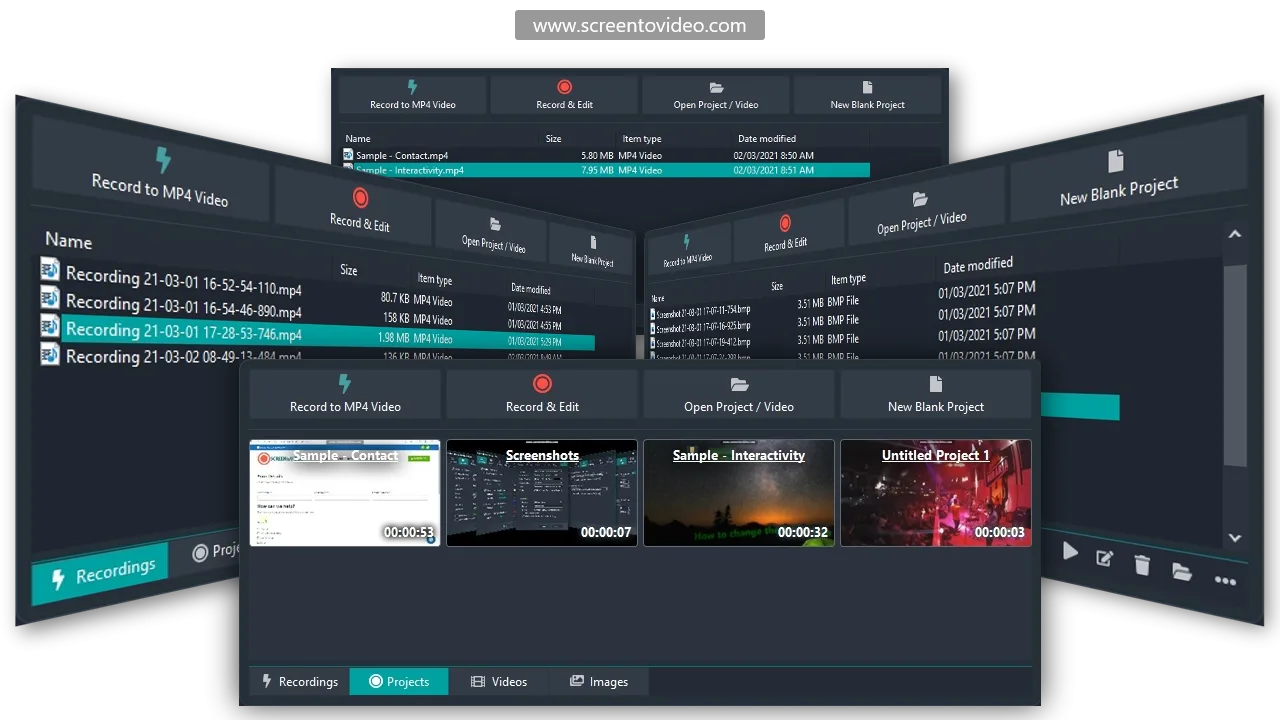
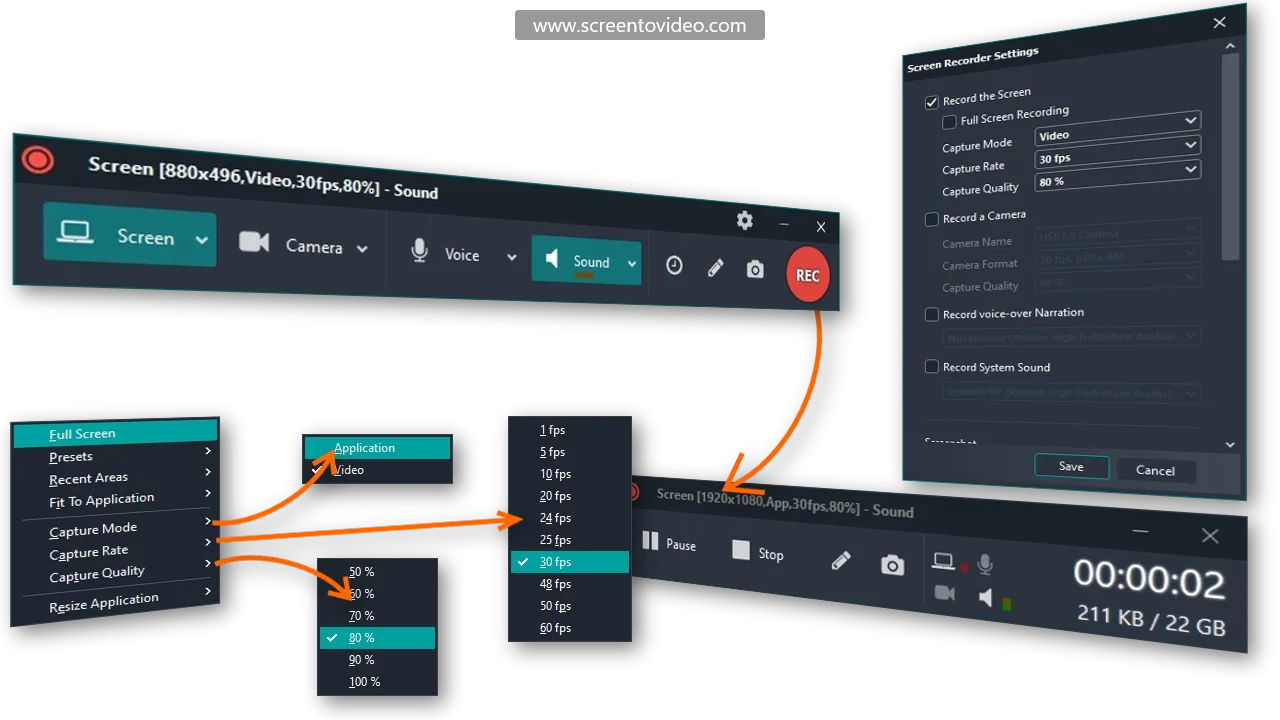
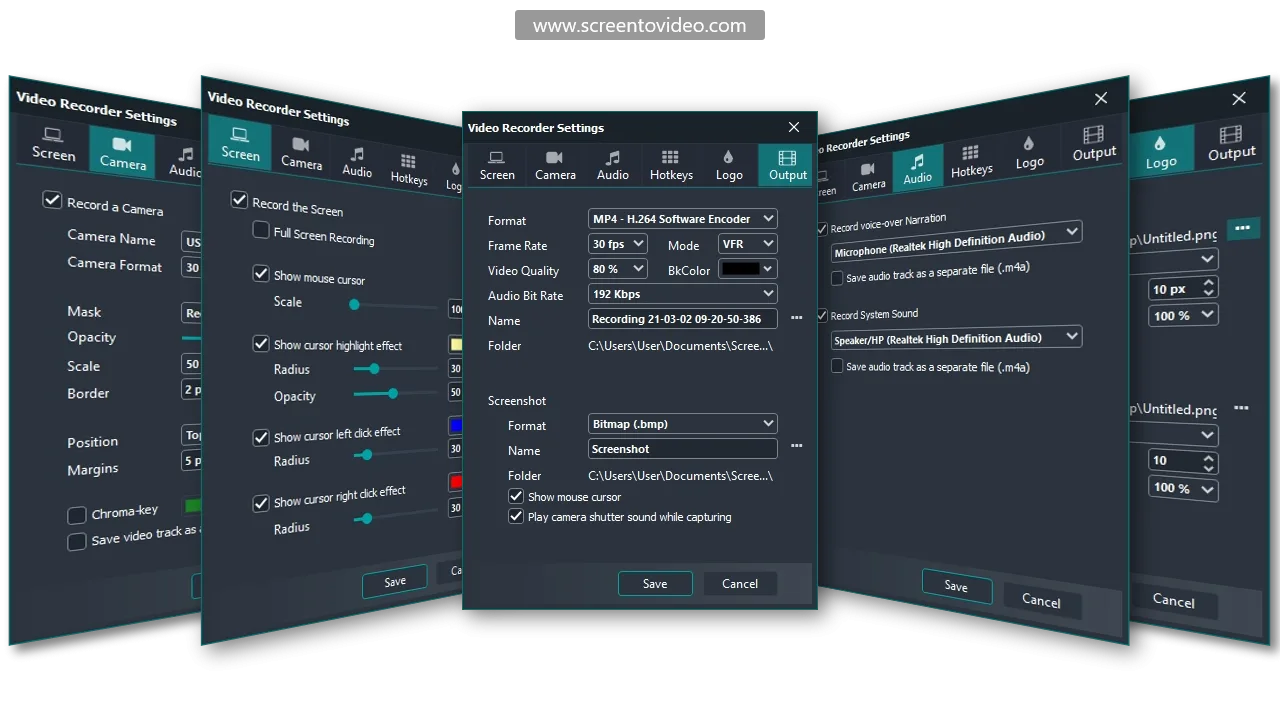
ScreenToVideo is designed to be both a comprehensive screen recorder and an adaptable video editor. It allows users to capture their entire screen, selected windows, or specific areas, providing flexibility depending on the project needs. In addition to recording, the software includes powerful editing tools that enable you to quickly fine-tune your videos for professional results.
The built-in sketching tools transform your screen into a whiteboard, perfect for creating engaging tutorials and presentations. Additionally, you can easily create animated GIFs for quick visual communication, enhancing the versatility of ScreenToVideo for diverse media needs.
Sharing videos is straightforward with Google Drive integration; upload your videos directly from the app and share them with your audience instantly. This feature is particularly beneficial for teams and educators who require a streamlined workflow from creation to sharing.
How to use ScreenToVideo?
Using ScreenToVideo is a breeze with its simple interface and intuitive features. Follow these steps to get started:
- Open the ScreenToVideo application and choose the recording option suitable for your project – full screen, specific window, or selected area.
- Utilize the sketching tools to annotate directly on your screen as needed.
- Once your recording is complete, proceed to the editing suite to enhance your video with cuts, effects, and transitions.
- Easily create animated GIFs during the editing process for a concise visual format.
- Share your finished product by uploading it to Google Drive directly from the application, streamlining your workflow.
Key Differentiators
ScreenToVideo sets itself apart from competitors like Loom by offering comprehensive editing capabilities alongside its recording features. While Loom focuses primarily on recording and sharing, ScreenToVideo integrates a robust video editor allowing for post-recording enhancements. This integration is ideal for users who desire more control over the final output without needing additional software.
Additionally, ScreenToVideo offers free lifetime upgrades, ensuring that you always have access to the latest features and improvements. This promise of continuous enhancement adds significant value, particularly for users investing in long-term solutions. Furthermore, the platform’s combination of recording, editing, and sharing capabilities within a single application enhances workflow efficiency, saving users both time and effort.
Pros and Cons
Pros
- Comprehensive recording and editing tools in one interface.
- Free lifetime upgrades ensure ongoing value.
- Google Drive integration simplifies video sharing.
- Flexible screen capture options for varied use cases.
- User-friendly interface suitable for novices and professionals alike.
Cons
- Some users report occasional interface confusion.
- Rendering can be slow for larger video projects.
- Windows-only compatibility limits accessibility for Mac users.
Overall, ScreenToVideo offers substantial benefits that outweigh its limitations, particularly for those seeking a well-rounded solution for video recording and editing.
Who Is It For?
ScreenToVideo is perfect for content creators, educators, and small businesses aiming to enhance their video content. Its diverse recording and editing capabilities meet the needs of users producing tutorials, marketing videos, or educational content. The user-friendly design ensures accessibility for beginners, while advanced tools cater to experienced video editors seeking a comprehensive solution.
Additionally, it’s ideal for those working in team environments or remote work settings, where easy sharing and collaboration are crucial. The platform’s integration with Google Drive streamlines the sharing process, making it an excellent choice for educators, trainers, and teams looking to distribute content efficiently.
Product images
At a glance
| Alternative to |
Loom
|
|---|---|
| Integrations |
Google Drive
|
| Best for |
Content creatorsCourse creatorsSmall businesses
|
Is it worth it?
Is ScreenToVideo worth it? For those seeking an all-in-one video recording and editing solution, ScreenToVideo delivers significant value at an attractive price point. Users benefit from powerful editing tools combined with highly flexible recording options, making it suitable for a wide range of projects.
Priced at $59 compared to its previous $119 cost, the substantial savings further emphasize its value. Ideal for content creators and small businesses, ScreenToVideo is a wise choice for anyone looking to enhance their video production capabilities without breaking the bank.

Compared to alternatives
| Feature | ScreenToVideo | Loom |
|---|---|---|
| Full video editing | Yes | No |
| Free lifetime upgrades | Yes | No |
| Google Drive integration | Yes | Yes |
| Windows compatibility | Yes | Yes |
* Based on publicly available information.
What users are saying
What users like
Users report that ScreenToVideo’s editing capabilities are particularly robust, offering tools that cater to both basic and advanced editing needs. Most reviewers highlight the software’s user-friendly interface, which simplifies the video creation process significantly. Many also appreciate the reliable screen recording functions and the value of the lifetime deal.
Common concerns
While most feedback is positive, some mention occasional confusion navigating the interface, especially when managing complex projects. A small number of users have experienced slower rendering times with larger files, which they find manageable but worth noting.
FAQ
Is ScreenToVideo compatible with both Windows and Mac?
ScreenToVideo is compatible with Windows only, which may limit options for Mac users.
What is the policy on upgrades?
Users receive free lifetime upgrades, ensuring access to the latest features and improvements without additional cost.
How easy is it to share videos created with ScreenToVideo?
Sharing is straightforward thanks to Google Drive integration, allowing videos to be uploaded directly from the app.
Can I create animated GIFs using ScreenToVideo?
Yes, ScreenToVideo includes tools for creating animated GIFs, providing a quick way to communicate visually.
What is included in the lifetime deal?
The lifetime deal includes all future plan updates and requires redemption within 60 days of purchase.
Deal Terms
- Lifetime access to ScreenToVideo
- Redeem your code within 60 days of purchase
- Access all future plan updates
- Note: This deal is not stackable
Related products

AvoMap: Stunning Route Animations
AvoMap is your solution for creating eye-catching animated maps that bring routes and adventures to life. With the ability to combine various...
Kreatli: Streamline Video Production
Kreatli is a tool that centralizes video tasks, enabling smooth video production from start to finish. It empowers users by providing frame-accurate...

Motionvid AI: Turn Prompts to Graphics
Motionvid AI is a powerful tool that transforms your text prompts into vibrant motion graphics. Ideal for content creators, this software simplifies...