MarkupGo: Automate Conversions Fast
Quick summary
- Automate image and PDF conversions with ease.
- Customize outputs with a powerful API.
- Ideal for developers and design agencies.
- Save with an 86% lifetime discount.
MarkupGo is a robust API that automates your image and PDF conversions. Designed for web design agencies, developers, and IT/security agencies, it offers a seamless integration for generating high-quality PDFs and images from URLs and HTML. This affordable solution simplifies the conversion process, saving time and increasing productivity.
By utilizing MarkupGo, you can customize and transform images effortlessly, providing a great tool for developers and agencies alike. With a massive 86% discount from the original price, obtaining lifetime access to MarkupGo is an opportunity not to be missed.
What MarkupGo Does?
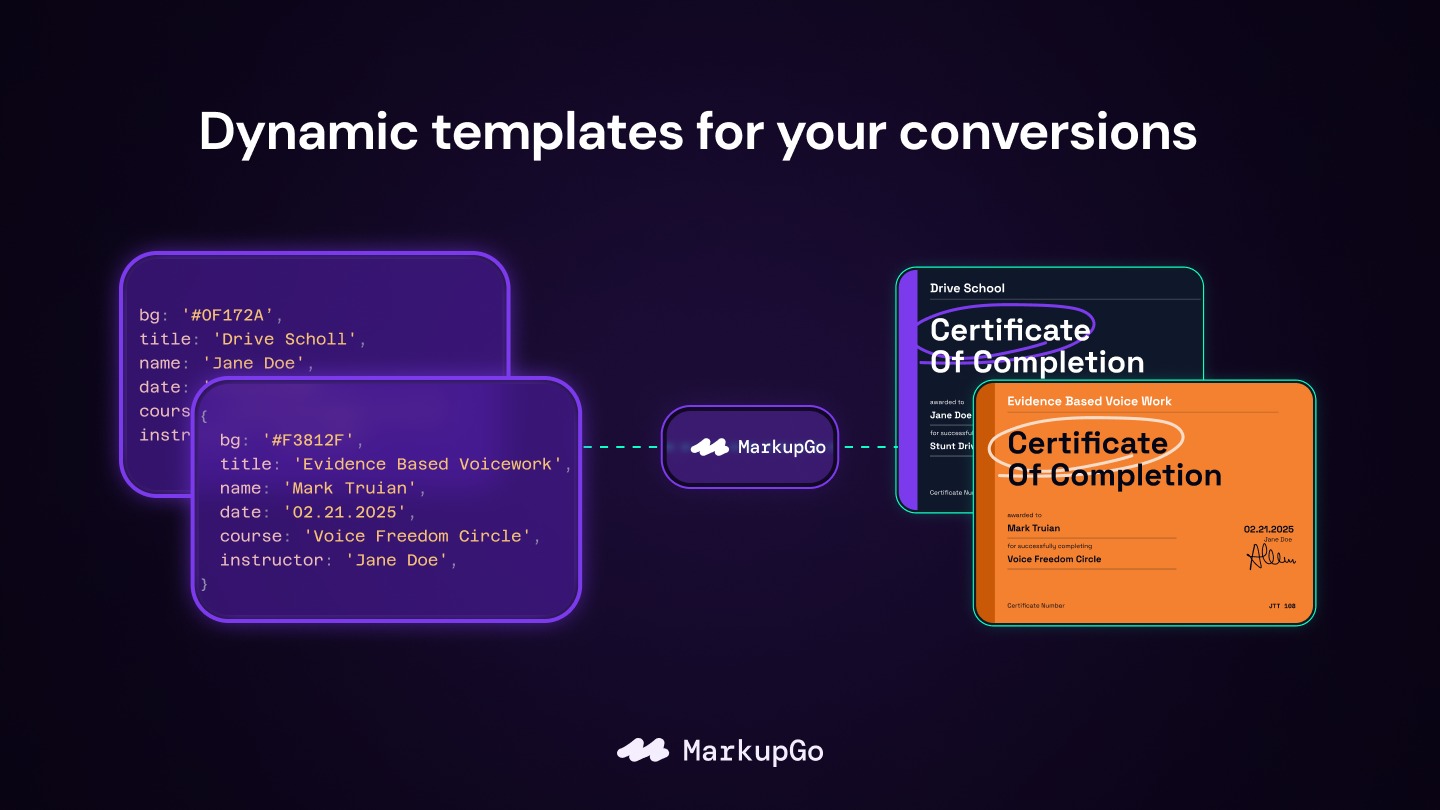
MarkupGo is a comprehensive solution designed to automate the process of converting images and PDFs through a single, powerful API. Whether you need to generate PDFs from URLs or HTML, MarkupGo offers a quick and efficient conversion process that’s perfect for developers and design agencies alike.
The platform enables users to customize and transform images effortlessly, making it an invaluable tool for creating high-quality digital content. Its easy integration and user-friendly interface ensure that even complex tasks are accomplished with ease, optimizing workflows for IT agencies and web designers.
How to use MarkupGo?
Utilizing MarkupGo starts with a simple setup process. Here’s how you can make the most of it:
- Create an account and get your API key.
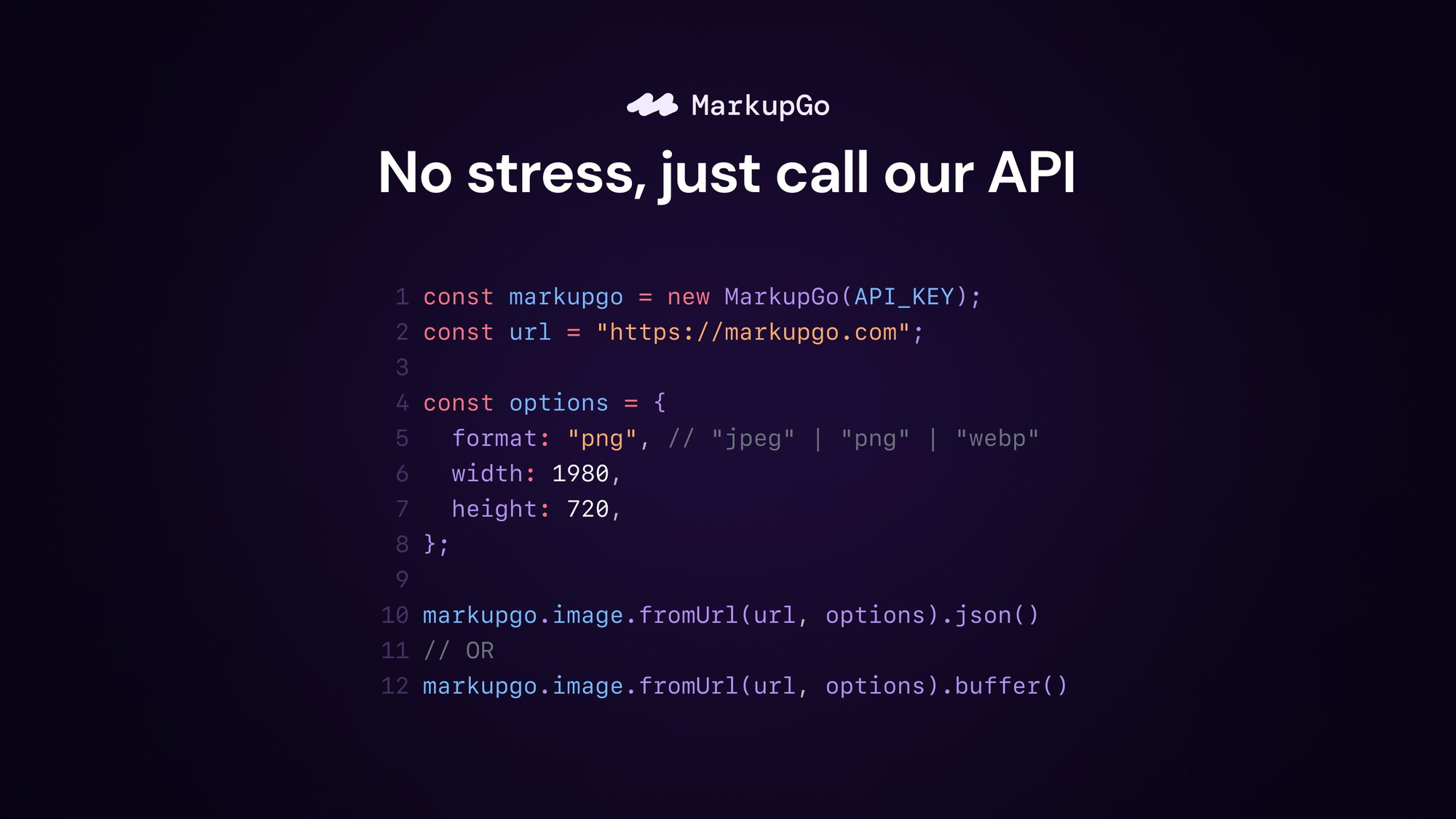
- Integrate the API into your application with clear documentation.
- Input URLs or HTML to generate your desired PDFs or images.
- Customize image transformations as needed using MarkupGo’s powerful tools.
- Enjoy seamless conversions and faster project completions.
Key Differentiators
What sets MarkupGo apart is its robust API that offers a range of customization features, making it easy to tailor image and PDF outputs to specific needs. Unlike other tools, MarkupGo allows high-quality conversions directly from URLs and HTML, providing flexibility and precision for technical users.
Another unique advantage is its seamless integration into existing systems, allowing developers and agencies to enhance their offerings without requiring extensive modifications to their setup. The support system behind MarkupGo also comes highly recommended, with users noting prompt and helpful customer service.
Pros and Cons
Pros
- Seamless API integration simplifies workflows.
- High-quality image and PDF generation improves output.
- Responsive customer support enhances user experience.
- Cost-effective with significant savings.
Cons
- Lacks direct PDF editing capabilities.
- Occasional performance issues may arise.
Overall, MarkupGo presents a powerful solution for automated conversions, balancing ease of use with advanced features, despite minor limitations.
Who Is It For?
MarkupGo is ideal for developers, IT/security agencies, and web design agencies seeking to automate and enhance their image and PDF conversion processes. These users benefit from its efficient API integration and the flexibility to handle complex tasks effortlessly.
For those who handle large quantities of digital content and need a reliable tool for custom transformations, MarkupGo stands out as a valuable asset to streamline their work and boost productivity.
Product images



At a glance
| Best for |
DevelopersIT/security agenciesWeb design agencies
|
|---|
Is it worth it?
MarkupGo stands as a valuable tool for those needing efficient image and PDF conversion. With its robust API, users can automate complex processes and gain tremendous productivity boosts. At $49, significantly lower than the original $348, the lifetime deal offers great value.
This tool is perfect for developers and design agencies looking for easy integration without sacrificing quality. With future Lite Plan updates and a 60-day satisfaction guarantee, trying MarkupGo is a smart investment in your business processes.

About MarkupGo
Compared to alternatives
| Feature | MarkupGo | [Competitor 1] | [Competitor 2] |
|---|---|---|---|
| PDF Generation | Yes | Yes | No |
| Image Customization | Yes | Limited | Yes |
| API Integration | Seamless | Complex | Seamless |
* Based on publicly available information.
What users are saying
What users like
Most reviewers highlight the seamless integration of MarkupGo’s API and the high-quality output it delivers. Users report a significant improvement in their workflow efficiency and appreciate the responsive customer support.
Common concerns
Some users mention occasional performance issues and the limitation of not offering direct PDF editing capabilities. Despite these, the overall user satisfaction remains high.
FAQ
How do I integrate MarkupGo’s API?
MarkupGo offers clear documentation that guides you through seamless API integration into your systems.
Can I edit PDFs directly with MarkupGo?
Currently, MarkupGo focuses on generating PDFs and images rather than direct PDF editing.
What is the refund policy for MarkupGo?
MarkupGo offers a 60-day money-back guarantee for your peace of mind.
Who can benefit from MarkupGo?
MarkupGo is ideal for developers, IT/security agencies, and web design agencies looking to automate their conversion processes.
Deal Terms
- Lifetime access to MarkupGo
- You must redeem your code(s) within 60 days of purchase
- All future Lite Plan updates
- Stack up to 7 codes
Related products
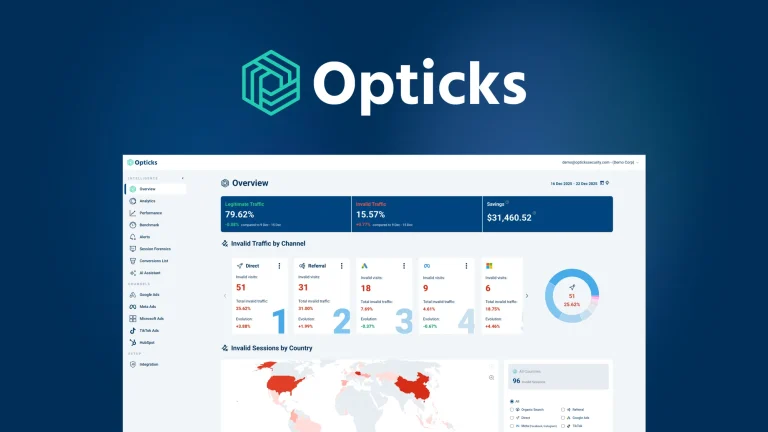
Opticks – Plus Exclusive: Exclude Fake Clicks
Opticks - Plus Exclusive is an analytics-based security platform designed to detect fake or invalid traffic and prevent ad fraud. By using...

BLAZE Quantum: Quantum-Safe File Sharing
BLAZE Quantum is a secure file transfer and storage solution with quantum-safe encryption technology. It's designed to protect your files, notes, and...
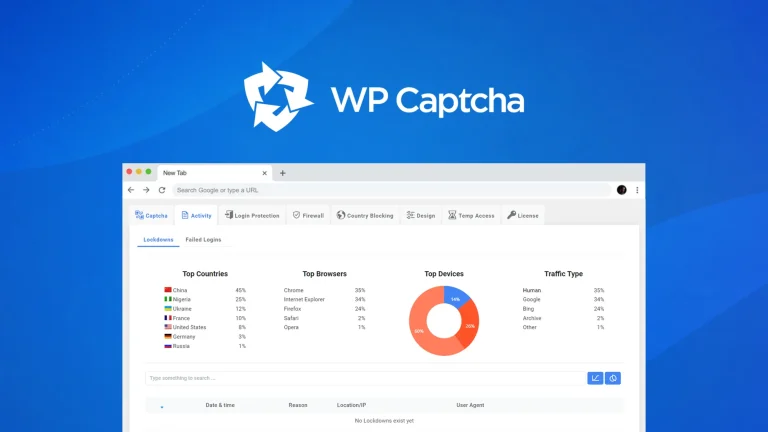
WP Captcha: Secure WordPress Effortlessly
WP Captcha is an essential tool for enhancing the security of your WordPress site. By integrating CAPTCHA, firewall, and more, it effectively...