WP Captcha: Secure WordPress Effortlessly
Quick summary
- Integrate CAPTCHA across vital WordPress forms.
- Enhance security with AI-based threat analysis.
- Protect site with email 2FA and country blocking.
- Easy integration with WooCommerce and EDD.
WP Captcha is an essential tool for enhancing the security of your WordPress site. By integrating CAPTCHA, firewall, and more, it effectively safeguards against bots and spam. This solution is crucial for businesses looking to maintain a secure online presence without dedicating vast resources.
With easy integration and extensive functionalities like country blocking and email-based 2FA, WP Captcha stands out. Companies from ecommerce to web design agencies benefit from its features, ensuring a safer environment for user interactions.
What WP Captcha Does?
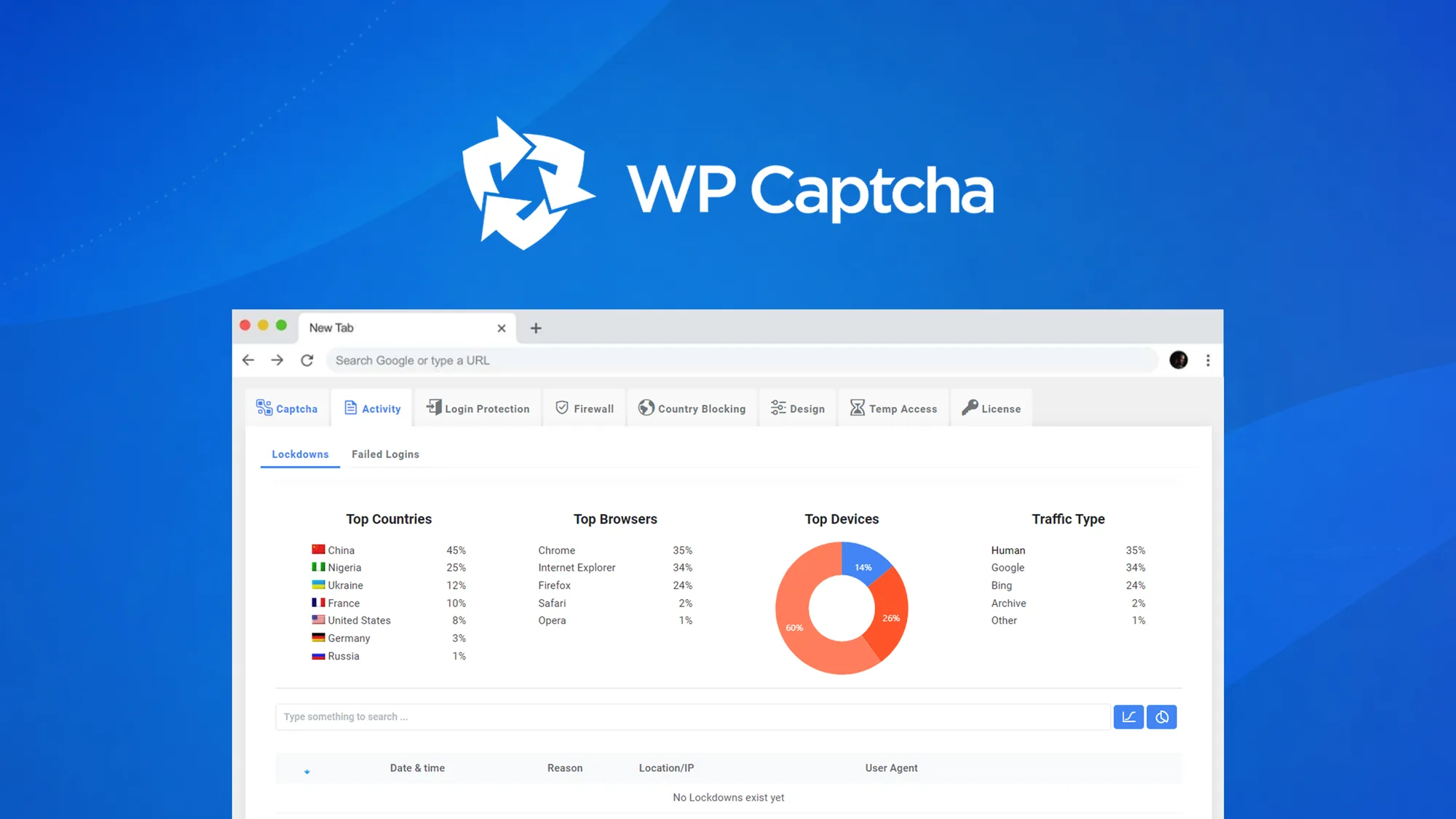
WP Captcha fortifies WordPress sites by implementing multiple security layers. It primarily focuses on preventing unauthorized access through the integration of CAPTCHA technology. This feature is seamlessly added to various forms, such as login and registration, requiring no custom code.
Beyond CAPTCHA, WP Captcha includes robust firewall protection and country-based blocking, which keep malicious actors at bay. The inclusion of email-based two-factor authentication (2FA) further enhances security, ensuring that only legitimate users have access.
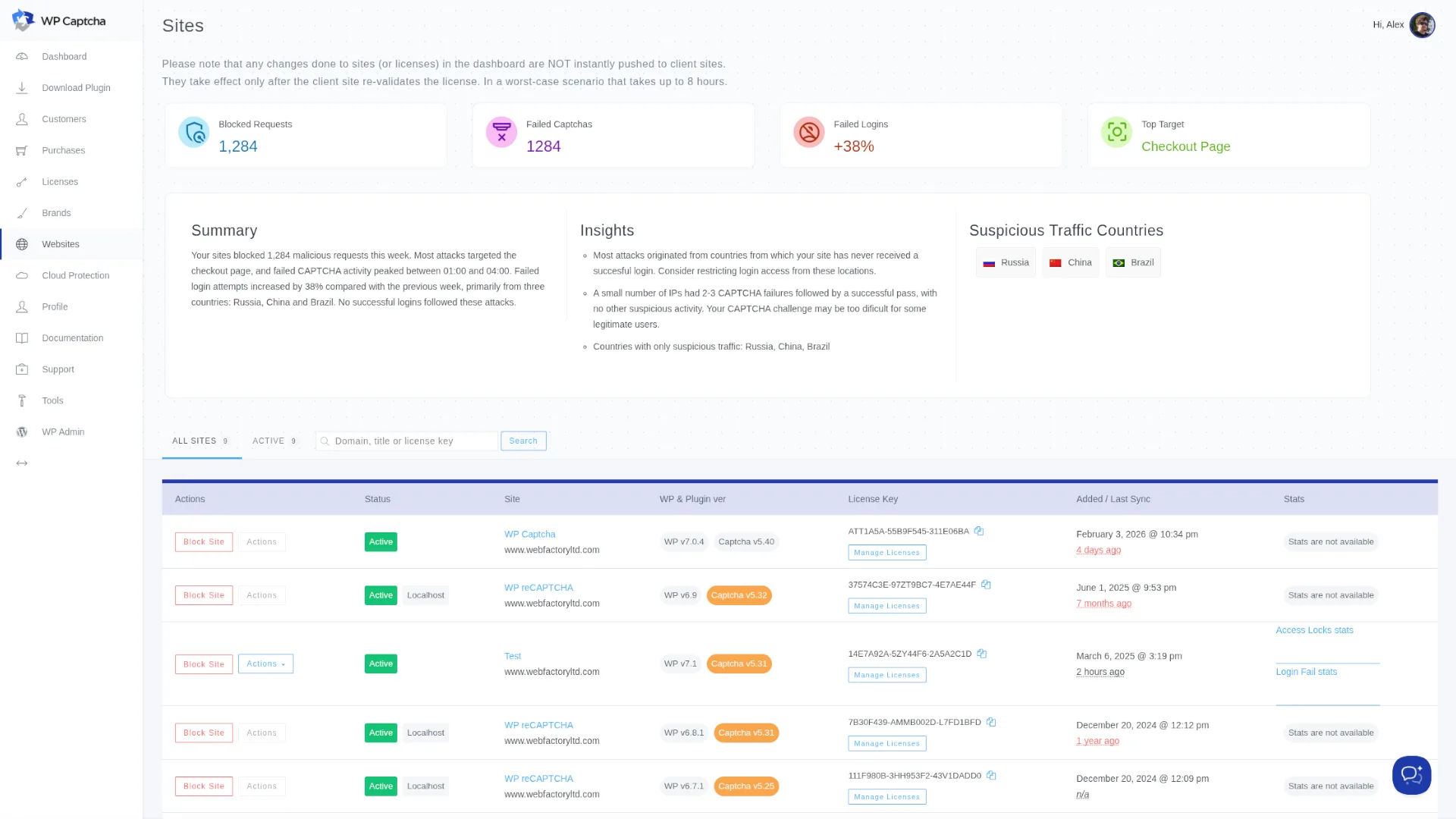
AI-powered threat analysis enriches the preventive measures by continuously learning and adapting to new threats, making WP Captcha an ever-evolving solution for website protection.
How to use WP Captcha?
WP Captcha is designed for easy use, ensuring users can enhance their site security effortlessly.
- Install the WP Captcha plugin on your WordPress site.
- Configure the CAPTCHA settings for various forms, such as login or comment forms.
- Enable and customize the firewall and country blocking features to suit your security needs.
- Set up email-based 2FA to add an additional security layer.
- Monitor AI threat analysis reports to stay informed of potential risks.
Key Differentiators
Unlike GitLab, which primarily serves collaborative software development needs, WP Captcha focuses on securing WordPress sites effectively. The inclusion of AI-based threat analysis provides a proactive approach to dealing with new and evolving threats.
Moreover, WP Captcha’s integration flexibility, including Easy Digital Downloads and WooCommerce, highlights its commitment to delivering user-friendly security solutions, making it versatile for various e-commerce platforms.
Pros and Cons
Pros
- Ease of integration across multiple WordPress forms.
- Advanced AI threat analysis keeps security practices up-to-date.
- Comprehensive country-based blocking features.
- Email-based 2FA enhances security layers.
- Compatible with WooCommerce and Easy Digital Downloads.
Cons
- Not suitable for non-WordPress platforms.
- Initial configuration may require some learning.
Balancing these aspects, WP Captcha provides a robust solution for those prioritizing WordPress security.
Who Is It For?
WP Captcha is ideal for ecommerce businesses aiming to protect customer data and ensure secure transactions. Its rich security features make it a great fit for IT and security agencies tasked with maintaining client site integrity.
Web design agencies can also benefit, offering clients an added layer of site protection with minimal setup complexity. Organizations seeking comprehensive security without heavy resource allocation will find it valuable.
Product images


At a glance
| Alternative to |
GitLab
|
|---|---|
| Integrations |
Easy Digital DownloadsWooCommerceWordPress
|
| Best for |
EcommerceIT/security agenciesWeb design agencies
|
Is it worth it?
WP Captcha offers an intelligent solution to strengthen WordPress site security, ideal for ecommerce and web agencies. At $49, with a 55% discount, it provides excellent value, considering its comprehensive features like AI threat analysis and 2FA. Businesses should find it a worthwhile investment for securing online platforms without intensive resource allocation.
For those using WordPress-based sites and seeking an effective protection mechanism, WP Captcha is highly recommended. The combination of ease of use, advanced features, and one-time lifetime access seals its appeal.

About Wpcaptcha
Compared to alternatives
| Feature | WP Captcha | GitLab | Competitor 2 |
|---|---|---|---|
| CAPTCHA Integration | Yes | No | Yes |
| Email 2FA | Yes | Yes | No |
| AI Threat Analysis | Yes | No | Yes |
| WooCommerce Support | Yes | No | Yes |
* Based on publicly available information.
What users are saying
What users like
Users appreciate the seamless integration of CAPTCHA across various WordPress forms without requiring custom code. Additionally, the AI-powered threat analysis tool is highly valued for its ability to proactively adapt to new security challenges.
Common concerns
Some users mention the learning curve involved during the initial setup of security configurations. However, once familiarized, many find the system easy to manage.
FAQ
Is WP Captcha compatible with all WordPress themes?
Yes, WP Captcha is designed to work seamlessly across various WordPress themes.
What is the purchase guarantee?
WP Captcha offers a 60-day guarantee, allowing full refund if not satisfied.
Can I use WP Captcha with WooCommerce?
Absolutely, WP Captcha integrates smoothly with WooCommerce, enhancing form security.
Why choose WP Captcha over others?
WP Captcha combines CAPTCHA with advanced AI threat analysis, offering robust security layers tailored specifically for WordPress sites.
Deal Terms
- Lifetime access to WP Captcha
- All future Team (Tier 1) and Agency (Tiers 2-6) plan updates
- Future plan name changes will transfer all updates
- Restricted to new WP Captcha users only, without previous accounts
- Redeem codes within 60 days of purchase; stack up to 6 codes
- Future AI model access might be discounted or require an add-on
Related products

BLAZE Quantum: Quantum-Safe File Sharing
BLAZE Quantum is a secure file transfer and storage solution with quantum-safe encryption technology. It's designed to protect your files, notes, and...
Opticks – Plus Exclusive: Exclude Fake Clicks
Opticks - Plus Exclusive is an analytics-based security platform designed to detect fake or invalid traffic and prevent ad fraud. By using...

Insecure Web: Proactive Digital Security
Insecure Web is a solution designed to enhance your brand's security through proactive digital surveillance. With the growing threat of cyber attacks,...