NativeRest: Lightweight API Testing
Quick summary
- NativeRest is fast and lightweight for API testing.
- Offline mode enhances productivity for remote work.
- Widely supported on Windows, macOS, and Linux.
- 90% discount on lifetime access.
- Integrates with GPT-4 and REST APIs.
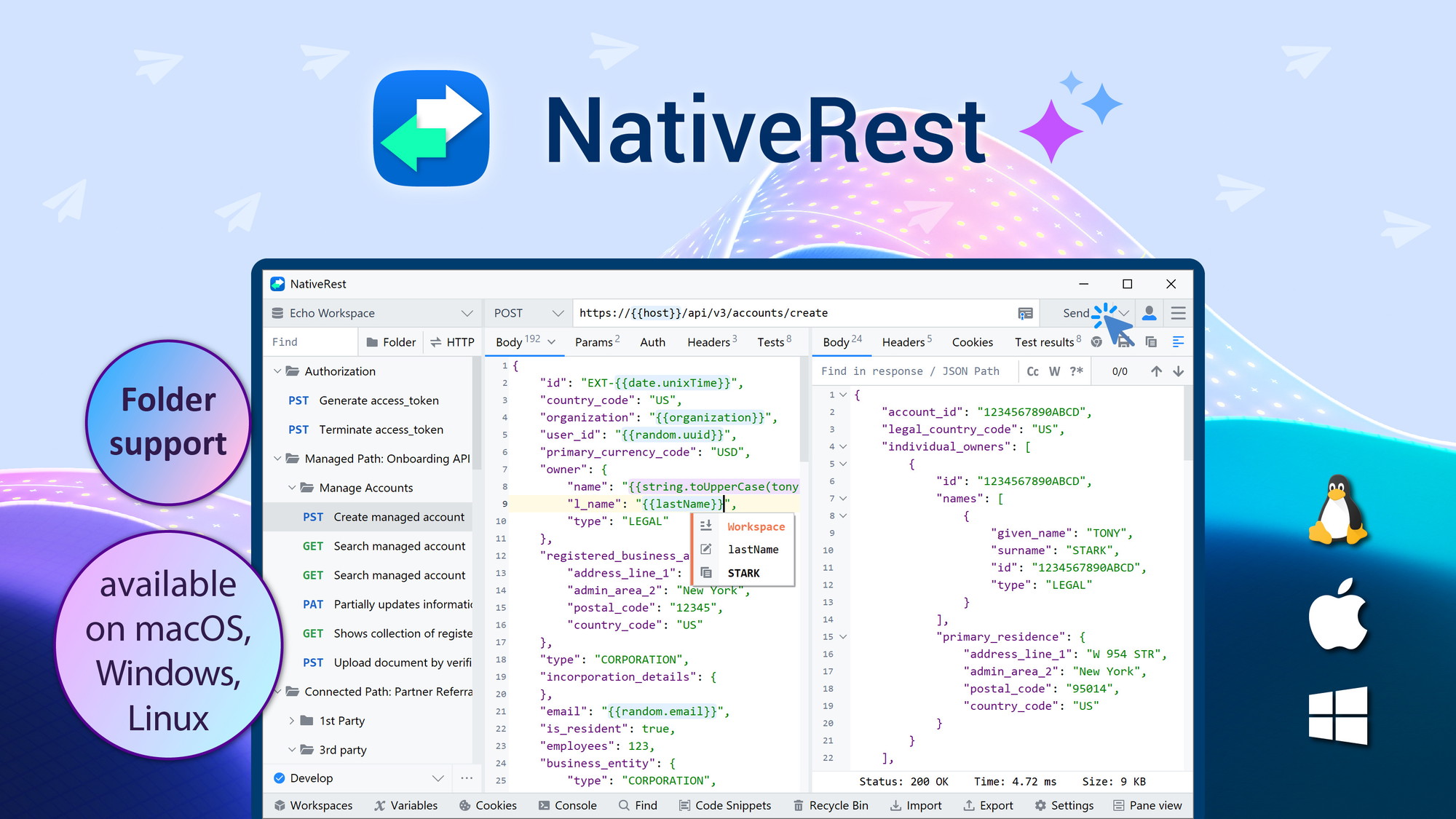
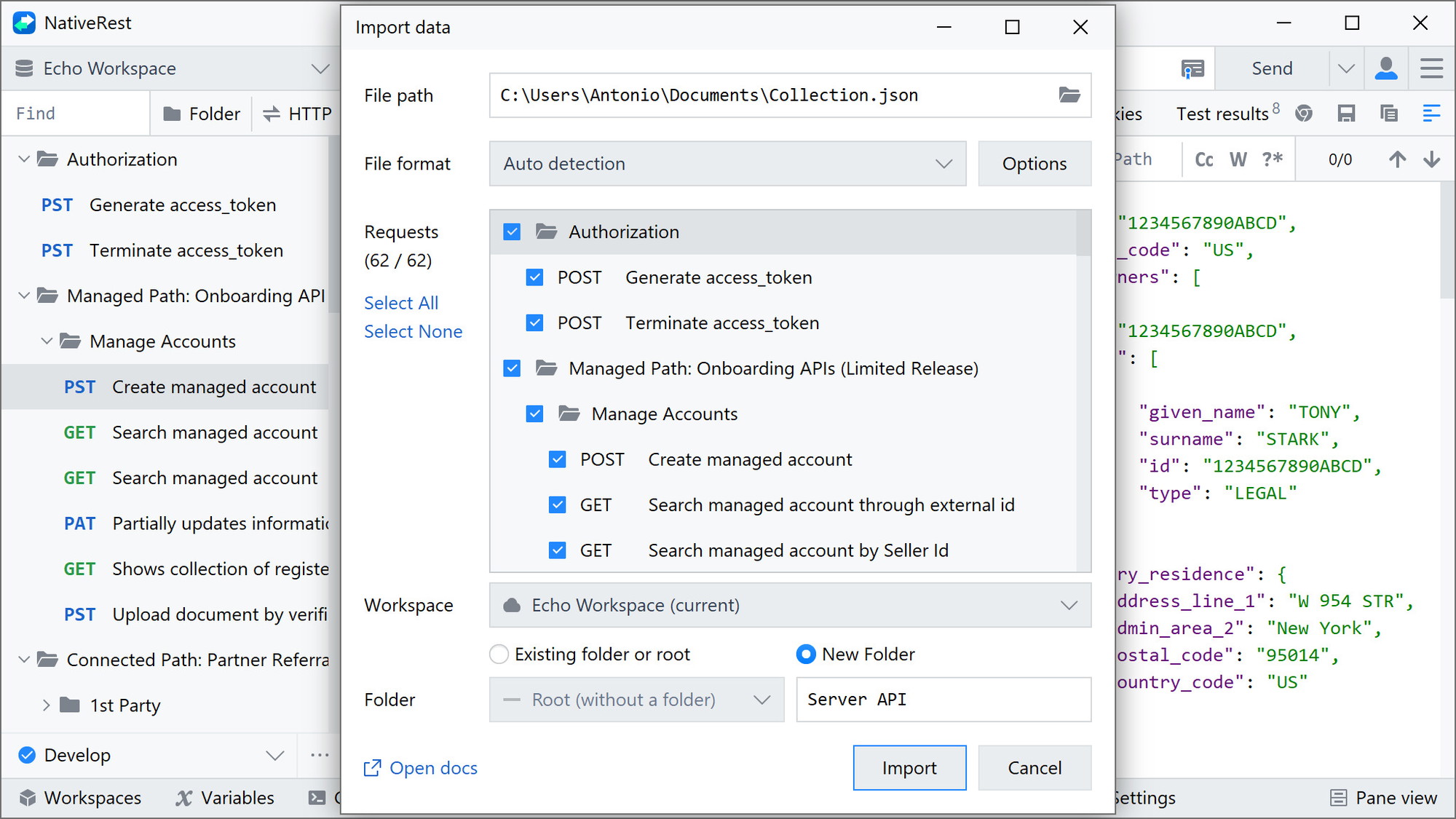
NativeRest is a fast and lightweight API client designed for developers looking to create, debug, and test their APIs across multiple platforms, including Windows, macOS, and Linux. With its high-performance features and offline capabilities, NativeRest provides an efficient solution for those needing reliable API testing tools. Its versatility and multi-language UI cater to developers worldwide.
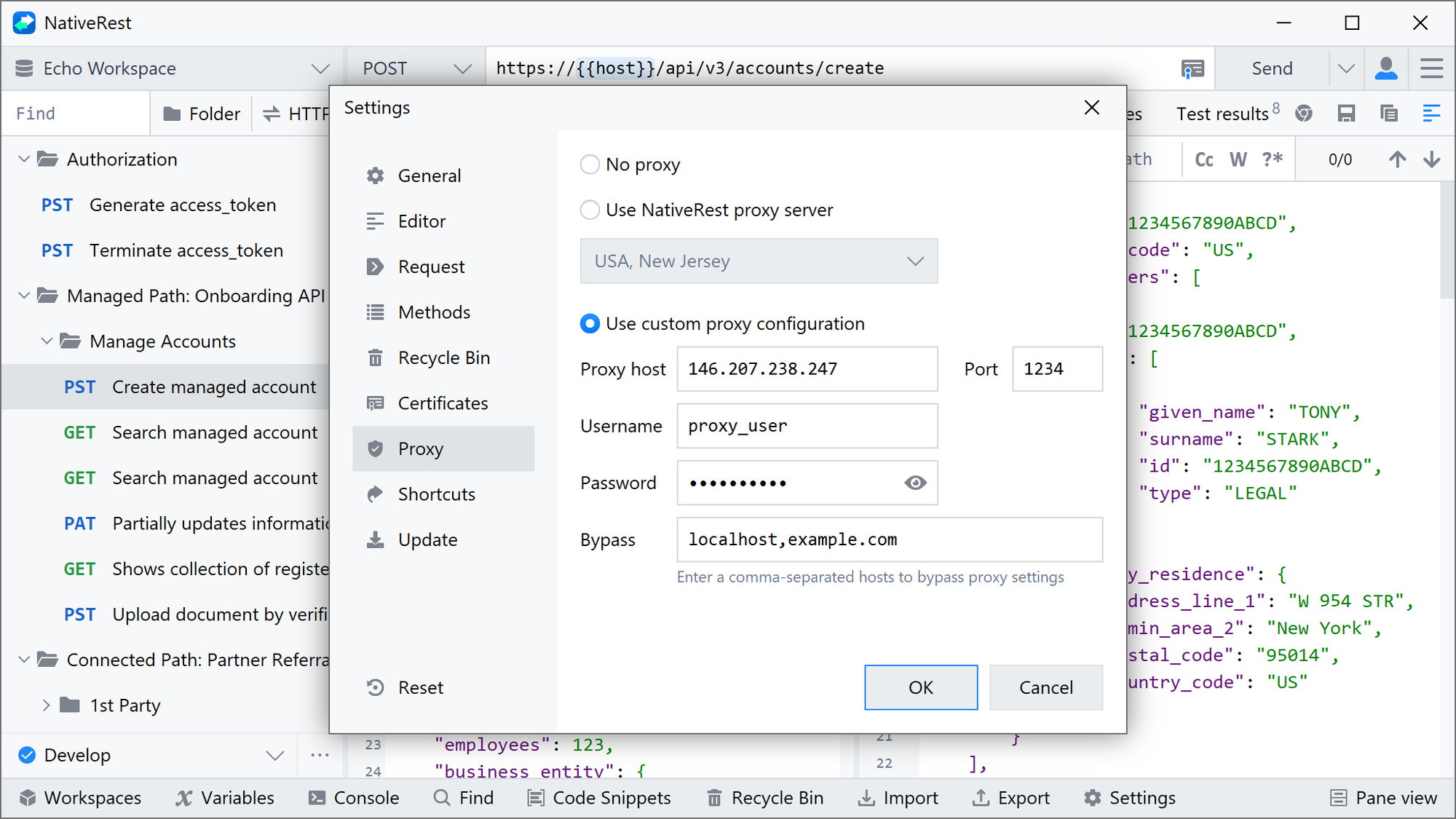
Offering a substantial discount, NativeRest stands out not only for its affordability but for its comprehensive functionalities, such as data import/export and proxy server support. This tool is perfect for freelance developers and QA professionals aiming to streamline their testing process efficiently.
What NativeRest Does?
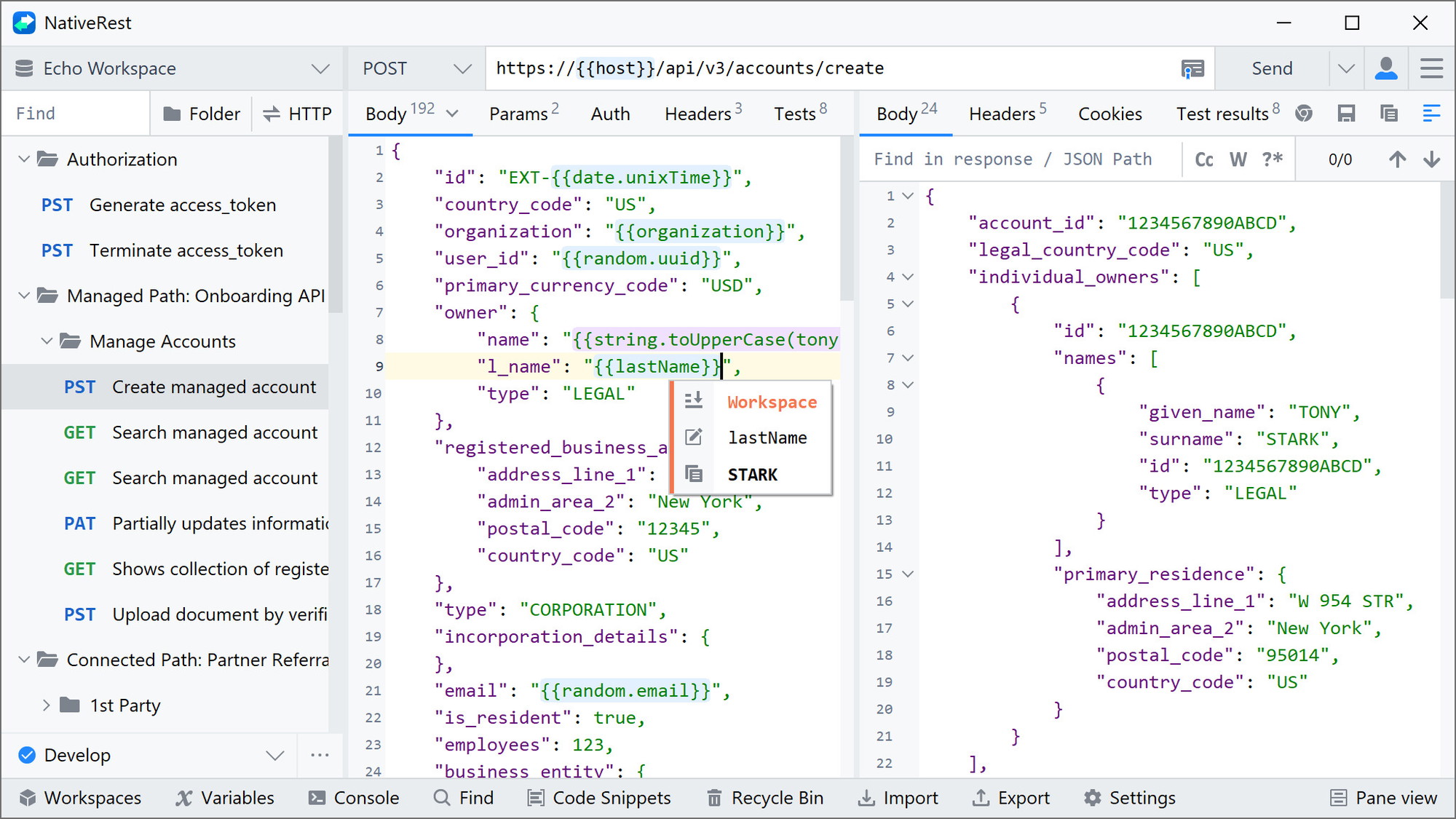
NativeRest is an advanced API client engineered to facilitate seamless API development and testing. It provides developers with a platform to create, debug, and test APIs efficiently across major operating systems such as Windows, macOS, and Linux. With its user-friendly interface, this tool ensures that API interactions are streamlined, allowing users to focus on improving software performance and reliability.
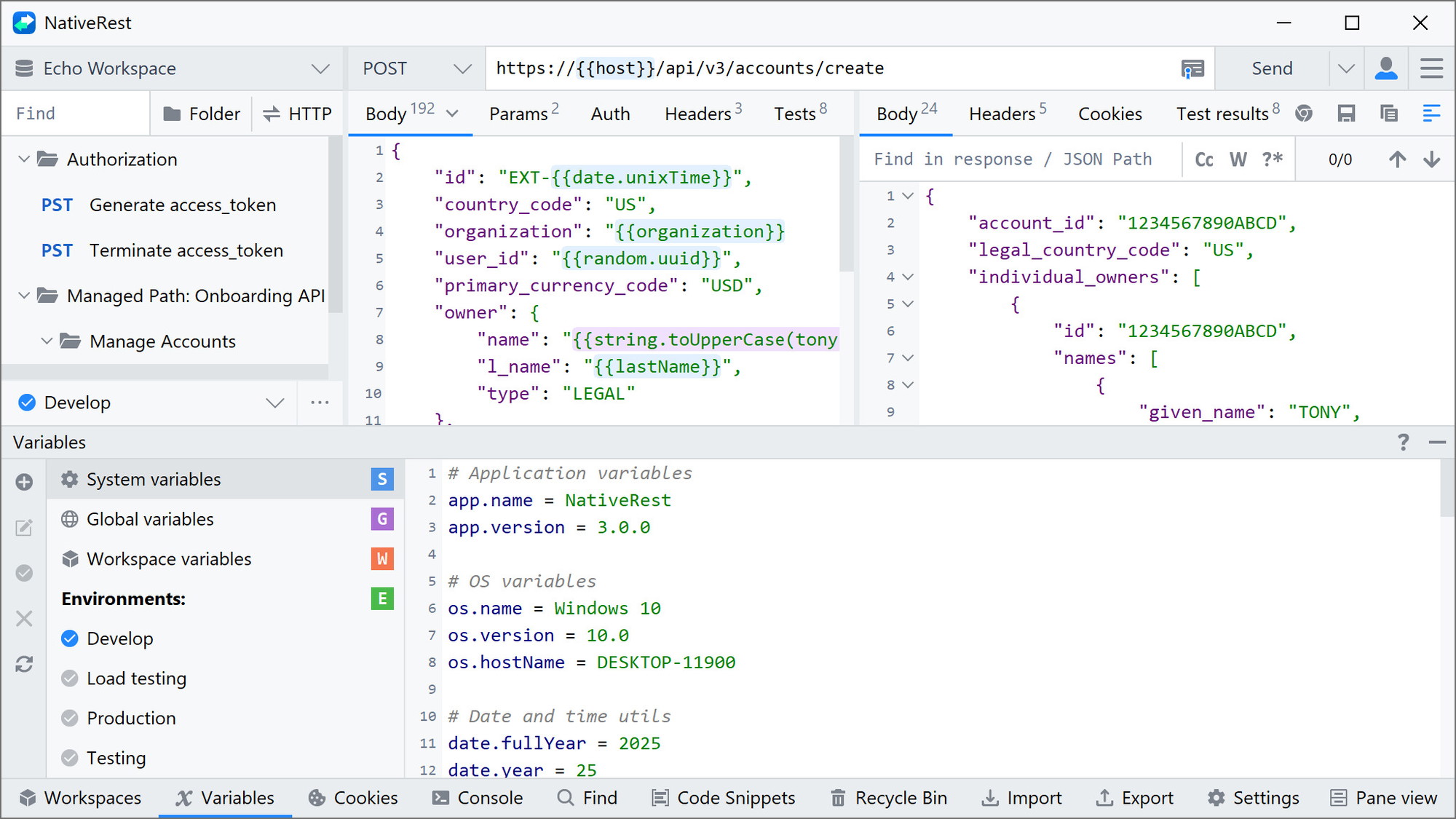
Supporting a multilingual UI, NativeRest caters to a diverse user base by offering flexibility in language preferences. It also offers themes like light and dark modes, enabling users to customize their workspace as per their convenience. The tool integrates with key technologies, including API, GPT-4, OpenAI, and REST API, which expands its versatility.
How to use NativeRest?
Using NativeRest is straightforward. Developers can leverage its robust features to enhance their API testing processes. Here’s a simple guide on how to use NativeRest effectively:
- Install NativeRest: Download and install the client on your preferred platform — Windows, macOS, or Linux.
- Set up Your Environment: Configure your proxy settings and choose your preferred theme for the UI.
- Create and Debug APIs: Utilize the client to develop and debug your APIs efficiently.
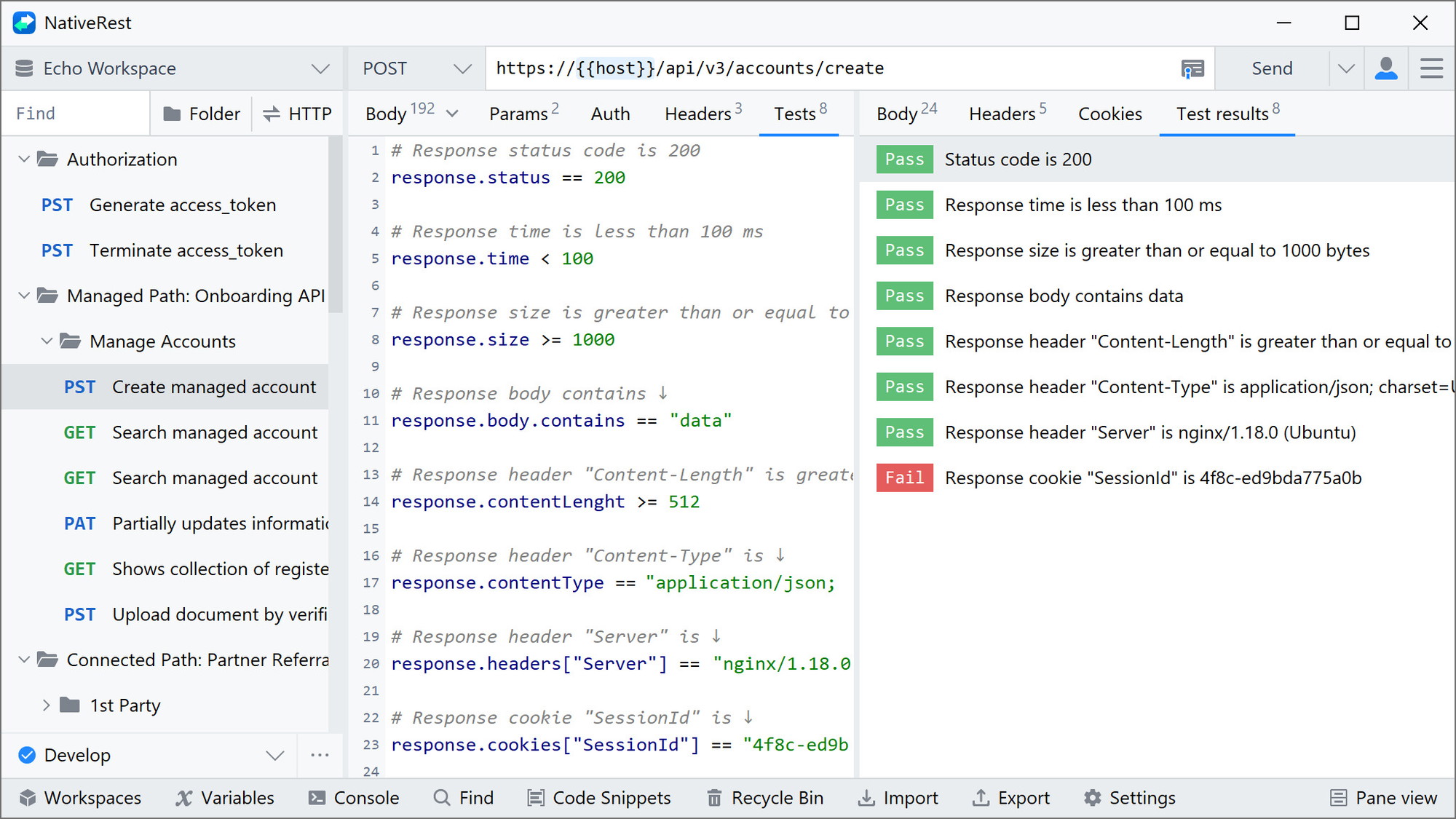
- Test API Performance: Run comprehensive tests to ensure APIs work as intended under varied conditions.
- Export and Share Data: Take advantage of the data import/export feature to share results with your team.
Key Differentiators
What sets NativeRest apart is its ability to function offline, allowing developers to work without interruption regardless of internet connectivity. This feature significantly enhances workflow efficiency, especially for remote work scenarios.
Additionally, NativeRest’s integration capabilities with notable APIs and AI technologies such as GPT-4 by OpenAI offer users an edge in accessing cutting-edge tools for API testing and development. This makes it a preferred choice among tech-savvy developers who are keen on leveraging AI capabilities in their daily tasks.
Pros and Cons
Pros
- Available across Windows, macOS, and Linux
- High-performance offline mode for uninterrupted work
- Comprehensive integration with GPT-4 and REST APIs
- Customizable UI with multilingual support
- 90% discount on lifetime access
Cons
- Minor synchronization speed concerns
- Lacks YAML code snippet generation
- Initial setup may require learning curve
In summary, NativeRest provides a valuable combination of flexibility and performance. While it has a few limitations, its benefits far outweigh the drawbacks, making it a favorable choice for API testing.
Who Is It For?
NativeRest is ideally suited for developers, freelance programmers, and quality assurance professionals who need a reliable and efficient API client. Its high flexibility and extensive integration features make it a valuable asset for tech teams involved in continuous API development and testing.
Whether you’re a solo developer working on small projects or part of a larger team managing complex APIs, NativeRest offers the tools and capabilities required for optimal API management and testing results.
See the product in action
Product images
At a glance
| Integrations |
APIGPT-4OpenAIRest API
|
|---|---|
| Best for |
DevelopersFreelancersQA
|
Is it worth it?
NativeRest offers a practical solution for API testing and development needs. With its offline functionality and multi-platform support, it enables developers to work seamlessly across various environments. The lifetime deal priced at $19 compared to the original $199 offers significant value, making it an investment worth considering for both individual developers and teams.
The comprehensive integration with leading AI technologies further boosts its appeal to tech professionals looking for advanced features. In conclusion, NativeRest is ideal for developers and freelancers seeking a feature-rich yet affordable solution for effective API management.

About the company
Compared to alternatives
| Feature | NativeRest | Competitor 1 | Competitor 2 |
|---|---|---|---|
| Platform Support | Windows, macOS, Linux | Windows, macOS | Windows only |
| Offline Mode | Available | Limited | Not available |
| Integration with GPT-4 | Yes | No | Yes |
| Data Import/Export | Yes | Yes | Limited |
| Price | $19 (Lifetime) | $50 (Annually) | $30 (Monthly) |
* Based on publicly available information.
What users are saying
What users like
Most users highlight NativeRest’s lightweight interface and offline capabilities as major advantages. Frequent mentions include the tool’s speed and efficiency in testing APIs, as well as the attentive developer support that enhances user experience.
Common concerns
Some users note sporadic issues with synchronization speed and express a desire for more comprehensive features such as YAML code snippet generation. Despite these, the overall feedback is largely positive.
FAQ
Is NativeRest compatible with all platforms?
Yes, NativeRest is designed to work seamlessly on Windows, macOS, and Linux.
What is the policy on code redemption?
You must redeem your code(s) within 60 days of purchase.
Are updates available after purchase?
Yes, purchasers receive all future updates for Personal, Cloud, or Team Plans.
How is user capacity managed?
Each code after the purchase of 3 codes adds 1 additional user.
Does it include support for themes?
Yes, users can choose between light and dark themes for the UI.
Deal Terms
- Lifetime access to NativeRest
- Redeem your code within 60 days of purchase
- Receive all future Personal, Cloud, or Team Plan updates
- Stack up to 20 codes
- Each code after 3 adds 1 user
- Compatible with Windows, macOS, and Linux
- Single account for all platforms
Related products

BLAZE Quantum: Quantum-Safe File Sharing
BLAZE Quantum is a secure file transfer and storage solution with quantum-safe encryption technology. It's designed to protect your files, notes, and...
WP Captcha: Secure WordPress Effortlessly
WP Captcha is an essential tool for enhancing the security of your WordPress site. By integrating CAPTCHA, firewall, and more, it effectively...

Reading Indicator — Reading Progress Bar for WordPress: Reading Indicator: Visual Reading Progress Boost
Reading Indicator — Reading Progress Bar for WordPress is a straightforward tool providing a visual indicator of reading progress in an article....