NativeRest: Fast API Testing
Quick summary
- Fast and lightweight API-client for all major platforms.
- Offline mode support for uninterrupted workflow.
- Multilingual interface for a global user base.
- Highly rated for performance and functionality.
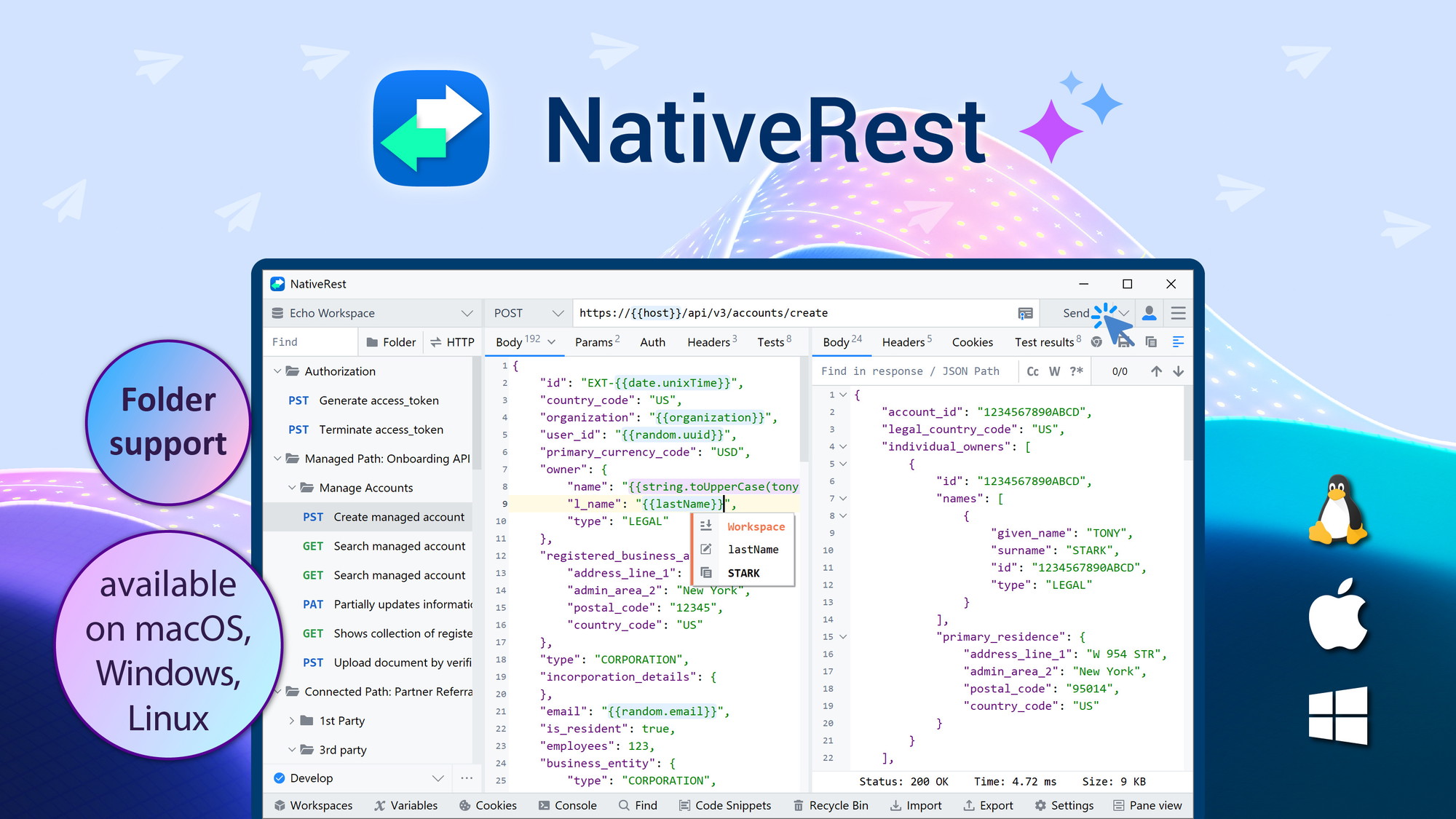
NativeRest is a fast and lightweight API-client designed for Windows, macOS, and Linux. With advanced features and a high-performance setup, it lets developers create, debug, and test their API efficiently. Equipped with offline mode and multilingual support, NativeRest targets developers, freelancers, and QA professionals. With a 90% discount currently available, it offers incredible value.
What NativeRest Does?
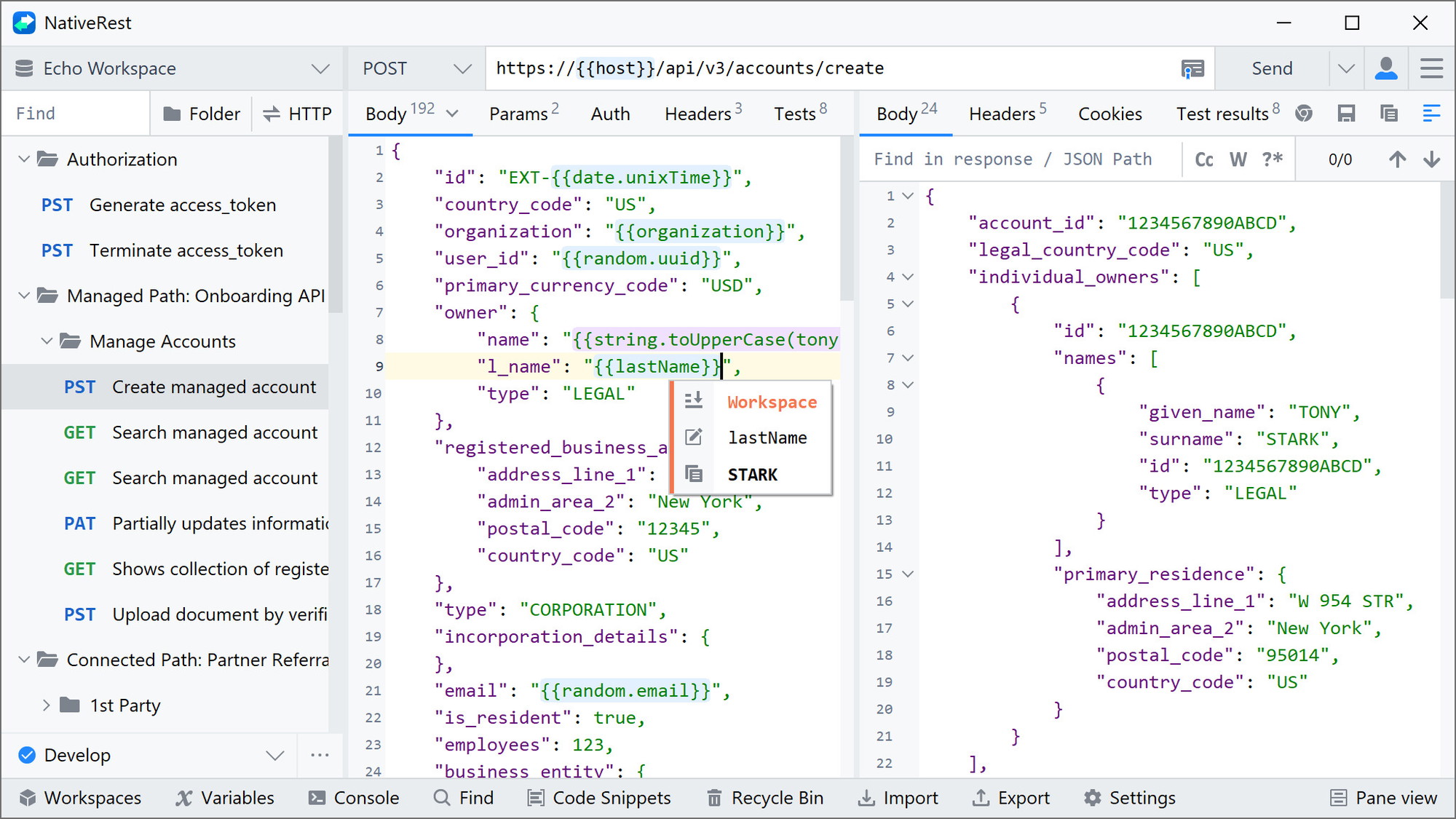
NativeRest is an API-client that provides developers with the tools to efficiently create, debug, and test their APIs on multiple platforms, including Windows, macOS, and Linux. Its lightweight design ensures swift performance, allowing users to work offline if needed.
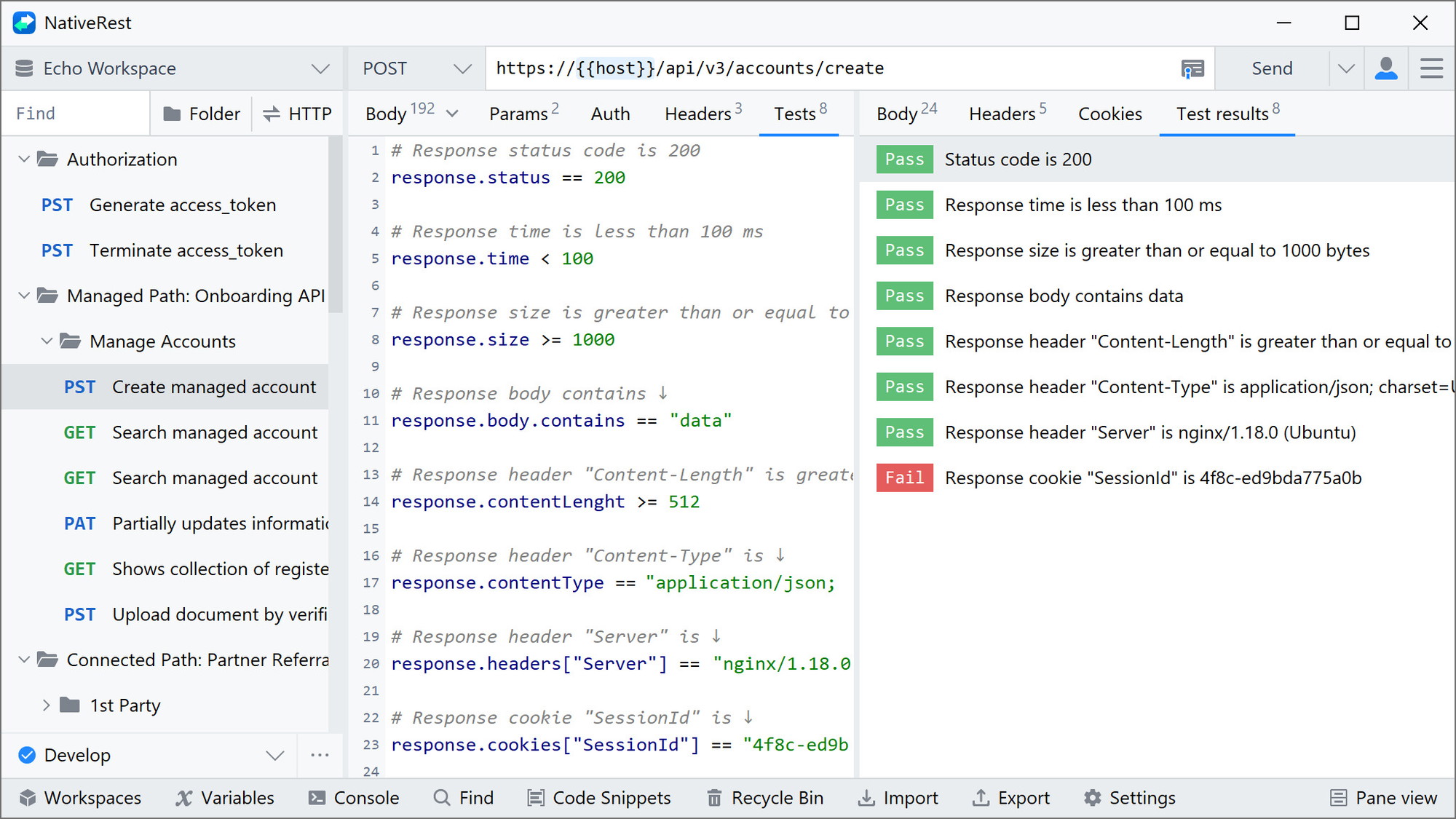
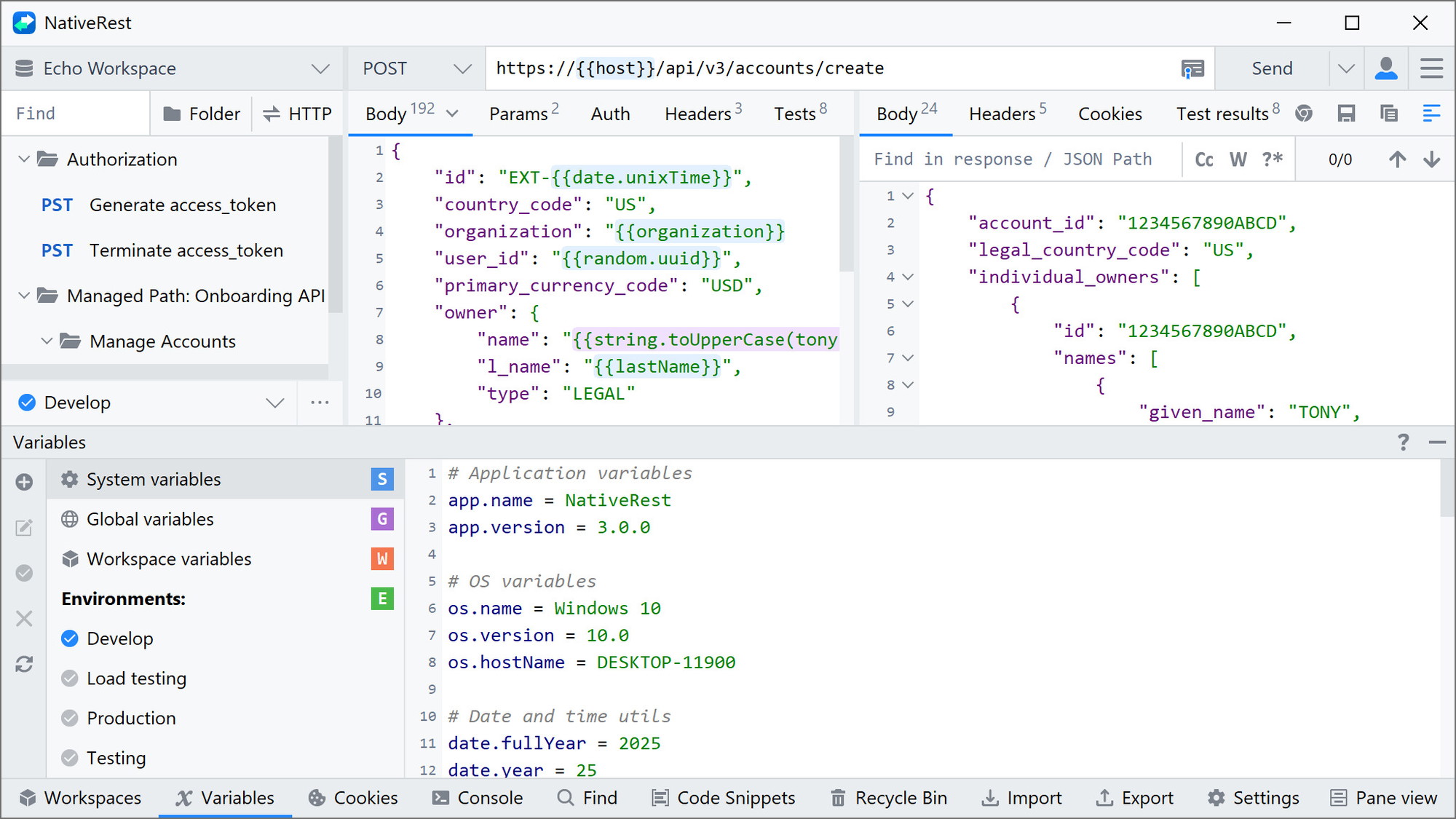
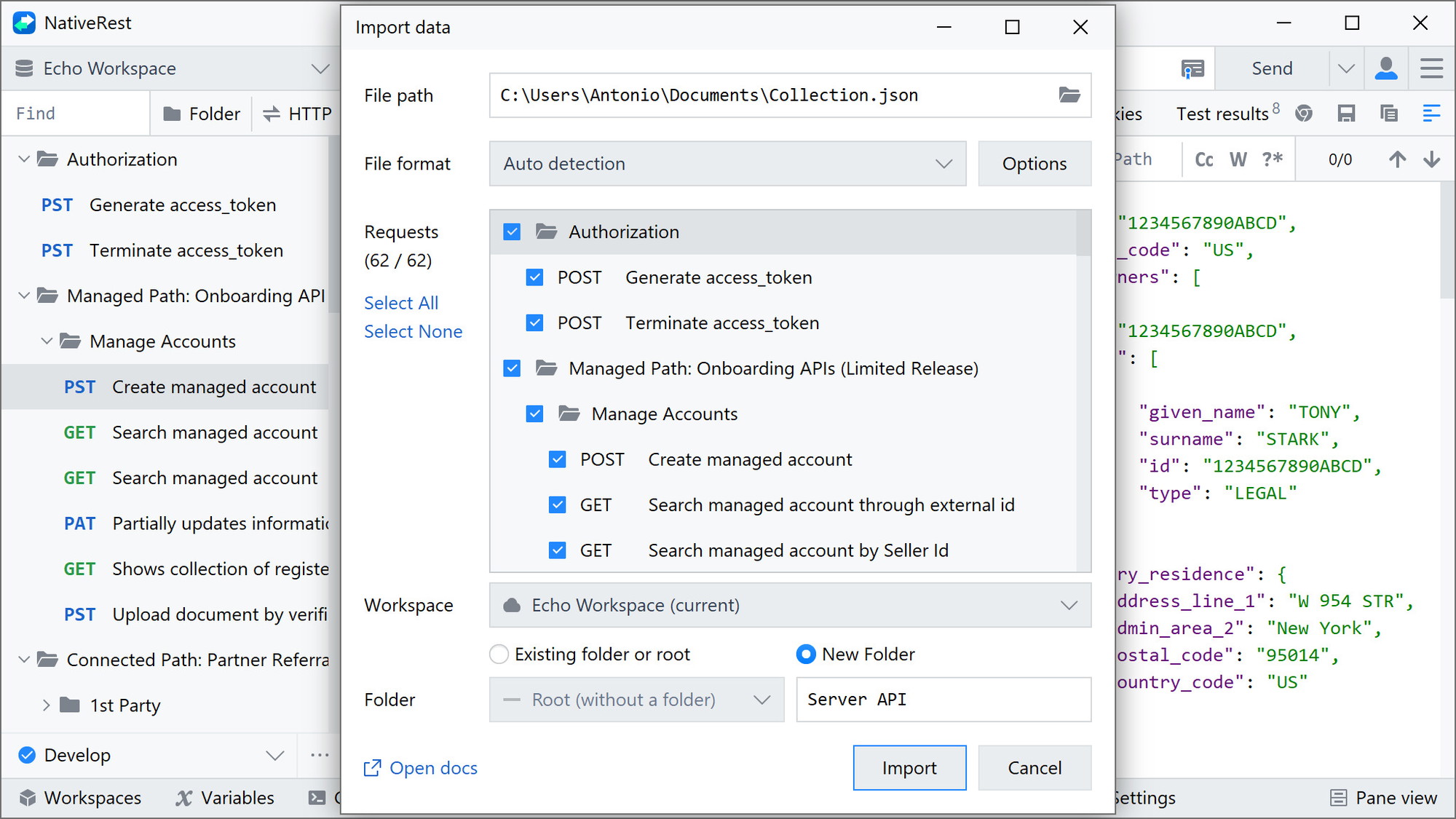
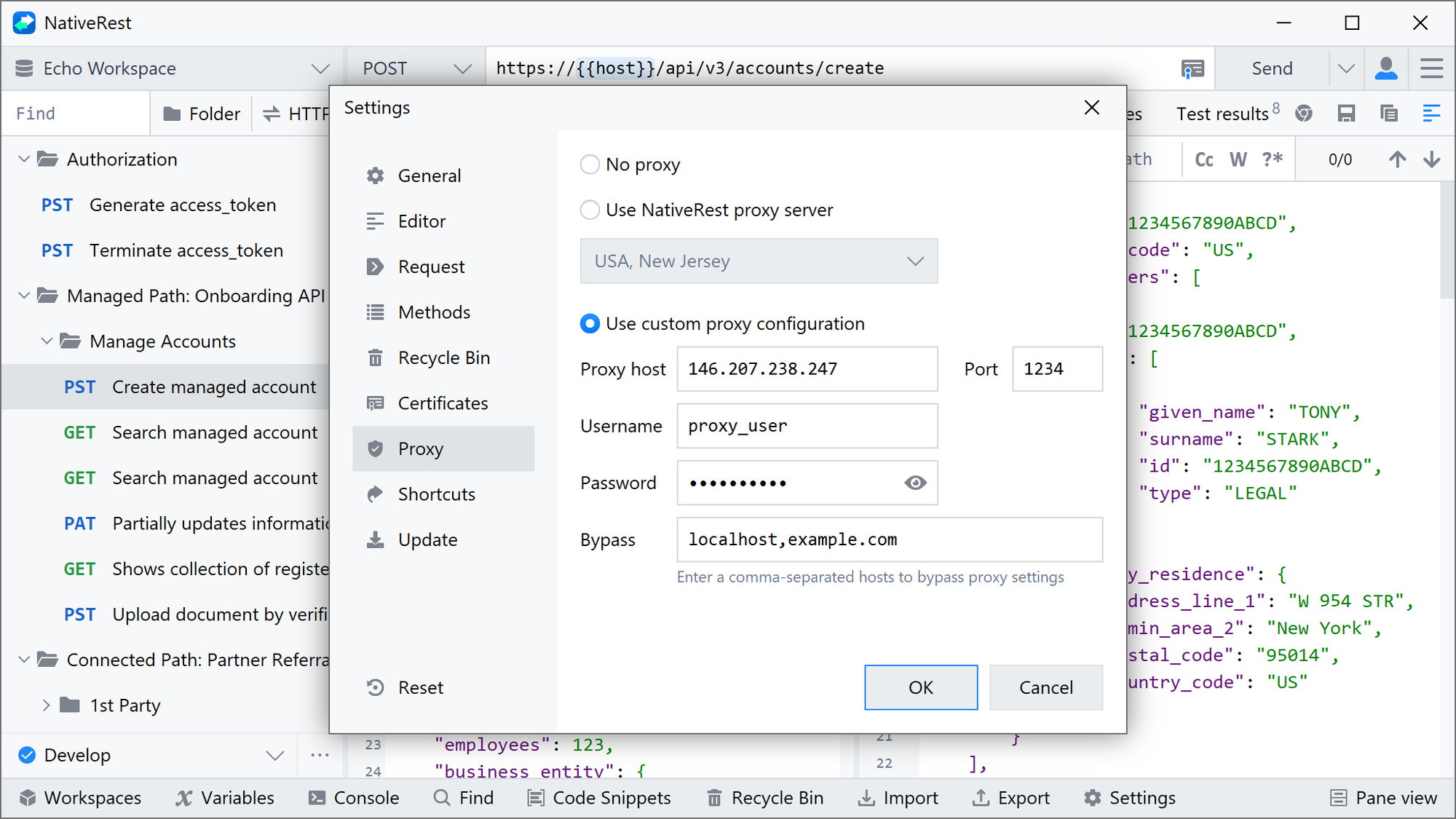
The platform supports seamless API testing and debugging with integrated features like data import/export and customizable themes. Advanced options, such as a proxy server, multilingual user interface, and the ability to operate across different operating systems, make it an indispensable tool for developers.
How to use NativeRest?
Getting started with NativeRest is straightforward. Here’s how you can make the most of its capabilities:
- Download and install NativeRest on your preferred operating system.
- Create a new project and begin importing API data.
- Use the multilingual UI to customize settings based on your preferences.
- Debug and test your API using NativeRest’s advanced features.
- Export your work and share with team members or stakeholders.
Key Differentiators
NativeRest stands out due to its cross-platform compatibility and offline capabilities. While many API clients require constant internet access, NativeRest allows developers to work without interruption.
Furthermore, its high-performance design means users can enjoy quick load times and responsiveness. The ability to easily import and export data, coupled with multilingual support, adds a layer of versatility unmatched by other tools in the same category.
Pros and Cons
Pros
- Cross-platform functionality (Windows, Mac, Linux).
- Offline mode available for continuous work.
- High user satisfaction with a 4.97/5 rating.
- Advanced features like proxy server support.
- Multilingual user interface for global teams.
Cons
- Some users report slow synchronization speed.
- Missing advanced features like YAML code snippet generation.
Overall, NativeRest provides an excellent balance between functionality and value, despite minor drawbacks.
Who Is It For?
NativeRest is ideal for developers, freelancers, and QA professionals looking for a versatile API-client. Its broad compatibility across platforms makes it suitable for anyone who needs reliable API testing and debugging tools.
Whether you’re working alone as a freelancer or with a team, NativeRest’s features like multilingual UI and offline mode can significantly enhance productivity across various work environments.
See the product in action
Product images
At a glance
| Integrations |
APIGPT-4OpenAIRest API
|
|---|---|
| Best for |
DevelopersFreelancersQA
|
Is it worth it?
NativeRest is a compelling tool for developers seeking an efficient API-client. With features like cross-platform compatibility and offline capabilities, it caters well to developers and QA professionals. Considering its 90% discount, the product offers outstanding value for those in the field of software development and API testing. It’s definitely a wise investment to boost productivity and streamline workflows.

About the company
Compared to alternatives
| Feature | NativeRest | Competitor 1 | Competitor 2 |
|---|---|---|---|
| Cross-Platform | Yes | Yes | No |
| Offline Mode | Yes | No | No |
| Multilingual UI | Yes | No | Yes |
| Advanced Features | Yes | Limited | Yes |
* Based on publicly available information.
What users are saying
What users like
Users report appreciating NativeRest for its speed and ease of use. Many highlight its offline mode as a significant advantage, along with its responsive support and seamless performance across platforms.
Common concerns
Some mention concerns about slow synchronization speeds and the absence of some advanced features like YAML code snippet generation. However, these are generally outweighed by the overall performance of the software.
FAQ
What platforms does NativeRest support?
NativeRest supports Windows, macOS, and Linux platforms.
Is there a guarantee with the purchase?
Yes, there is a 60-day money-back guarantee attached to the purchase.
Can I use NativeRest offline?
Yes, NativeRest offers an offline mode for uninterrupted work.
Does NativeRest support multiple languages?
Yes, the application includes a multilingual user interface.
Deal Terms
- Lifetime access to NativeRest
- You must redeem your code(s) within 60 days of purchase
- All future Personal (Tier 1), Cloud (Tier 2), or Team (Tier 3+) Plan updates
- Stack up to 20 codes
- Each code after 3 codes adds 1 additional user
- NativeRest is for Windows, macOS and Linux
- Single NativeRest account for all platforms
Related products
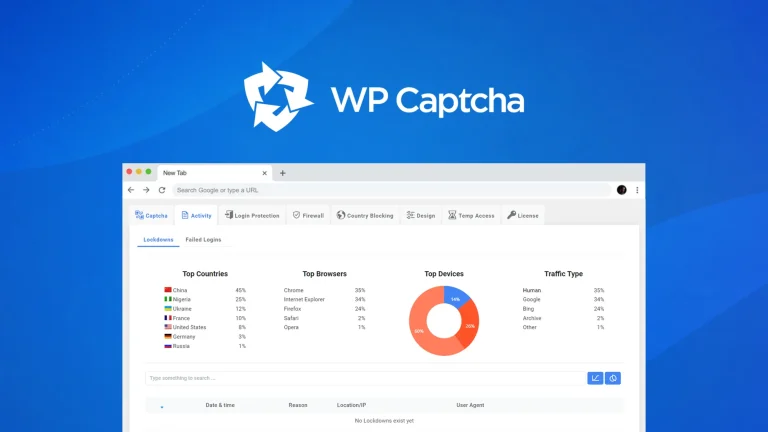
WP Captcha: Secure WordPress Effortlessly
WP Captcha is an essential tool for enhancing the security of your WordPress site. By integrating CAPTCHA, firewall, and more, it effectively...

Reading Indicator — Reading Progress Bar for WordPress: Reading Indicator: Visual Reading Progress Boost
Reading Indicator — Reading Progress Bar for WordPress is a straightforward tool providing a visual indicator of reading progress in an article....
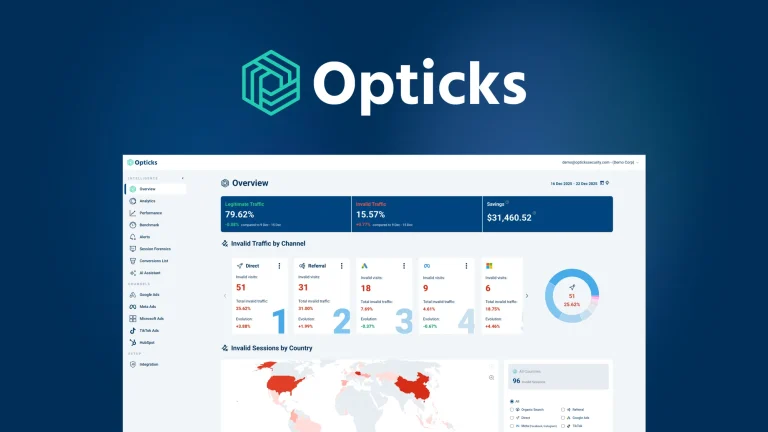
Opticks – Plus Exclusive: Exclude Fake Clicks
Opticks - Plus Exclusive is an analytics-based security platform designed to detect fake or invalid traffic and prevent ad fraud. By using...