NodeLand: Visual Knowledge System
Quick summary
- NodeLand transforms notes into visual mind-maps.
- Integrates AI for enhanced content management.
- Unlimited documents for comprehensive usage.
- Suitable for educators and content creators.
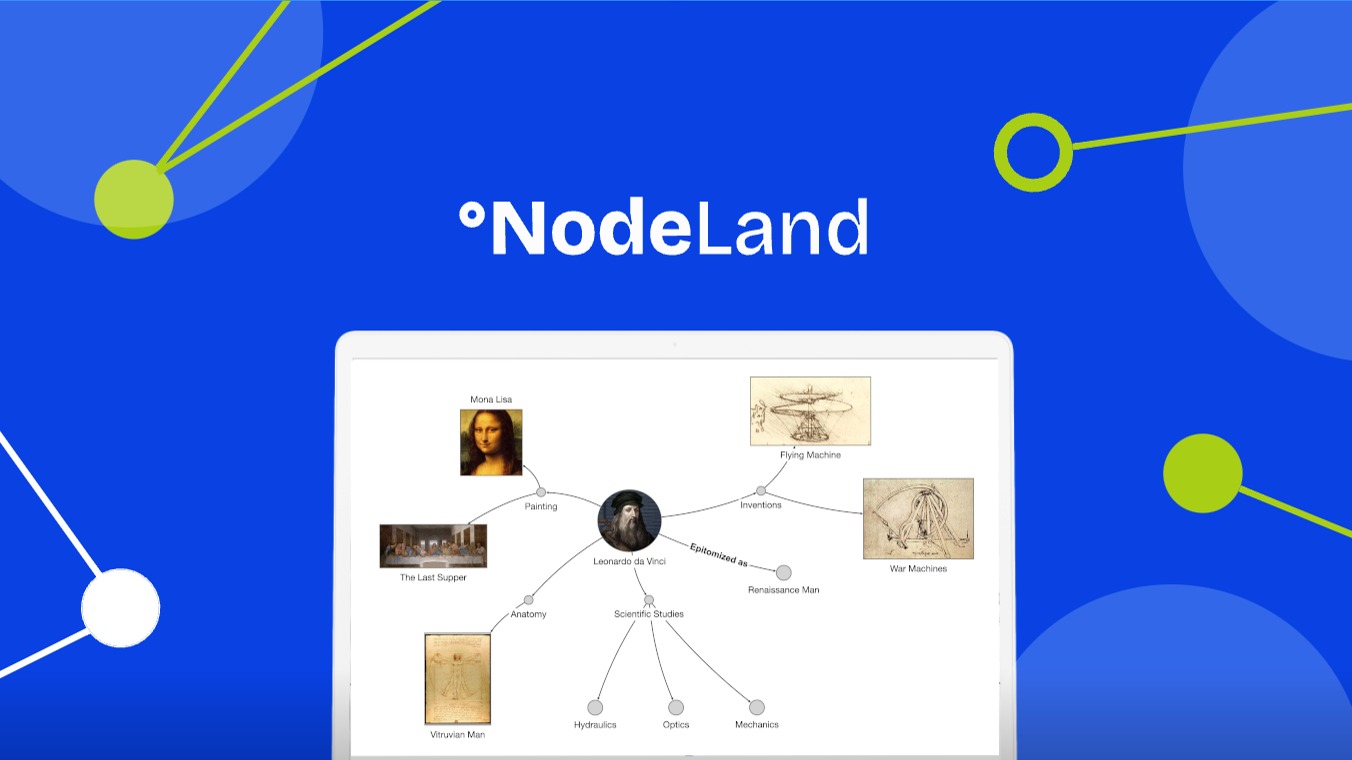
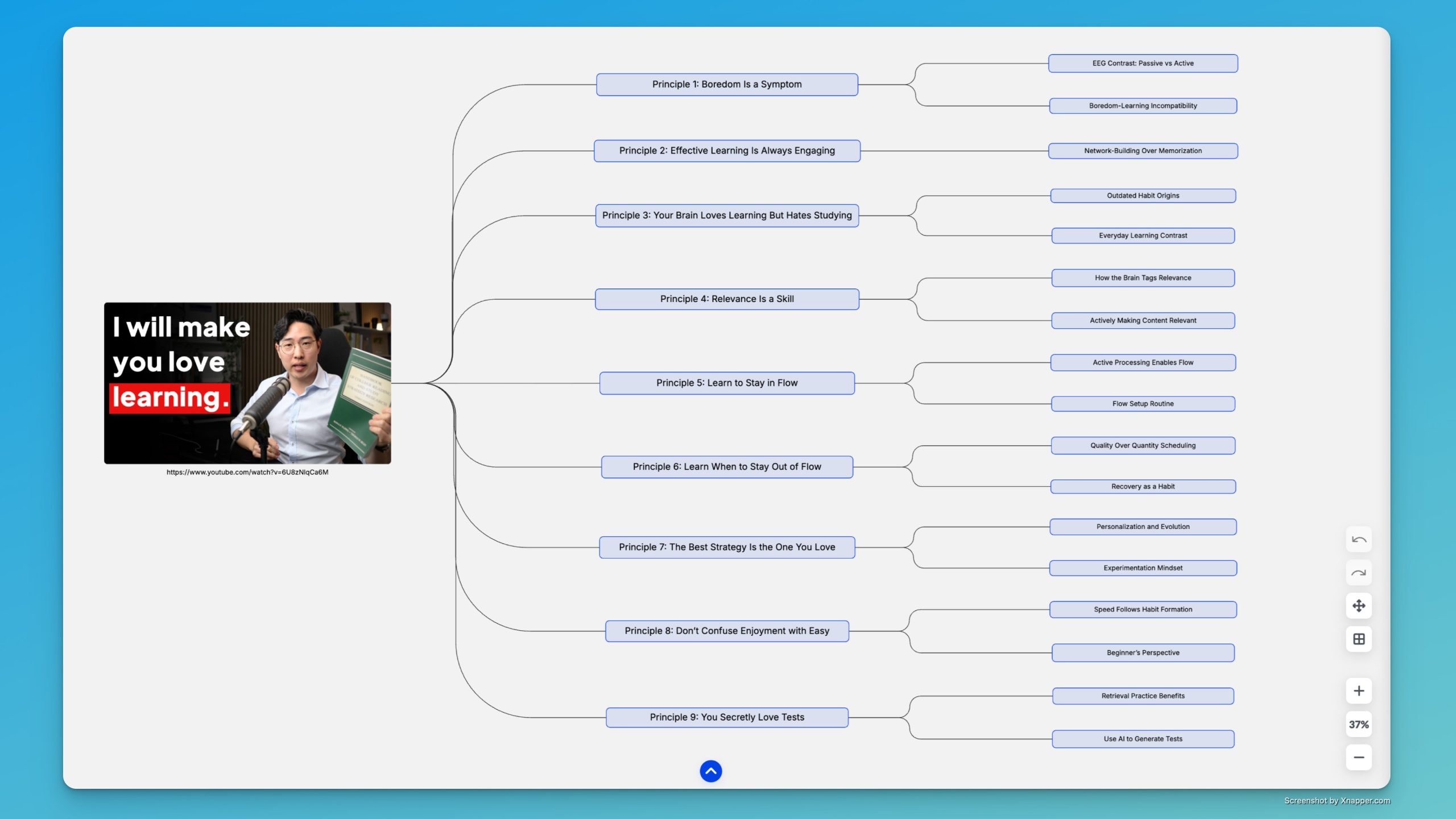
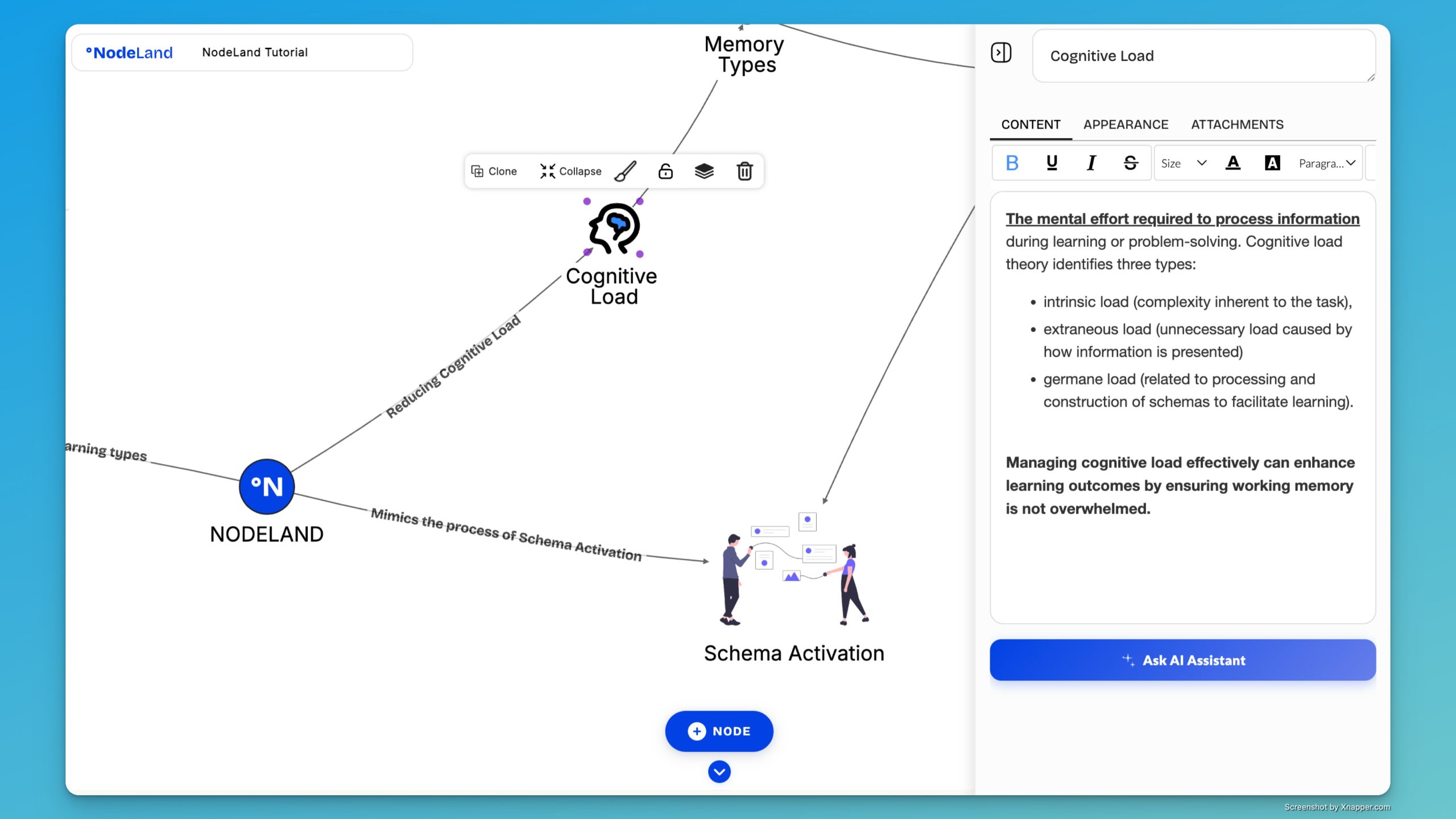
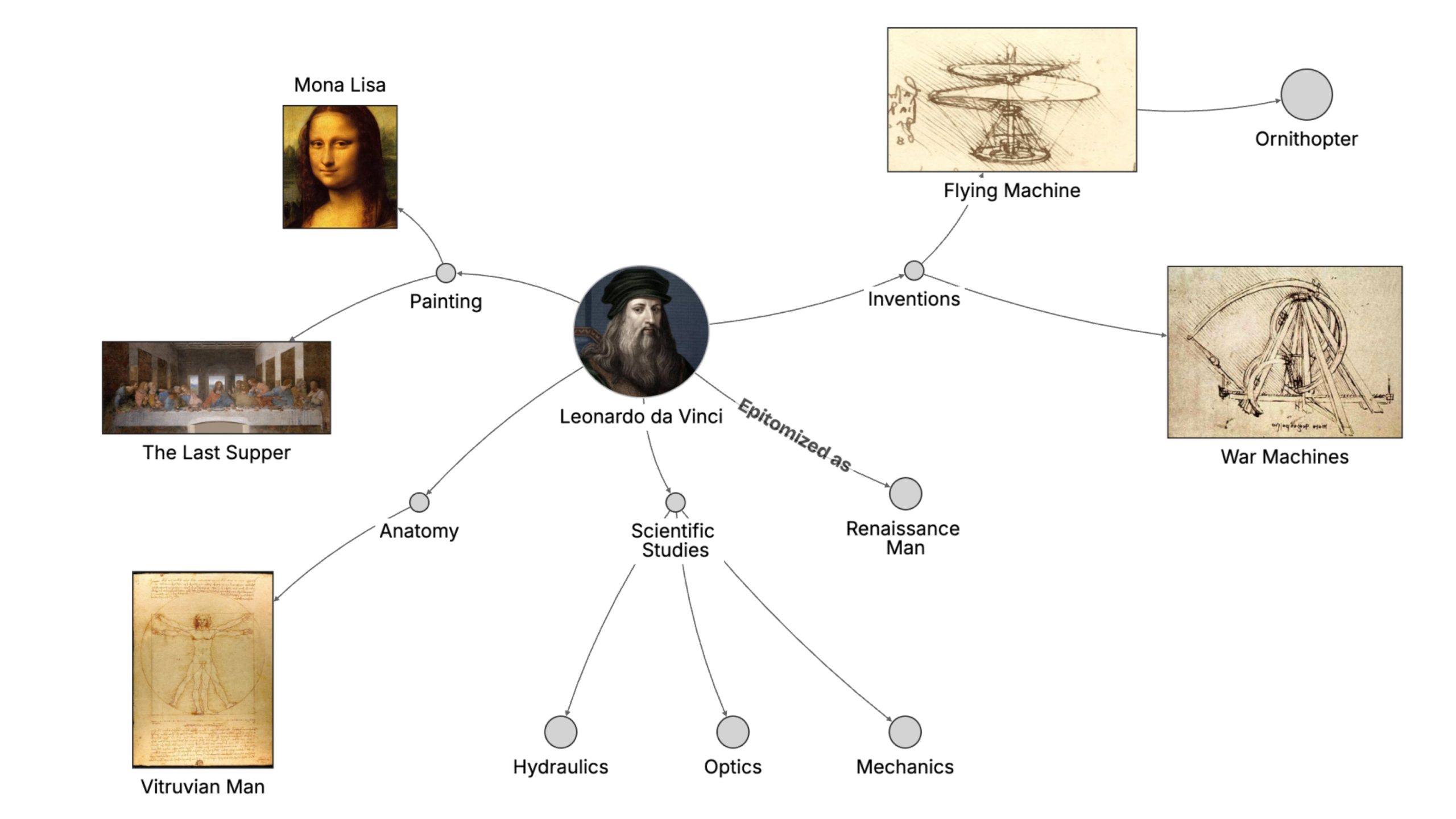
NodeLand is more than a whiteboard; it transforms ideas into a visual knowledge system. With a focus on organization, it elevates note-taking by turning information into mind-maps, making it an excellent tool for educators, content creators, and small businesses. Additionally, NodeLand‘s AI-assisted features enhance productivity and streamline task management.
By integrating cutting-edge technology like GPT-4, NodeLand distinguishes itself from alternatives such as Evernote or Notion. This lifetime deal allows unlimited document creation, providing a seamless platform for managing ideas and thoughts visually, all at an accessible price.
What NodeLand Does?
NodeLand is a revolutionary platform that provides more than just a digital whiteboard. It transforms how users manage ideas, thoughts, and information through a dynamic visual knowledge system. By integrating AI, NodeLand allows users to effortlessly organize notes into intuitive mind-maps, fostering clarity and enhancing productivity.
With unlimited document creation, NodeLand becomes a hub for to-do lists, notes, and creative brainstorming. The AI assistant efficiently helps in summarizing content, ensuring that important information is always at your fingertips. Whether you are an educator looking to structure lessons or a small business owner managing tasks, NodeLand adapts to diverse needs.
Furthermore, NodeLand’s modern user interface ensures a smooth and engaging experience. The platform’s flexibility allows users to integrate with GPT-4 and OpenAI, making it a future-ready solution in the fast-paced digital landscape.
How to use NodeLand?
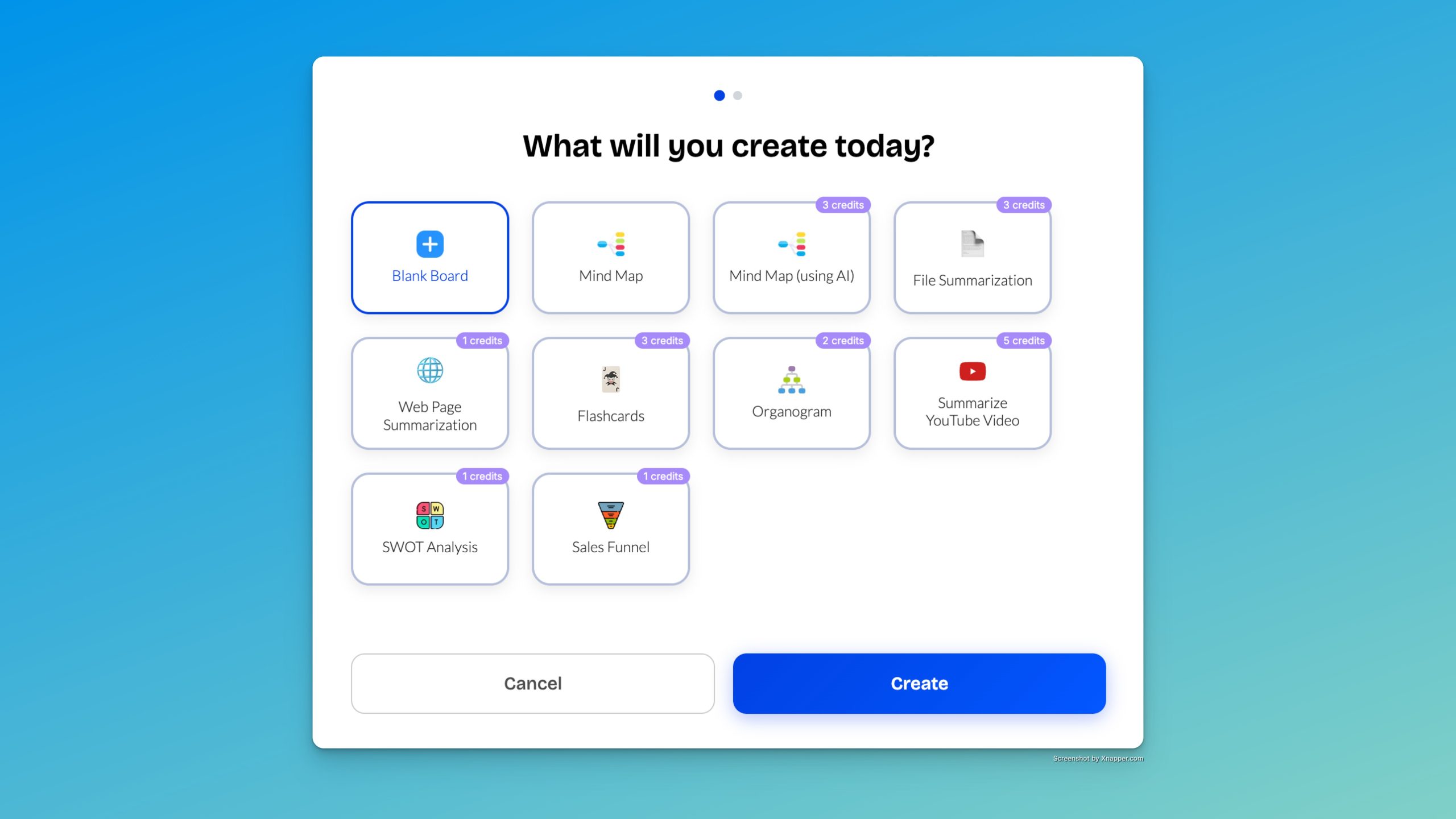
Begin by exploring NodeLand’s intuitive interface and create your first mind-map. Here’s how you can maximize its features:
- Start with a central idea or task and build your mind-map by linking related thoughts or information.
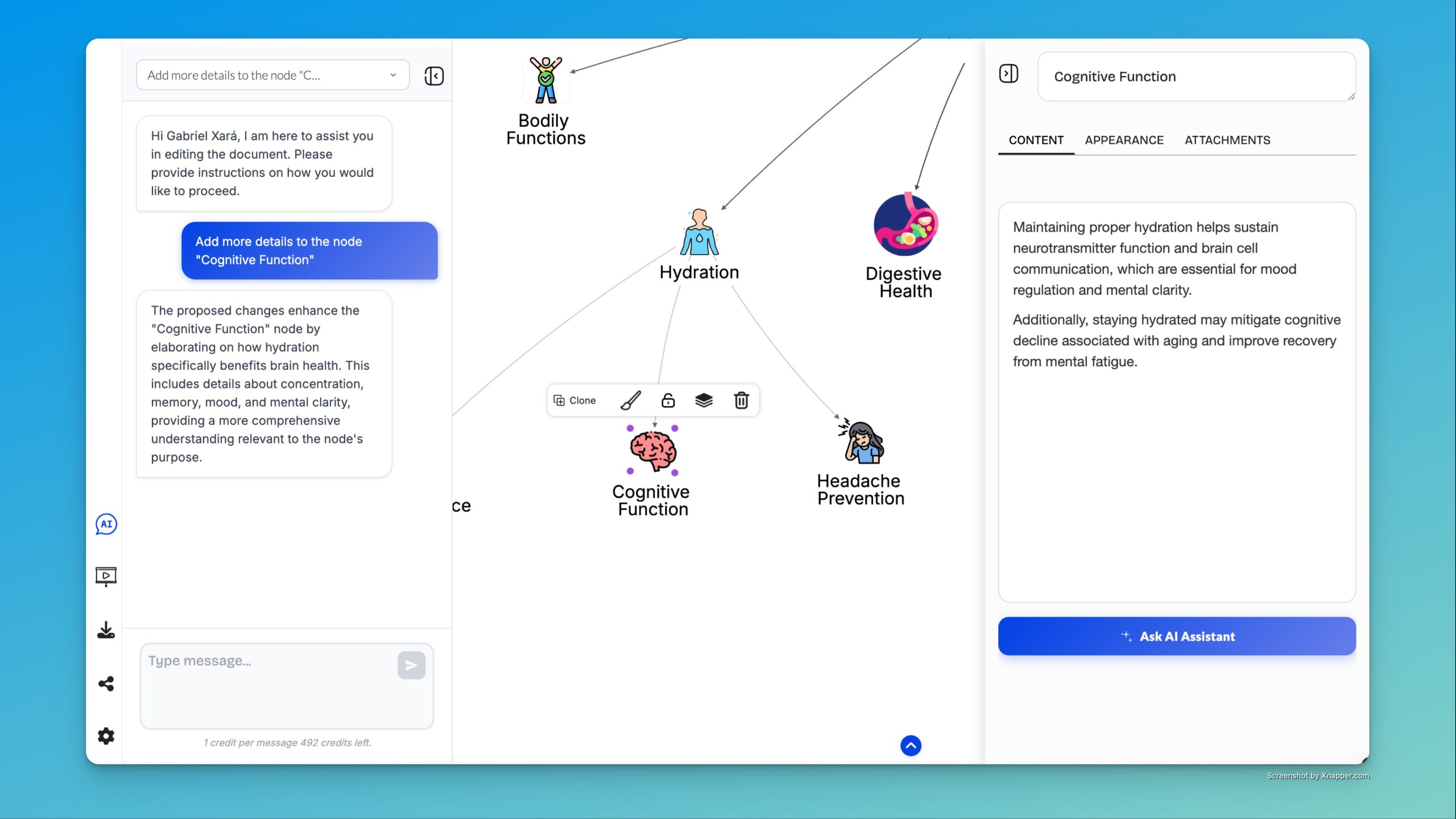
- Utilize the AI assistant to categorize and summarize notes for clear logical flow.
- Integrate with GPT-4 to enhance content creation with cutting-edge language models.
- Use NodeLand to manage your to-do lists, ensuring that all tasks are accessible and organized.
- Leverage unlimited document creation to support multiple projects concurrently.
Key Differentiators
NodeLand sets itself apart from competitors with its robust AI integrations and unlimited document capabilities. Unlike Evernote, which primarily focuses on note storage, NodeLand transforms notes into mind-maps, offering a visual method that enhances cognitive processing. This feature is particularly beneficial for educators and visual learners.
Moreover, NodeLand’s seamless integration with cutting-edge technologies like GPT-4 differentiates it from Microsoft OneNote and Notion, which lack such advanced AI-assisted functionalities. This allows users to automate and streamline their workflow, making NodeLand a dynamic and adaptable tool for modern users.
Pros and Cons
Pros
- AI assistant for efficient organization and summarization.
- Unlimited documents for expansive content management.
- Mind-map feature enhances visual learning and idea generation.
- Seamless integration with GPT-4 and OpenAI.
- User-friendly interface suitable for various applications.
Cons
- Minor issues reported with export options.
- Initial customer support could be improved.
- Lifetime access to NodeLand
- You must redeem your code(s) within 60 days of purchase
- All future Paid Plan updates
- This deal is not stackable
While NodeLand excels in innovative features, it has areas that need refinement. However, its strengths in AI integration and document flexibility make it a compelling choice for those seeking a creative and organized workflow.
Who Is It For?
NodeLand is ideal for content creators, educators, and small business owners seeking an organized and visual approach to idea management. Its mind-map feature appeals to those who prefer visual learning and brainstorming, ensuring effective information processing and retention.
Additionally, users who benefit from AI-driven assistance will find NodeLand invaluable. Whether you’re summarizing large chunks of text or strategizing business tasks, NodeLand adapts to a range of scenarios, facilitating productivity and innovation for its users.
Product images
At a glance
| Alternative to |
EvernoteMicrosoft OneNoteNotion
|
|---|---|
| Integrations |
GPT-4OpenAI
|
| Best for |
Content creatorsEducatorsSmall businesses
|
Is it worth it?
NodeLand offers a unique blend of visual organization and AI integration, making it perfect for content creators and educators. At just $19, it provides remarkable value in its lifetime access, especially against the original $40 price. Its robust features cater to users who thrive in an organized, visual workspace.
While some minor improvements are needed, particularly in export functionality and support, the overall package is appealing. With advanced technology like GPT-4, NodeLand is a smart investment for those wanting to streamline their workflow efficiently. Given the 60-day money-back guarantee, it’s worth experiencing this innovative tool firsthand.

Compared to alternatives
| Feature | NodeLand | Evernote | Microsoft OneNote | Notion |
|---|---|---|---|---|
| Visual Mind-Maps | Yes | No | No | Limited |
| AI Integration | Yes | No | No | No |
| Unlimited Documents | Yes | No | No | Yes |
| Price | $19 Lifetime | Subscription-based | Subscription-based | Subscription-based |
* Based on publicly available information.
What users are saying
What users like
Most users praise NodeLand for its intuitive mind-map functionality and AI-powered features, noting the platform’s ability to visually organize information efficiently. The modern user interface and seamless integration with AI technologies like GPT-4 enhance the user experience, fostering productivity and innovation across various applications.
Common concerns
Some users mention issues with the export feature, which can be inconvenient for those needing to transfer data frequently. Others report initial challenges with customer support, though these are typically resolved without much difficulty. Overall, NodeLand meets the expectations of those needing a versatile visual knowledge system.
FAQ
How does NodeLand integrate AI?
NodeLand incorporates AI through features like an AI assistant that organizes and summarizes content, enhancing productivity.
What platforms does NodeLand support?
NodeLand seamlessly integrates with platforms like GPT-4 and OpenAI, extending its capabilities and future readiness.
Is there a way to try NodeLand risk-free?
Yes, NodeLand offers a 60-day money-back guarantee, allowing users to explore its features with peace of mind.
Can it replace traditional note-taking apps?
NodeLand is an excellent alternative to traditional apps with unique features like mind-maps and AI integrations.
Who benefits most from using NodeLand?
Content creators, educators, and small businesses that value visual organization and AI assistance benefit most from NodeLand.
Deal Terms
Related products

ApproveThis: Instant Collaboration
ApproveThis is a software tool designed to streamline approval workflows and facilitate seamless collaboration. Maximize efficiency with real-time updates and seamless integrations....

Focusmate Private Group Access: Boost Productivity
Focusmate Private Group Access is a virtual coworking platform that helps you beat distractions and maximize productivity. It's designed to support freelancers,...
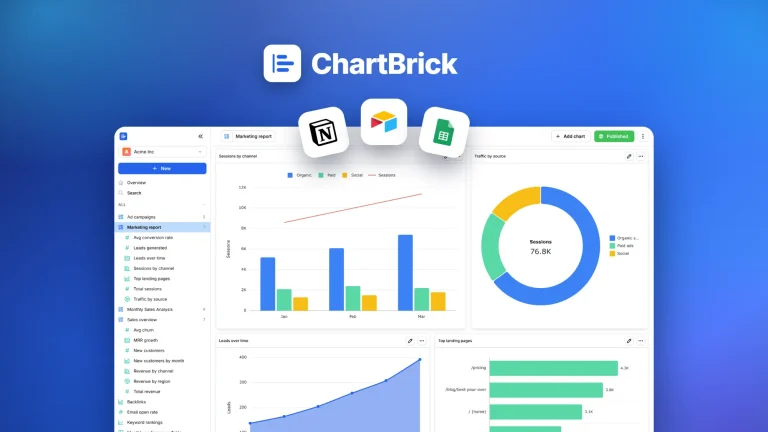
ChartBrick: Seamless Chart Creation
ChartBrick is an intuitive platform designed to create charts and dashboards from popular tools like Notion, Google Sheets, and more. Empower any...