Stepsy: Quick Documentation Creation
Quick summary
- Stepsy automates creating step-by-step guides.
- Seamless integration with Google Drive enhances sharing.
- Mask sensitive data to improve security.
- User-friendly for easy navigation.
- Designed for educators, consultants, and support teams.
Stepsy is a tool that simplifies creating documentation by capturing step-by-step processes. With robust integrations like Google Drive, it enhances productivity by automating SOPs and screenshot guides. Ideal for educators, customer support, and consultants, Stepsy is a game-changer in simplifying workflows.
By leveraging accessible tools and its powerful features, Stepsy delivers a seamless experience in creating and sharing documentation. Discover how this intuitive tool can save you time and effort.
What Stepsy Does?
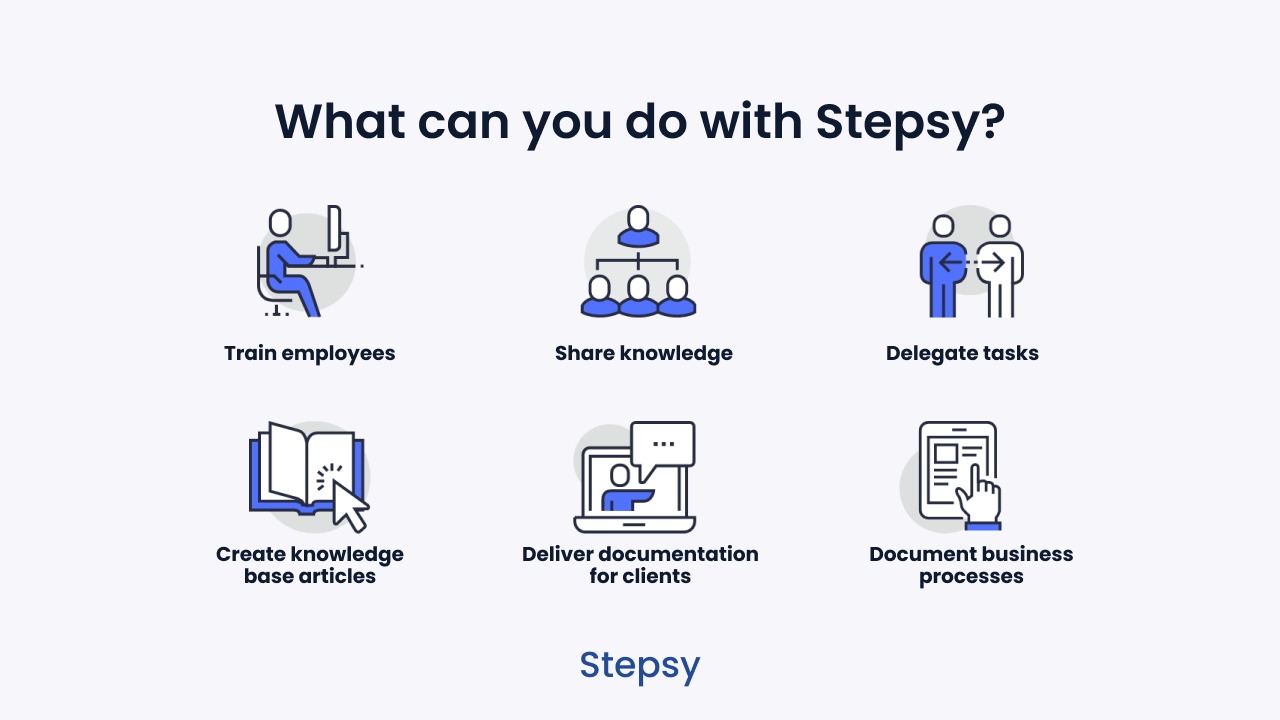
Stepsy is an innovative solution designed for creating process documentation efficiently. It captures screenshots and compiles step-by-step guides directly from your screen activity. By automating the documentation process, Stepsy enables users to delegate tasks with ease and precision.
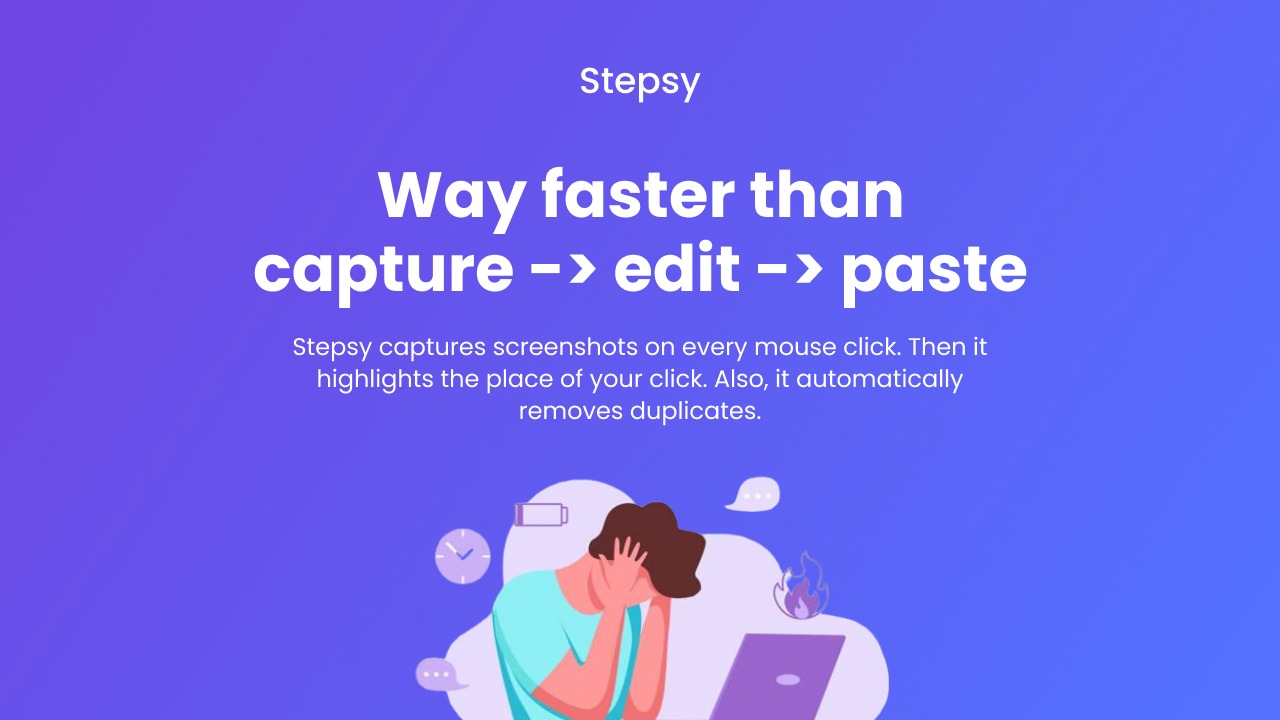
With features like capture steps on mouse click, edit captured images, and the ability to export to Google Docs or save locally as HTML, users can seamlessly create and share documentation. Stepsy also ensures data security by masking sensitive information and removing duplicate entries automatically.
Furthermore, Stepsy’s integration with Google Drive provides a centralized location for storing and accessing your documentation, ensuring easy collaboration and sharing.
How to use Stepsy?
Using Stepsy is straightforward, making documentation creation a breeze.
- Install and set up Stepsy with your Google account.
- Start capturing steps as you click through your process.
- Edit and annotate captured images as needed.
- Export the documentation to Google Docs for easy access and sharing.
- Save locally as HTML for offline storage or further customization.
Key Differentiators
Stepsy stands out due to its ability to automate and streamline documentation creation in real-time. Unlike similar tools, Stepsy provides seamless integration with Google Drive, allowing users to directly export, store, and collaborate on documents. Its user-friendly interface ensures that even individuals with minimal technical expertise can navigate its features effortlessly.
Moreover, Stepsy’s ability to mask sensitive data and automatically eliminate duplicates enhances both security and efficiency. This functionality is crucial for professionals handling confidential information. The removal of Stepsy branding from images contributes to a more polished and professional end result.
Pros and Cons
Pros
- Automates step-by-step documentation.
- Seamless Google Drive integration for easy sharing.
- Masking of sensitive data enhances security.
- User-friendly interface for simple navigation.
- Export options to Google Docs and HTML provide flexibility.
Cons
- Limited to web-based applications.
- Customization may be restricted.
- Some users reported limitations in advanced functionality.
Overall, Stepsy offers a balanced mix of features that cater to most documentation needs, especially for web-based applications. While there are some limitations, its benefits far outweigh the drawbacks for many users.
Who Is It For?
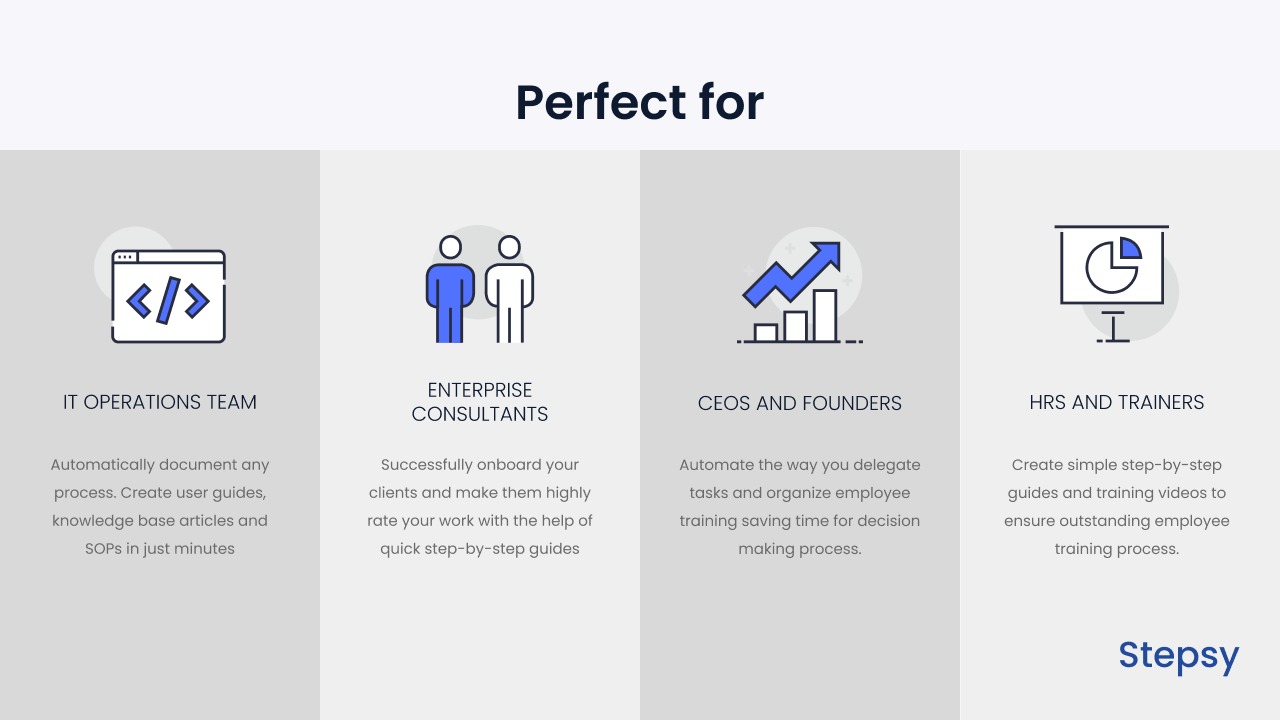
Stepsy is ideal for consultants, educators, and customer support professionals who need to create documentation efficiently and accurately. Its capability to simplify and speed up the process makes it suitable for those who frequently train others or need to distribute standard operating procedures (SOPs).
Moreover, businesses that prioritize data security will benefit from Stepsy’s masking and duplication removal features. This tool is perfect for any professional or business owner looking to streamline their documentation workflow, particularly in educational and consultancy settings.
See the product in action
Product images


At a glance
| Integrations |
Google DocsGoogle Drive
|
|---|---|
| Best for |
ConsultantsCustomer supportEducators
|
Is it worth it?
Ultimately, Stepsy proves to be a valuable tool for those involved in frequent documentation creation. With features like automatic documentation and Google Drive integration, it’s truly designed for efficiency. The one-time price of $39 offers significant savings over the original $105, making it a worthwhile investment for anyone in need of quick and accurate documentation tools.
While it may not support desktop applications fully, its robustness in web-based environments more than compensates. For consultants, educators, and customer support professionals demanding quick, reliable documentation, Stepsy offers substantial value, making it a strong choice for your tool collection.

Compared to alternatives
| Feature | Stepsy | Competitor 1 | Competitor 2 |
|---|---|---|---|
| Automatic Documentation | Yes | Limited | No |
| Google Drive Integration | Yes | No | Yes |
| Mask Sensitive Data | Yes | No | Yes |
| Local HTML Export | Yes | No | Limited |
| User-friendly Interface | Yes | Yes | Yes |
* Based on publicly available information.
What users are saying
What users like
Most users appreciate Stepsy’s simplicity and time-saving capabilities. Quick documentation creation and ease of use stand out as key benefits, along with its effective Google Drive integration.
Common concerns
Some users mention limitations like support solely for web-based applications and lack of advanced functionality. Despite these, users generally find it beneficial for basic documentation needs.
FAQ
How does Stepsy integrate with Google Drive?
Stepsy allows direct exporting and storage of your documentation to Google Drive, facilitating easy access and collaboration.
What is the refund policy?
Stepsy offers a 60-day money-back guarantee for all its lifetime deal purchases.
Can Stepsy be used offline?
Stepsy primarily operates online, though documents can be saved locally as HTML for offline use.
Is there a limit on the number of documents I can create?
No, there are no specific limits on the number of documents you can create with Stepsy.
Who benefits most from using Stepsy?
Consultants, educators, and customer support teams find the most utility in Stepsy’s streamlined documentation features.
Deal Terms
- Lifetime access to Stepsy
- You must redeem your code(s) within 60 days of purchase
- All future Personal Pan updates
- This deal is not stackable
- A Google account is required to use Stepsy
Related products
ChartBrick: AI-Driven Chart Creation
ChartBrick is an innovative tool that allows users to create charts and dashboards effortlessly using data from Notion, Google Sheets, and more....
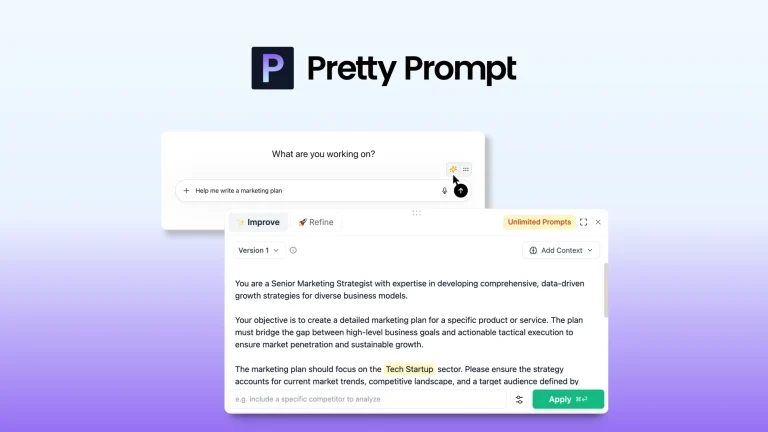
Pretty Prompt: Refine Prompts Instantly
Pretty Prompt is a tool that instantly refines and perfects your prompts for better outputs from ChatGPT. This intuitive solution seamlessly integrates...

Smart Spreadsheets: Unlock Automation
Smart Spreadsheets is a tool that lets you unlock enterprise-level automation directly within Google Sheets. With its powerful capabilities, bloggers, content creators,...