WP Video Magic: Simplified Video Hosting
Quick summary
- Host videos economically on AWS or Dropbox.
- Embed videos without ads for an uninterrupted viewing experience.
- Engage users with floating videos and timed content features.
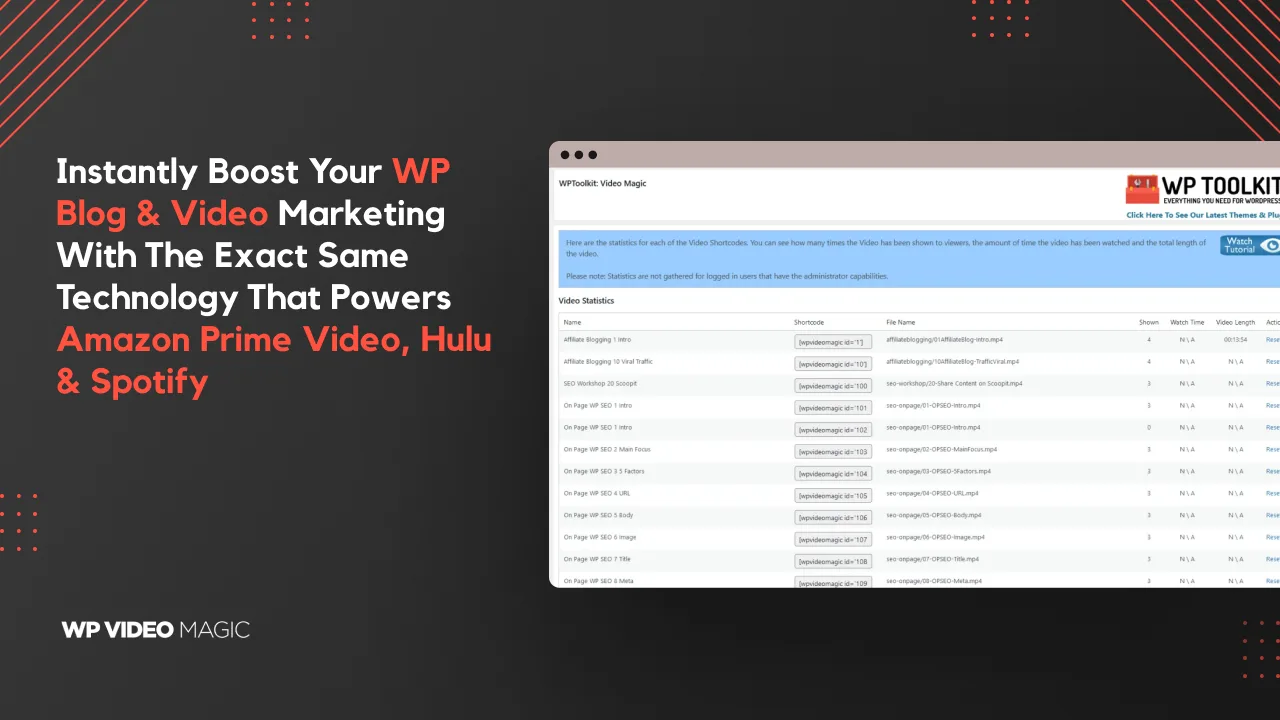
- Track performance with comprehensive video statistics.
WP Video Magic is an innovative tool that enables seamless and affordable video hosting for WordPress users. With ever-rising video hosting fees, businesses need a cost-effective yet reliable solution to manage their multimedia content. WP Video Magic integrates effortlessly with Amazon S3 and Dropbox, providing users with an efficient way to cut costs without compromising on speed or quality.
Furthermore, this tool is perfect for bloggers, marketers, and solopreneurs looking to maintain an uninterrupted streaming experience for their audience. Whether you want to embed videos without ads or track video performance through detailed statistics, WP Video Magic makes the process simple and stress-free.
What WP Video Magic Does?
WP Video Magic is a powerful plugin designed to streamline video hosting for WordPress sites. It offers users the ability to host videos on Amazon S3 or Dropbox without needing extensive technical skills. This allows businesses to keep their video content budget-friendly while maintaining high-speed delivery necessary for optimal web performance.
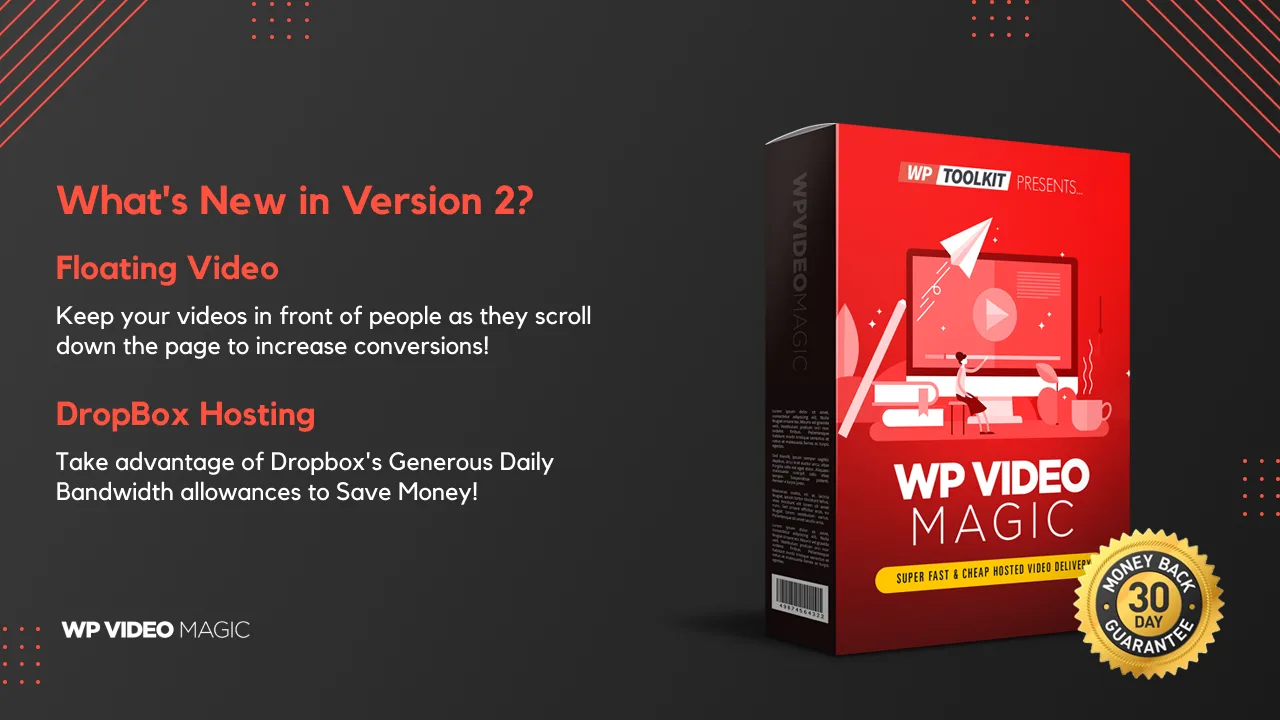
The standout feature of WP Video Magic is its capability to provide floating video functionality, keeping the video visible as visitors scroll through a page. This ensures engagement and prevents content from being skipped. Users can also utilize timed content features, allowing additional information to appear alongside video content at specific moments, enhancing viewer experience and increasing engagement.
Moreover, comprehensive video statistics are available to help users gauge video performance, making it easier to understand which content resonates best with their audience.
How to use WP Video Magic?
Using WP Video Magic is simple and efficient, thanks to its streamlined integration and user-friendly interface.
- Install the WP Video Magic plugin on your WordPress site.
- Connect your Amazon S3 or Dropbox account to the plugin for video storage.
- Upload your video content via the plugin interface and configure playback settings.
- Embed the generated video code into your WordPress post or page.
- Monitor video engagement using the built-in statistics feature.
Key Differentiators
What sets WP Video Magic apart from competitors, like Vimeo, is its cost-efficient approach to hosting. By leveraging platforms like Amazon S3 and Dropbox, users can manage videos without incurring high costs typically associated with third-party solutions. This capability is invaluable for budget-conscious bloggers and marketers seeking reliable video host solutions.
Additionally, the plugin’s user-oriented approach ensures ease of use — no advanced technical knowledge is necessary to deploy floating videos or time-stamped content features. WP Video Magic stands out for its ability to seamlessly integrate with existing WordPress setups, eliminating the need for extensive custom configurations, which is sometimes required by generic hosting alternatives.
Pros and Cons
Pros
- Cost-effective video hosting leveraging Amazon S3 and Dropbox.
- User-friendly interface that requires minimal technical skills.
- Capability for floating videos enhances user engagement.
- Robust video statistics for performance tracking.
Cons
- Compatibility issues with certain WordPress plugins.
- Training materials may be outdated.
Overall, while WP Video Magic offers cost-saving and ease-of-use benefits, potential users should ensure compatibility with other WordPress components on their sites.
Who Is It For?
WP Video Magic is ideal for bloggers, marketers, and solopreneurs who prioritize budget management. This tool provides these users with reliable video hosting without the burden of high costs or the need for advanced coding skills. A wide range of features makes it suitable for anyone looking to maintain high engagement with their video content.
Furthermore, it is ideal for users who prefer complete control over their video environment to avoid disrupting ads or unwanted recommendations interrupting the viewer experience. With the inclusion of flexible hosting options and access to advanced statistics, users can optimize their video strategy effectively.
Product images


At a glance
| Alternative to |
Vimeo
|
|---|---|
| Integrations |
Amazon S3DropboxWordPress
|
| Best for |
BloggersMarketersSolopreneurs
|
Is it worth it?
With its affordable pricing and lack of technical complexity, WP Video Magic is a sensible choice for those managing video content on a budget. Whether for bloggers or marketers, the integration with Amazon S3 and Dropbox offers a cost-effective solution that doesn’t compromise quality. Considering the 60-day money-back guarantee, there’s little risk involved in trying this solution.
Ultimately, WP Video Magic presents a valuable option for WordPress users who seek efficient video hosting. By effectively addressing compatibility and making video embedding simple, it provides an opportunity to enhance website engagement seamlessly. For $27, it represents great value.

About Easy Pro Marketing LLC
Compared to alternatives
| Feature | WP Video Magic | Vimeo |
|---|---|---|
| Video Hosting Cost | Low (via AWS/Dropbox) | Medium to High |
| Ad-free Experience | Yes | Yes |
| Floating Videos | Yes | No |
| Integrations | Amazon S3, Dropbox | Limited to embedded platforms |
* Based on publicly available information.
What users are saying
What users like
Users report that WP Video Magic integrates seamlessly with Amazon S3 and Dropbox, which offers significant cost savings. Many highlight the ease of setup and appreciate the absence of ads and suggested videos, providing a clean viewer experience. The floating video feature is also commended for maintaining viewer engagement.
Common concerns
Some users mention occasional compatibility issues with specific WordPress plugins, which can be limiting. Others note that the training materials seem outdated, potentially complicating the learning curve for new users.
FAQ
Can I use WP Video Magic with any web hosting?
Yes, as long as your platform supports WordPress plugins.
What’s the assurance in case it doesn’t meet my needs?
There is a 60-day money-back guarantee to ensure satisfaction.
Do I need technical skills to set it up?
No, WP Video Magic is designed for users without advanced technical knowledge.
How can I choose the right hosting option?
Decide based on your storage needs and integration preferences, either AWS or Dropbox.
Is support available for compatibility issues?
Yes, support is available to assist with compatibility concerns.
Deal Terms
- Lifetime access to WP Video Magic Plan
- Redeem your code(s) within 60 days of purchase
- Receive all future WP Video Magic Plan updates
Related products

BLAZE Quantum: Quantum-Safe File Sharing
BLAZE Quantum is a secure file transfer and storage solution with quantum-safe encryption technology. It's designed to protect your files, notes, and...
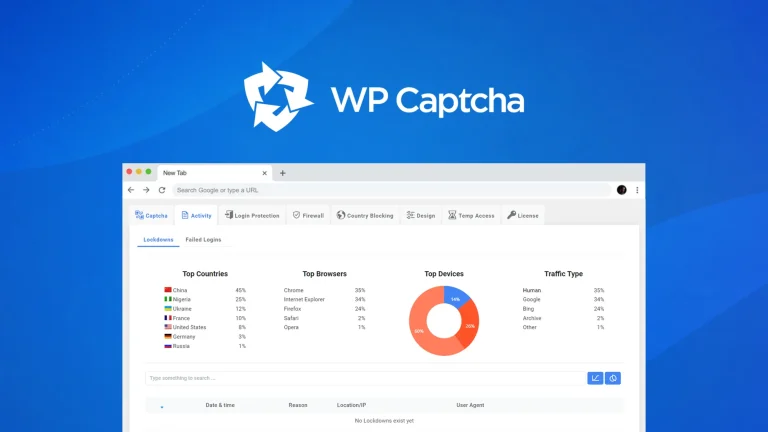
WP Captcha: Secure WordPress Effortlessly
WP Captcha is an essential tool for enhancing the security of your WordPress site. By integrating CAPTCHA, firewall, and more, it effectively...

Reading Indicator — Reading Progress Bar for WordPress: Reading Indicator: Visual Reading Progress Boost
Reading Indicator — Reading Progress Bar for WordPress is a straightforward tool providing a visual indicator of reading progress in an article....