Descrição
Description
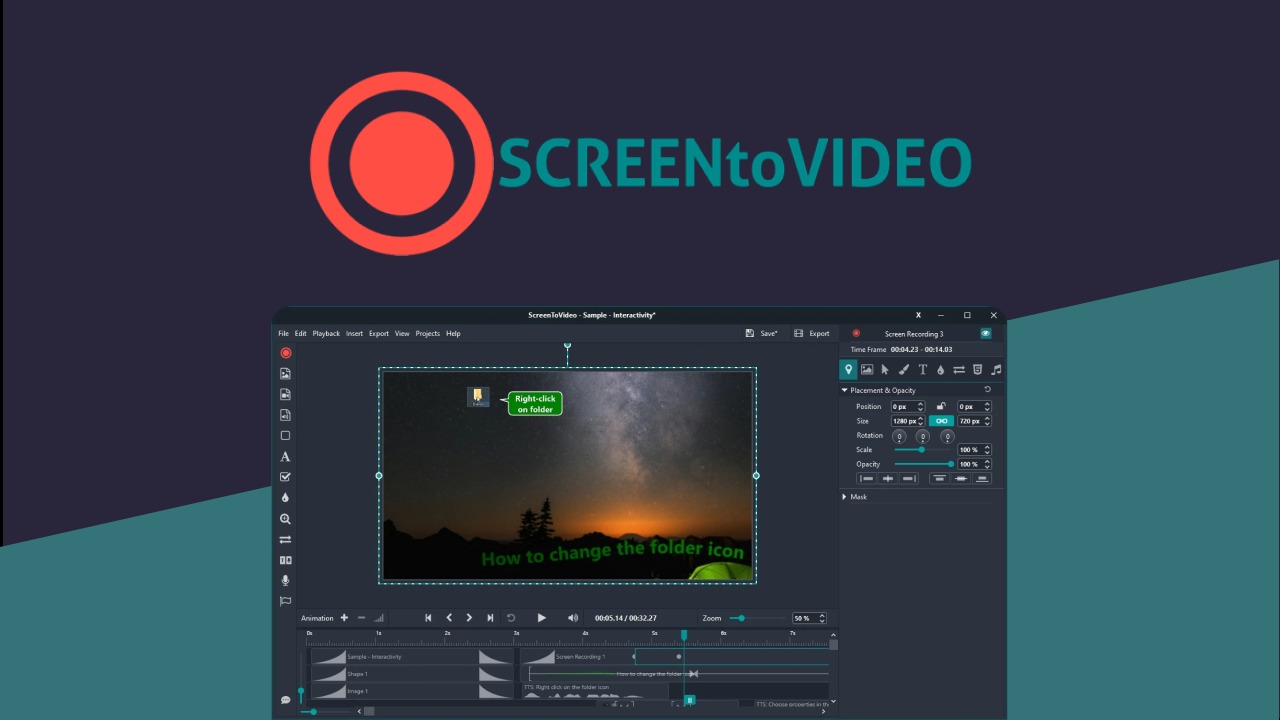
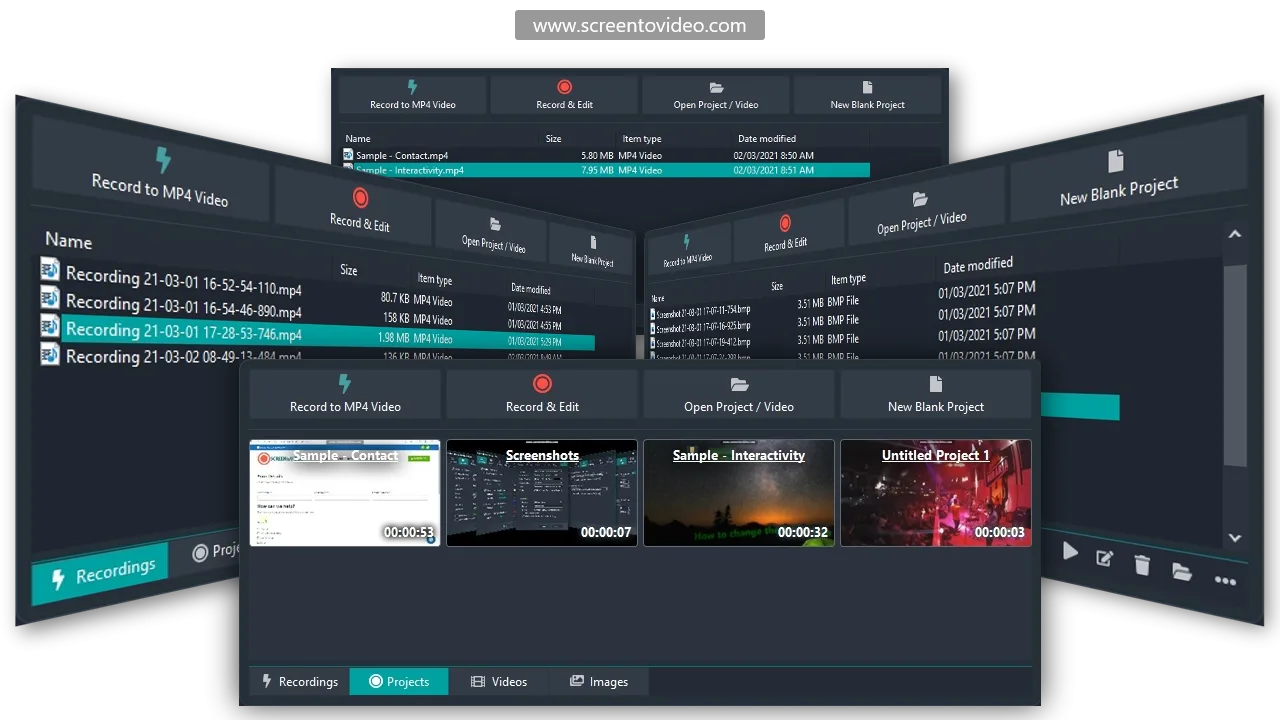
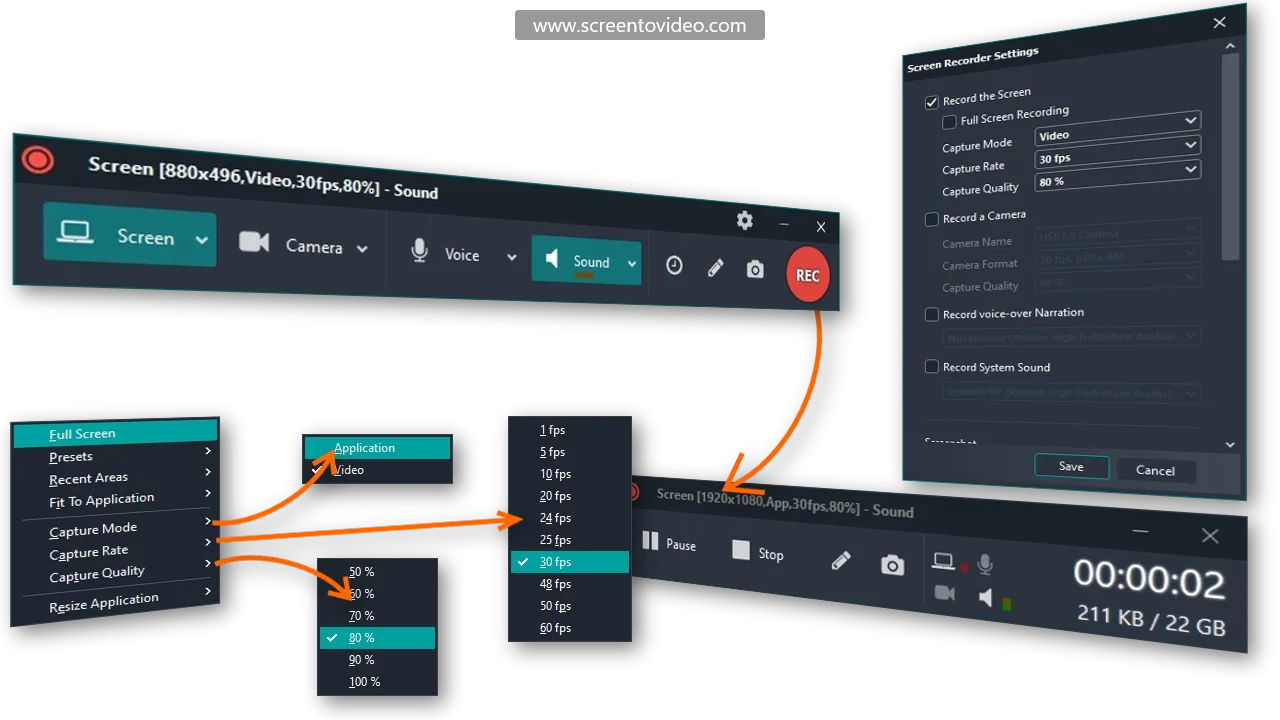
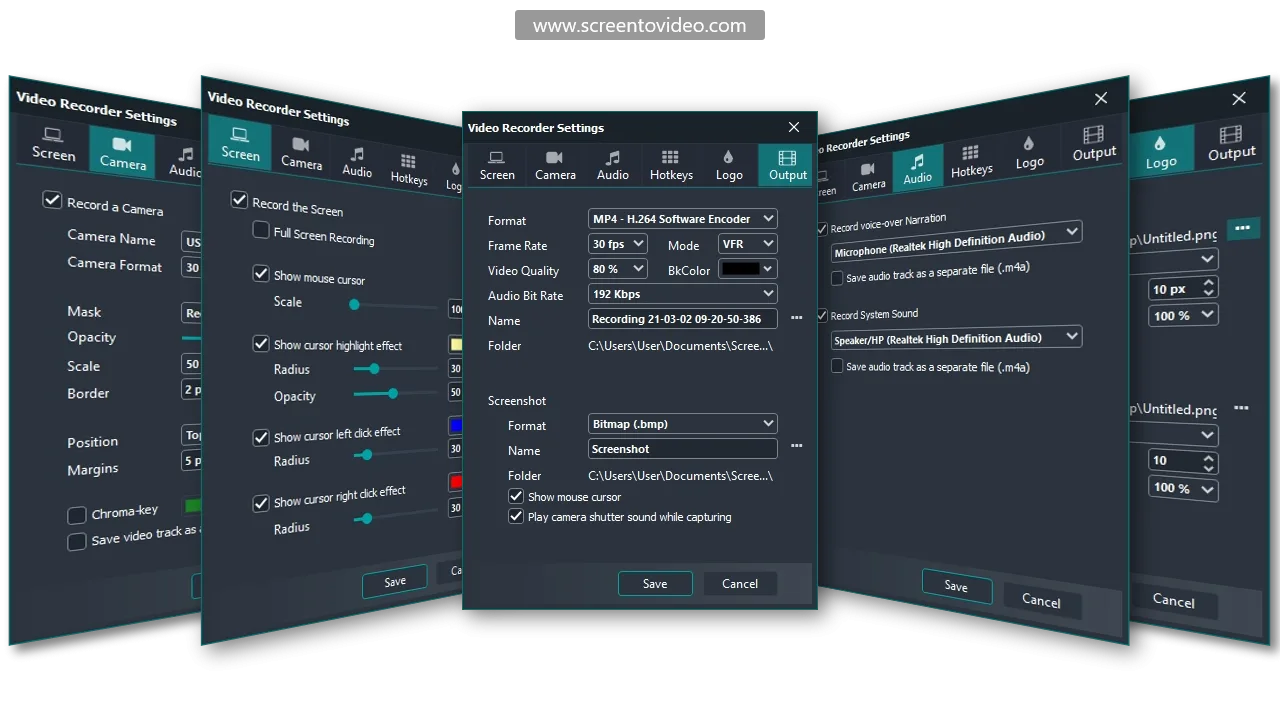
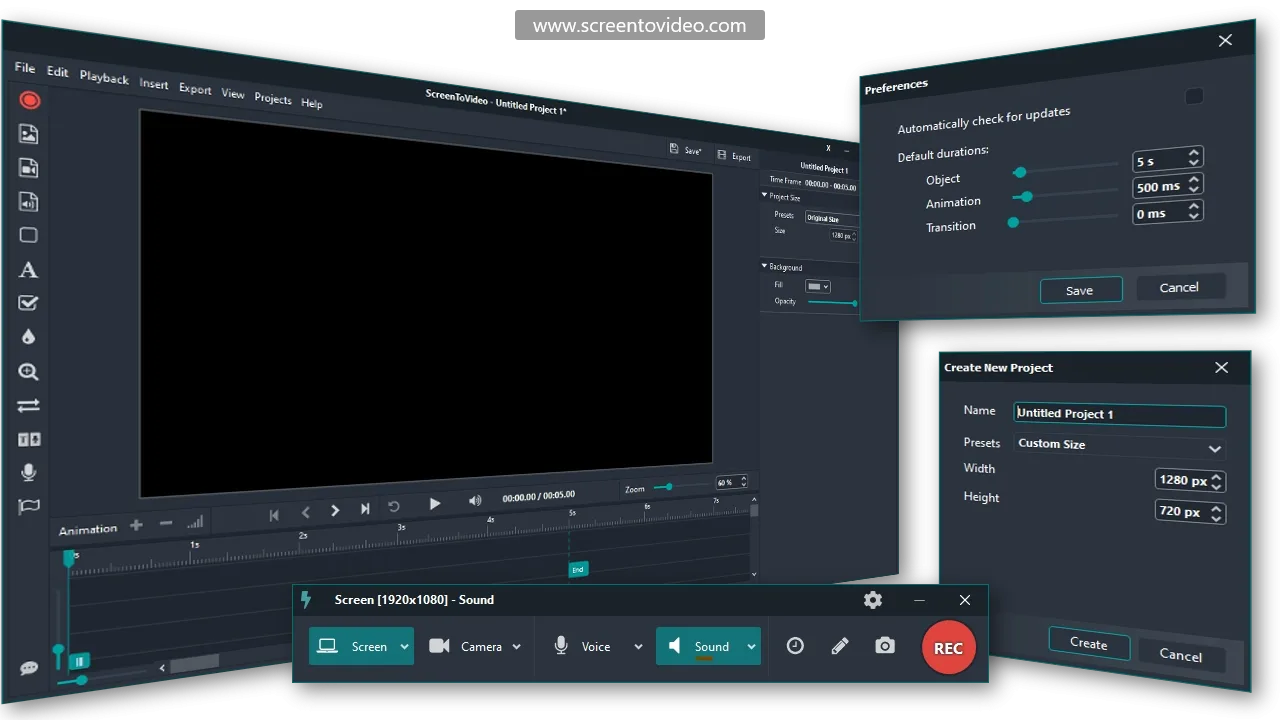
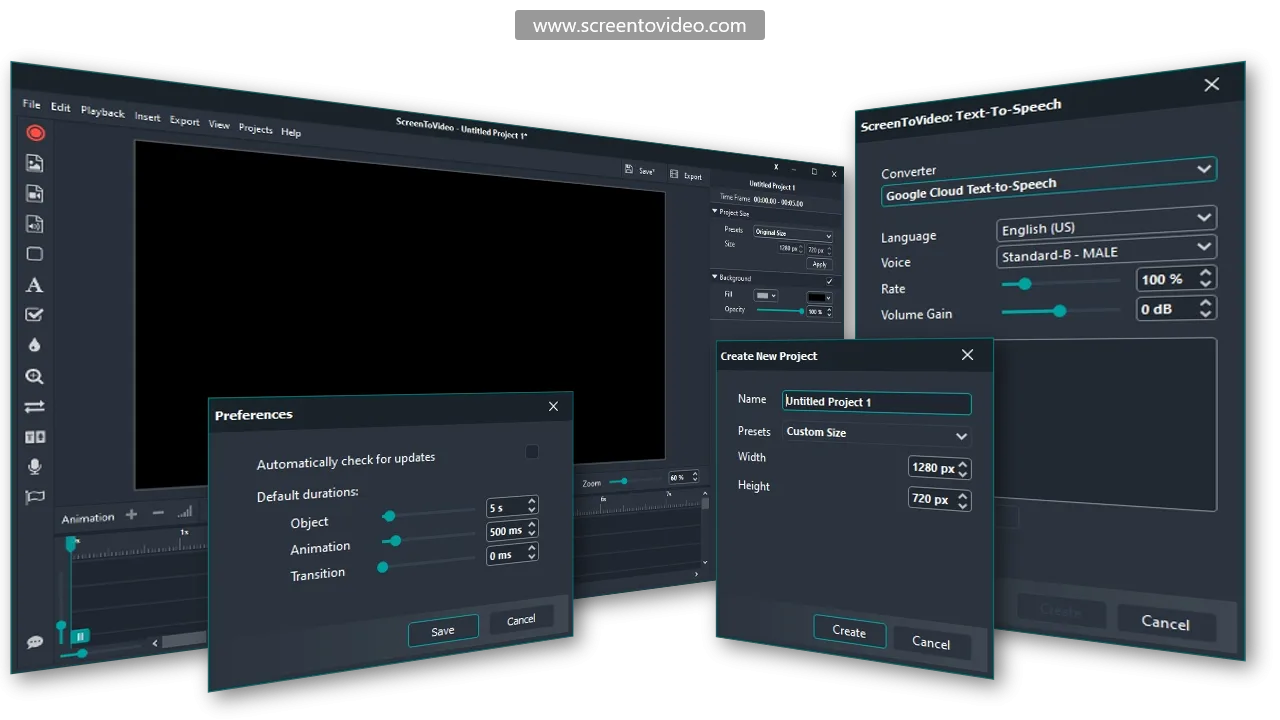
ScreenToVideo is a versatile tool designed for content creators, educators, and small businesses looking to enhance their video production capabilities. By combining a screen recorder with a robust video editor, it simplifies the creation of high-quality video content, making it accessible to users of all skill levels.
What differentiates ScreenToVideo is its user-friendly interface and commitment to lifetime upgrades, ensuring that users benefit from ongoing developments and improvements without additional cost. This seamless, all-in-one solution aligns perfectly with diverse video editing and sharing needs.
Main Benefits
- Screen recorder — Capture any area with ease.
- Video editor — Enhance content with professional tools.
- Google Drive integration — Share videos instantly.
- Lifetime upgrades — Continuous access to new features.
Technical Specifications
| Screen capture options | Full screen, window, selected area |
| Operating system | Windows |
| Integrations | Google Drive |
Who Is It For?
ScreenToVideo is ideal for content creators, educators, and businesses who require easy-to-use tools to enhance their video content for marketing, educational, or training purposes. Its wide range of tools suits both beginners and experienced editors.
FAQ
Is it compatible with all operating systems?
ScreenToVideo is compatible exclusively with Windows.
What is the guarantee policy?
It includes a 60-day money-back guarantee, assuring user satisfaction.
Can this software be used for team projects?
Yes, Google Drive integration makes it ideal for collaborative projects.
I need user-friendly video editing, is this right for me?
Absolutely, ScreenToVideo offers a user-friendly interface for all skill levels.
ScreenToVideo offers an all-in-one solution for video creation and editing, enriching your content production experience with seamless integration and free lifetime upgrades.