Editor.do: Create & Deploy Instantly
Quick summary
- Create, code, and deploy sites in seconds.
- Integrated with Bootstrap and GitHub.
- Ideal for developers and marketers.
- Manages domains and SSL certificates.
- Lifetime value at a significant discount.
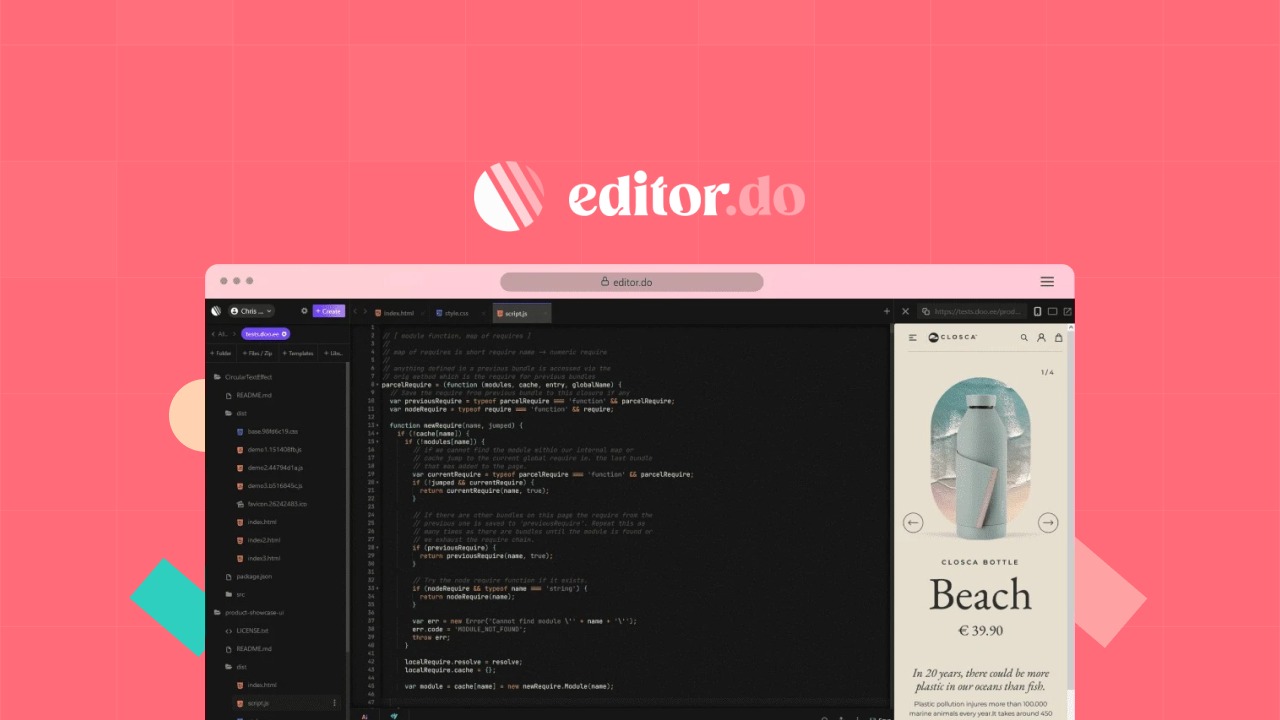
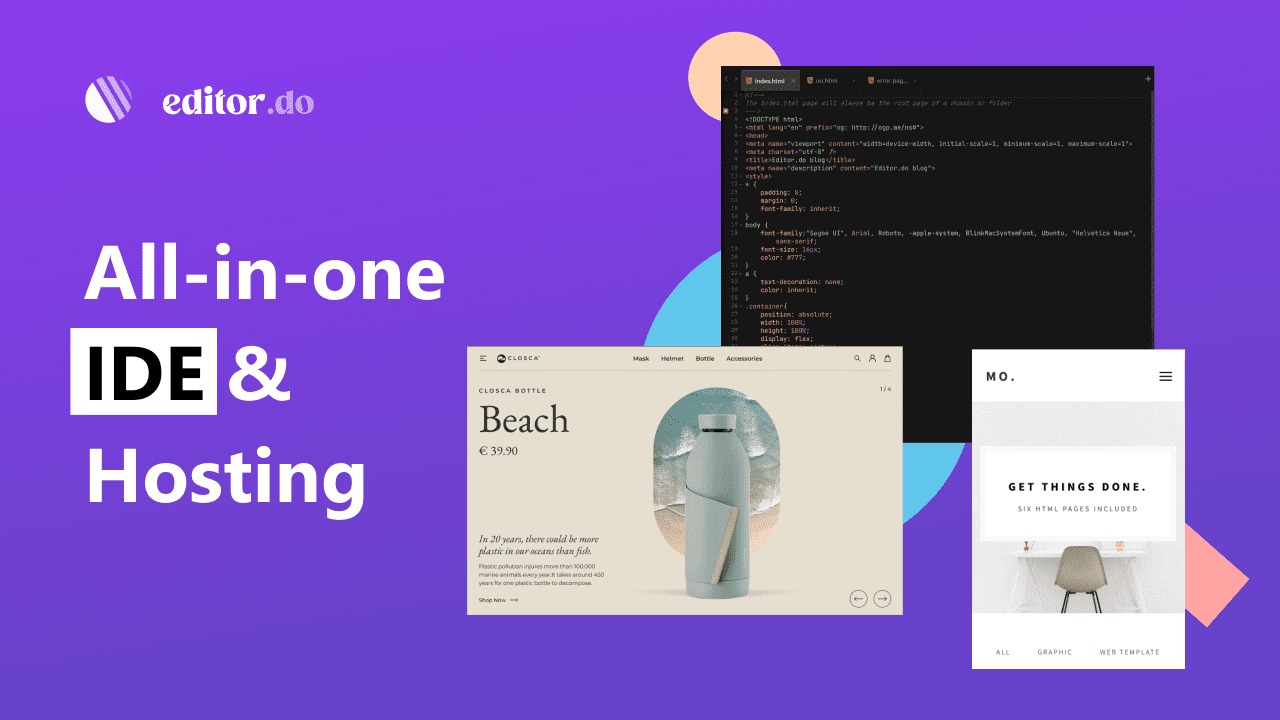
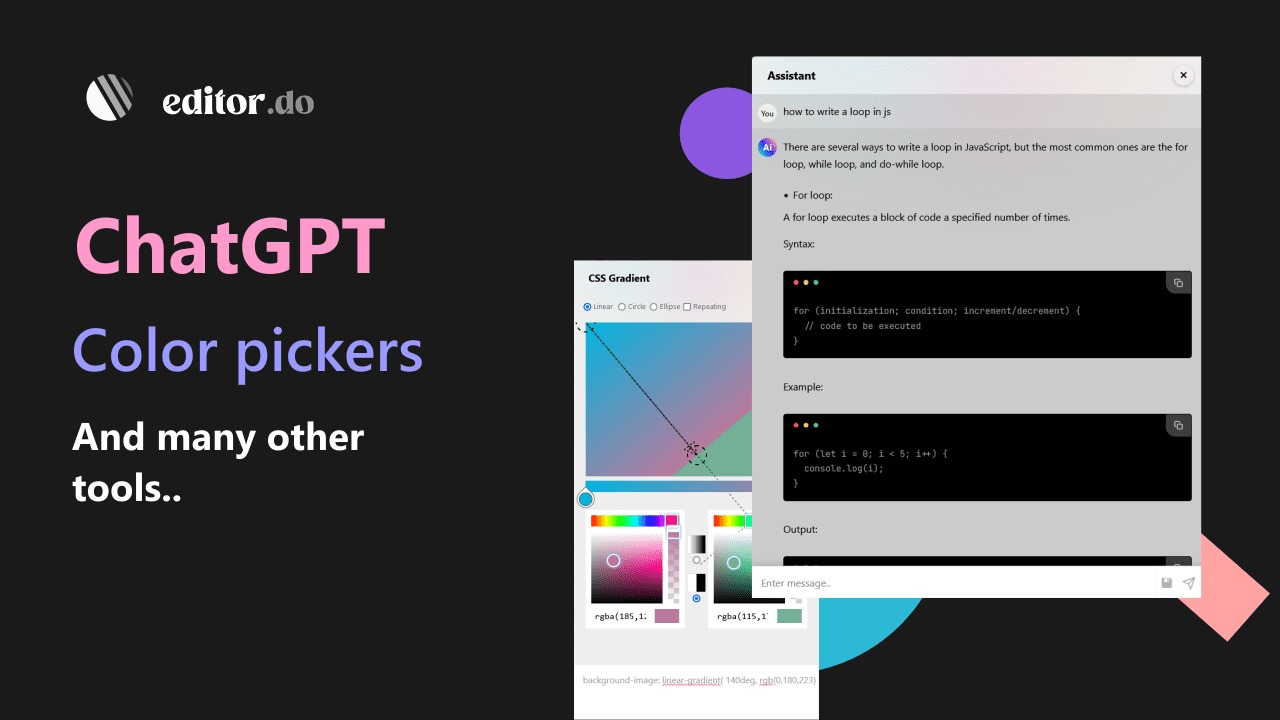
Editor.do is an all-in-one online IDE that allows users to create, code, and deploy stunning static websites in mere seconds. This platform integrates pivotal technologies like Bootstrap and offers compatibility with GitHub to streamline your development workflow. Developers and freelancers can leverage these tools for efficient, fast-paced website deployment.
With a significant discount available, this lifetime deal provides unmatched value to those seeking a comprehensive development solution. Perfect for individual coders, teams, and agencies alike, Editor.do delivers a seamless and unified coding experience.
What Editor.do Does?
Editor.do is your versatile companion in the realm of web development, offering an online integrated development environment (IDE) that effortlessly facilitates the creation, coding, and deployment of static websites. Designed for both novice developers aiming to hone their skills and seasoned programmers seeking efficient deployment, this tool provides everything you need to bring your ideas to life.
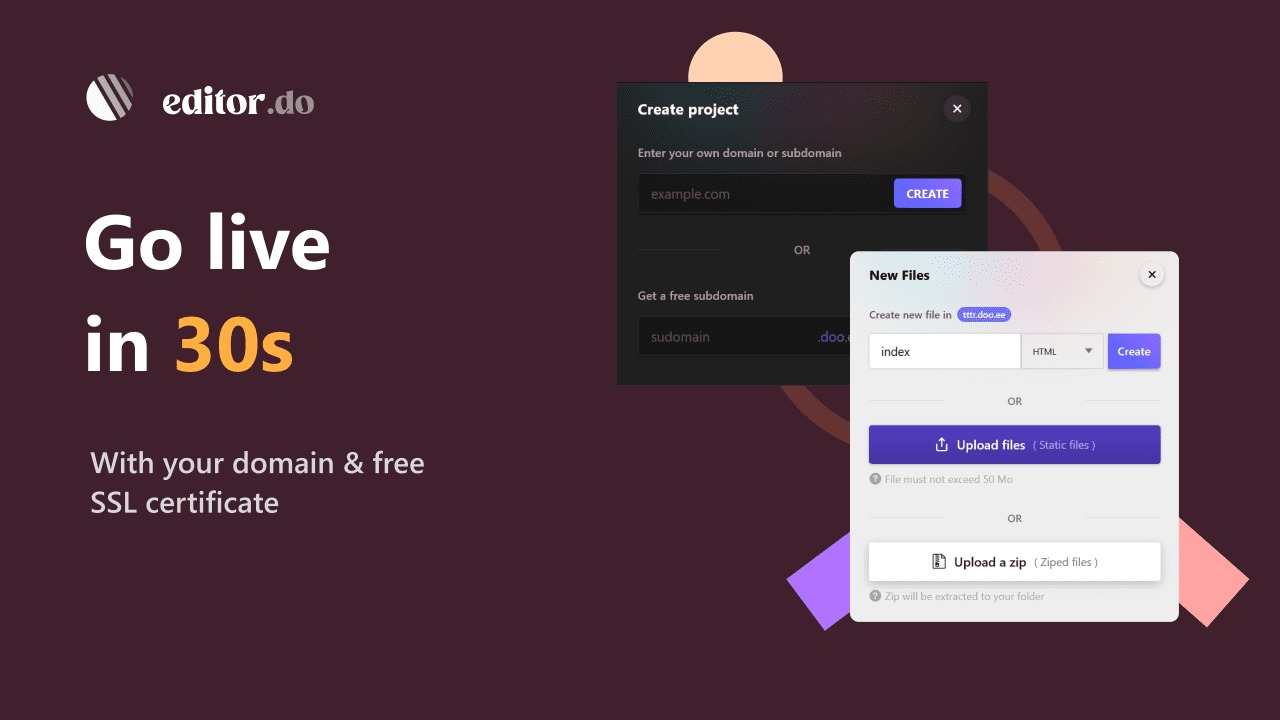
Editor.do’s primary advantage lies in its ability to cater to various coding languages, making it an ideal choice for diverse projects. Its robust hosting capabilities mean you can seamlessly manage domain names, acquire SSL certificates, and handle all file hosting directly from the platform. In under two minutes, you can deploy static sites or browser-based applications that are both stunning and fast.
Via its integrations with tools like Bootstrap and GitHub, Editor.do ensures you stay connected with the tools that matter, fostering a streamlined development process. The platform targets developers, freelancers, and marketers, providing a unique blend of tools for every need, from quick and simple designs to comprehensive applications.
How to use Editor.do?
Getting started with Editor.do is straightforward and designed to enhance your productivity. Here’s a simple guide to begin:
- Create an account on Editor.do to gain access to the platform’s features.
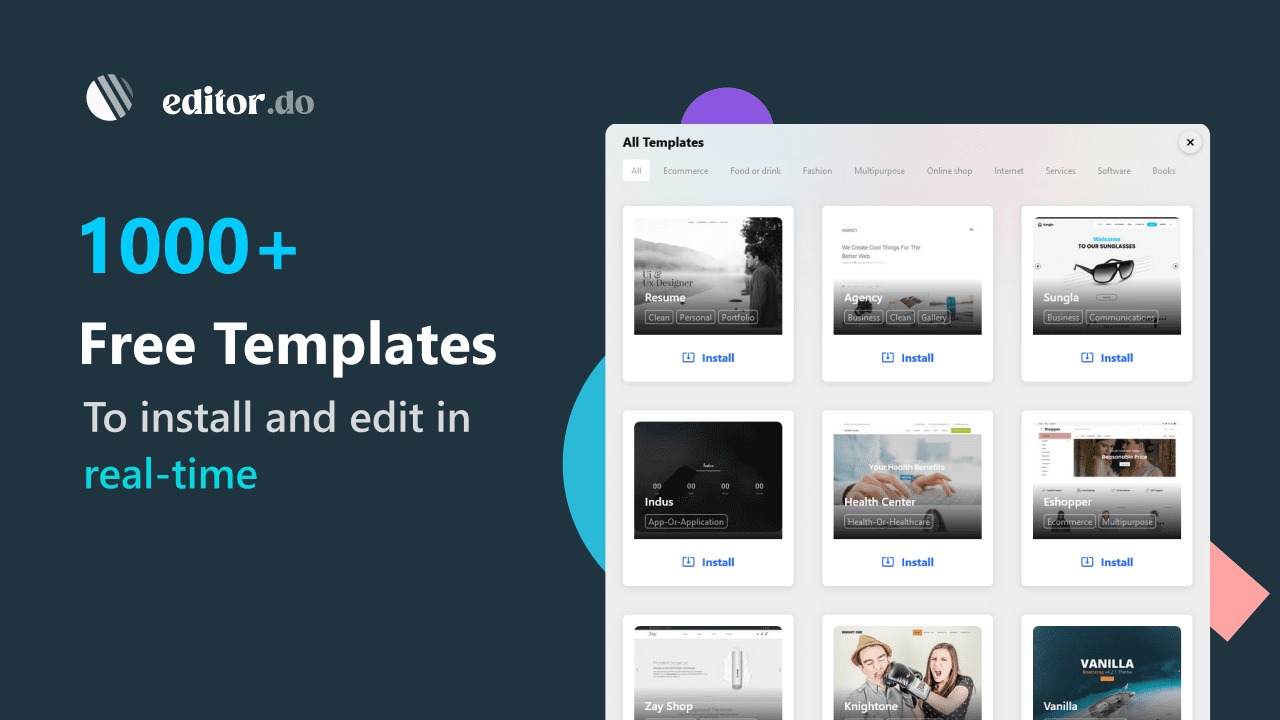
- Start a new project using built-in templates or from scratch, catering to your specific needs.
- Utilize the online IDE to code in your preferred language.
- Integrate with Bootstrap or GitHub as necessary to elevate your project.
- Deploy your site with a single click and manage your hosting effortlessly.
Key Differentiators
Unlike Codepen, which primarily focuses on front-end code snippets, Editor.do provides a holistic environment for full project deployment. It not only allows for front-end experimentation but also streamlines the entire site deployment and hosting process within its platform.
In comparison to WordPress, which is often utilized for content-heavy websites, Editor.do is optimized for those prioritizing coding precision and creative freedom without the overhead of plugins or themes. This makes it ideal for developers who want an uncluttered workspace that still offers comprehensive tools for project deployment.
Pros and Cons
Pros
- All-in-one IDE simplifies development and deployment.
- Quick and efficient hosting management.
- Integration with Bootstrap and GitHub enhances functionality.
- Lifetime deal provides excellent long-term value.
- Supports multiple coding languages for diverse projects.
Cons
- Limited pre-built templates compared to competitors.
- May not be suitable for users seeking no-code solutions.
- Focus on static sites limits dynamic functionality.
- Requires coding knowledge, not for complete beginners.
While Editor.do may not provide extensive design templates, it excels in its capacity as an agile development environment. The emphasis on coding as a foundation serves its target audience effectively, offering technologies that support fast, reliable deployment.
Who Is It For?
Editor.do is designed for developers, freelancers, and marketers who need a reliable platform to create and deploy static websites efficiently. It’s particularly beneficial for professional developers and teams looking to test projects rapidly or deploy client websites.
The platform is also valuable for freelancers working on multiple projects simultaneously, as the lifetime access ensures they won’t face any recurring fees. For marketers, Editor.do provides a streamlined pathway to coding projects that require technical precision without unnecessary hurdles.
See the product in action
Product images
At a glance
| Alternative to |
CodepenWordPress
|
|---|---|
| Integrations |
BootstrapGitHub
|
| Best for |
DevelopersFreelancersMarketers
|
Is it worth it?
Editor.do is a promising tool for developers and web creators looking to streamline their project workflows. Its offer of lifetime access ensures that the price provides a solid return on investment compared to monthly subscription models. The platform’s robust features, such as quick deployment and integration with industry standards like Bootstrap, are vital for teams aiming to deliver high-quality outputs.
That said, Editor.do might not meet the needs of users looking for visual, template-driven platforms. However, those who prioritize coding precision will find it well worth the investment. Considering its capabilities and pricing, it’s a suitable option for those seeking a comprehensive IDE and hosting solution.

About the company
Compared to alternatives
| Feature | Editor.do | Codepen | WordPress |
|---|---|---|---|
| Code Deployments | Yes | Limited to front-end | No built-in IDE |
| Hosting Options | Included | No | Varies by host |
| Language Support | Multiple languages | HTML/CSS/JS | PHP primary |
| Integrations | GitHub, Bootstrap | GitHub | Plugins |
| Template Variety | Limited | Limited snippets | Extensive |
* Based on publicly available information.
What users are saying
What users like
Users report a seamless experience when creating and deploying websites, with many highlighting the speed and reliability of the deployment process. Most reviewers appreciate the platform’s integration with GitHub and Bootstrap, which add valuable functions during development cycles.
Common concerns
Some mention that the variety of templates available could be expanded to enhance usability, especially for beginners. A few reviewers also express a desire for more dynamic features, which would broaden the appeal of the platform to a more diverse coding audience.
FAQ
How does the lifetime access work?
Lifetime access means you pay once and can use Editor.do for as long as you want without recurring fees.
What coding languages are supported?
Editor.do supports various coding languages including HTML, CSS, and JavaScript.
Is there a guarantee if I’m not satisfied?
Yes, you have 60 days to redeem your code, and a satisfaction guarantee is part of the offer.
Can I integrate Editor.do with other tools?
Yes, Editor.do integrates with tools like Bootstrap and GitHub for enhanced functionality.
Who should consider using Editor.do?
Developers, freelancers, and marketers who need a robust coding and deployment platform will find Editor.do valuable.
Deal Terms
- Lifetime access to Editor.do
- You must redeem your code(s) within 60 days of purchase
- All future Starter Plan updates
- Stack up to 3 codes
Related products
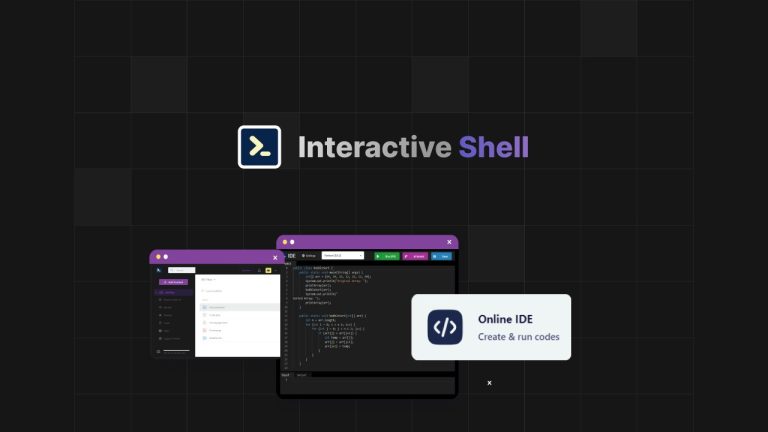
Interactive Shell: Instant Web Terminals
Interactive Shell is an instant access web terminal that revolutionizes the way developers interact with integrated development environments. This powerful tool is...
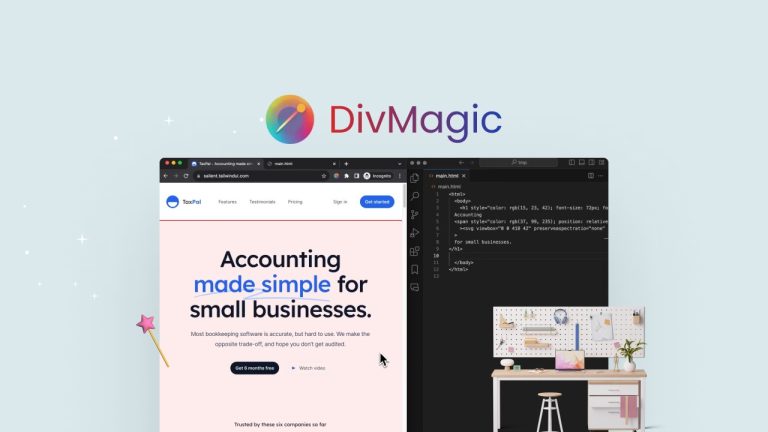
DivMagic: Effortless Design Copying
DivMagic is a tool that enables developers and designers to copy website elements with ease. With its simple interface, you can quickly...

Pixefy: Test Across Devices
Pixefy is a browser extension designed to test your website on various screen sizes. It enables users to detect layout issues and...