Pixefy: Test Across Devices
Quick summary
- Preview your site on 300+ devices in one tab.
- Test accessibility, SEO, and fix issues seamlessly.
- Integrated with Chrome and Firefox for ease.
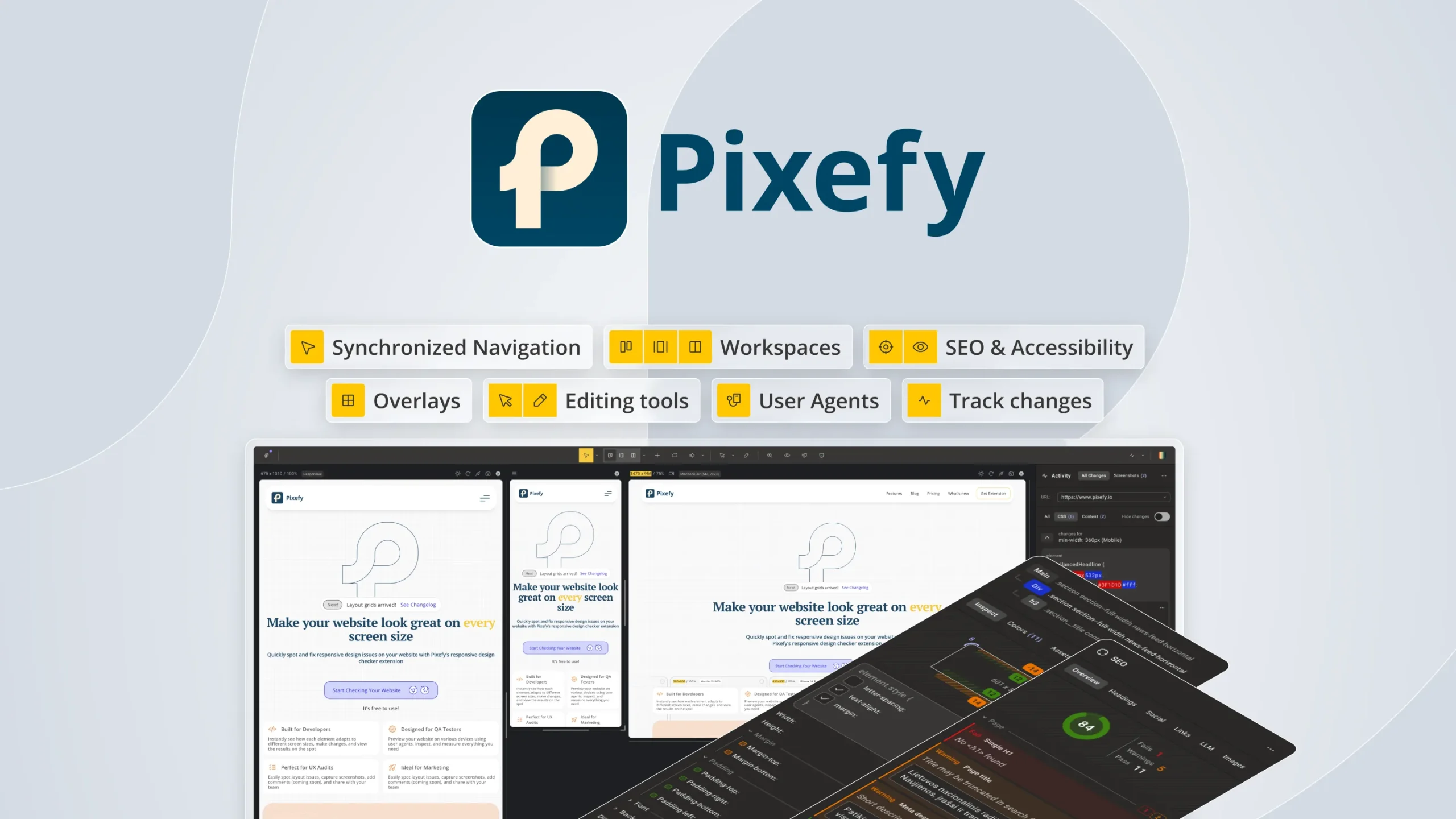
Pixefy is a browser extension designed to test your website on various screen sizes. It enables users to detect layout issues and inspect elements, ensuring your site works flawlessly across different devices. With Pixefy, developers and freelancers can streamline their web development process effectively.
Seamlessly preview your site across over 300 device presets. Gain access to essential features like accessibility testing, SEO checks, and screenshot capture—all directly from your browser. Discover how Pixefy can revolutionize your web testing routine.
What Pixefy Does?
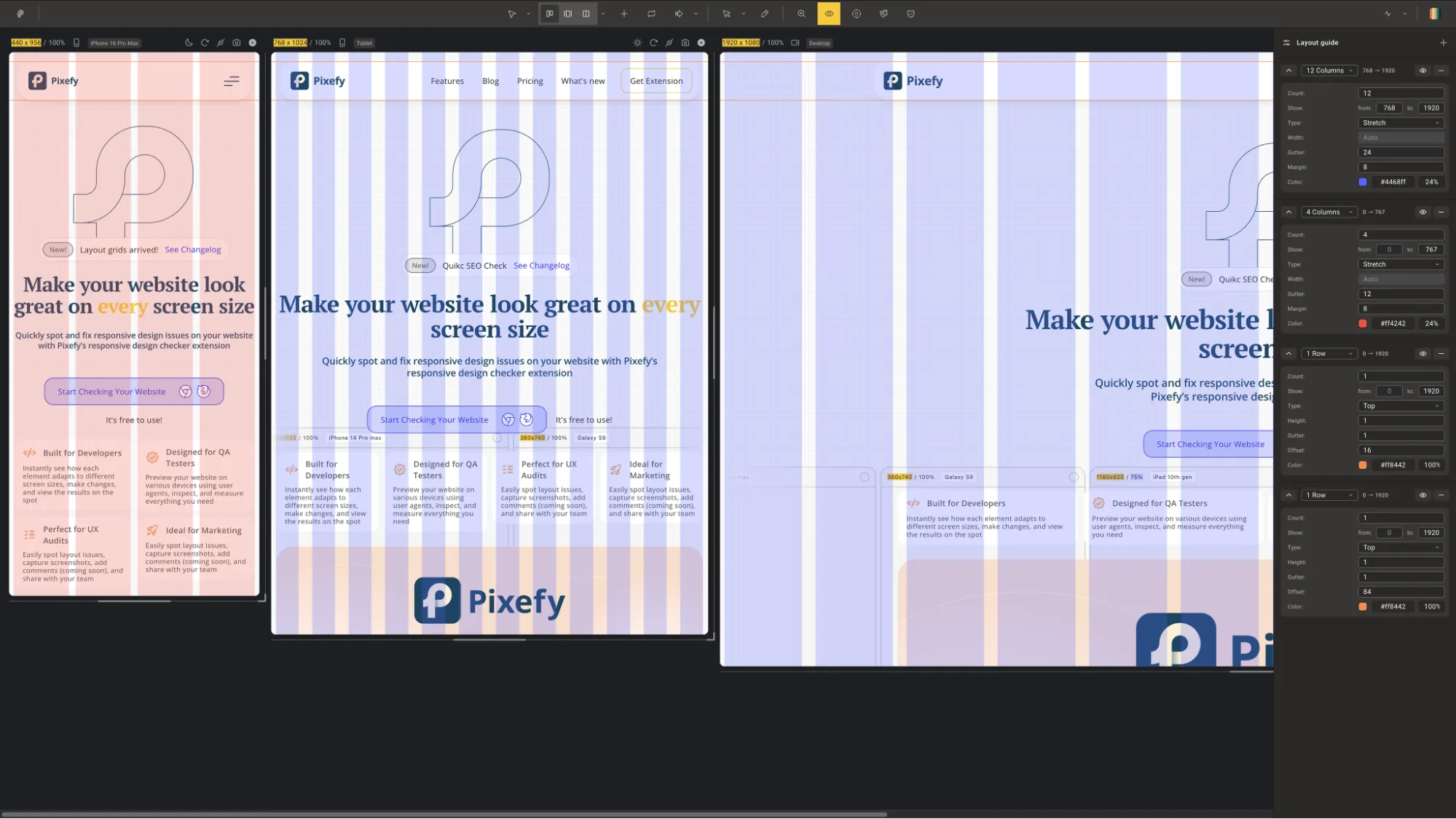
Pixefy is an innovative browser extension that empowers users to test their websites across multiple devices from a single tab. This tool enables developers to identify layout inconsistencies, inspect elements, and troubleshoot issues quickly and efficiently. By previewing sites over 300 device presets, Pixefy ensures developers can cater to a wide range of device configurations.
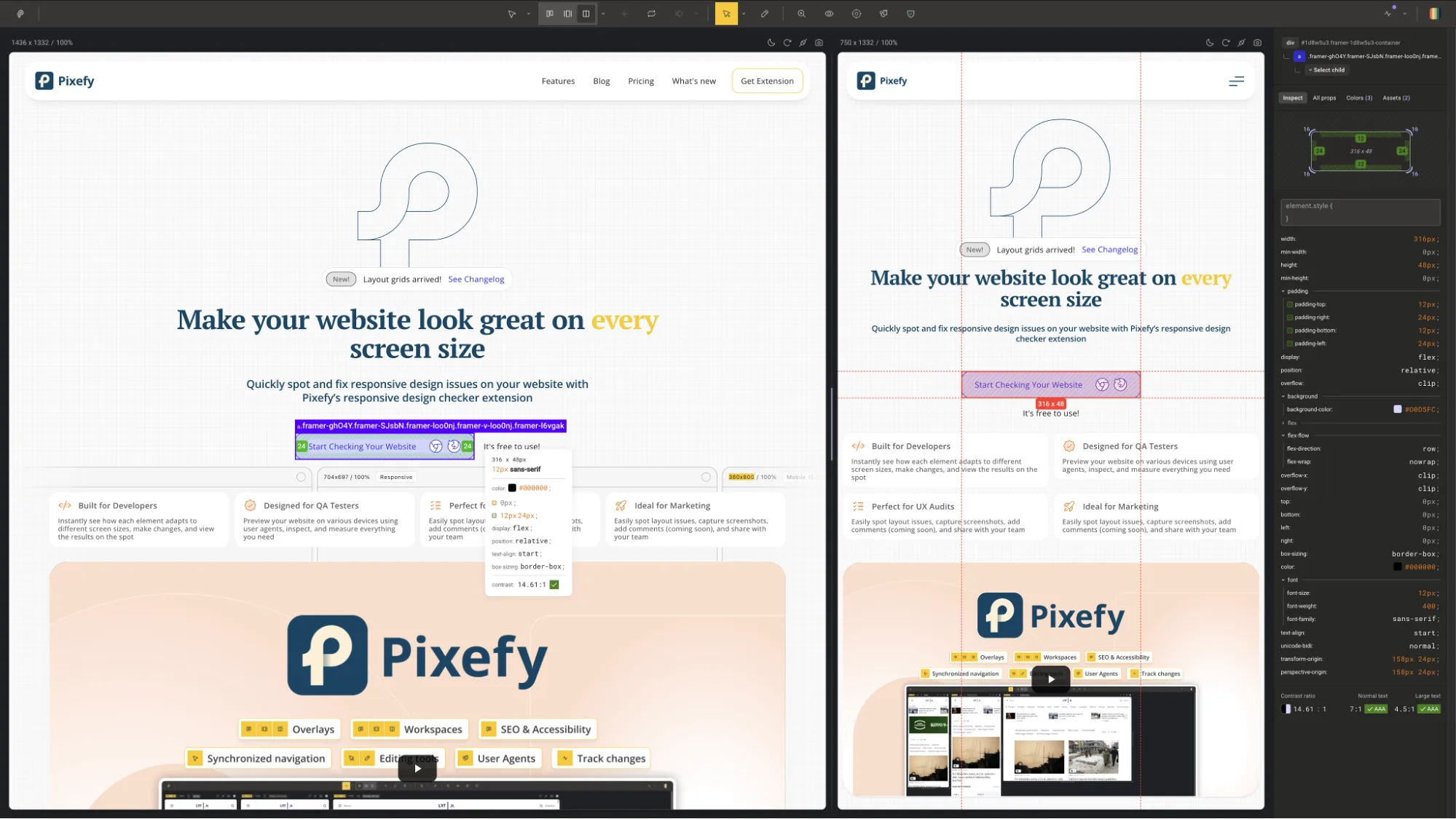
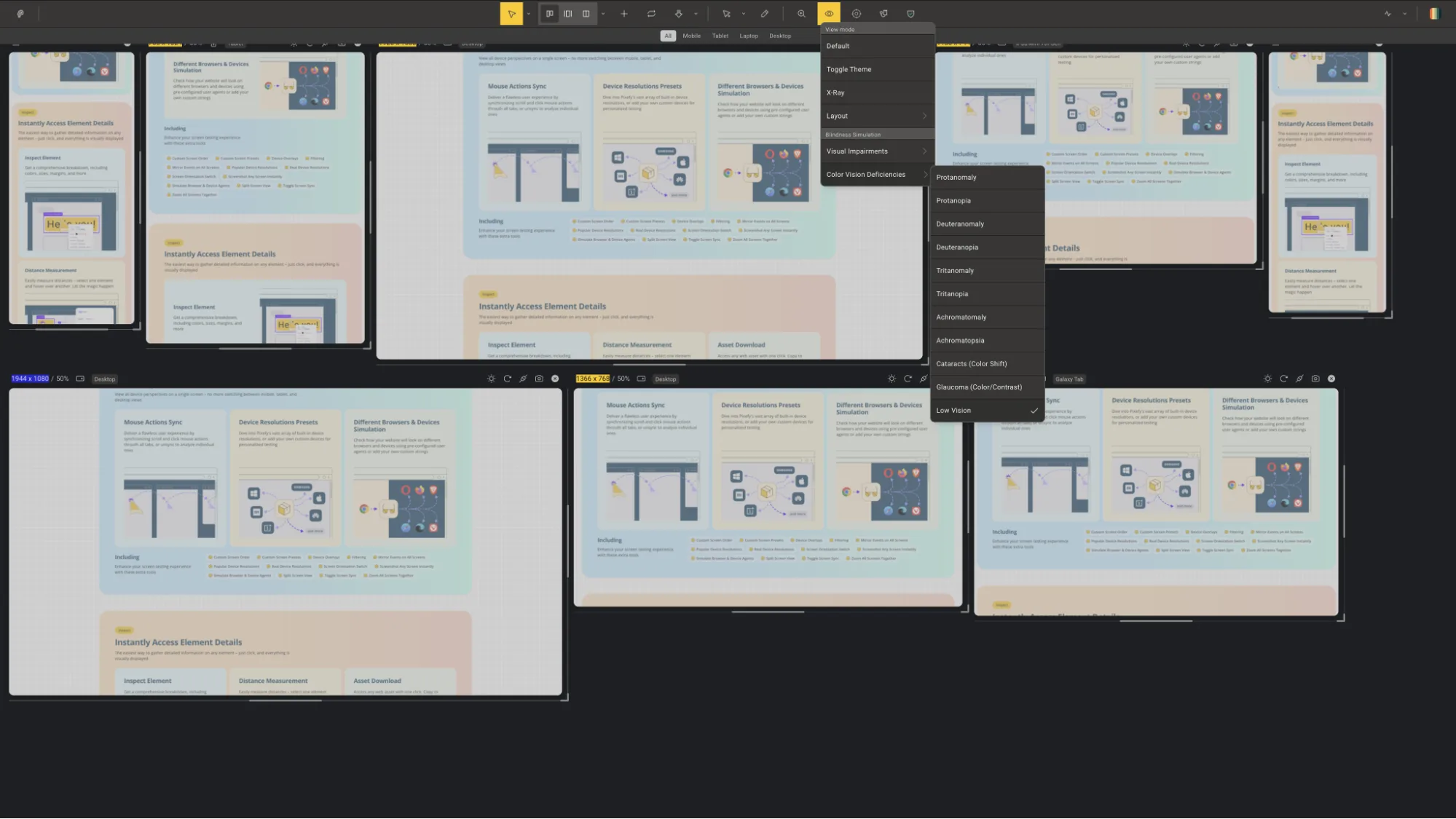
Furthermore, Pixefy supports accessibility testing, SEO analysis, and element inspection. Users can easily capture screenshots and diagnose potential problems without leaving the extension. With synchronized scrolling and clicks, Pixefy offers a seamless testing experience, making it a vital tool for web developers and freelancers looking to perfect their projects.
How to use Pixefy?
Using Pixefy is straightforward. Follow these simple steps to get started:
- Install the Pixefy extension from your browser’s store (available on Chrome and Firefox).
- Open the website you wish to test and launch Pixefy.
- Select the devices you want to preview from Pixefy’s extensive presets.
- Test and inspect elements, check for accessibility and SEO issues, and utilize synced scrolling to streamline your testing.
- Capture screenshots and record notes for further analysis.
Key Differentiators
Pixefy sets itself apart from competitors like BrowserStack with its browser-based extension model, which eliminates the need for additional software installations. This approach simplifies the testing process, making it more accessible to freelancers and solopreneurs. Pixefy’s extensive library of over 300 device presets provides users a comprehensive view of their site’s performance across different platforms.
While BrowserStack offers virtual testing environments, Pixefy focuses on delivering real-time results with synchronized clicks and scrolling, boosting user productivity. Its tightly integrated inspection and testing tools prove invaluable for those seeking to improve their site’s accessibility and SEO metrics. Pixefy’s all-in-one solution positions it as a uniquely valuable asset for efficient web testing.
Pros and Cons
Pros
- Over 300 device presets available.
- Seamless browser integration with Chrome and Firefox.
- All-in-one functionality including SEO checks and accessibility testing.
- Synchronized scrolling and input for intuitive testing.
- Highly rated user feedback.
Cons
- Device accuracy occasionally needs refinement.
- Lacks features like site speed scoring.
- Initial learning curve for beginners.
While Pixefy presents a few limitations, the comprehensive features offered at a competitive price make it a strong contender in the web testing tools arena. Users benefit from ongoing updates and a money-back guarantee, making it a sensible choice for developers.
Who Is It For?
Pixefy targets developers, freelancers, and solopreneurs who require an efficient, intuitive web testing tool. It’s ideal for those who frequently design or modify websites and need to ensure compatibility across various devices. This tool empowers users to optimize their workflow without compromising on testing depth or quality.
The tool is particularly beneficial for web developers and digital agencies focused on maintaining high standards for client sites. It suits anyone seeking a robust testing solution without overwhelming costs or complexities associated with competitor offerings.
Product images

At a glance
| Alternative to |
BrowserStack
|
|---|---|
| Integrations |
ChromeFirefox
|
| Best for |
DevelopersFreelancersSolopreneurs
|
Is it worth it?
Pixefy delivers exceptional value for developers and freelancers, equipping them with a robust tool to ensure site compatibility across multiple devices. At a current price of $23, discounted from $72, it offers a cost-effective solution for many. The extension’s all-in-one capability with key features like SEO checks and synchronized interactions makes it a smart investment for your web development toolkit.
While not perfect, minor drawbacks are outweighed by the numerous benefits. For those seeking an efficient, reliable web testing solution, Pixefy is well worth considering.

About Pixefy
Compared to alternatives
| Feature | Pixefy | BrowserStack |
|---|---|---|
| Device Presets | 300+ | Unlimited |
| SEO and Accessibility Testing | Yes | No |
| Integrated Browsing | Yes | No |
| Synchronized Interaction | Yes | No |
| Money-back Guarantee | 60 days | None |
* Based on publicly available information.
What users are saying
What users like
Most users appreciate Pixefy’s synchronized scrolling and multi-device preview capabilities. They highlight its seamless integration with Chrome and Firefox, which simplifies the testing workflow. Reviewers commend the accessibility and SEO testing features, which add significant value beyond standard layout checks.
Common concerns
Some users mention occasional discrepancies in device preview accuracy. Others express a desire for additional features, such as more detailed site speed analytics. However, these are generally seen as minor considerations given the tool’s overall functionality.
FAQ
How does Pixefy work?
Pixefy functions as a browser extension, allowing users to test websites across multiple device presets directly from their browser.
Which browsers support Pixefy?
Pixefy is compatible with Chrome and Firefox, providing seamless integration.
What types of testing can I perform with Pixefy?
You can test for layout issues, inspect elements, perform accessibility checks, and evaluate SEO elements without leaving the extension.
Is there a money-back guarantee?
Yes, Pixefy offers a 60-day money-back guarantee, allowing you to explore all features risk-free.
Can I upgrade plans after purchasing?
Yes, you can upgrade your plan while the deal is live, or downgrade within 60 days of purchase.
Deal Terms
- Lifetime access to Pixefy
- All future Pro (Tiers 1-3) plan updates
- If the plan name linked to your deal changes, it transfers automatically to the new plan with all updates
- Activate your license within 60 days
- You can upgrade while the deal is live but can only downgrade within 60 days of purchase
Related products
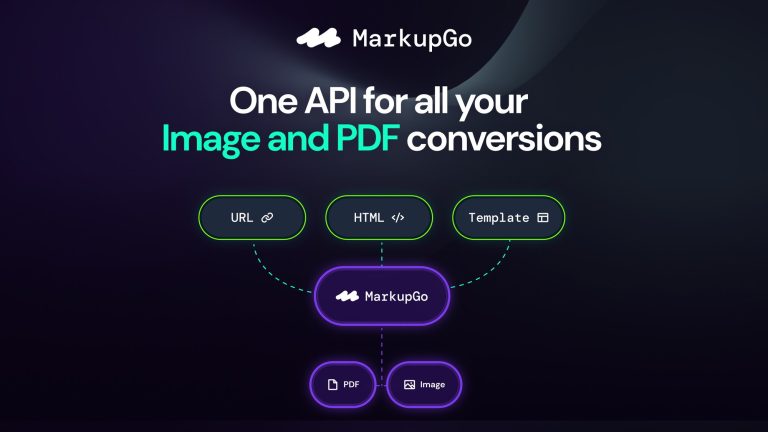
MarkupGo: Seamless Image Conversion
MarkupGo is an innovative tool that automates image and PDF conversions via a powerful API. Developers and web design agencies will find...
MarkupGo: High-Quality PDF/Images API
MarkupGo is a tool that automates image and PDF conversions through a single, powerful API. This solution is perfect for developers, IT/security...
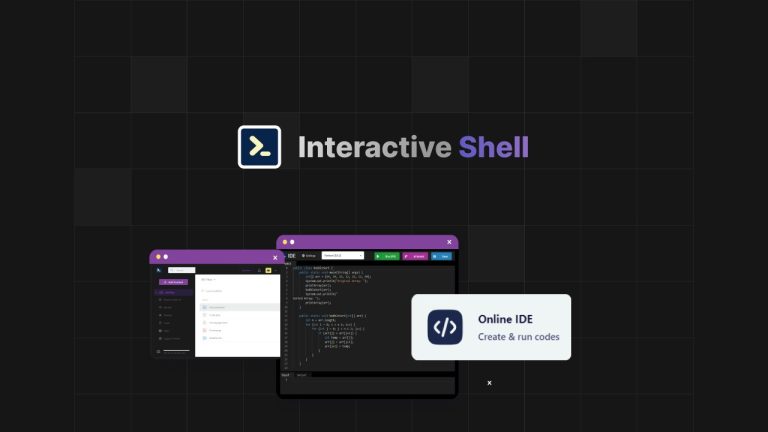
Interactive Shell: Instant Web Terminals
Interactive Shell is an instant access web terminal that revolutionizes the way developers interact with integrated development environments. This powerful tool is...