DivMagic: Effortless Design Copying
Quick summary
- Copy web elements with one click.
- Convert formats effortlessly.
- Seamless integration for developers.
- Lifetime access with future updates.
DivMagic is a tool that enables developers and designers to copy website elements with ease. With its simple interface, you can quickly extract design and code from any webpage. Rated 4.46 out of 5, DivMagic provides an efficient alternative to competitors, enhancing workflow for web professionals with its lifetime deal offering.
What DivMagic Does?
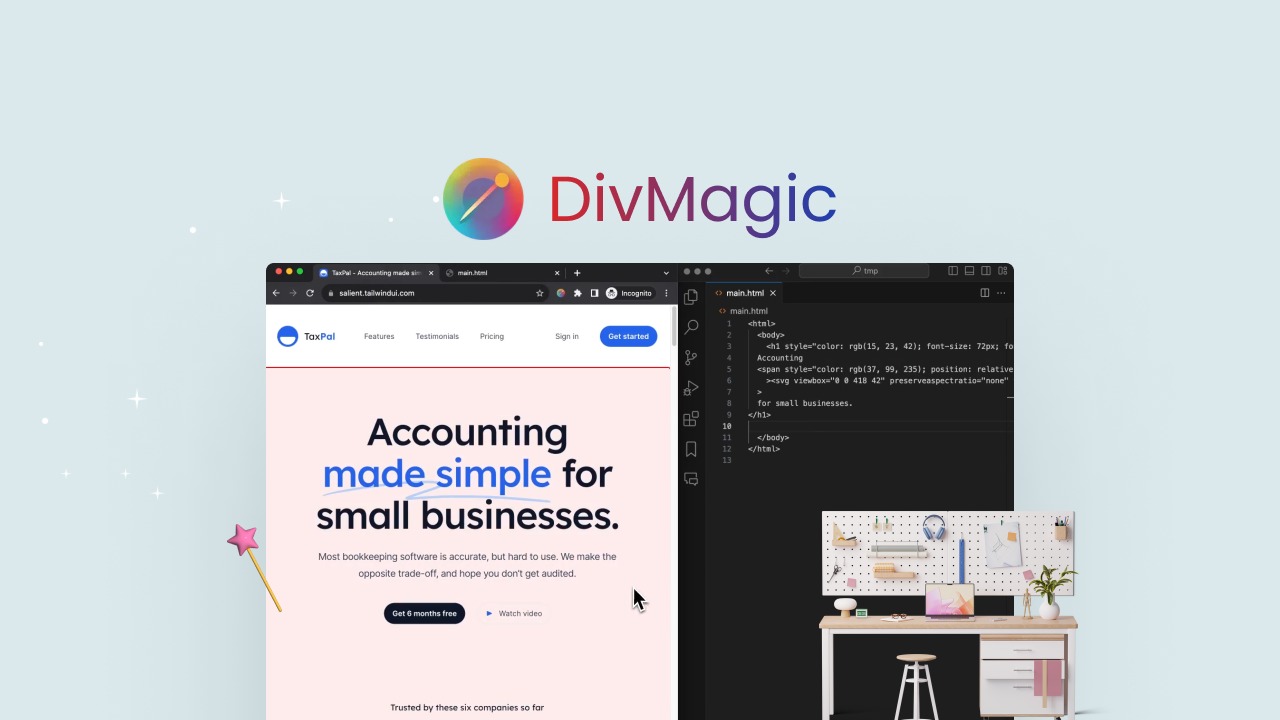
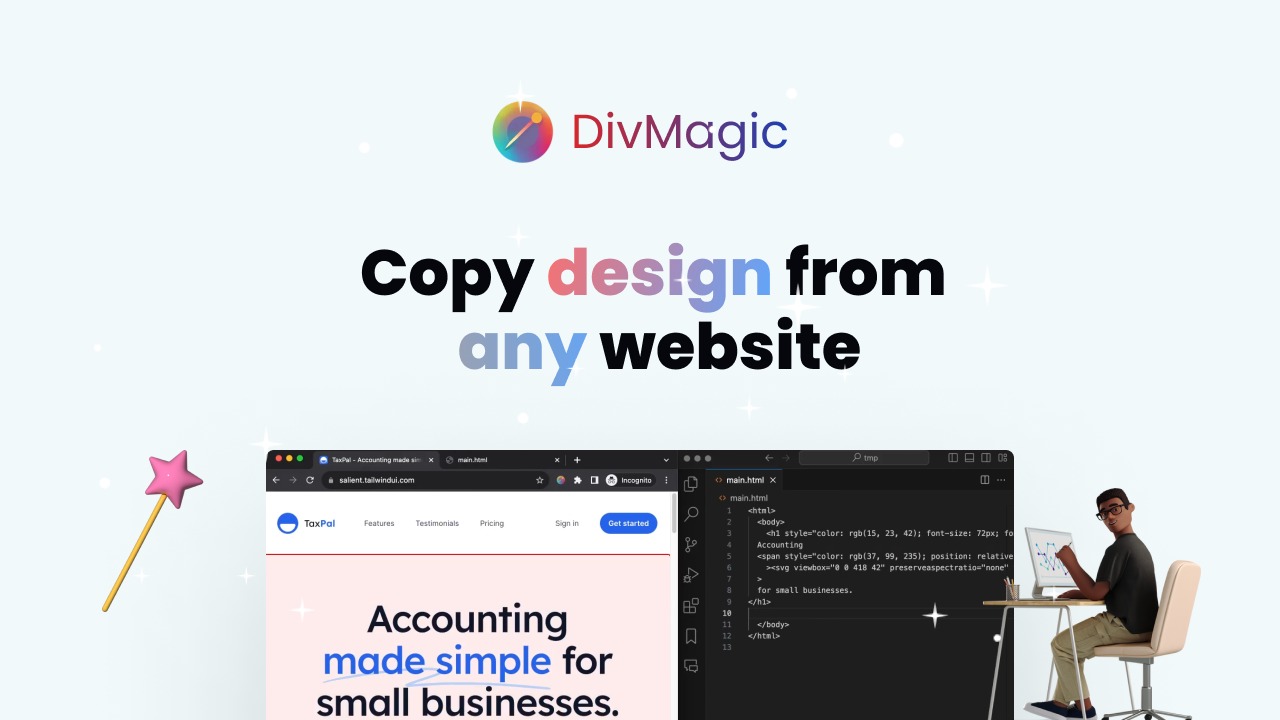
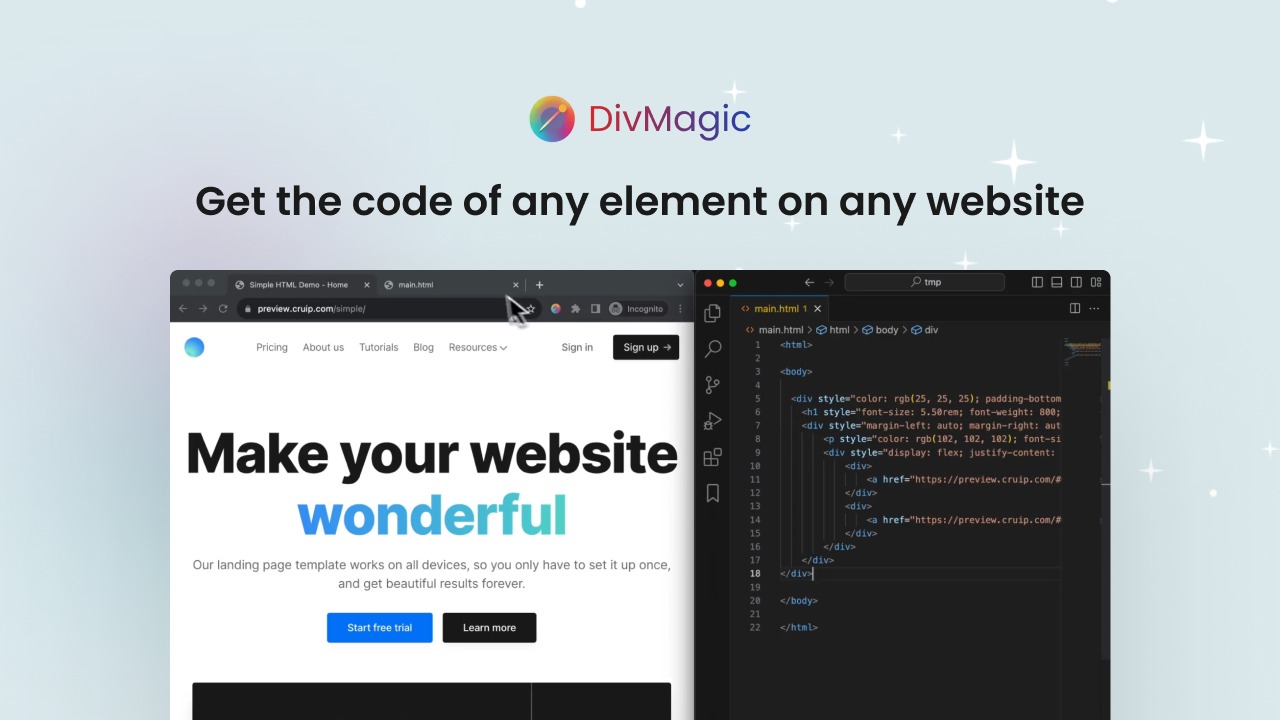
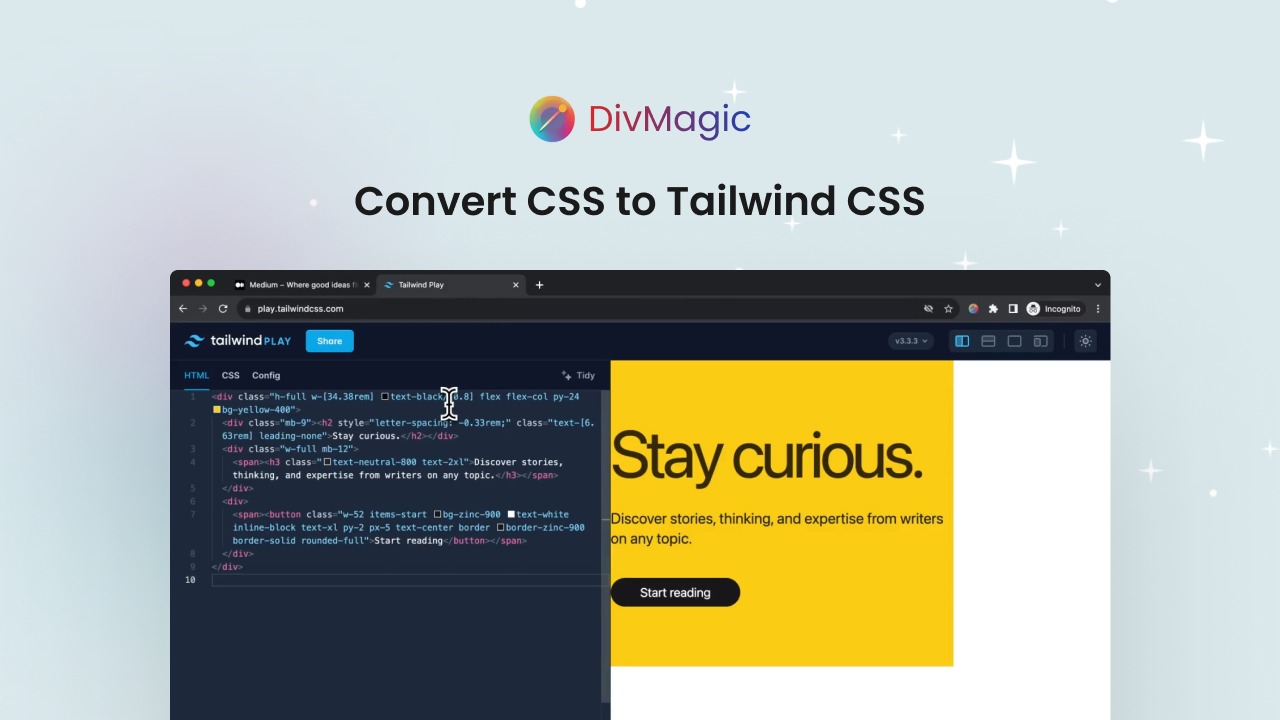
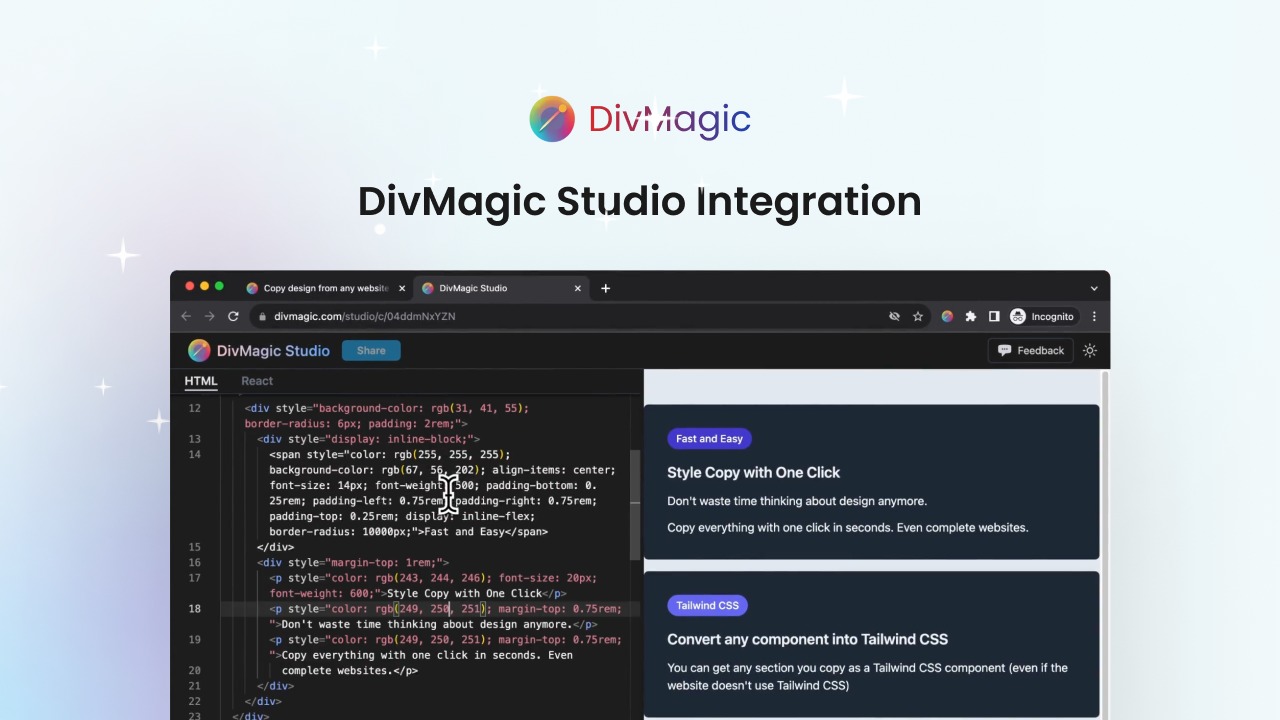
DivMagic allows users to effortlessly copy design elements from any website. With one click, it not only extracts the code but also provides the ability to convert formats, making it a versatile tool for web developers and designers. By integrating seamlessly into your workflow, DivMagic maximizes efficiency and reduces the time spent on design replication.
The tool is designed to provide a streamlined user experience. It takes away the hassle of coding from scratch or struggling with tedious design copying tasks. By simplifying these processes, DivMagic frees up your time to focus on creativity and innovation in web design.
How to use DivMagic?
Getting started with DivMagic is straightforward. Follow these simple steps:
- Install the DivMagic extension in your browser.
- Navigate to the webpage you want to extract design elements from.
- Click on any element to copy its design or code intricately.
- Utilize the format conversion feature to adapt the copied element to different frameworks.
- Integrate the extracted elements into your project seamlessly.
Key Differentiators
DivMagic stands out due to its unique format conversion capability, enabling users to adapt copied elements to various frameworks effortlessly. This flexibility offers a distinct advantage over alternatives like CSS Scan and Hoverify, which primarily focus on simple design copying without conversion options.
Additionally, DivMagic emphasizes seamless workflow integration, ensuring that web professionals can retain their productivity while using the tool. These features make it an exceptional choice for developers and designers looking for a comprehensive solution.
Pros and Cons
Pros
- Efficient design and code extraction.
- Format conversion for diverse frameworks.
- Seamless workflow integration.
- High user rating and positive feedback.
Cons
- Slight accuracy and speed issues reported by few users.
- No support for bulk element extraction.
Overall, DivMagic offers powerful features balanced with a few minor limitations. Its benefits largely overshadow the drawbacks, making it valuable for any web development toolkit.
Who Is It For?
DivMagic is ideal for developers, web design agencies, and freelancers who frequently work on web projects. It suits anyone who needs to extract design elements quickly and integrates them into projects without extensive manual coding.
Whether you’re a beginner exploring web design or an expert looking for efficiency, DivMagic offers a valuable solution. Its ability to enhance productivity while reducing repetitive tasks makes it an invaluable tool for professionals aiming to maximize their time and investment.
See the product in action
Product images
At a glance
| Alternative to |
CSS ScanHoverify
|
|---|---|
| Best for |
DevelopersWeb design agenciesWeb designers
|
Is it worth it?
Considering its features, DivMagic is a worthwhile investment for web developers and designers. The tool offers impressive design copying and format conversion capabilities, which enhance productivity. Priced at $49 compared to an original $300, it provides significant cost savings.
Those who frequently engage in web design projects will benefit most from its streamlined processes. In conclusion, DivMagic is recommended for anyone in the industry looking to simplify their workflow and maximize output.

About Blue Litus LLC
Compared to alternatives
| Feature | DivMagic | CSS Scan | Hoverify |
|---|---|---|---|
| Design Copying | Yes | Yes | Yes |
| Code Extraction | One-click | Yes | Yes |
| Format Conversion | Available | No | No |
| Integration | Seamless | Basic | Moderate |
| Lifetime Access | Yes | No | No |
* Based on publicly available information.
What users are saying
What users like
Users report an easy-to-use interface and appreciate the seamless integration into existing workflows. Most reviewers highlight the efficient design copying and format conversion feature as its standout benefits.
Common concerns
Some mention minor accuracy and speed issues during use. However, these do not significantly detract from the overall positive experiences shared by the majority.
FAQ
Is DivMagic compatible with all browsers?
DivMagic supports most modern browsers including Chrome and Firefox.
Does the lifetime deal include future updates?
Yes, all future updates under the Lifetime Access Plan are included.
What if I need support using DivMagic?
DivMagic offers customer support to assist with any inquiries or troubleshooting needs.
How does the 60-day guarantee work?
You have 60 days from purchase to redeem your codes for full access and assurance.
Can I stack codes for additional benefits?
No, the lifetime deal terms specify that codes are not stackable.
Deal Terms
- Lifetime access to DivMagic
- You must redeem your code(s) within 60 days of purchase
- All future updates under Lifetime Access Plan
- The deal is not stackable
Related products

Pixefy: Test Across Devices
Pixefy is a browser extension designed to test your website on various screen sizes. It enables users to detect layout issues and...

Editor.do: Create & Deploy Instantly
Editor.do is an all-in-one online IDE that allows users to create, code, and deploy stunning static websites in mere seconds. This platform...
MarkupGo: Seamless Image Conversion
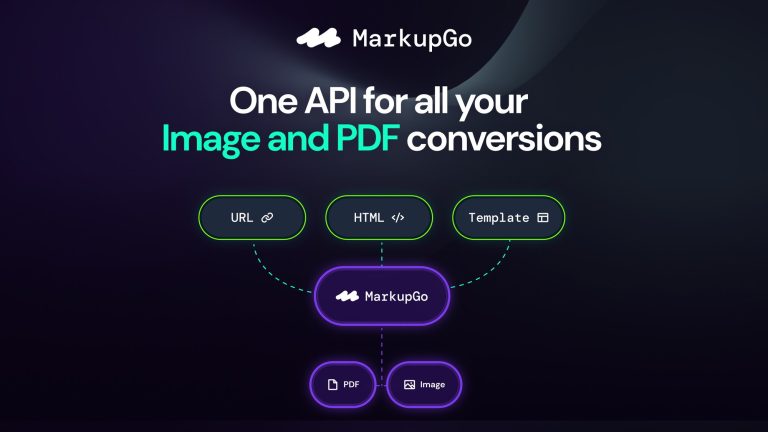
MarkupGo is an innovative tool that automates image and PDF conversions via a powerful API. Developers and web design agencies will find...