Kortex: Your Knowledge Hub
Quick summary
- Capture diverse content types with one click.
- Export as Markdown, PDF, or ZIP efficiently.
- Publish content as private podcast feeds.
- Seamlessly automate workflows in NotebookLM.
Kortex is a powerful Chrome extension designed to transform NotebookLM into an efficient knowledge hub. Ideal for bloggers, content creators, and solopreneurs, it seamlessly captures AI interactions and automates workflows. With integrations that include Chrome, Discord, and Google Docs, Kortex offers a streamlined experience for users looking to manage their data more effectively.
With a 51% discount from its original price, Kortex is available for $49, making it an affordable choice for those seeking lifetime access to innovative capabilities in information management and automation.
What Kortex Does?
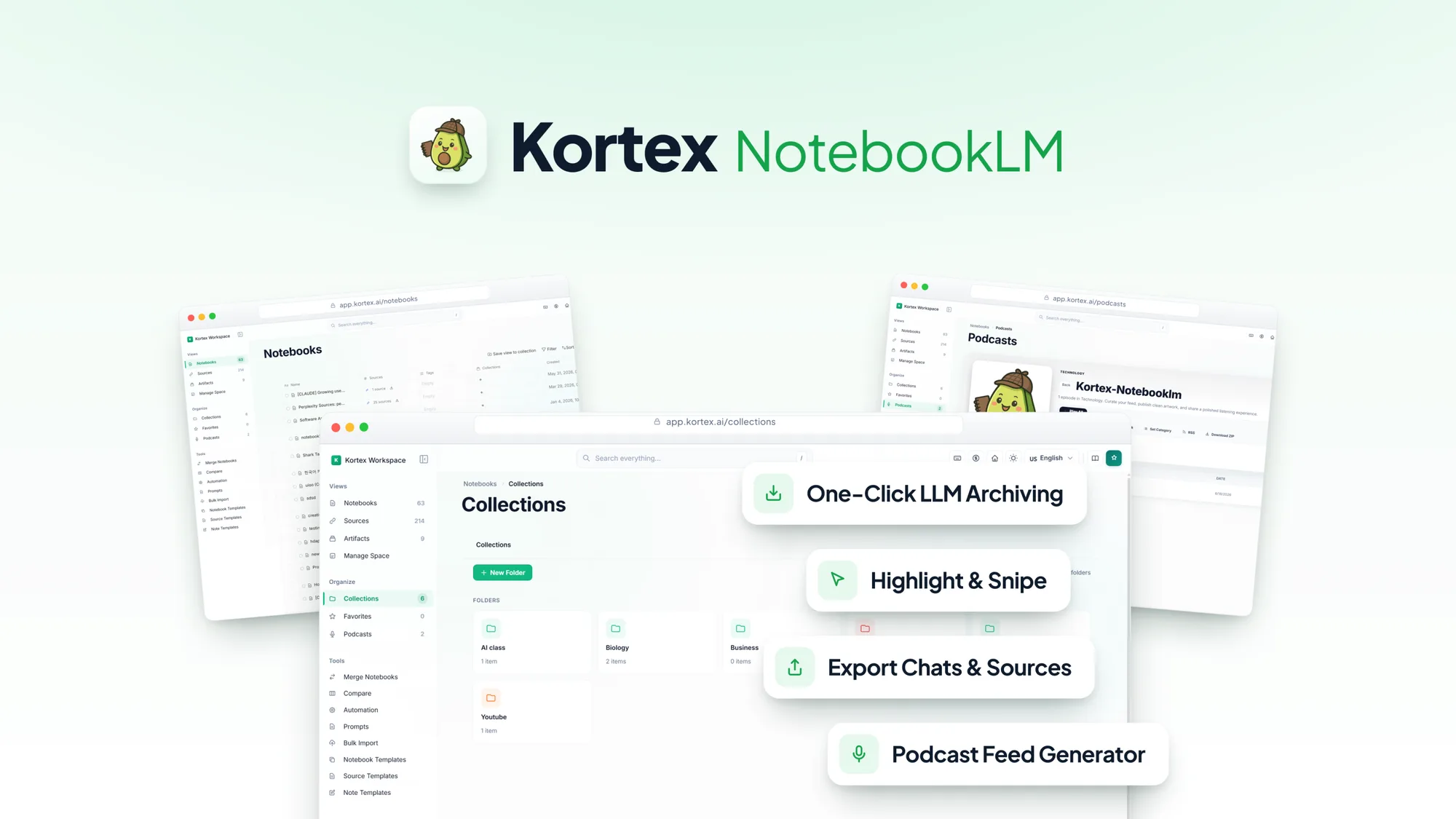
Kortex is a versatile Chrome extension designed to optimize the way you manage your knowledge base. It integrates with your favorite platforms, allowing you to capture AI chats, web highlights, and social media posts. With the ability to export sources and notes in formats like Markdown and PDF, Kortex enhances your productivity by automating NotebookLM workflows, turning it into a comprehensive information hub.
Its compatibility with tools such as Google Docs, Discord, Twitter, and YouTube facilitates seamless connectivity across various digital platforms. This ensures that content creators, bloggers, and solopreneurs can efficiently compile and organize their resources at the click of a button.
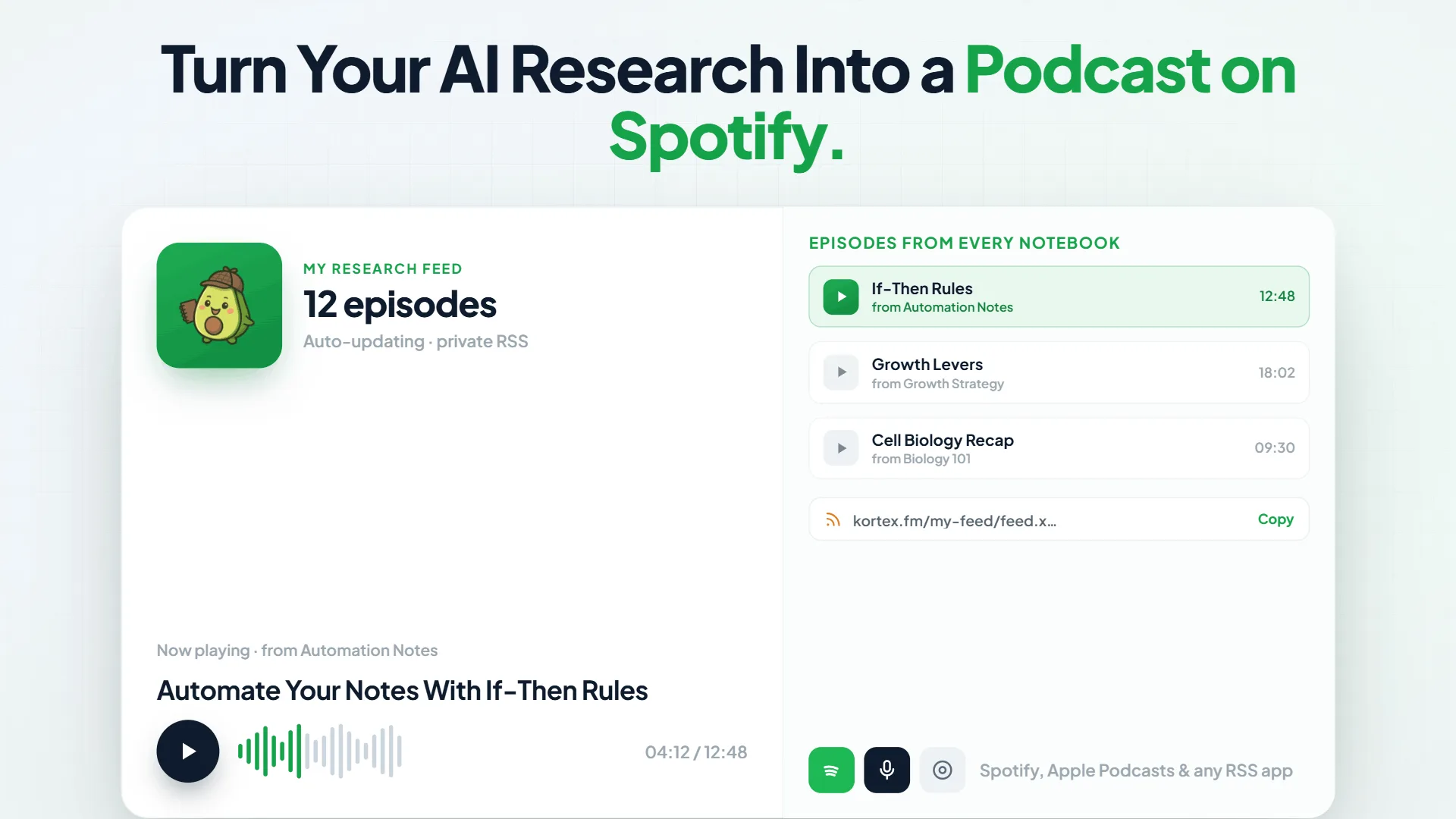
One standout feature is the ability to publish your captured content as a private podcast feed, offering a unique way to distribute and consume information tailored to your needs.
How to use Kortex?
Using Kortex is straightforward and user-friendly. Here’s how you can make the most of it:
- Install the Kortex Chrome extension from the Chrome Web Store.
- Initiate the extension and connect your preferred platforms, such as Google Docs and Twitter.
- Capture AI chats and highlights with a single click during your regular online activities.
- Export your content in desired formats like PDF or Markdown for easy sharing or archival.
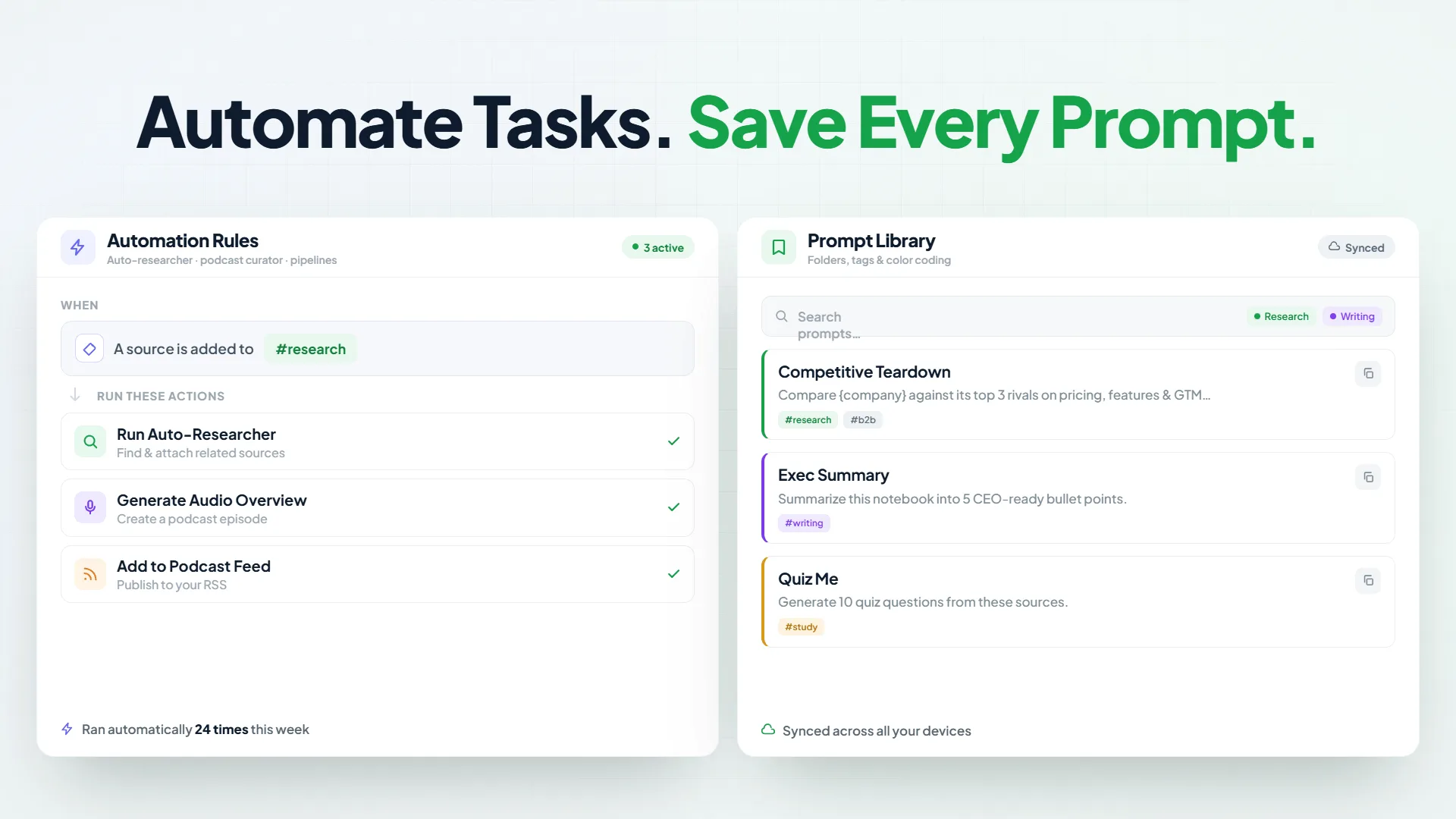
- Set up automation rules within NotebookLM to streamline your workflows effortlessly.
Key Differentiators
What sets Kortex apart from popular alternatives like Evernote and Notion is its seamless integration with various platforms, combined with its unique capability of publishing content as a private podcast feed. While Evernote and Notion offer robust note-taking solutions, they lack this innovative distribution channel, making Kortex an appealing choice for content creators.
Additionally, where Evernote and Notion focus primarily on organizational aspects, Kortex shines in automation and integration, significantly reducing manual work and increasing efficiency. Its effortless automation of NotebookLM workflows ensures that your focus remains on creating quality content rather than managing it.
Pros and Cons
Pros
- Seamless capture and export of diverse content types.
- Unique podcast publishing feature for private distribution.
- Comprehensive integration with popular platforms.
- Effective automation of NotebookLM processes.
Cons
- Occasional automation bugs reported by users.
- Limited automation offerings compared to expectations.
Kortex presents a balanced set of features, making it an advantageous tool for users who prioritize integration and workflow automation. While it may face occasional technical hitches, its strengths largely outweigh these minor limitations.
Who Is It For?
Kortex is particularly suited for bloggers, content creators, and solopreneurs who need a streamlined method for capturing, organizing, and distributing content. Its user-friendly interface and robust integrations make it ideal for those who regularly interact with digital content and require a centralized platform to manage it efficiently.
Additionally, Kortex benefits anyone looking to enhance their productivity by automating time-consuming manual tasks. Its capacity to publish content as podcasts further broadens its appeal to users who wish to explore innovative ways of sharing information.
Product images



At a glance
| Alternative to |
EvernoteNotion
|
|---|---|
| Integrations |
ChromeDiscordGoogle DocsTwitterYouTube
|
| Best for |
BloggersContent creatorsSolopreneurs
|
Is it worth it?
Is Kortex worth the investment? If you’re a content creator or solopreneur seeking efficient ways to manage your digital interactions, Kortex presents an excellent opportunity. The integration with popular platforms combined with its innovative podcast feed feature makes it a valuable addition to your productivity tools.
While priced affordably at $49 compared to its original $99, this lifetime deal provides lasting value. The occasional technical glitches are outweighed by the benefits it brings to your content workflow. For those prioritizing streamlined data management and content automation, Kortex is a smart investment.

About Kortex
Compared to alternatives
| Feature | Kortex | Evernote | Notion |
|---|---|---|---|
| AI Chat Capture | Yes | No | No |
| Private Podcast Feed | Yes | No | No |
| Platform Integrations | Chrome, Discord, Google Docs, Twitter, YouTube | Google Drive, Slack | GitHub, Slack, Trello |
| Workflow Automation | Yes | No | Basic |
| Export Formats | Markdown, PDF, ZIP | Markdown, PDF |
* Based on publicly available information.
What users are saying
What users like
Users report that Kortex is highly effective in capturing AI chats and exporting sources with ease. Most reviewers highlight the efficient automation features that simplify NotebookLM workflows, making content management more productive and less cumbersome.
Common concerns
Some mention experiencing occasional automation bugs, which can be slightly inconvenient. A few users also noted that certain automation offerings feel somewhat limited compared to initially advertised expectations.
FAQ
What platforms does Kortex integrate with?
Kortex integrates with Chrome, Discord, Google Docs, Twitter, and YouTube for seamless connectivity.
What format options are available for exporting data?
You can export your content as Markdown, PDF, or ZIP files.
How does the lifetime access offer work?
The lifetime deal provides access to all future Lifetime Pro Plan updates without any additional charges.
Is a refund available if I am not satisfied?
Yes, there is a 60-day money-back guarantee that allows you to try the product risk-free.
What is needed to activate my license?
You must activate your license within 60 days of purchase.
Deal Terms
- Lifetime access to Kortex
- All future Lifetime Pro Plan updates
- If Plan name changes, deal will be mapped to the new Plan name with all accompanying updates
- No codes, no stacking—just choose the plan that’s right for you
- You must activate your license within 60 days of purchase
- Ability to upgrade between 3 license tiers while the deal is available
- Ability to downgrade between 3 license tiers within 60 days of purchase
Related products

Notion Agency Kit: Streamline Your Agency
Notion Agency Kit is a sophisticated toolset designed to centralize all your agency operations in one seamless workspace. With its intuitive interface...
InstaCharts: Instantly Create & Share Charts
InstaCharts is a tool that allows users to instantly create, share, and embed charts from various data sources such as spreadsheet files...
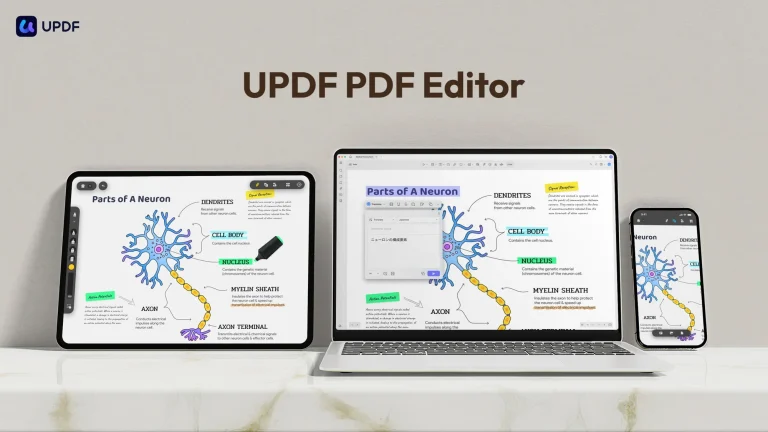
UPDF – PDF Editor All Platforms for Individuals: Comprehensive PDF Editing
UPDF - PDF Editor All Platforms for Individuals is a versatile PDF tool that enables users to edit, annotate, convert, and organize...