MarkupGo: High-Quality PDF/Images API
Quick summary
- Automate PDF and image conversions with ease.
- Seamless API integration enhances productivity.
- High-quality output maintains professional standards.
MarkupGo is a tool that automates image and PDF conversions through a single, powerful API. This solution is perfect for developers, IT/security agencies, and web design agencies looking to streamline their conversion processes. With an impressive rating of 4.84 out of 5, it’s designed to integrate seamlessly and deliver high-quality outputs.
Utilize MarkupGo to generate professional-grade PDFs and images from URLs and HTML, adding efficiency with customized transformations. The offering includes a lifetime deal at a significant discount, making it a worthwhile addition to any professional toolkit.
What MarkupGo Does?
MarkupGo offers an advanced solution for generating high-quality PDFs and images directly from URLs and HTML. It operates as a comprehensive API, enabling users to automate the conversion process efficiently. This integration capability allows for seamless embedding into existing systems, so developers and agencies can maximize productivity while minimizing manual tasks.
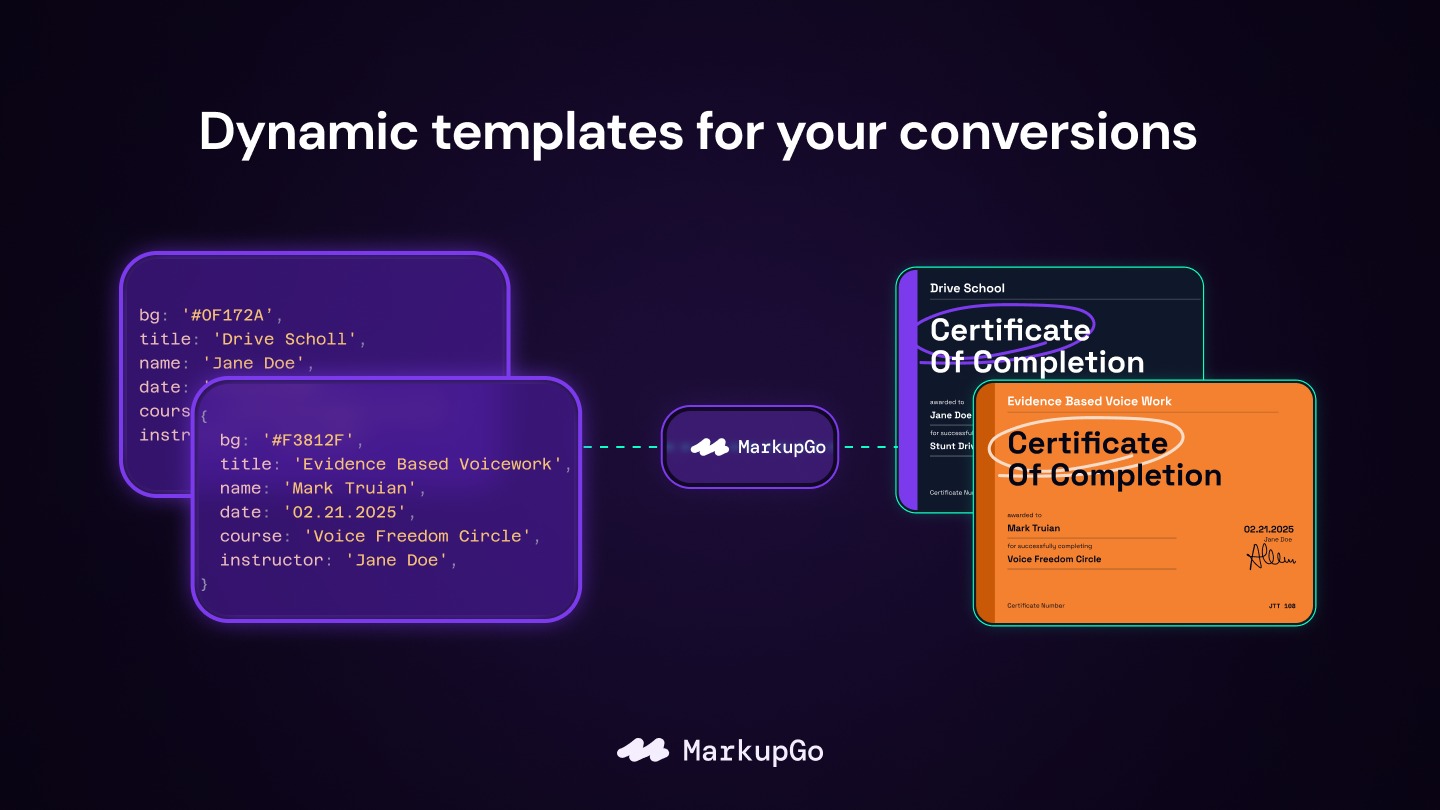
The main functions of MarkupGo include the customization and transformation of images and PDFs to meet specific user needs. This flexibility is essential for IT and web development professionals who require precise output customization. The API’s ease of use facilitates straightforward implementation into any workflow.
Another laudable feature is its capability to handle multiple data types, ensuring consistency and quality across various formats. This makes it an indispensable tool for any tech-centric organization looking to enhance their document and image handling processes.
How to use MarkupGo?
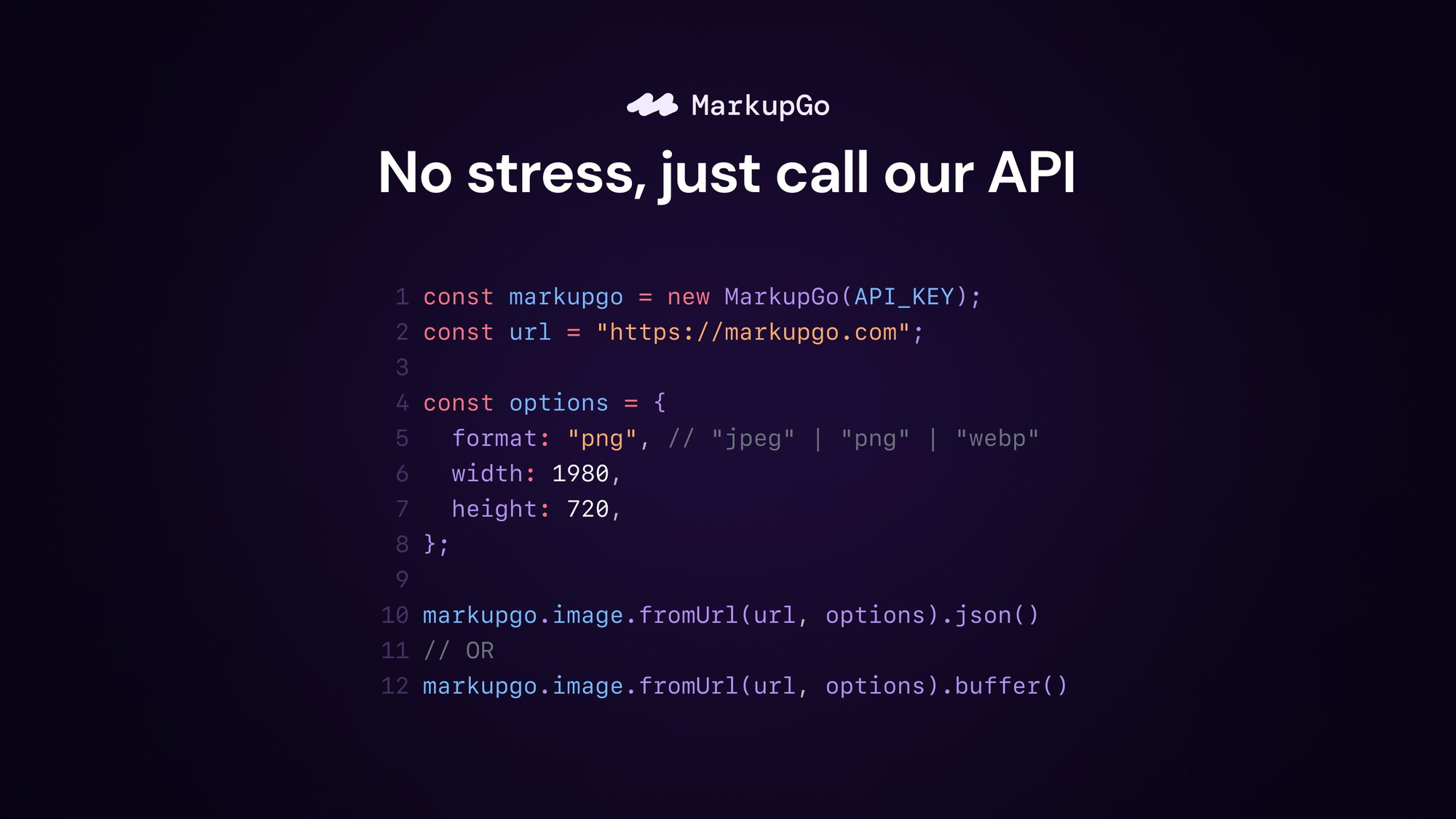
Using MarkupGo is simple, thanks to its intuitive API design.
- Integrate the MarkupGo API into your existing system using provided documentation.
- Configure your desired output settings for PDF or image conversions.
- Initiate the conversion process using URLs or HTML code.
- Review and customize the output as needed for your specific application.
- Deploy and utilize the generated content across your digital platforms.
Key Differentiators
MarkupGo stands out due to its robust API, which offers seamless integration and high-quality output. Unlike other solutions that require extensive setup, it allows for quick plug-and-play functionality. Users appreciate its capability to handle bulk conversions without compromising speed or accuracy.
Another differentiating factor is its responsive customer support, which is consistently praised in user reviews. While other tools may falter in support, MarkupGo ensures that users have ready access to solutions, thus maintaining user satisfaction and trust over the long term.
Pros and Cons
Pros
- Seamless API integration for efficient workflows
- High-quality output in both PDFs and images
- Customizable transformations to fit specific needs
Cons
- Limited direct PDF editing capabilities
- Occasional performance variances reported by users
Overall, MarkupGo provides a robust and efficient tool for automating document conversions, despite minor limitations. Its ease of use and high-quality output make it a valuable asset.
Who Is It For?
MarkupGo is ideal for developers who need to automate document processing tasks, allowing them to focus on core development activities. IT and security agencies also benefit from its capabilities, as it streamlines processes while ensuring data integrity and security.
Web design agencies seeking to enhance their workflow efficiency and client delivery timelines will find MarkupGo’s capabilities particularly beneficial. It’s a tool that caters to those who prioritize quality, speed, and versatility.
Product images



At a glance
| Best for |
DevelopersIT/security agenciesWeb design agencies
|
|---|
Is it worth it?
MarkupGo offers substantial value for developers and agencies looking to streamline their document conversion processes. At $49 versus the original $348, it’s an accessible tool with high-quality output.
This product is particularly suited for IT professionals and web designers aiming to enhance efficiency without sacrificing quality. Overall, it’s a sound investment for anyone needing consistent, automated conversion capabilities.

About MarkupGo
Compared to alternatives
| Feature | MarkupGo | DocRaptor | PDF Generator API |
|---|---|---|---|
| Seamless API Integration | Yes | Yes | Yes |
| High-Quality PDF/Image Output | Yes | Yes | Yes |
| Customizable Transformations | Yes | Limited | Yes |
| Responsive Support | Yes | No | Yes |
| Price | $49 | $199/year | $79/month |
* Based on publicly available information.
What users are saying
What users like
Users report seamless integration and high-quality output as standout features. Most reviewers highlight its efficiency in handling bulk conversions and its responsive customer support.
Common concerns
Some mention occasional performance issues and the lack of direct PDF editing capabilities as areas for improvement.
FAQ
How does MarkupGo integrate with other systems?
MarkupGo integrates seamlessly via its API, allowing for a smooth and efficient addition to your workflow.
Is there a money-back guarantee if I’m not satisfied?
Yes, there is a 60-day money-back guarantee if you’re not satisfied with the product.
Can I edit PDFs directly using MarkupGo?
MarkupGo does not currently support direct PDF editing, focusing on conversion efficiency instead.
How many codes can I stack when purchasing?
You can stack up to 7 codes, which can enhance features and benefits as needed.
What updates are included with this purchase?
All future Lite Plan updates are included with your purchase, ensuring continuous improvement and added features.
Deal Terms
- Lifetime access to MarkupGo
- Redeem your codes within 60 days from purchase
- Receive all future Lite Plan updates
- Stack up to 7 codes for enhanced benefits
Related products

Pixefy: Test Across Devices
Pixefy is a browser extension designed to test your website on various screen sizes. It enables users to detect layout issues and...

Editor.do: Create & Deploy Instantly
Editor.do is an all-in-one online IDE that allows users to create, code, and deploy stunning static websites in mere seconds. This platform...
MarkupGo: Seamless Image Conversion
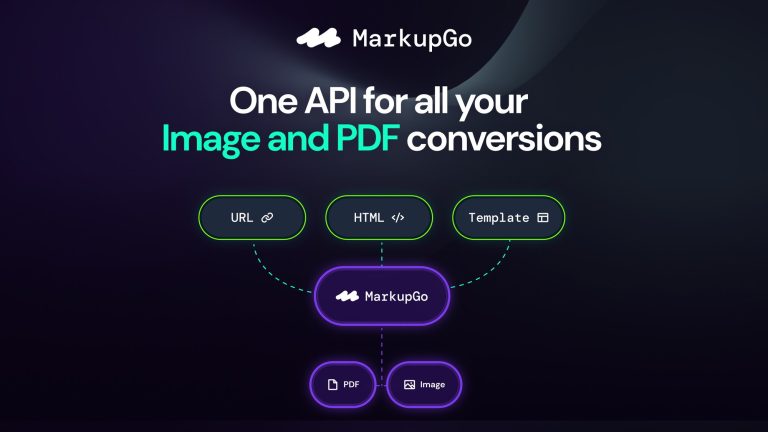
MarkupGo is an innovative tool that automates image and PDF conversions via a powerful API. Developers and web design agencies will find...