MarkupGo: Seamless Image Conversion
Quick summary
- Automate image and PDF conversions seamlessly.
- High-quality outputs with customizable settings.
- Efficient API integration for enhanced workflows.
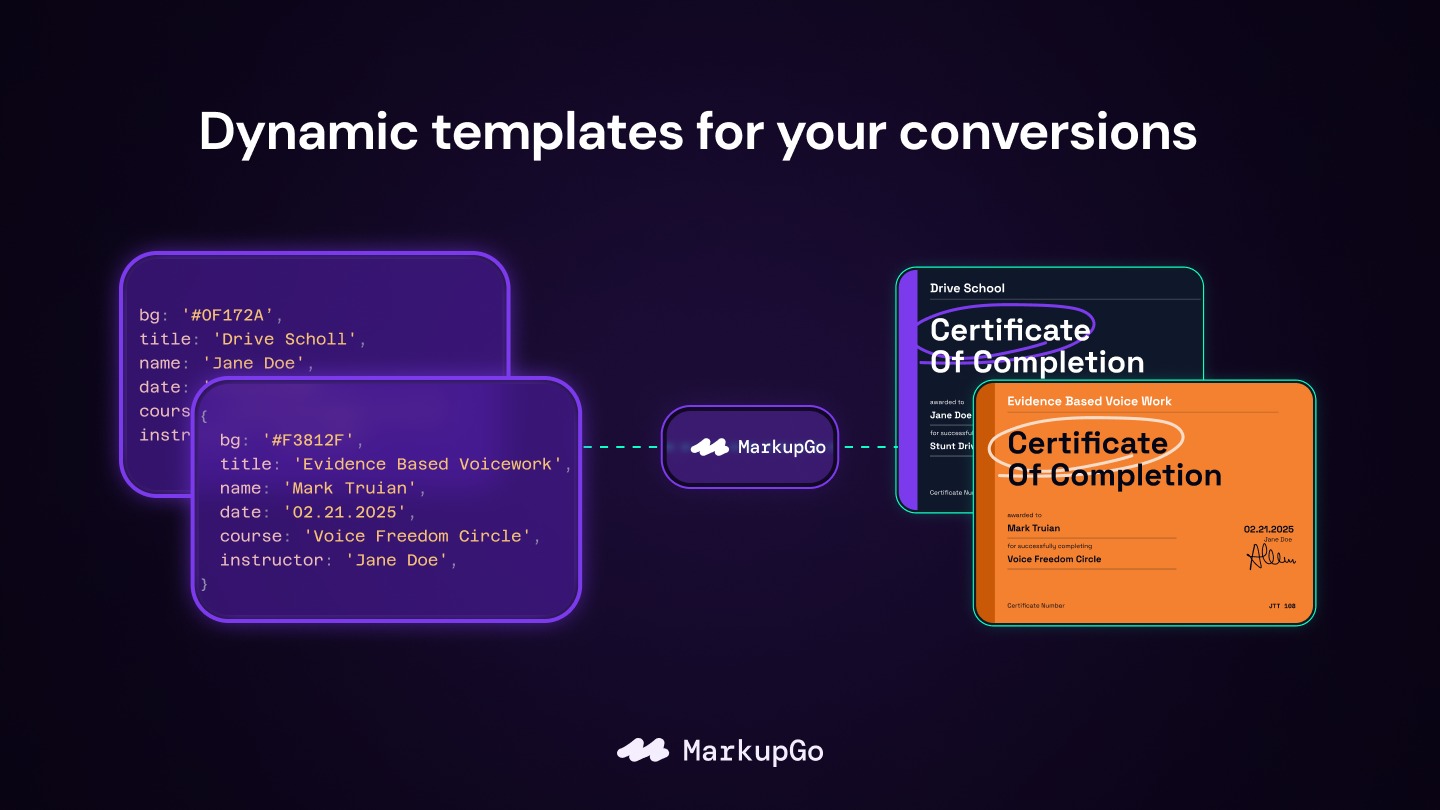
MarkupGo is an innovative tool that automates image and PDF conversions via a powerful API. Developers and web design agencies will find its high-quality PDF and image generation indispensable. With MarkupGo, you can transform URLs and HTML into customizable formats effortlessly, all at a fraction of the original cost.
Experience seamless API integration and enjoy responsive customer support. MarkupGo offers a significant discount, making it an appealing choice for those seeking reliable and automated conversion solutions. The 60-day money-back guarantee further ensures a risk-free tryout.
What MarkupGo Does?
MarkupGo is a comprehensive solution designed to enhance how you convert images and PDFs. By leveraging a robust API, it allows developers to generate high-quality PDFs and images from various sources like URLs and HTML effortlessly. This tool is particularly useful for IT agencies, offering a streamlined method of handling bulk conversions with precision.
The platform’s customization capabilities empower users to tailor images to their specific needs, ensuring each output meets professional standards. For businesses that rely on visual content, MarkupGo significantly reduces the time and complexity involved in manual conversions.
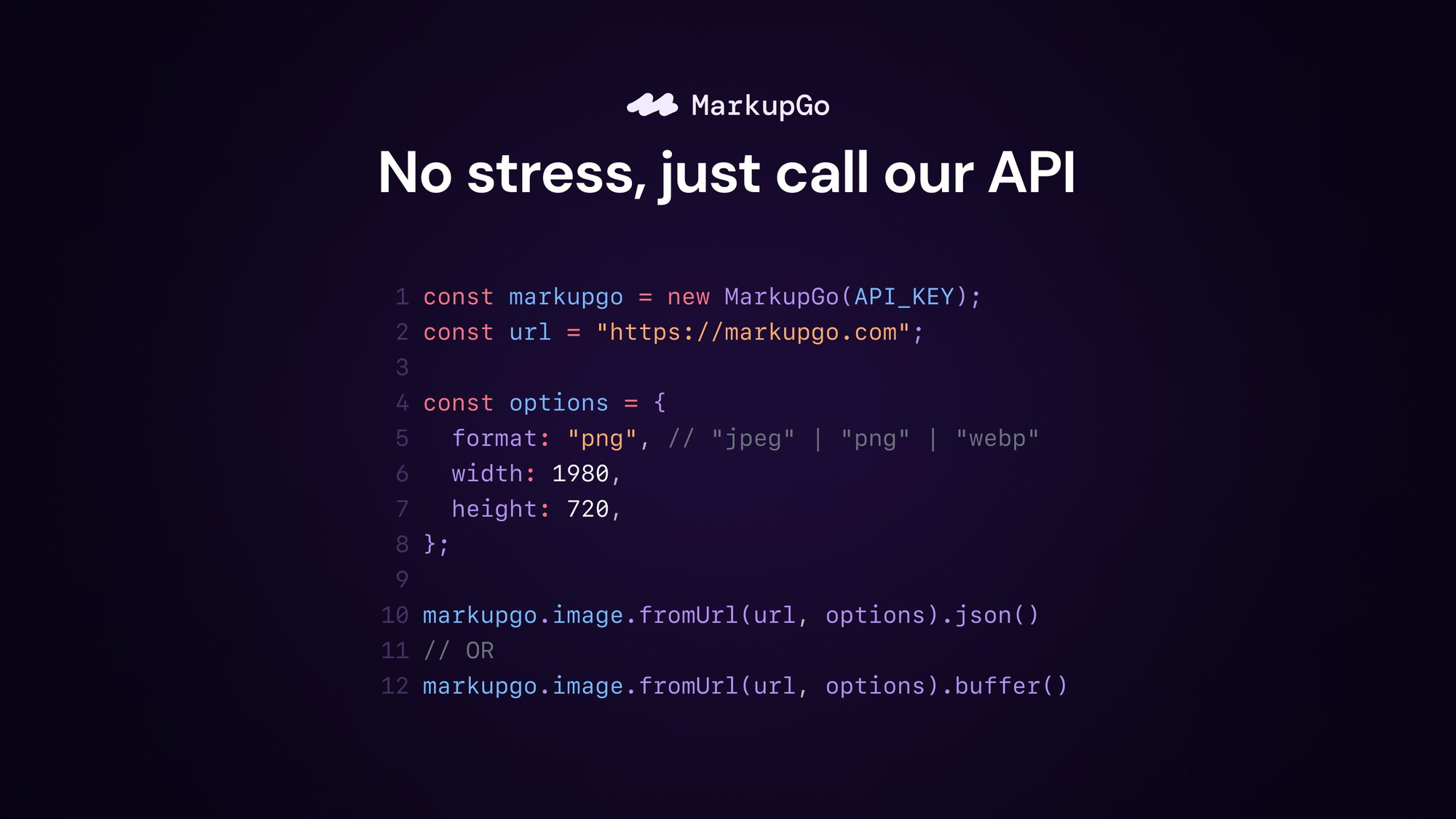
Furthermore, the seamless API integration ensures that existing workflows remain uninterrupted, enhancing productivity without requiring extensive training or adaptation. This feature alone makes it a preferred choice for web design agencies looking to automate their processes.
How to use MarkupGo?
Utilizing MarkupGo is straightforward, offering efficiency and ease of use for varied applications.
- Sign up and access the API dashboard.
- Input the URL or HTML of the desired content.
- Customize settings to fit your image or PDF requirements.
- Initiate the conversion process through the API.
- Retrieve and use your newly generated files.
Key Differentiators
MarkupGo stands out by offering a high level of customization and integration capabilities. Unlike many conversion tools, it provides a single comprehensive API that supports both image and PDF conversions, ensuring consistent quality across formats. This is particularly beneficial for agencies needing diverse media management.
Moreover, the product significantly reduces manual workload by automating complex conversion processes, which traditionally require significant time and effort. Responsive customer service ensures any concerns or queries are swiftly addressed, providing users with added peace of mind.
Pros and Cons
Pros
- High-quality image and PDF generation
- Seamless API integration with existing workflows
- Significant cost savings with a lifetime deal
Cons
- No direct PDF editing feature
- Occasional performance limitations
In summary, MarkupGo offers valuable capabilities for content conversions with a few areas for improvement. This balance of benefits and limitations makes it a solid option for those looking to enhance their conversion processes without breaking the bank.
Who Is It For?
MarkupGo is perfect for developers and IT/security agencies who frequently handle various file format conversions. Its automation and customization features save time and ensure consistent quality, making it a great fit for professionals who need reliable results.
Web design agencies also stand to benefit significantly by using MarkupGo to manage and convert high volumes of visual content seamlessly. The platform’s flexibility and ease of use provide an edge in maintaining high productivity standards.
Product images



At a glance
| Best for |
DevelopersIT/security agenciesWeb design agencies
|
|---|
Is it worth it?
If you’re considering enhancing your content conversion processes, MarkupGo provides significant value at a fraction of the original price. With its flexible API integration and high-quality output, it’s especially beneficial for IT and web design agencies. Compared to its original cost, $49 is an excellent deal for such expansive functionality.
However, consider its constraints, such as no direct PDF editing and some performance limitations. Overall, the benefits clearly outweigh the drawbacks, making MarkupGo a worthy investment for professionals seeking reliable, automated conversion solutions.

About MarkupGo
Compared to alternatives
| Feature | MarkupGo | [Competitor 1] | [Competitor 2] |
|---|---|---|---|
| Image & PDF Conversion | Yes | Yes | Limited |
| Customization | High | Medium | Low |
| API Integration | Seamless | Limited | Partial |
| Direct PDF Editing | No | Yes | No |
* Based on publicly available information.
What users are saying
What users like
Most users praise the seamless API integration and high-quality output. The customizable settings also receive positive mentions, as they enhance the tool’s flexibility.
Common concerns
Some users note the lack of direct PDF editing and occasional performance issues. While these aspects don’t overshadow the benefits, they are important considerations for potential buyers.
FAQ
How does the 60-day guarantee work?
The 60-day guarantee allows you to try MarkupGo risk-free and receive a refund if you’re not satisfied within this period.
Can MarkupGo edit PDFs directly?
While it supports PDF generation, MarkupGo does not offer direct PDF editing capabilities.
What are the key integrations available?
MarkupGo offers seamless integration with many development environments, enhancing workflow efficiency.
Can I stack codes for additional benefits?
Yes, you can stack up to 7 codes to increase your plan benefits and access additional features.
Is customer support responsive?
Yes, users report that MarkupGo’s customer support is responsive and helpful in addressing any questions or issues.
Deal Terms
- Lifetime access to MarkupGo
- Redeem your code(s) within 60 days of purchase
- Includes all future Lite Plan updates
- Stack up to 7 codes for added benefits
Related products

Pixefy: Test Across Devices
Pixefy is a browser extension designed to test your website on various screen sizes. It enables users to detect layout issues and...

Editor.do: Create & Deploy Instantly
Editor.do is an all-in-one online IDE that allows users to create, code, and deploy stunning static websites in mere seconds. This platform...
MarkupGo: High-Quality PDF/Images API
MarkupGo is a tool that automates image and PDF conversions through a single, powerful API. This solution is perfect for developers, IT/security...