Kan: Open-Source Project Management
Quick summary
- Import existing Trello boards seamlessly.
- Manage project access with precise control.
- Track project changes with detailed logs.
- Integrate smoothly with GitHub and Trello.
Kan is an open-source platform facilitating project management with a kanban approach. Designed for seamless integration and ease of use, it helps teams manage their workflow efficiently. Project managers, remote teams, and solopreneurs will find Kan offers the essential tools needed for effective team collaboration and progress tracking.
With self-hosting capabilities, board imports, and adjustable team access controls, Kan provides a customizable solution to manage projects. Integrate effortlessly with platforms like GitHub and Trello, ensuring continuity and productivity. Experience a cleaner, more intuitive project management experience with Kan.
What Kan Does?
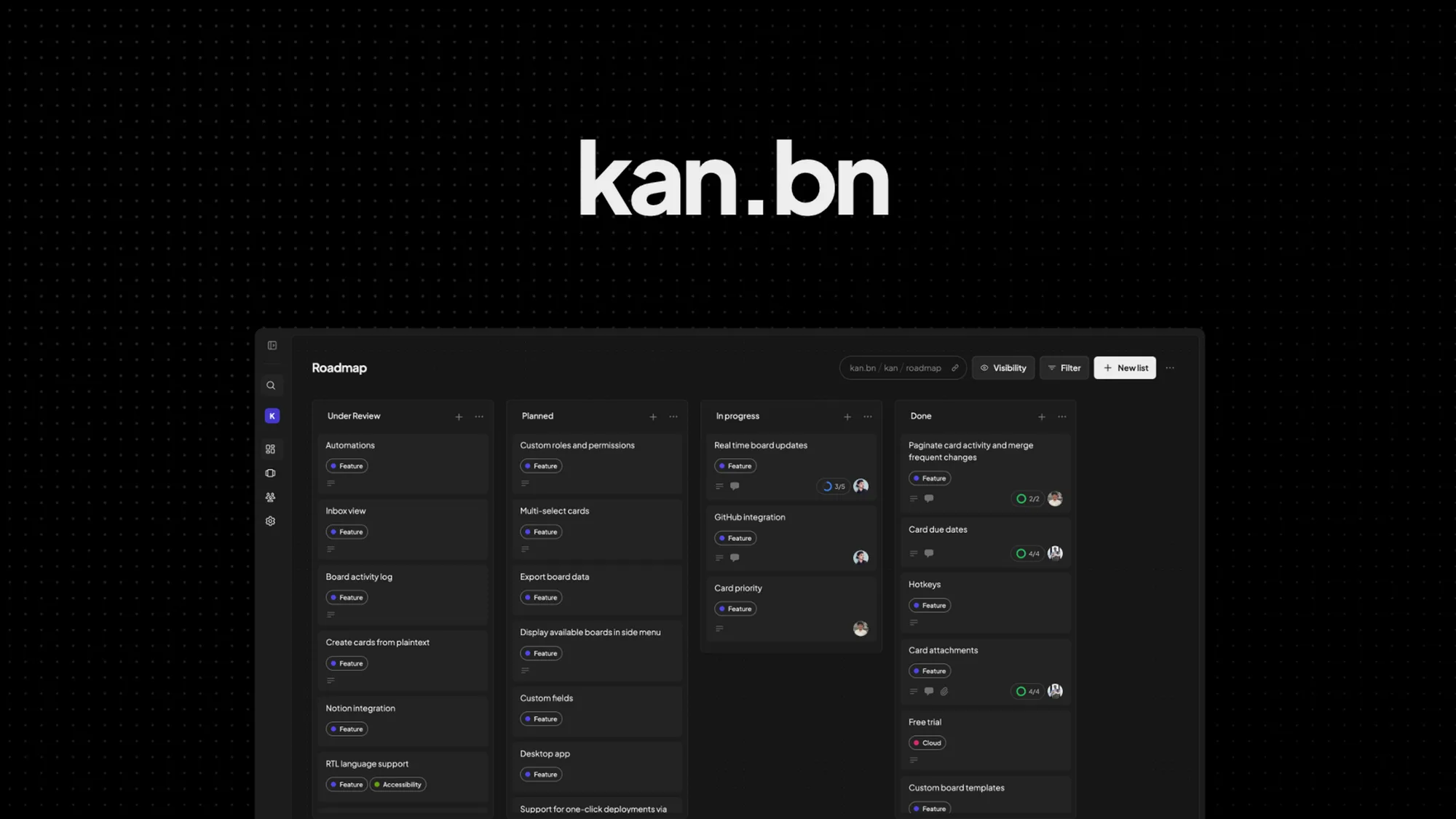
Kan is a streamlined, open-source solution designed to enhance project management through the kanban method. Its self-hosted nature provides greater control and customization for users seeking autonomy over their projects. With Kan, you can import boards from platforms like Trello, offering a continuity that keeps your workflow uninterrupted.
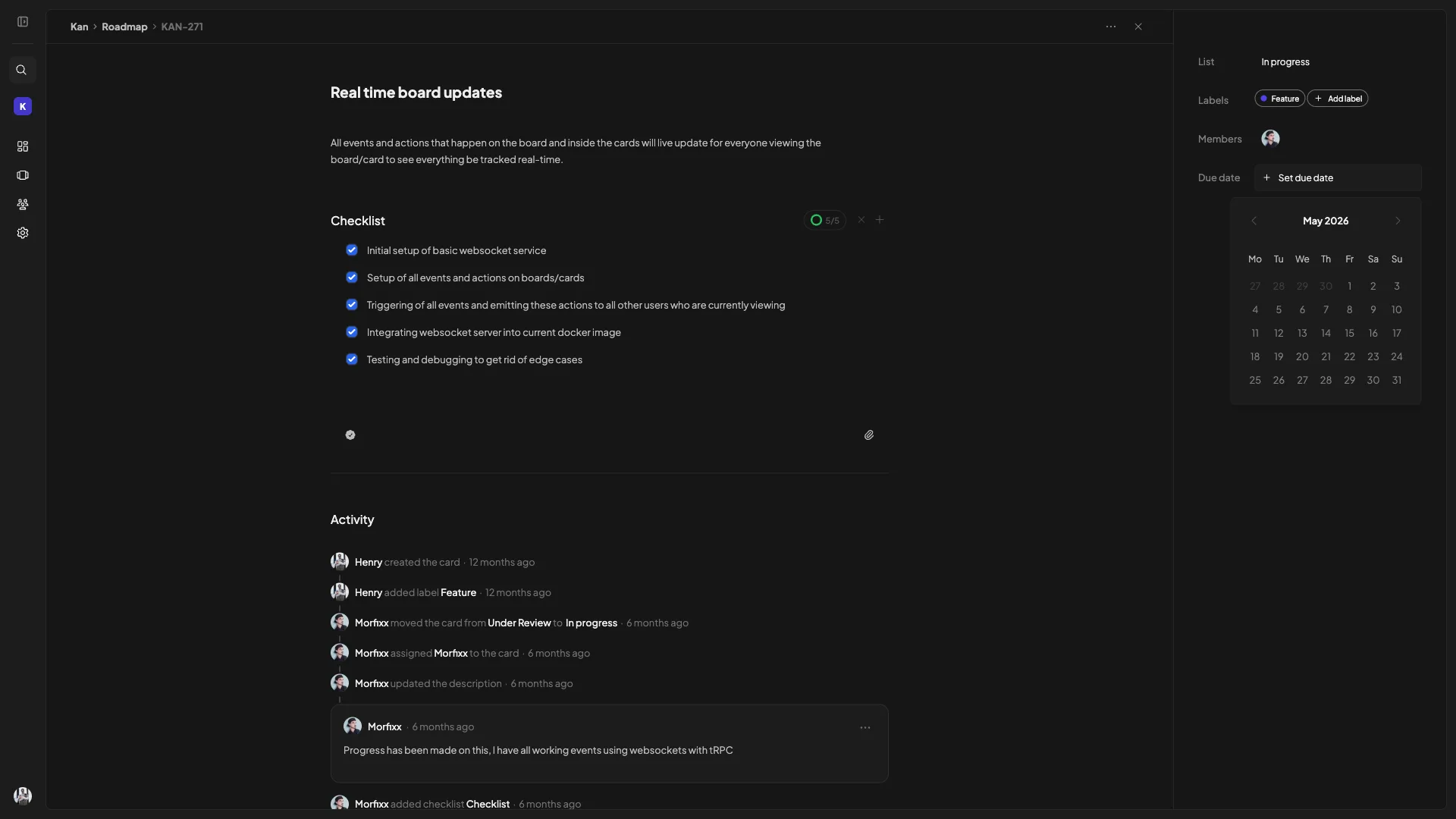
Its features include setting board visibility, managing team access, and detailed activity logs that track every change meticulously. These tools give users the power to ensure that every team member stays aligned and informed, improving overall project execution and management.
How to use Kan?
To make the most of Kan, follow these steps for optimal project management:
- Import your existing boards from Trello to maintain workflow continuity.
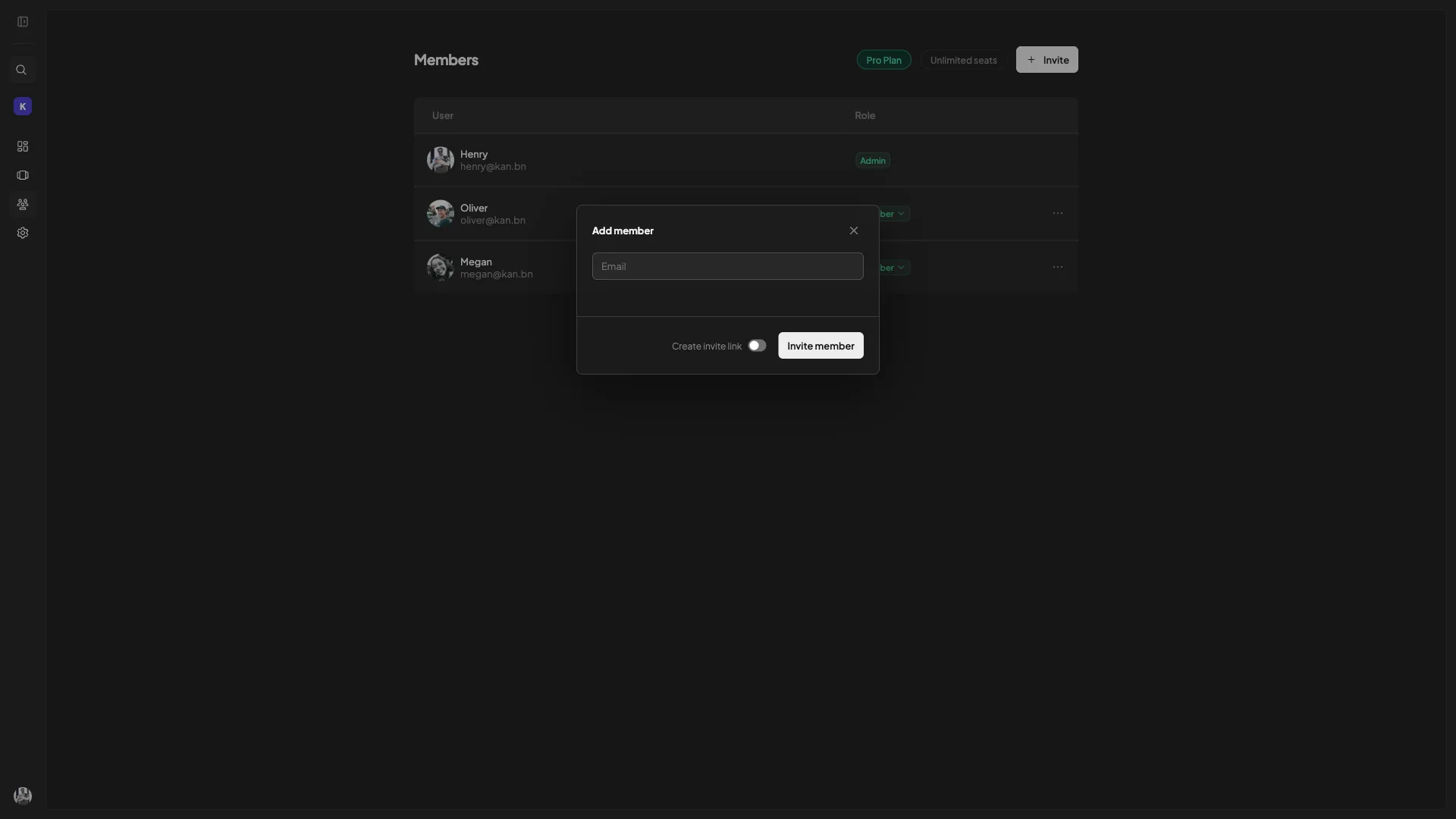
- Set up board visibility and access control to manage who sees what.
- Utilize activity logs to monitor changes and keep track of progress.
- Integrate Kan with platforms like GitHub for enhanced collaboration.
- Continuously update and adjust your kanban boards to reflect project updates.
Key Differentiators
Unlike competitors like Asana and ClickUp, Kan offers open-source solutions that allow users to self-host their project management system. This unique feature provides users with unparalleled control over their data and project workflows. Additionally, Kan’s ability to import Trello boards without any disruptions sets it apart by ensuring users can continue their projects seamlessly.
Moreover, Kan emphasizes user autonomy with customizable access controls which ensure each team member has the appropriate level of access. This flexibility is a standout feature, particularly for organizations with specific security or access needs, where control and privacy are paramount.
Pros and Cons
Pros
- Open-source self-hosting offers full control and customization.
- Seamless import of Trello boards for uninterrupted workflow.
- Extensive activity logs provide comprehensive change tracking.
- Integrations with GitHub and Trello enhance usability and productivity.
Cons
- Limited workspaces compared to some competitors.
- Notifications could be more advanced to enhance user experience.
Overall, while Kan has some areas for improvement, its range of unique features and open-source flexibility make it a solid choice for project managers seeking control and customization over their project management tools.
Who Is It For?
Kan is ideally suited for project managers, remote teams, and solopreneurs who require a robust open-source platform for managing projects. Its features cater to users looking for a customizable, self-hosted solution that integrates seamlessly with existing tools like Trello and GitHub. The platform’s flexibility and open-source nature make it particularly appealing to tech-savvy users who value control over their data and processes.
Organizations emphasizing collaborative teamwork and transparent project tracking will find Kan especially beneficial. Its comprehensive activity logging and access control ensure all team members remain informed and aligned, supporting efficient project completion and accountability.
Product images


At a glance
| Alternative to |
AsanaClickUpTrello
|
|---|---|
| Integrations |
GitHubTrello
|
| Best for |
Project managersRemote teamsSolopreneurs
|
Is it worth it?
Kan offers significant value for users seeking an open-source project management solution with comprehensive control. Its ability to import existing Trello boards and its seamless integration capabilities provide meaningful productivity benefits. The current price of $59 versus an original $288 represents a significant savings opportunity.
For project managers and solopreneurs who prioritize autonomy and customizable access, Kan is a smart investment. These features, coupled with a robust rating from users, suggest it is well-worth considering for those in need of a reliable project management platform with advanced capabilities.

About Kan
Compared to alternatives
| Feature | Kan | Asana | ClickUp |
|---|---|---|---|
| Open-source platform | Yes | No | No |
| Board import from Trello | Yes | No | No |
| Self-hosting option | Yes | No | No |
| Integration with GitHub | Yes | No | Yes |
| Activity log | Yes | Yes | Yes |
* Based on publicly available information.
What users are saying
What users like
Most reviewers highlight Kan’s clean and minimalist UI, praising its simplicity and efficiency. Users report responsive support that enhances the overall user experience significantly. The flexibility in board integration and team access is another frequent point of praise, ensuring seamless operation for project teams.
Common concerns
Some reviewers mention the need for more workspace options and suggest improvements in the notification system. While these are noted as areas for enhancement, they are seen as minor drawbacks in the context of Kan’s overall performance and user-friendly interface.
FAQ
What is the main benefit of using Kan over other tools?
Kan provides an open-source platform that allows users complete control and customization of their project management workflows.
Can I import my existing boards from Trello?
Yes, Kan supports seamless Trello board imports, allowing you to continue your projects without any disruptions.
Is it possible to integrate Kan with GitHub?
Absolutely, Kan integrates smoothly with GitHub to streamline project management and improve team collaboration.
How is user access managed?
Kan offers precise access control settings to manage board visibility and track team member activity efficiently.
What if I want to upgrade or downgrade my plan?
You can upgrade your plan while the deal is live, but downgrades are allowed only within 60 days of purchase.
Deal Terms
- Lifetime access to Kan
- All future Teams (Tier 1), Pro (Tiers 2, 3) plan updates
- If the plan name linked to your deal changes, it will automatically transfer to the new plan with all updates
- This deal is only for brand-new Kan users—no previous accounts, trials, or paid plans with this partner
- Activate your license within 60 days—you can upgrade while the deal is live but can only downgrade within 60 days of purchase
- Access to all future AI models may be provided at a discounted rate OR Access to future AI models may require an add-on
Related products
Kan: Manage Projects Effortlessly
Kan is a project management tool that utilizes open-source kanban boards. It offers self-hosting capabilities, board imports, and team access control features....
Kan: Streamline Project Management
Kan is an open-source kanban tool designed to streamline project management. This platform offers seamless board imports and intuitive team access controls....
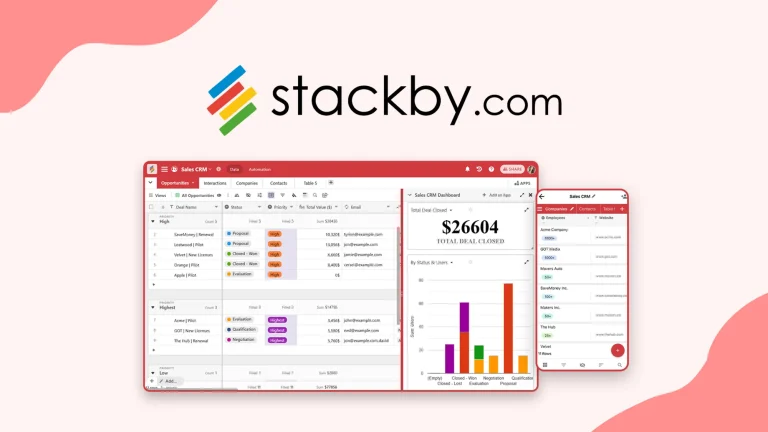
Stackby: AI-Powered Business Apps
Stackby is an innovative tool that transforms your spreadsheets into AI-powered business apps. It caters to small businesses, project managers, and marketing...