Stackby: AI-Powered Business Apps
Quick summary
- Transform spreadsheets into AI-powered apps.
- Create custom databases with easy automations.
- Visualize data in flexible views.
- Seamless integration with popular tools.
Stackby is an innovative tool that transforms your spreadsheets into AI-powered business apps. It caters to small businesses, project managers, and marketing agencies looking for versatile and efficient database solutions. By enabling custom databases and automations, Stackby enhances data visualization and workflow management.
With its robust API connections and easy-to-use interface, Stackby offers a unique approach to managing and visualizing your data. This platform challenges conventional tools like Airtable, offering a streamlined experience with features that foster productivity and collaboration.
What Stackby Does?
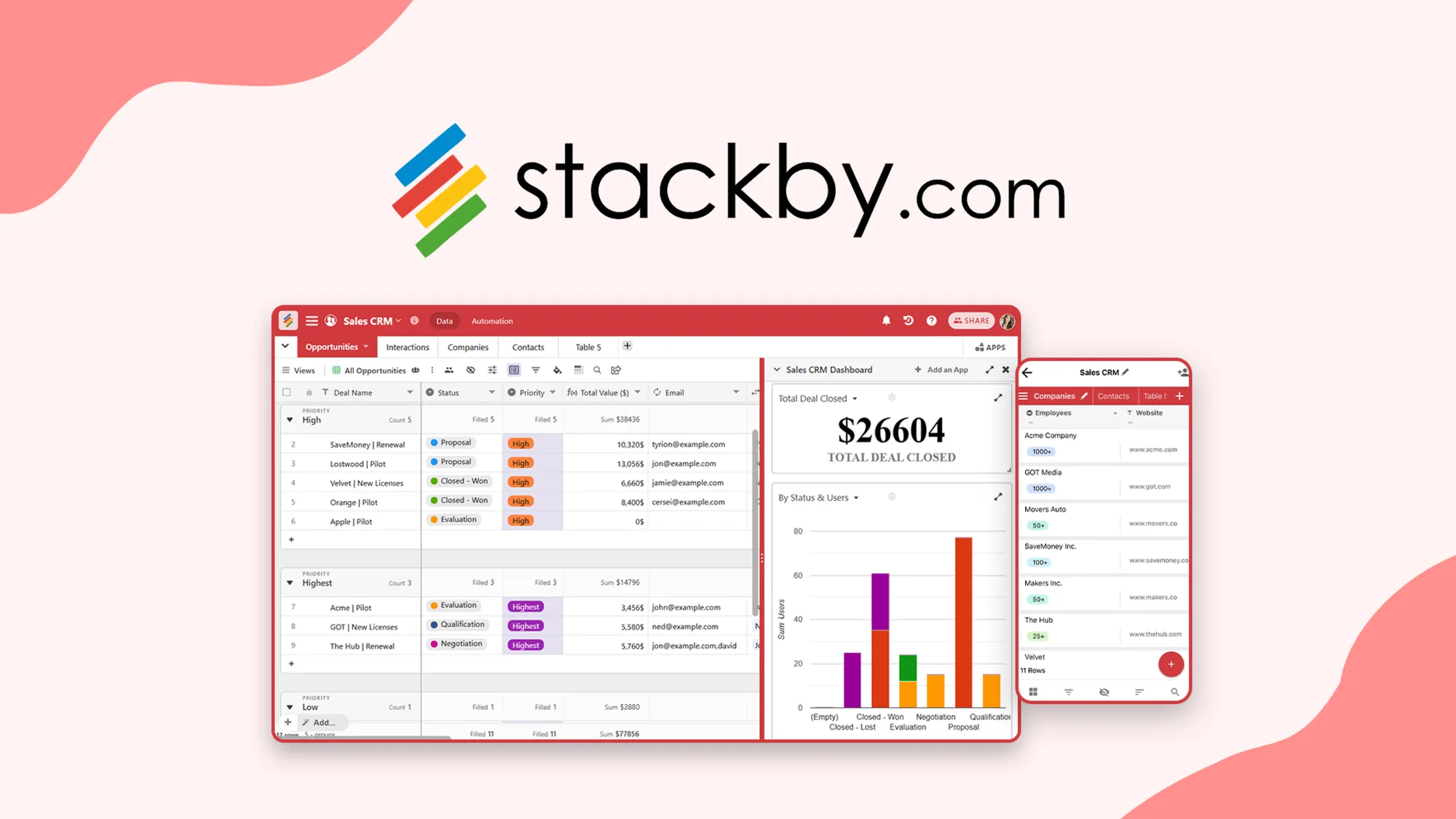
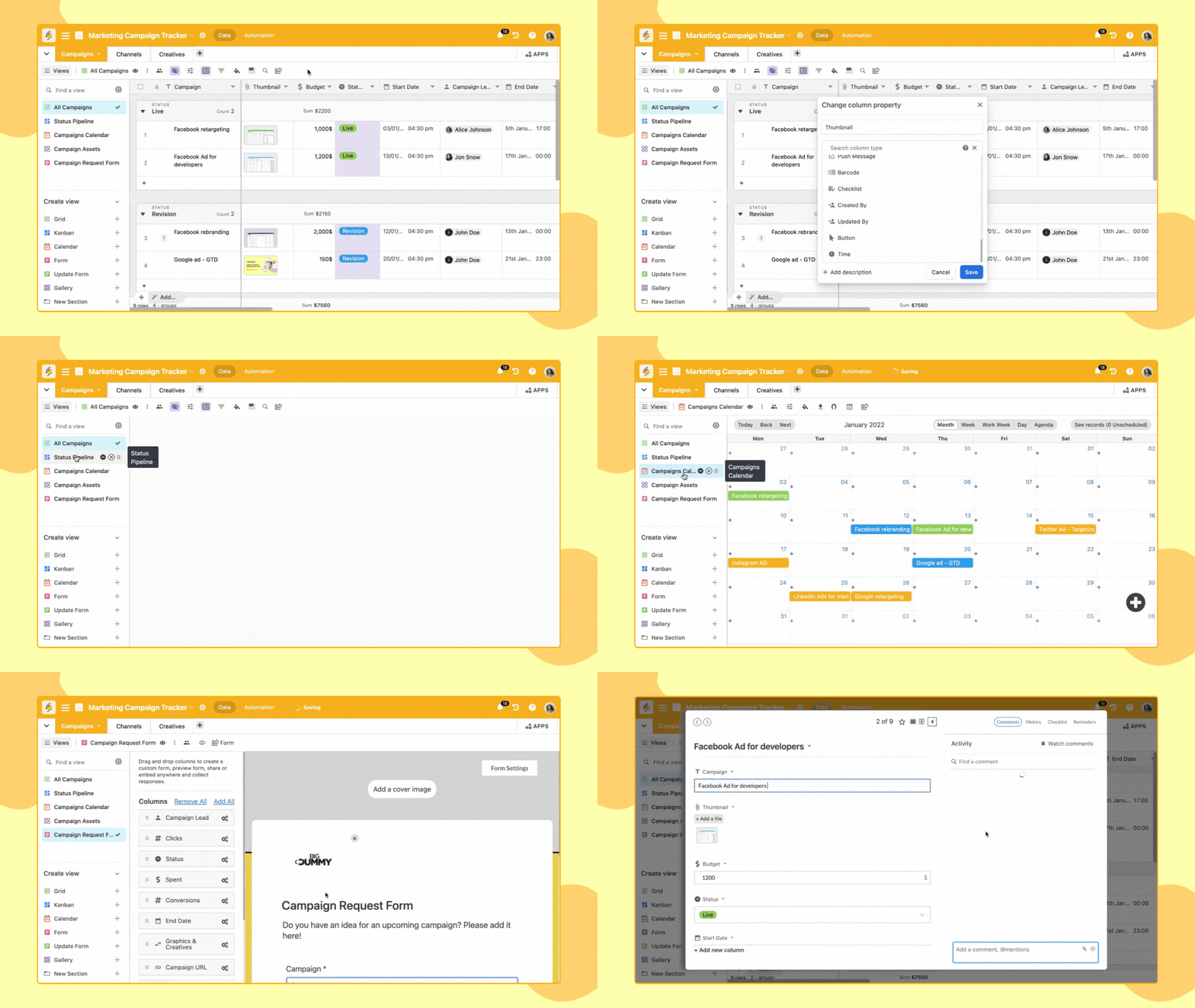
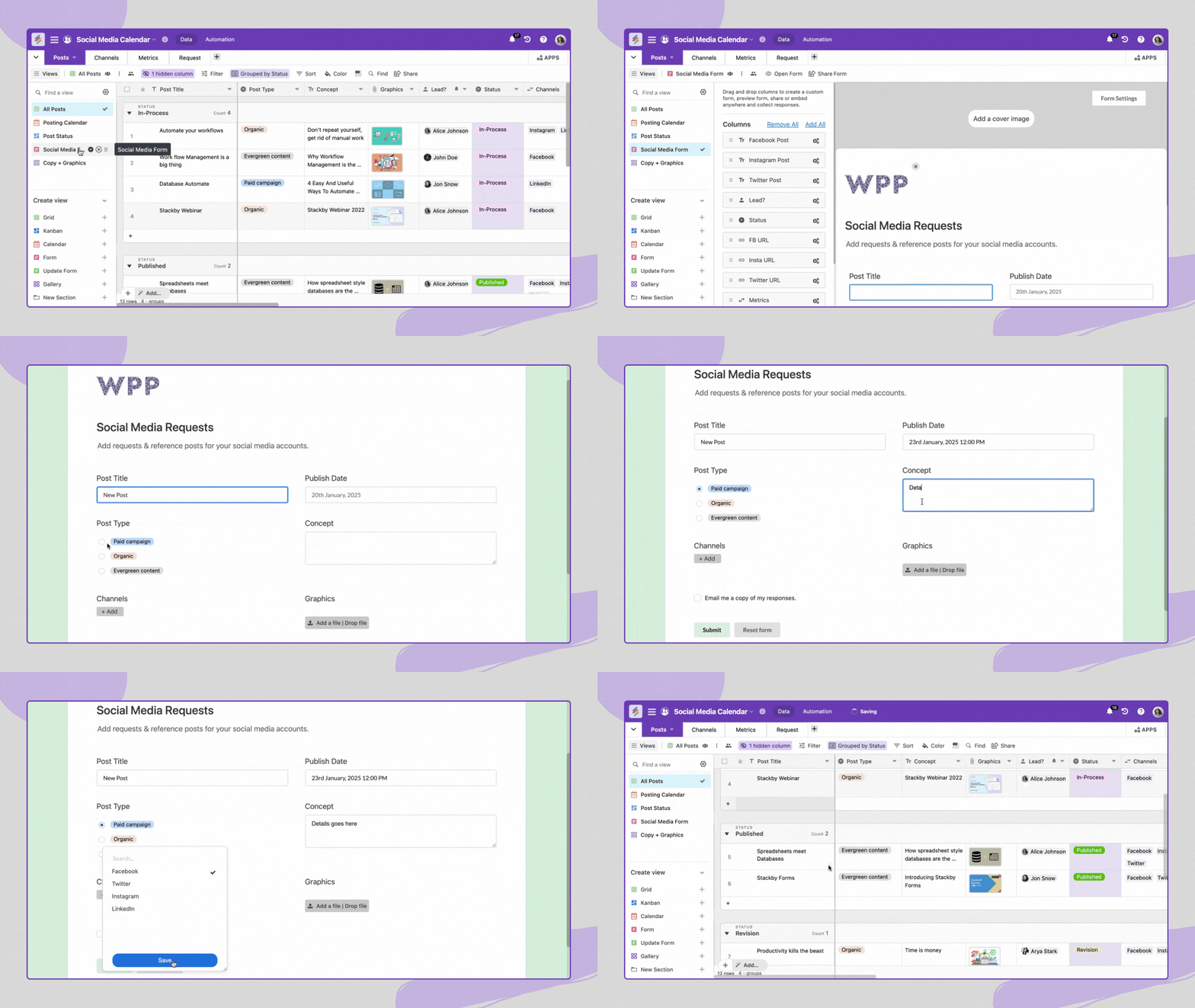
Stackby is a platform that turns traditional spreadsheets into dynamic, AI-driven business applications. This transformation empowers users to create custom databases tailored to their unique needs. Its flexible design allows you to visualize data in eight distinct views, offering complete control over how information is presented and interpreted.
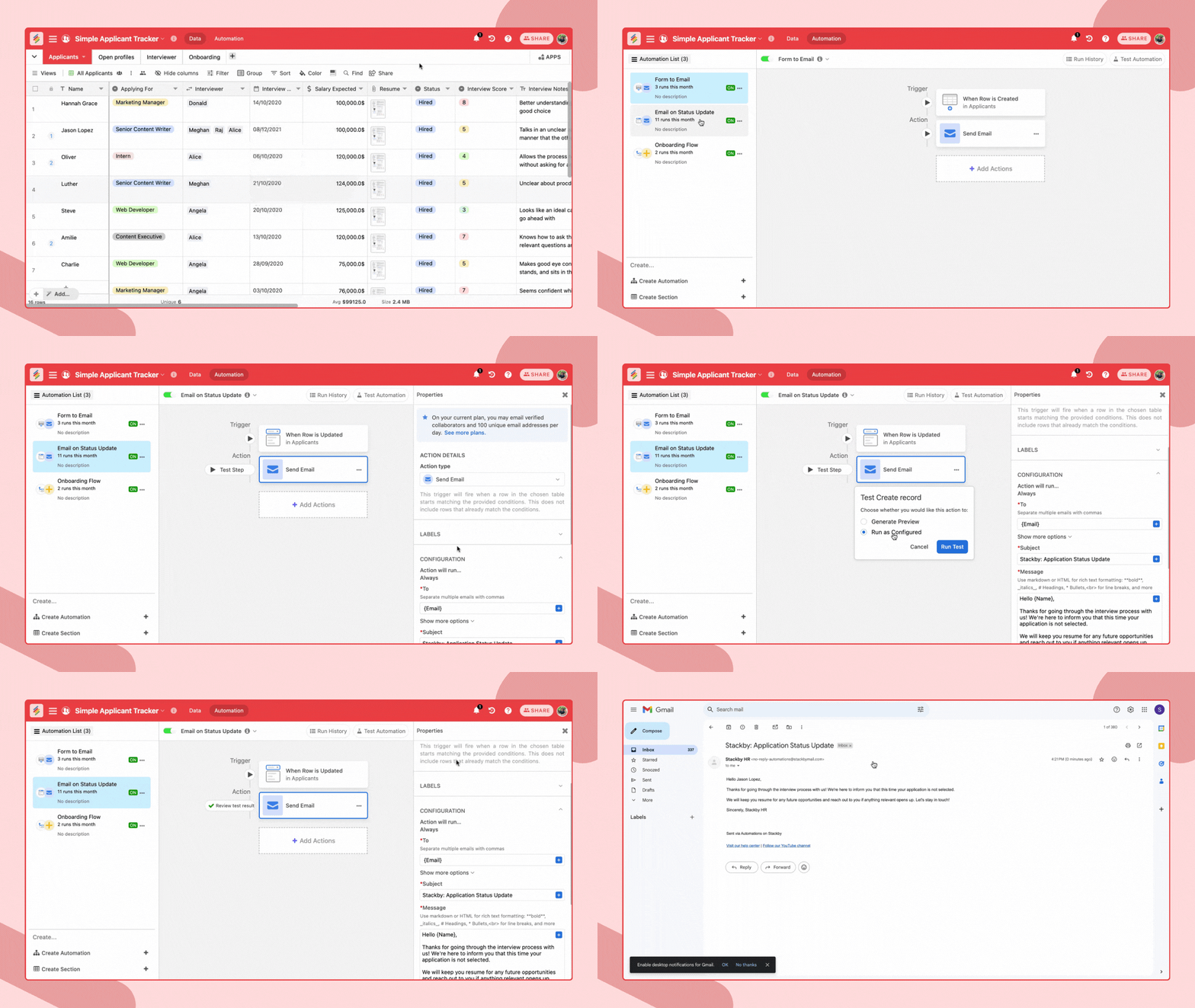
More than just a static data tool, Stackby incorporates powerful automations similar to those found in platforms like Zapier. This feature lets users set automated workflows, effectively managing tasks without ongoing intervention. The platform supports integrations with tools like Microsoft Teams, Slack, and Zapier, further enhancing its ability to streamline operations.
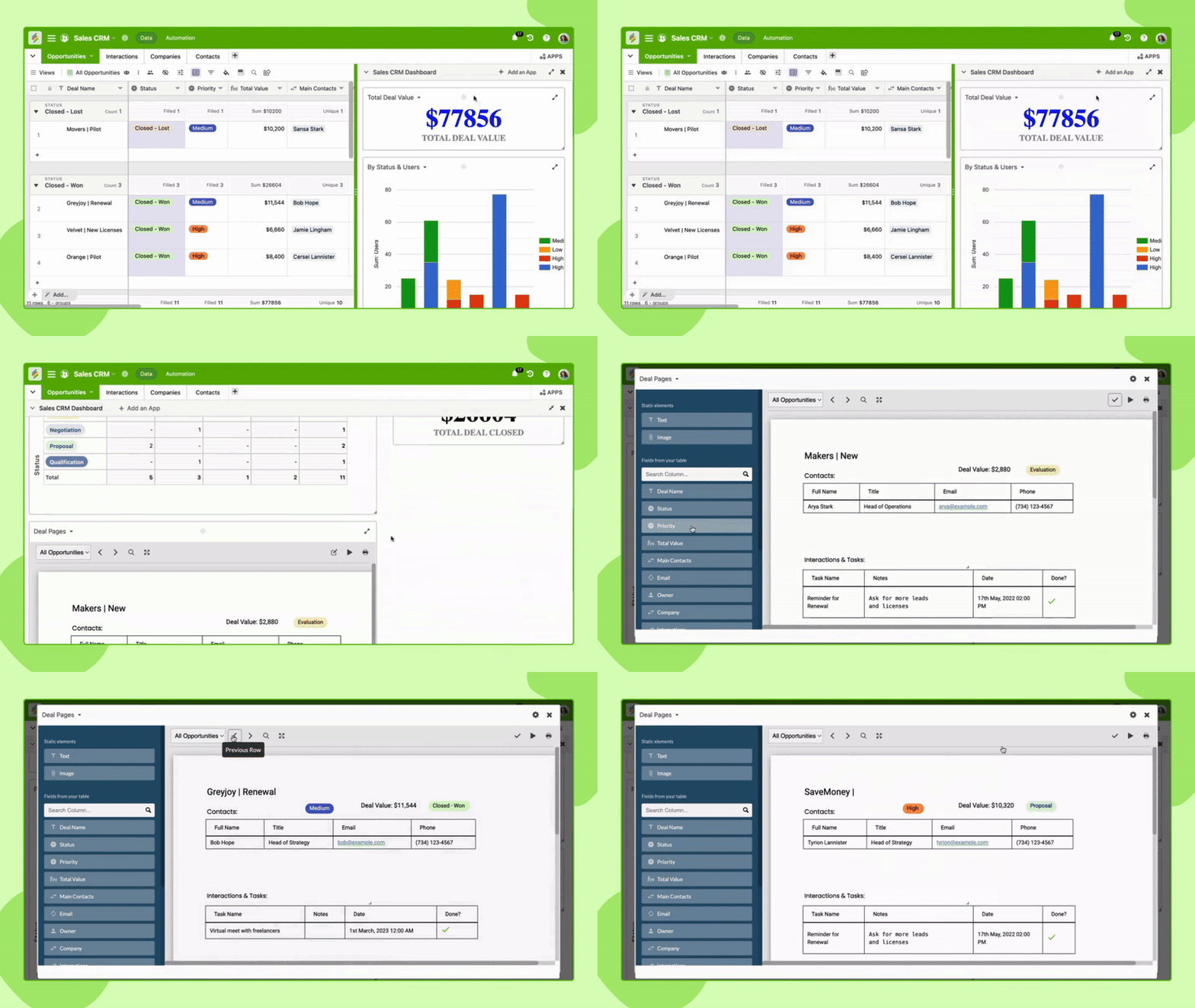
The ability to create customized dashboards and documents such as invoices or one-pagers makes Stackby an invaluable tool. These capabilities enable businesses to manage data efficiently, facilitating better decision-making and productivity enhancement.
How to use Stackby?
Using Stackby is straightforward and intuitive, even for those unfamiliar with database management. Here’s a basic guide to get you started:
- Start by importing your existing spreadsheets into Stackby to create your custom database.
- Utilize the platform’s eight view options to visualize your data effectively.
- Set up automations to streamline workflow processes and reduce manual task management.
- Integrate with apps like Slack and Zapier to enhance communication and collaboration.
- Create visually rich documents and reports, tailored to your specific business needs.
Key Differentiators
What sets Stackby apart is its focus on customization and automation. While Airtable and Monday.com provide robust features, Stackby excels with ease of use and flexibility in managing custom databases. Its focus on creating automated workflows directly within the platform eliminates the need for third-party scripts or software, a significant advantage over its competitors.
Furthermore, Stackby’s seamless integration capabilities with various tools like Pabbly Connect and Make, positions it as a versatile option for businesses that want smooth transitions between different platforms. This interoperability combined with its affordability makes Stackby a compelling choice for businesses seeking comprehensive data management solutions.
Pros and Cons
Pros
- Intuitive interface with easy setup and usage.
- Powerful API connections for enhanced integrations.
- Visualize data in multiple flexible views.
- Customizable automations to optimize workflow.
- Affordable and offers great value over time with lifetime access.
Cons
- Limited file attachment size in databases.
- Some users desire more third-party integrations.
In conclusion, while Stackby has a few limitations, the overall benefits in terms of versatility and utility make it a strong contender in the database management market.
Who Is It For?
Stackby is ideal for small businesses, marketing agencies, and project managers looking for an agile data management solution. Its ease of use makes it accessible to users without technical expertise, while its robust features appeal to more advanced users.
This platform is particularly useful for teams needing collaborative tools and customizable databases without the reliance on complex coding. Whether you’re managing client information, tracking project progress, or automating business processes, Stackby provides a flexible solution for these diverse applications.
See the product in action
Product images
At a glance
| Alternative to |
AirtableLovableMonday.com
|
|---|---|
| Integrations |
MakeMicrosoft TeamsPabbly ConnectSlackZapier
|
| Best for |
Marketing agenciesProject managersSmall businesses
|
Is it worth it?
Stackby offers tremendous value for its affordable lifetime access price, especially for small businesses and project managers looking for versatile data management tools. Its seamless interface and powerful features like automation and integrations make it a smart investment. While some users may find the lack of certain integrations a limitation, the platform’s overall benefits far outweigh this minor shortcoming.
With a 30-day money-back guarantee, users can confidently explore Stackby’s potential. The clear final recommendation is to consider this tool a valuable asset for enhancing workflow efficiency and data management capabilities.

About Relytree Technologies Private Limited (Stackby)
Compared to alternatives
| Feature | Stackby | Airtable | Monday.com |
|---|---|---|---|
| Custom Database Creation | Yes | Yes | Yes |
| Integrations | Zapier, Slack, Microsoft Teams, Pabbly | Extensive | Good |
| Price Model | Lifetime deal | Subscription | Subscription |
| Automation | Yes | Yes | Limited |
| Ease of Use | High | Moderate | High |
* Based on publicly available information.
What users are saying
What users like
Users appreciate Stackby for its intuitive interface and the ability to set up databases and automations without needing extensive technical expertise. Most reviewers highlight the seamless integration with other business tools, which enhances workflow efficiency.
Common concerns
Some users mention a desire for increased file attachment size and a broader range of third-party integrations. However, these concerns are mostly minor in comparison to the overall positive user experience reported.
FAQ
Can I easily import my current spreadsheets into Stackby?
Yes, Stackby allows you to import spreadsheets effortlessly, transforming them into custom databases.
What integrations does Stackby support?
Stackby supports integrations with Make, Slack, Zapier, Microsoft Teams, and Pabbly Connect, enhancing your workflow.
Is there a refund policy?
Yes, Stackby offers a 30-day money-back guarantee if you’re not satisfied with the product.
How does Stackby handle updates?
All future updates for the Economy Scale Plan will be automatically provided with your lifetime access.
What is the limit on code stacking?
You can stack up to 10 codes to enhance your features and allowances.
Deal Terms
- Lifetime access to Stackby
- All future Economy Scale Plan updates
- If the Plan name changes, the deal will map to the new Plan with updates
- Redeem your code(s) within 60 days of purchase
- Stack up to 10 codes to enhance features
- Previous purchasers can obtain more codes to increase limits
- Grandfathered into new features and limits for previous buyers
- Optional add-on: $120 per extra user annually per workspace
- Optional one-time $399 payment for Stackby Powerups
- Optional one-time $399 payment for Stackby Apps Marketplace
- Optional one-time $399 payment for CRM package
Related products
Kan: Manage Projects Effortlessly
Kan is a project management tool that utilizes open-source kanban boards. It offers self-hosting capabilities, board imports, and team access control features....
Kan: Open-Source Project Management
Kan is an open-source platform facilitating project management with a kanban approach. Designed for seamless integration and ease of use, it helps...
Kan: Streamline Project Management
Kan is an open-source kanban tool designed to streamline project management. This platform offers seamless board imports and intuitive team access controls....